When photography becomes routine, when the pursuit of the technically perfect image overshadows the original joy of capturing a moment, then perhaps it’s time for a radical change of perspective.
Sometimes, it doesn’t take a new, expensive full-frame sensor or an even faster lens, but the exact opposite: a conscious reduction to the essentials. For me, this impetus came in the form of a small, inconspicuous camera that was actually designed for a completely different target audience. A children’s camera.
But this device is more than just a toy. It’s an invitation to rediscover photography, to find the joy of experimenting again, and to put perfectionism aside for a moment.
This practical report, which took me through the bustling streets of Tokyo, among other places, is an exploration of a technology that is as fascinating as it is fleeting – and of an astonishingly inexpensive alternative that holds more creative potential than one might initially suspect.
It’s about returning to playful seeing and the realization that a good picture doesn’t always have to be sharp, color-accurate, and eternal.
A Look at Thermal Printing
Before we dive into practice, a brief technical excursus is necessary, because the heart of these cameras is a technology that most people are probably more familiar with from till receipts and shipping labels: direct thermal printing.
Unlike inkjet or laser printers, these devices operate entirely without ink, toner, or ribbons. Instead, they use special heat-sensitive paper. This paper is coated with a layer containing chemicals that are colorless at room temperature.
The camera’s print head consists of many small heating elements that are heated precisely and under computer control. As the paper moves past this thermal print head, the heat at the heated spots triggers a chemical reaction that turns the coating black. This is how the image is created, dot by dot, purely through the action of heat.
This process has decisive advantages that make it ideal for use in a mobile, uncomplicated camera: The printers are robust due to their simple design with few moving parts, require little maintenance, and are durable. They are also compact and operate quietly.
The biggest advantage, however, lies in the running costs: Since no consumables like ink are needed, the cost per image is unbeatable. You only need to reload new thermal paper, which makes the process refreshingly uncomplicated.
Cameras for Children
For a long time, the market for children’s cameras was dominated by colorful, robust digital cameras whose primary focus was on ease of use and durability. However, the integration of thermal printers has given this segment a new, creative impulse. Suddenly, the digital image becomes a tangible object again, something you can hold, pass on, or stick in immediately.
A variety of these cameras can be found on major online platforms like Amazon, AliExpress, or Temu. The models often resemble each other in their basic functionality but differ in design and additional features.
Well-known manufacturers of educational toys like VTech have also responded to this trend with models like the “KidiZoom Print Cam,” offering well-thought-out products specifically tailored to children’s needs with numerous editing options, frames, and games. These cameras are often equipped with selfie lenses, robust housings, and a particularly child-friendly menu navigation.
However, even the cheaper, often unbranded models imported directly from China offer an astonishing range of functions and encourage experimentation without straining the budget.
The “Kids Camera P2” in Detail
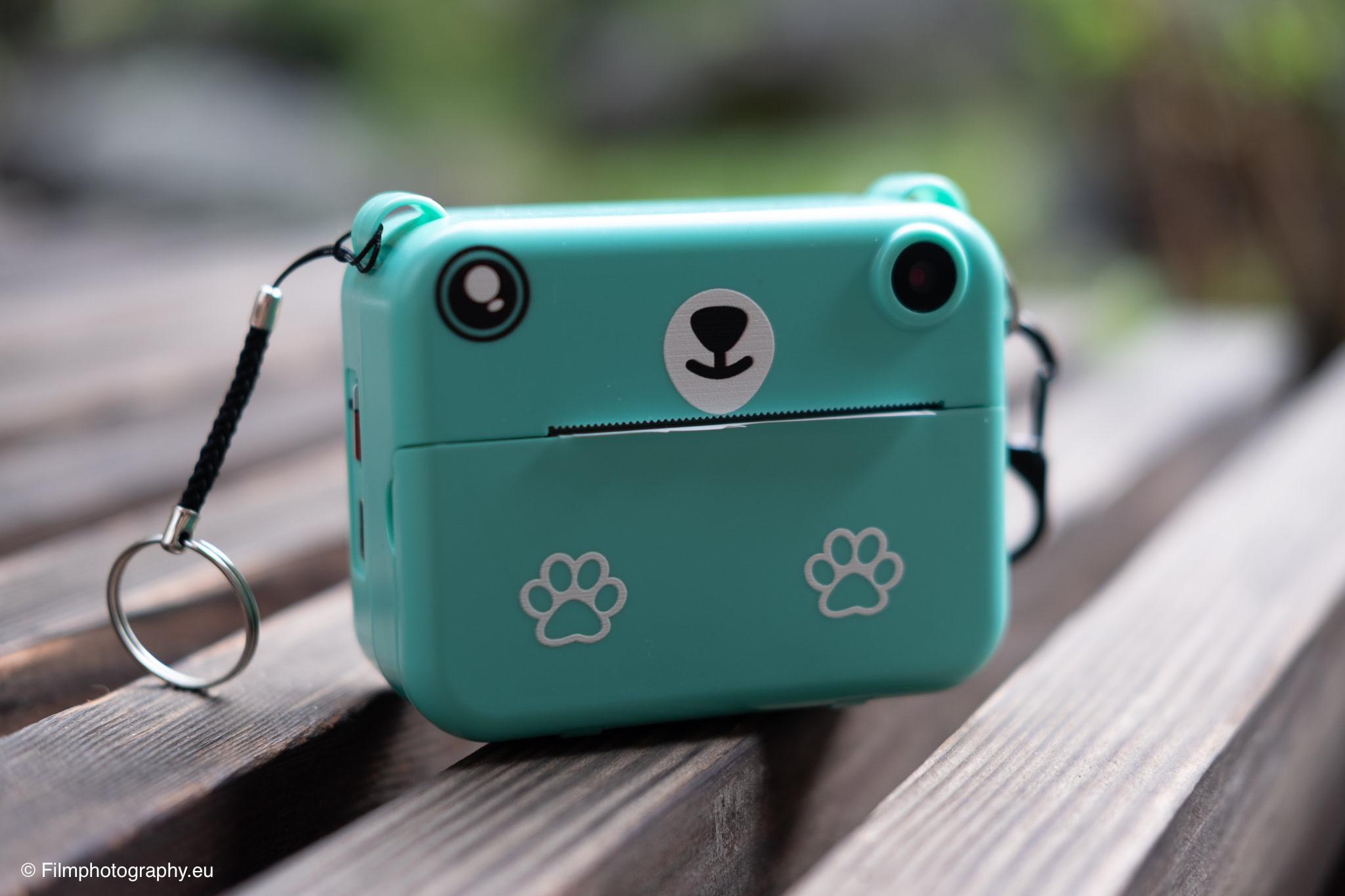
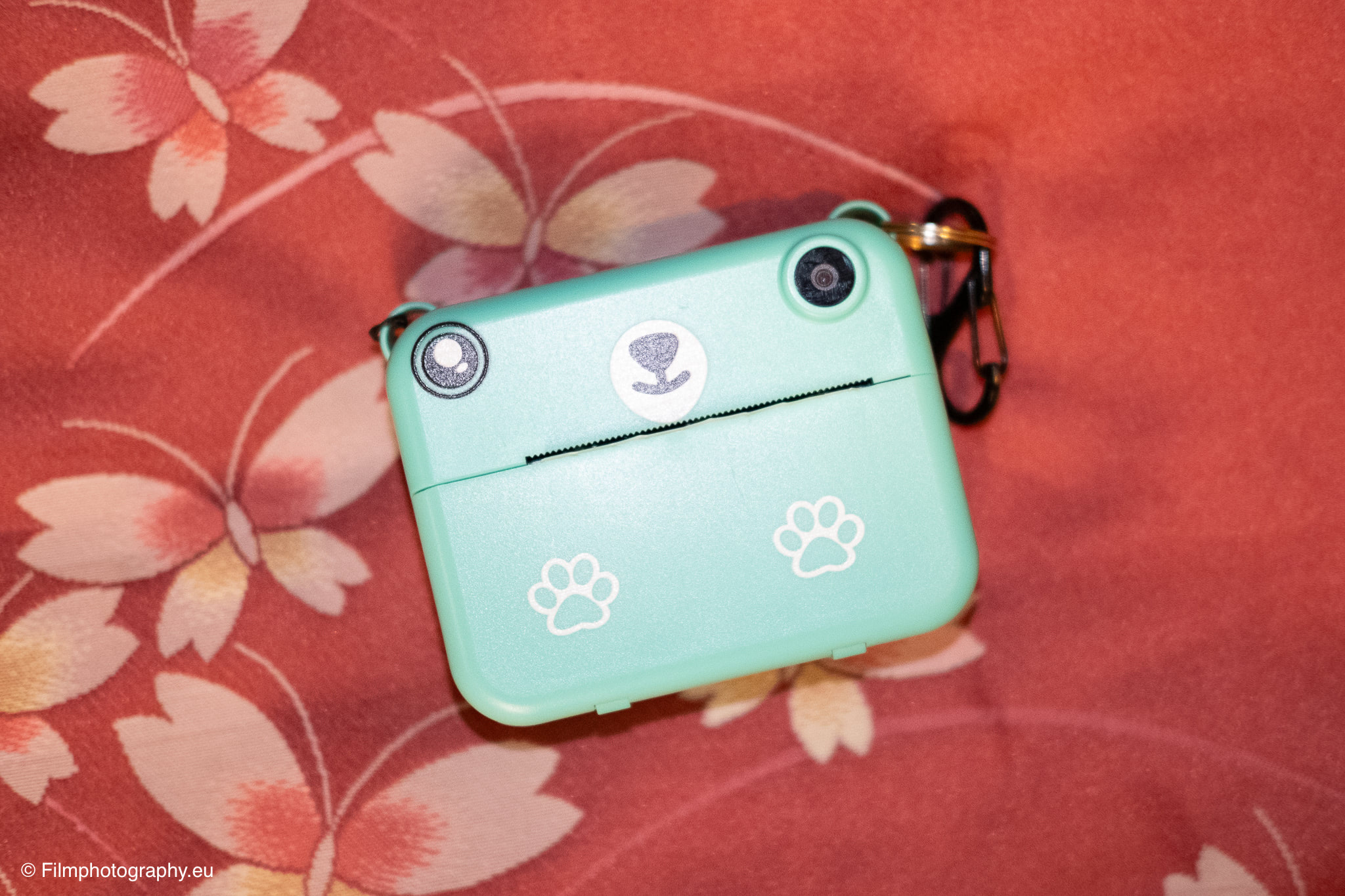
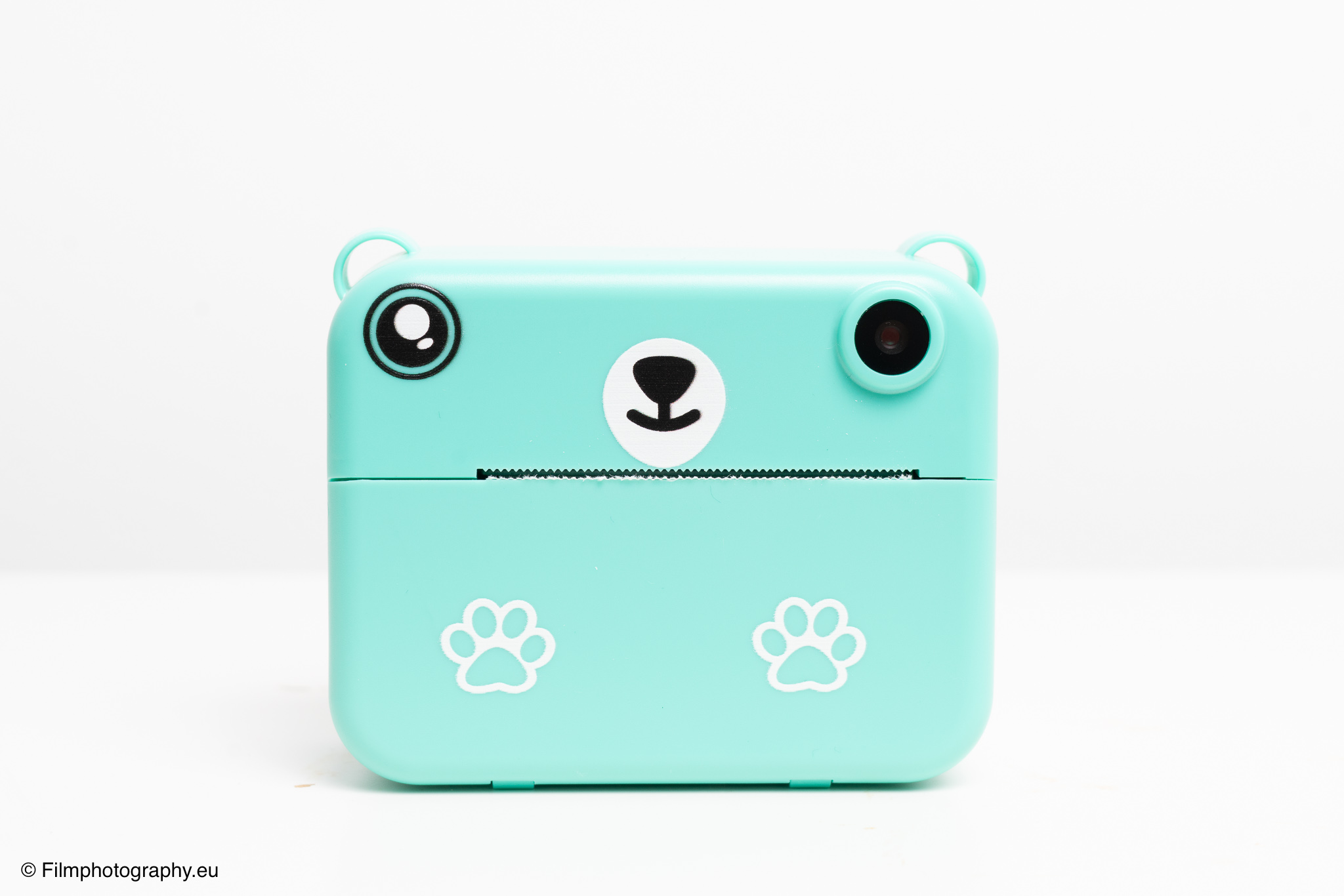
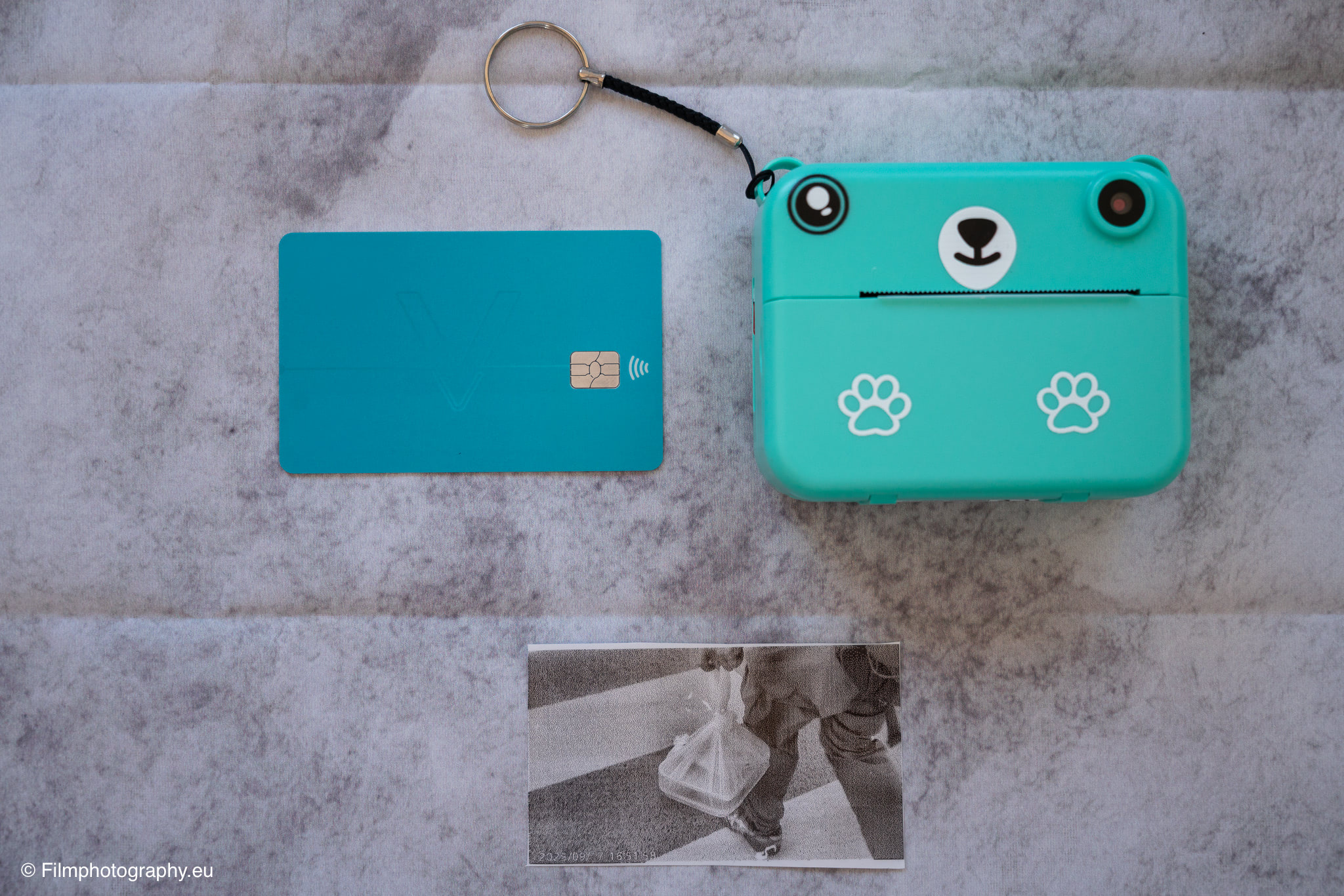
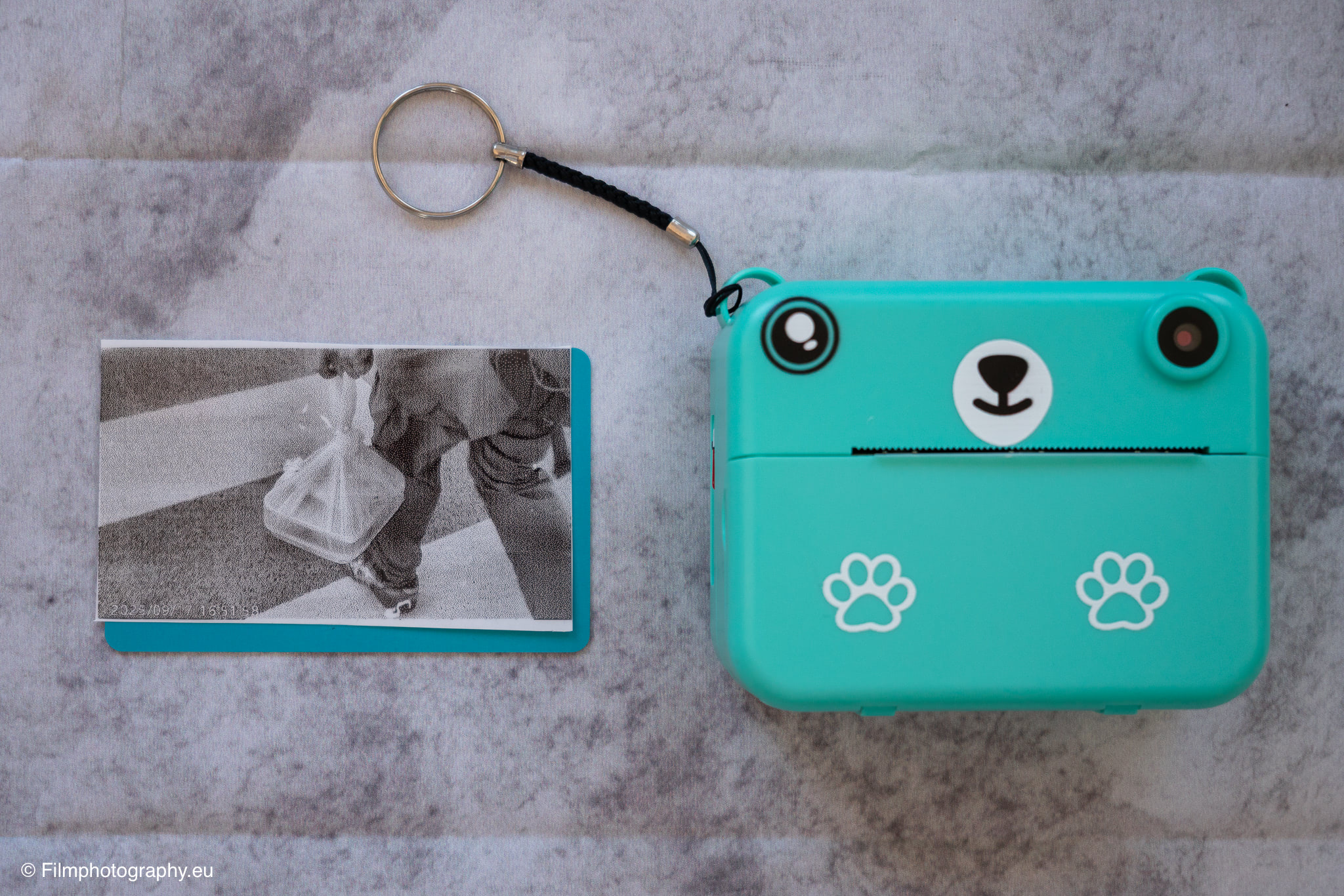
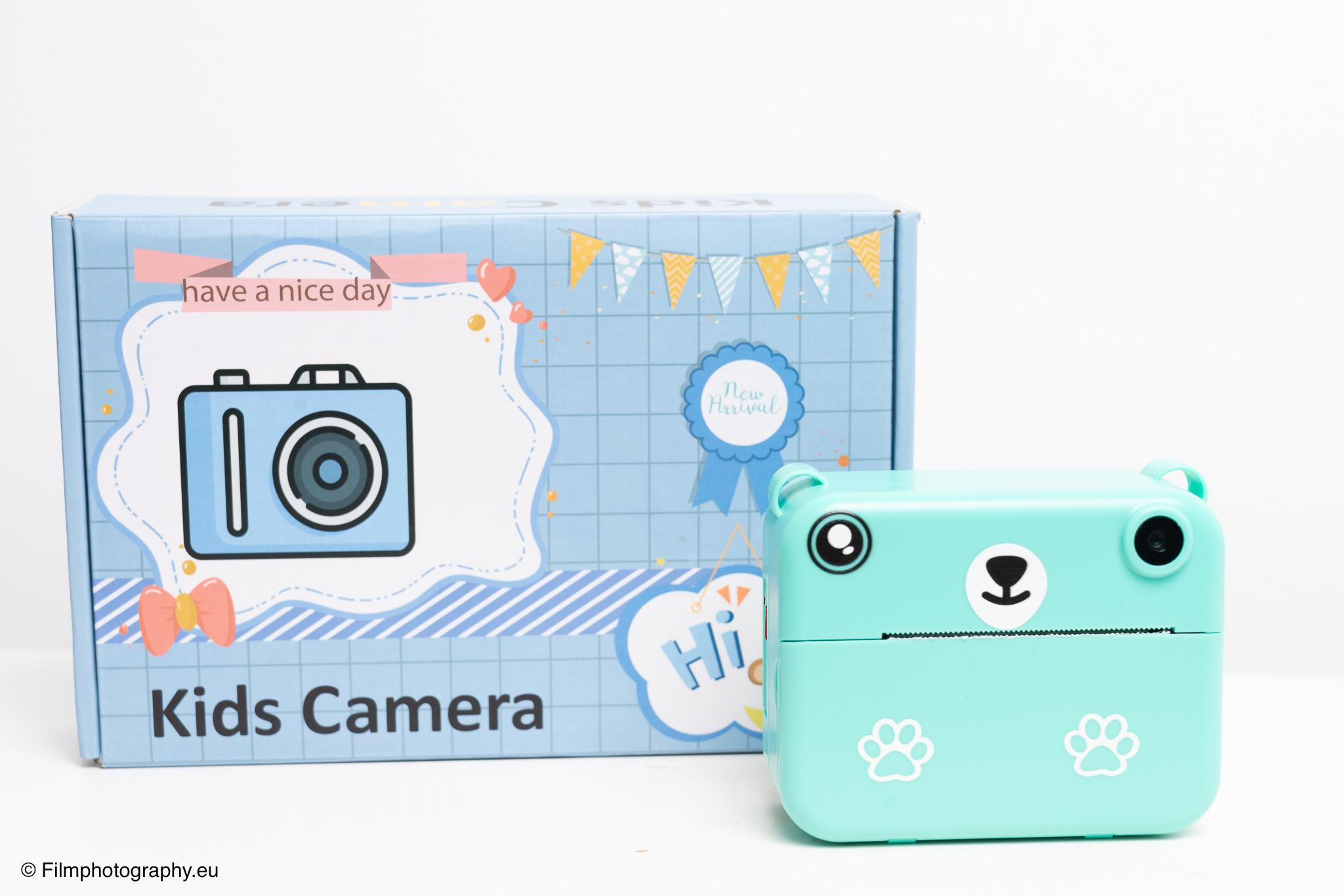
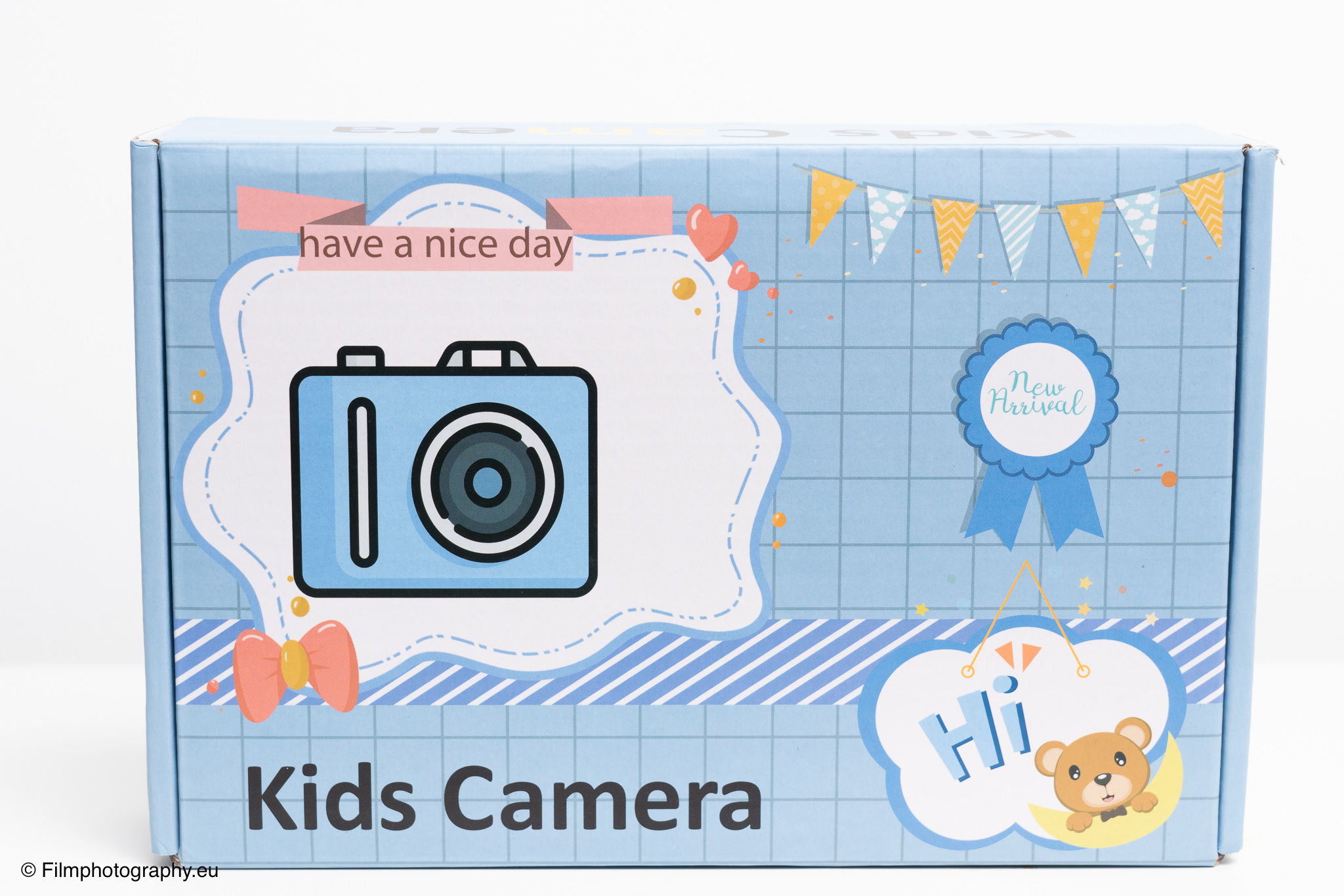
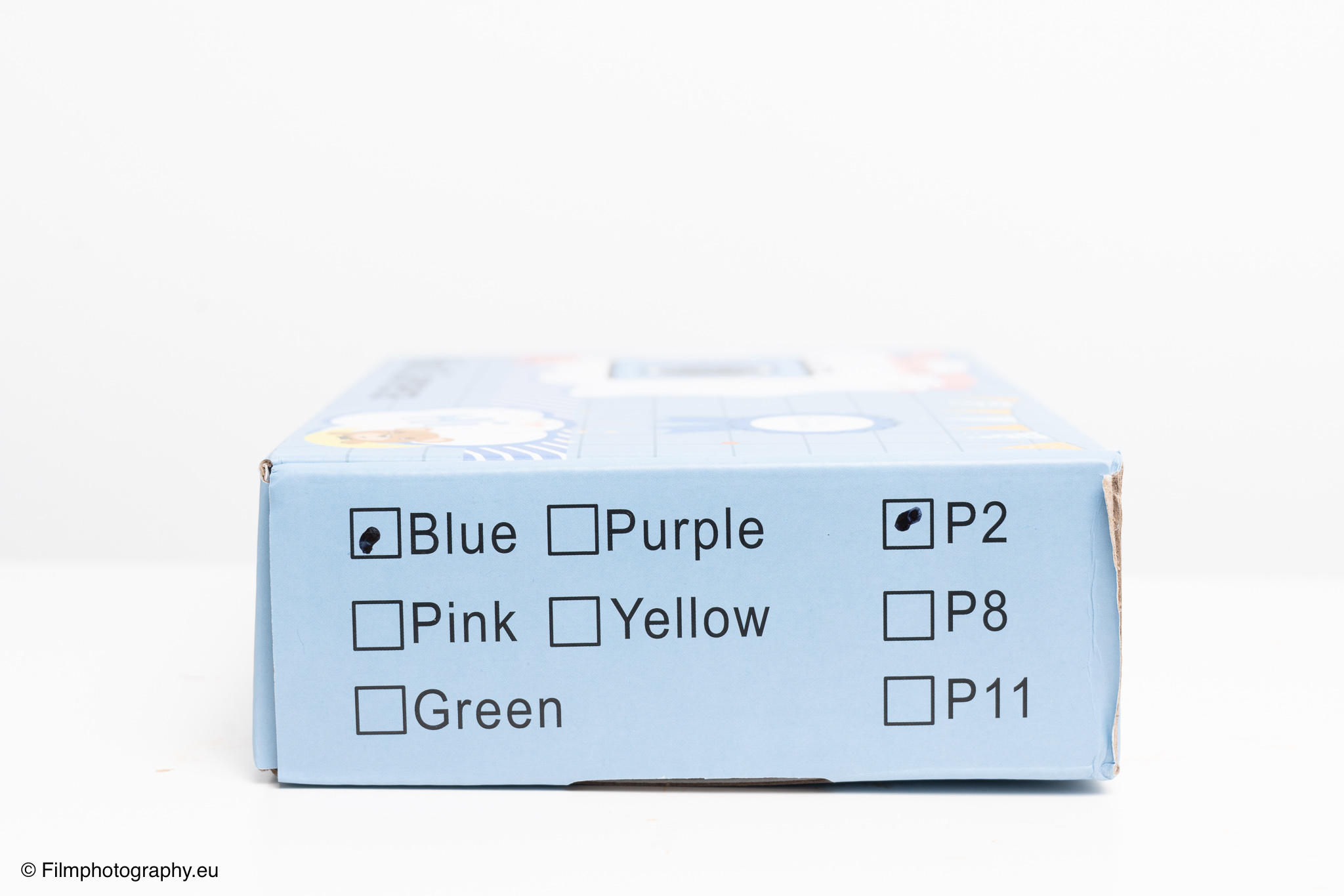
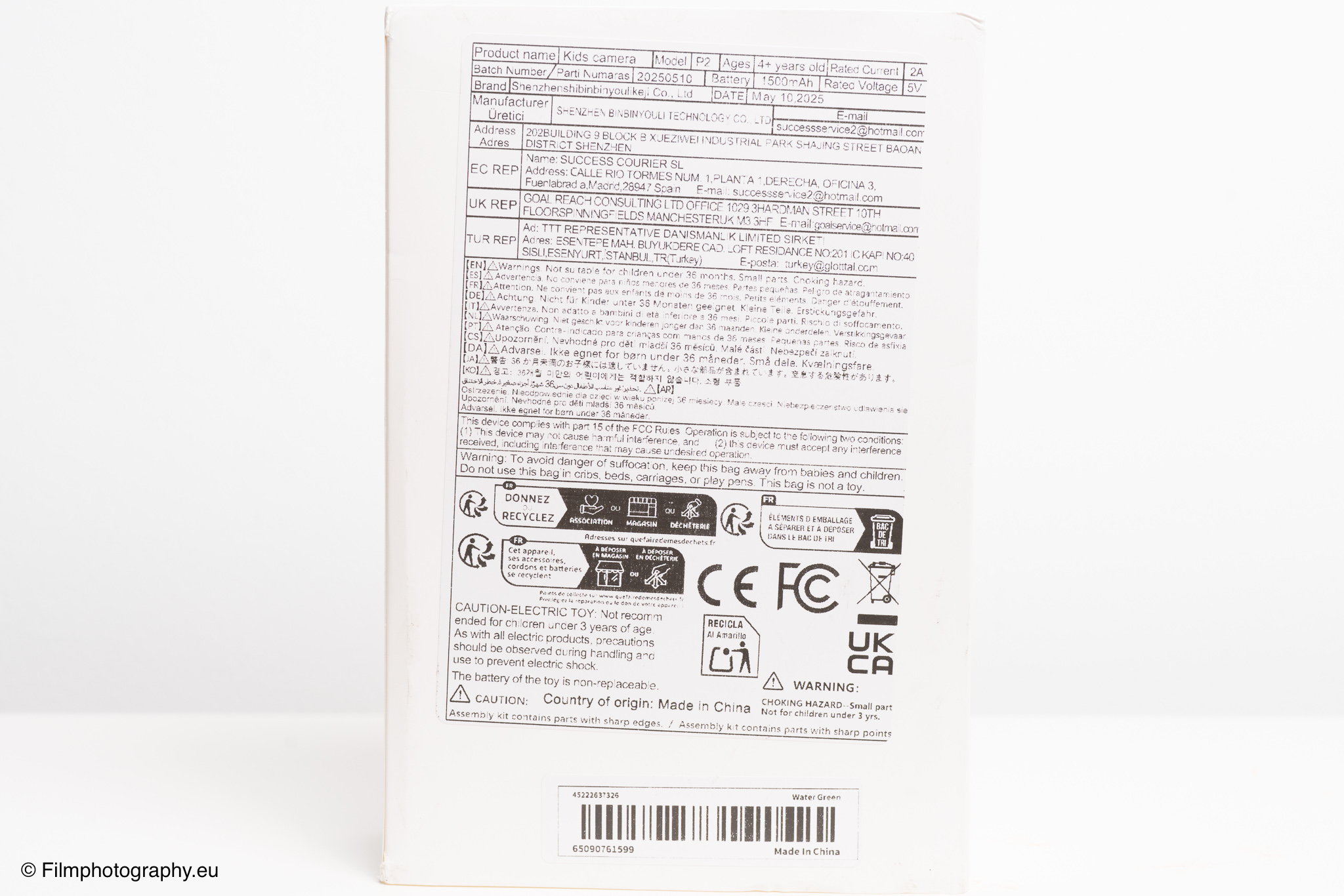
My personal test subject for this photographic journey was a model with the simple name “Kids camera,” model P2, manufactured by Shenzhen BinBinYouli Technology. The camera, available in various colors, has a cute design reminiscent of a bear. This shape is not only playful but also functional, as a camera strap can be conveniently attached to the two ears.
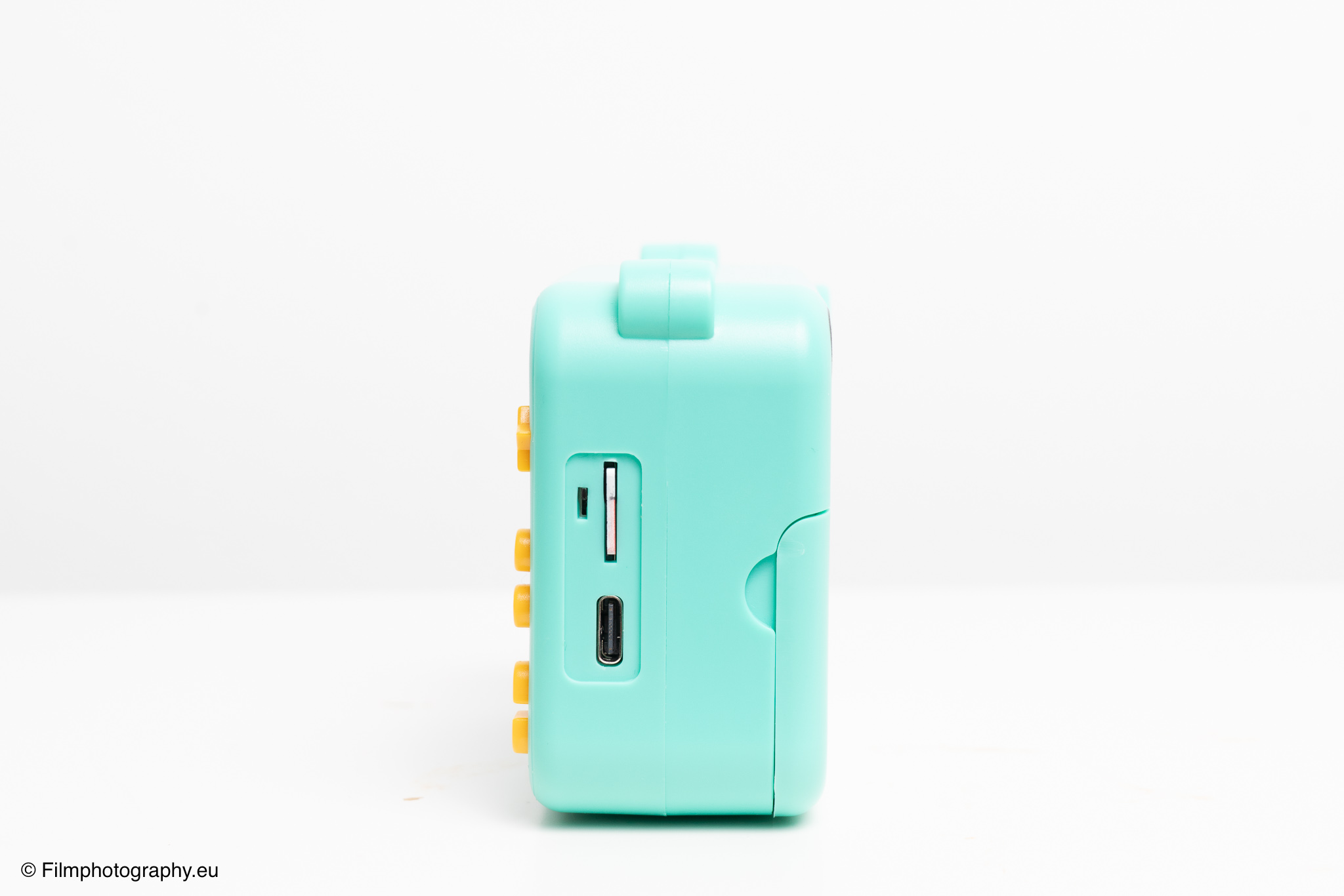
Even upon first inspection, some special features are noticeable. The build quality is simple, commensurate with the price, around 16 Euros. There are no covers for the USB-C charging port and the microSD card slot.
A tripod thread is also missing, which I personally find a shame. Although the camera has a self-timer, its usefulness is somewhat limited without the ability to securely attach it to a tripod. For selfies, a small mirror on the front, like those found on many Instax Mini cameras, would have been a useful addition for better control over the framing.
However, operation is refreshingly uncomplicated. On the side, there is a small slide switch that completely locks the camera, preventing accidental activation in a bag.
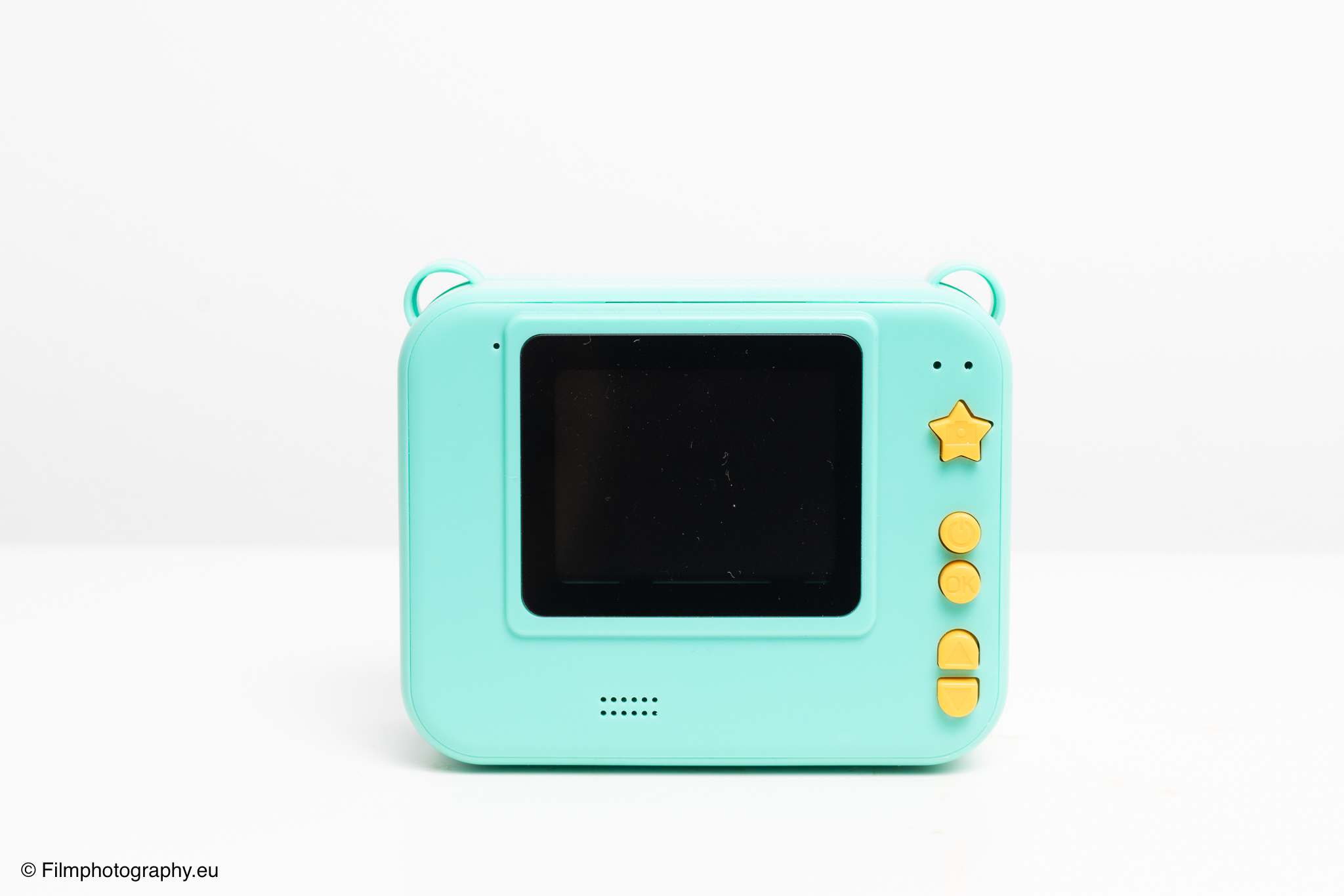
Once switched on, the camera is ready to use quickly. Switching between the different menus, such as photo mode, video mode, and the gallery, is done swiftly. Every button press is accompanied by a sound effect, which can fortunately also be deactivated in the menu. There are also games and the option to play music.
One of the most interesting features is the print control. You can set it so that every photo is printed immediately after being taken. Alternatively, immediate printing can be deactivated, so that the images are only saved to the memory card first. From the playback menu, each saved image can then be reprinted as many times as desired. To do this, you simply press the capture button, marked with a star here. This is particularly practical for group photos where you want to give everyone a copy of the moment.
A fixed and unfortunately non-removable element is the date overlay on every print. A flash is also absent on this specific model, although there are thermal printing cameras on the market that do have one.
The built-in battery is a double-edged sword. On the one hand, you are independent of spare batteries; on the other hand, a defective battery can mean the end of the camera. Thanks to the modern USB-C port, however, you don’t need a special charging cable and can charge the camera with any common mobile phone power adapter or power bank.
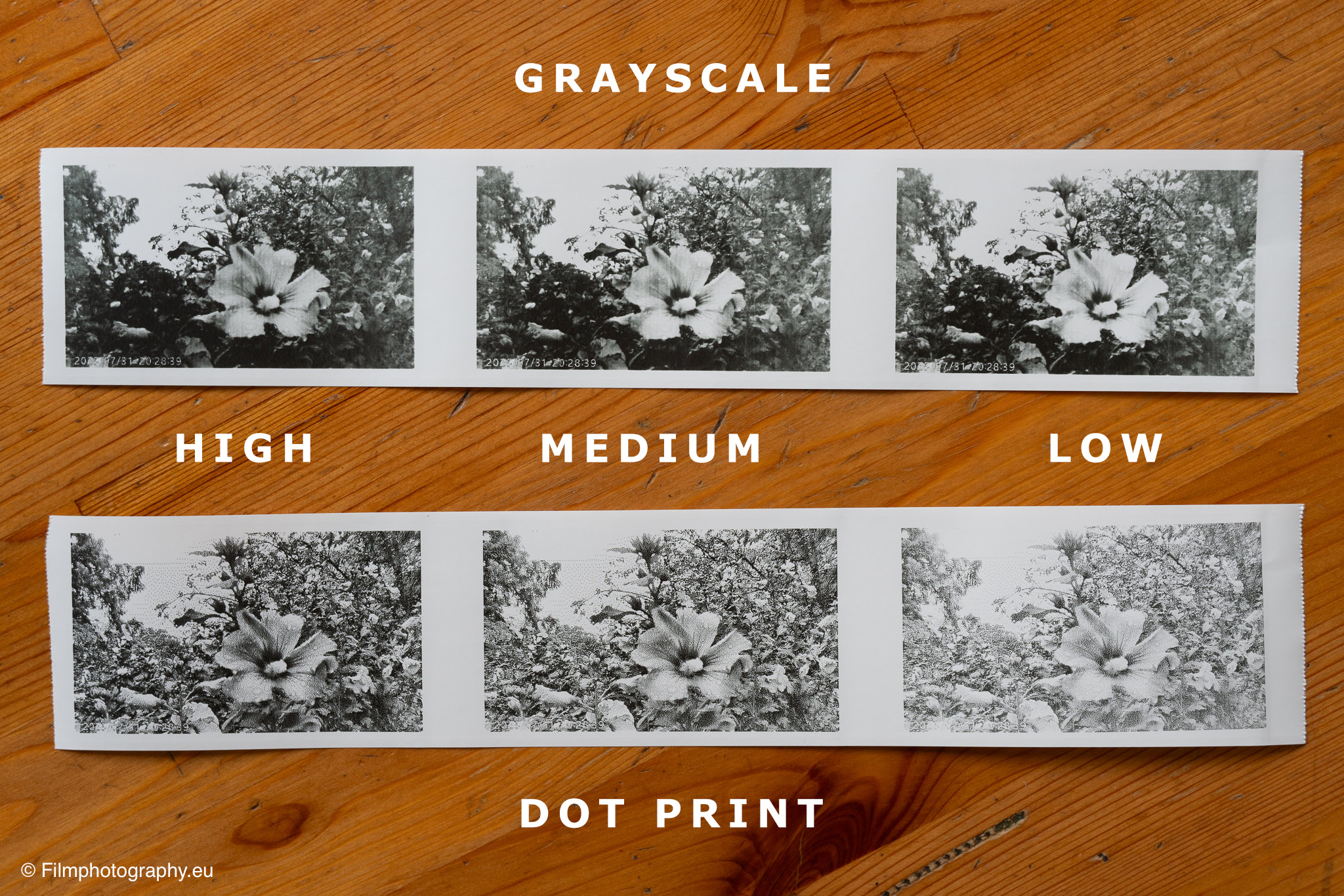
In the settings, you can choose various options for printing.
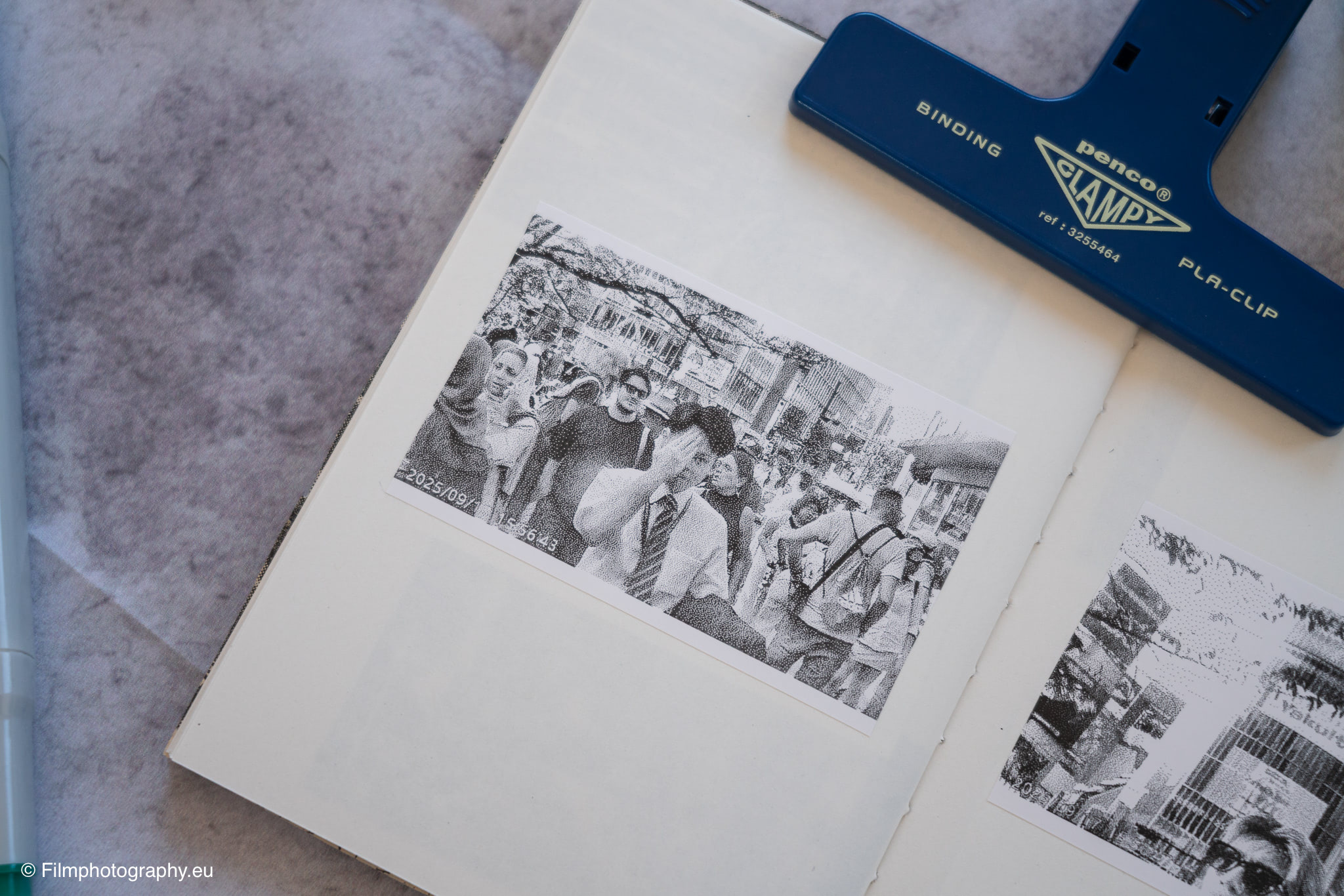
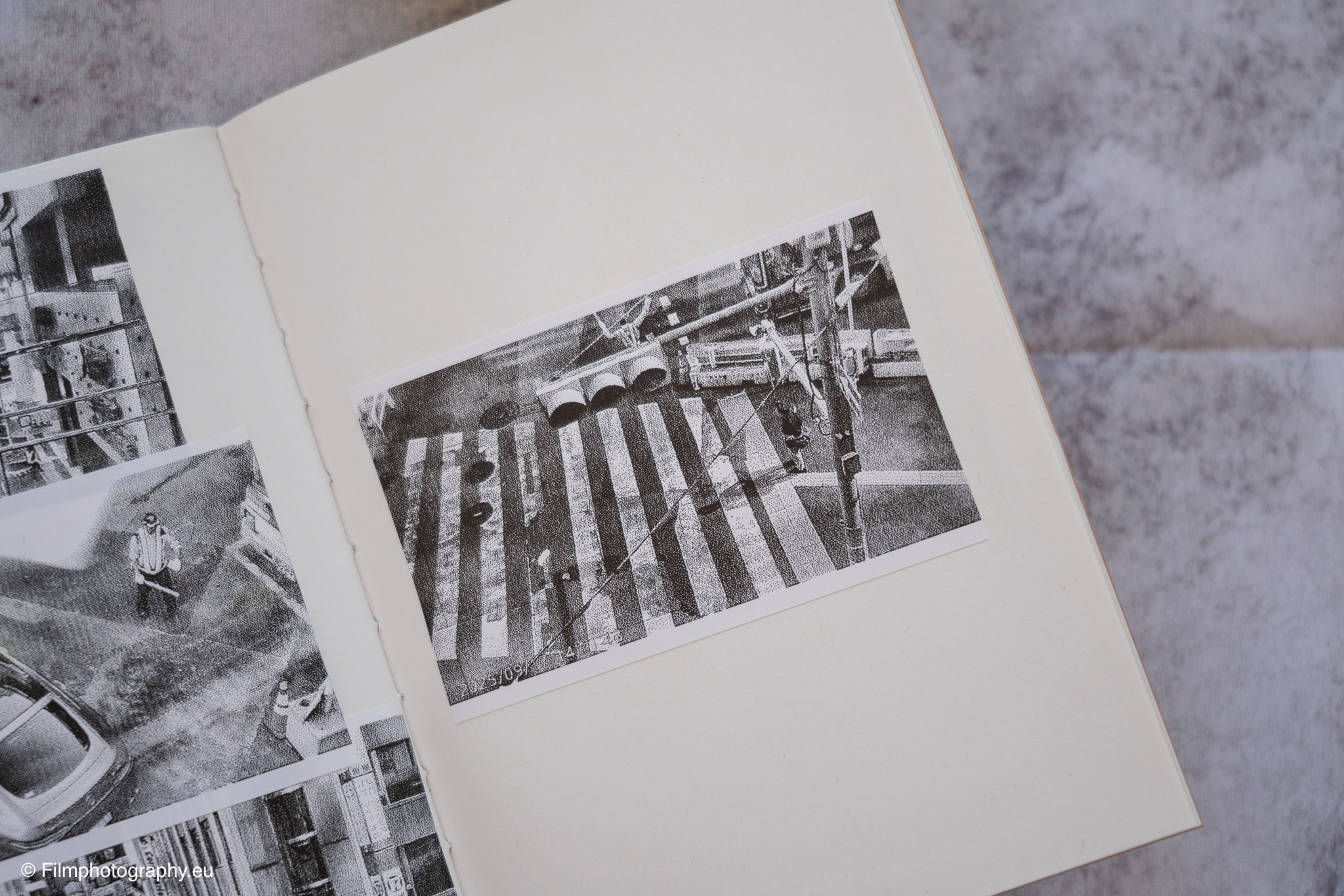
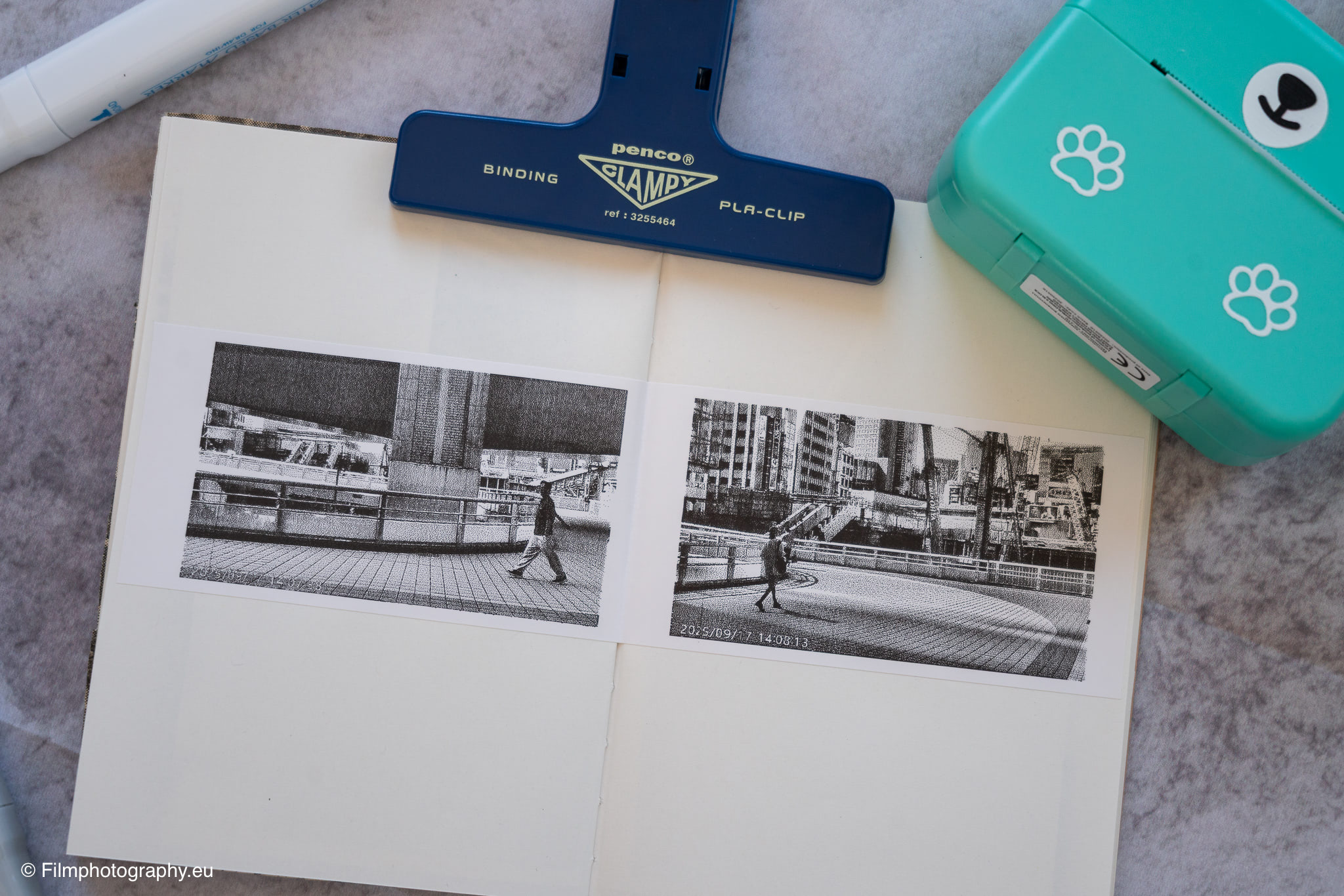
The difference in print quality becomes particularly clear when switching between the two modes “Dot Print” and “Greyscale.” The “Dot Print” mode is significantly faster and produces the typical, grainy look. The “Greyscale” mode attempts to simulate grayscale, resulting in a slightly softer but also muddier image and takes noticeably longer to print.

Tokyo in Thermal Print
Equipped with this little bear, I set off through Tokyo. The city, a kaleidoscope of neon lights, traditional temples, and countless people, seemed like the perfect place to explore the limits and possibilities of this unusual camera.
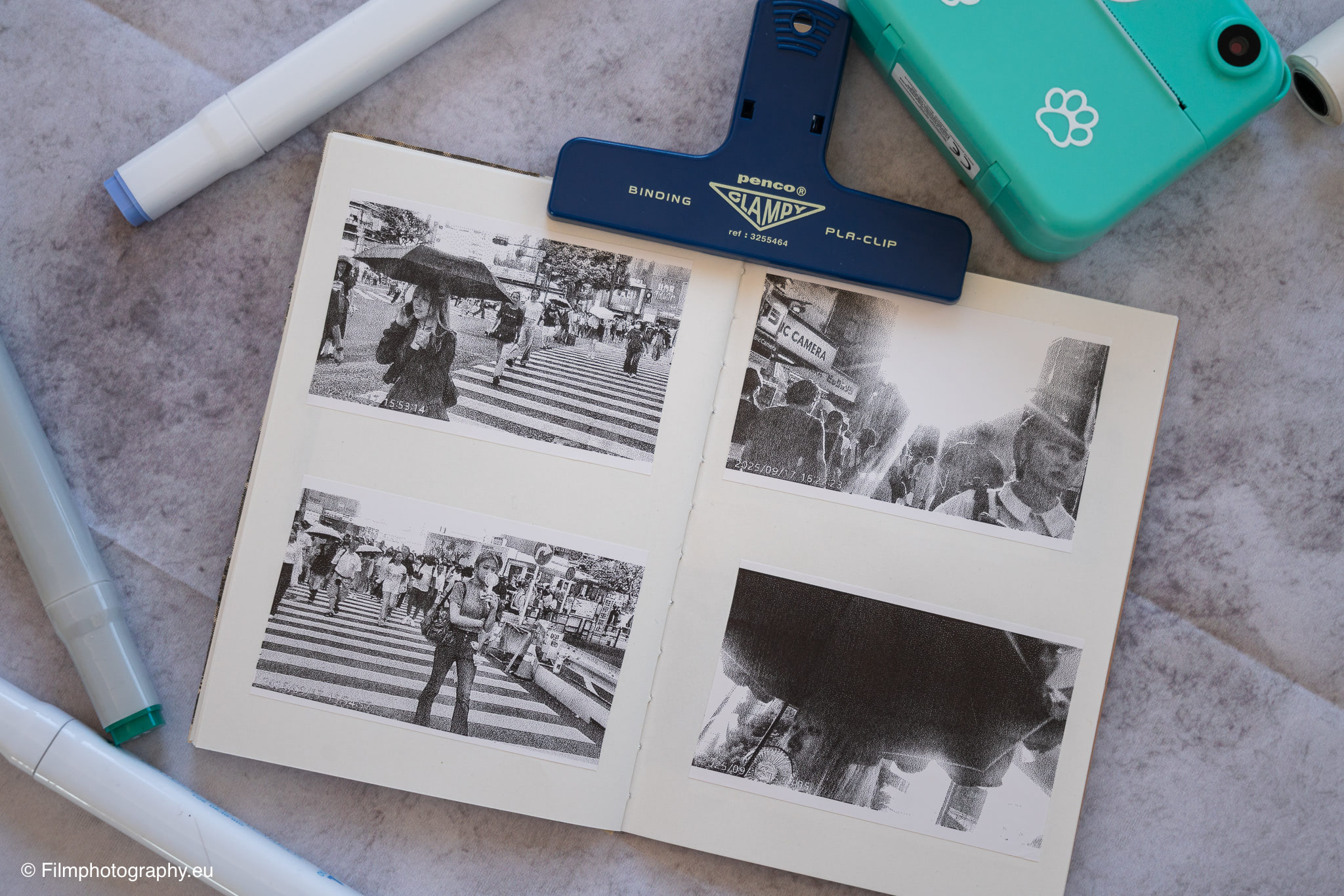
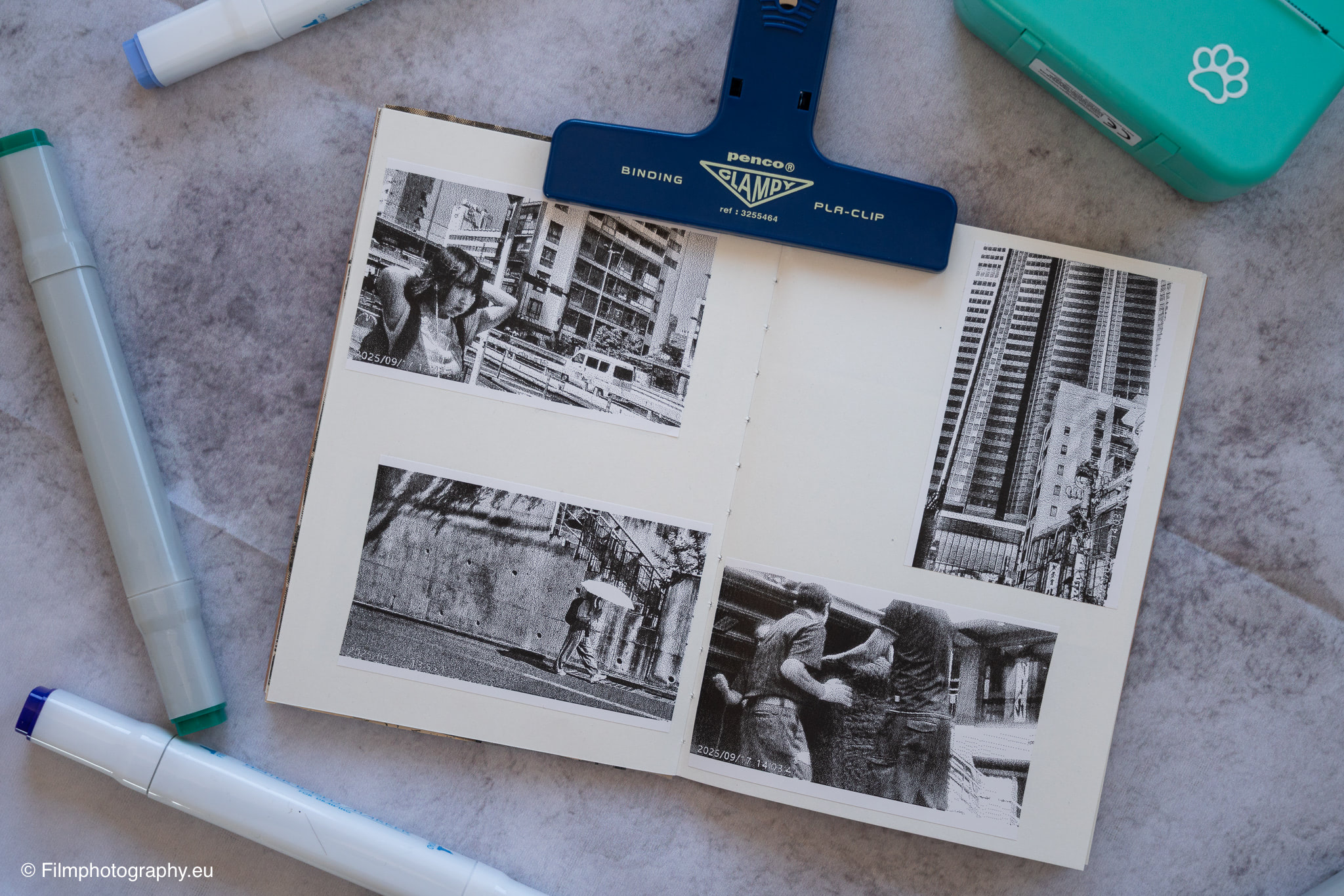
The camera quickly proved to be a fantastic icebreaker. Its playful appearance often brought smiles and made it easier to approach people and take portraits. Handing over a small, black-and-white print immediately created an instant connection, a shared joy over the fleeting moment.
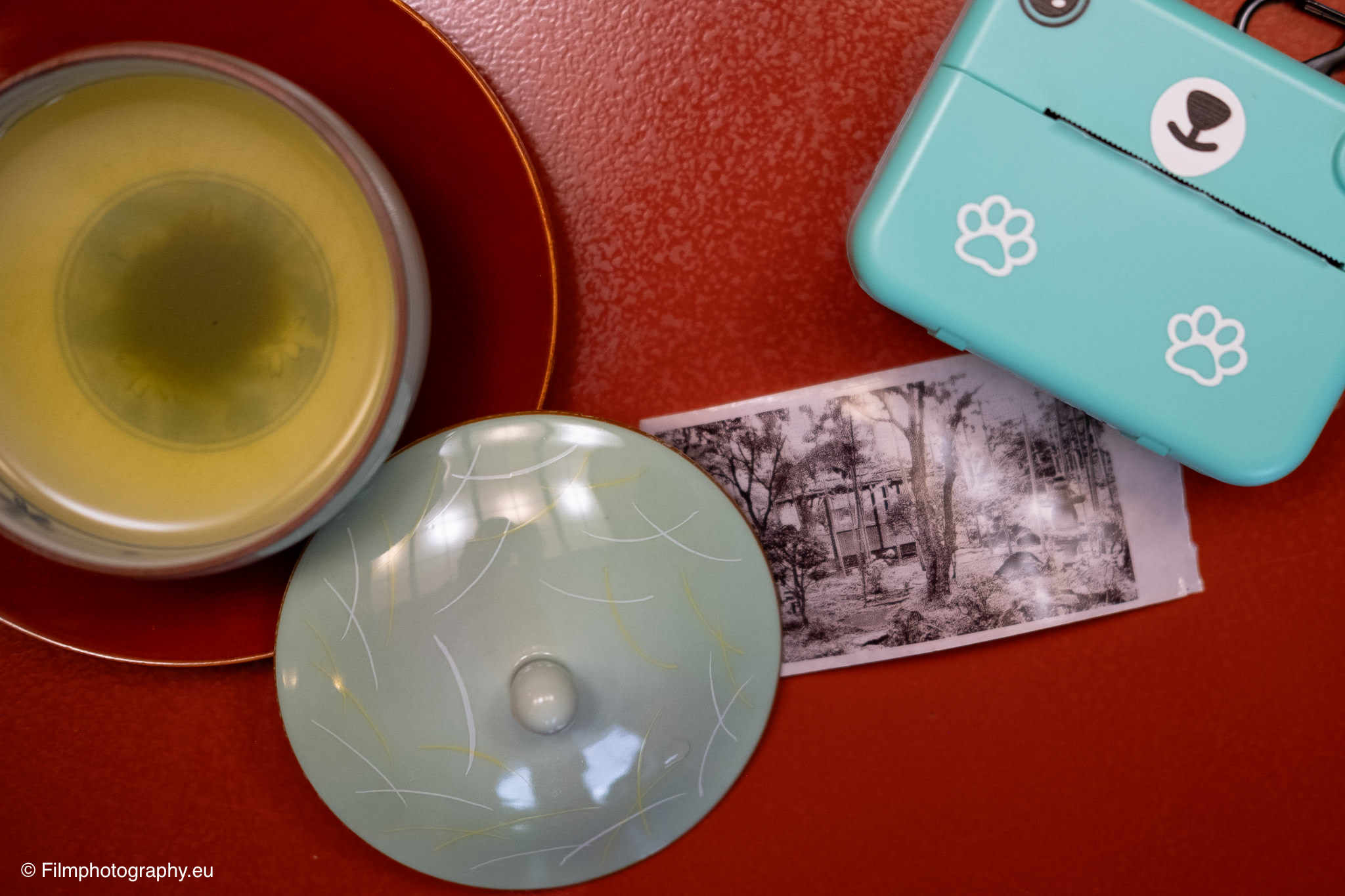
The appeal lay in the imperfect. The images often have a coarse, almost abstract aesthetic. Details blur into a grid of black dots, and contrasts are rendered harshly. Sometimes the results resemble a poor mugshot or a faded newspaper clipping. But therein lies their charm. They force you to see differently, to think in strong contrasts, shapes, and lines, rather than relying on color moods or fine details.
A particularly exciting discovery was experimenting with alternative paper types. Since the camera uses simple thermal paper, you can also load it with conventional till receipts. If these are already printed, for example with a supermarket logo or a shopping list, it leads to fascinating effects. The photographed motif overlays the existing text, creating a kind of unintentional double exposure that adds another, often surreal layer to the image.
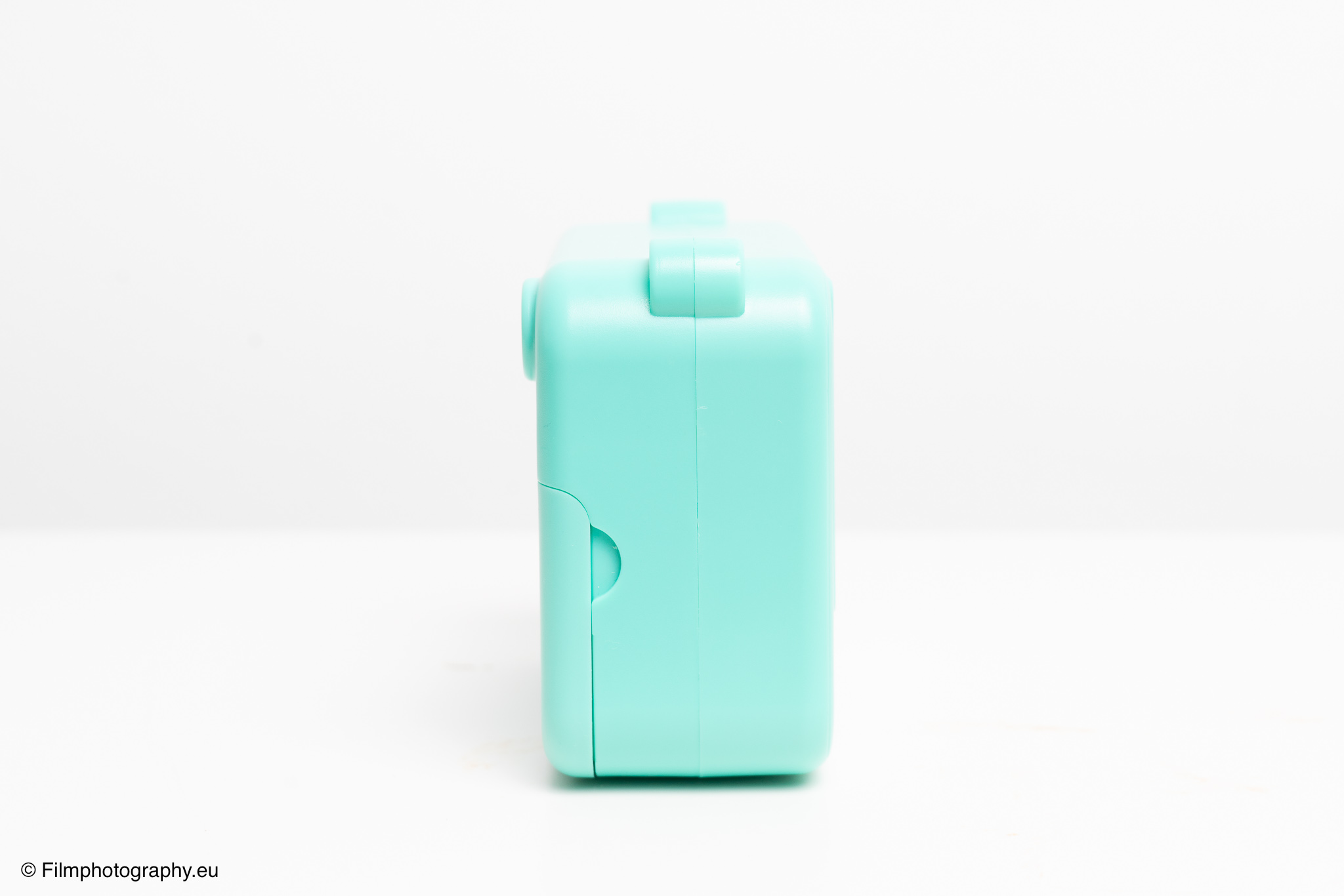
Changing the roll is incredibly simple: open the flap, remove the old roll, insert the new roll, close the flap. You just need to make sure the roll is inserted correctly and straight, otherwise the paper might jam or feed crookedly during printing. The extremely low cost per image constantly invited experimentation without having to worry about wasted material. A roll costs between 20-50 cents depending on the retailer.
One of the biggest challenges was the display, which was very difficult to see in direct sunlight, making image composition a guessing game at times.
There were also some handling quirks. For the test, special thermal paper with a sticker backing was used, among other things. A great idea for being able to stick the pictures directly, but depending on the paper manufacturer, the roll was slightly too large for the housing, causing it to jam during printing.
Furthermore, tearing off the paper proved problematic. The tear-off edge is not sharp enough, causing the image to tear easily or accidentally pulling out part of the paper roll. If the paper jams this way, the printing process stops. Fortunately, the camera saves the image, so you can simply restart the print.
In daily use, some points about the software also became apparent. It would be desirable if the camera started directly in shooting mode upon power-on, instead of in the main menu. The startup time could also be shorter to capture spontaneous moments more quickly.
In display mode, a thumbnail overview page is also missing for quickly navigating through the captured images. Instead, you have to click through each image individually, with each photo taking a short moment to load.
Since the printer works via heat, it’s only logical that it can also overheat. During the test, this happened after a series of about 40 to 50 images at room temperature of about 22 degrees Celsius. The camera displayed a message asking for a break. On a hot summer day, this limit would likely be reached much sooner.
Disadvantages of Thermal Printing
As fascinating as the process is, the disadvantages of direct thermal printing should not be left unmentioned. The biggest drawback is the lack of durability of the prints. The heat-sensitive paper reacts not only to the camera’s print head but also to environmental influences.
When exposed to UV light, whether from direct sunlight or strong artificial lighting, the print fades over time. Heat and high humidity can also affect the images and cause them to blur. The chemical reaction that creates the image is reversible; the dye can return to its colorless state.
It is difficult to say exactly how long such a print will last, and it depends heavily on storage conditions. Stored in a dark photo album or a box, they are significantly more durable than on a sunlit wall. The timeframes mentioned online range from a few months to several years, with some specialty paper manufacturers even mentioning up to 10 years.
This ephemerality is a central aspect that one must accept. These are not pictures for eternity. Interestingly, similar phenomena have already occurred in the history of photography. Certain early Polaroid films were also known for their images fading or discoloring after some time.
Like the captured moment itself, its physical representation was also fleeting. A thought that seems almost philosophical in our current era focused on eternal digital archiving.
The crucial advantage over these old Polaroid films, however, is that with the digital camera, the digital file is preserved on the memory card. So you always have the option to reprint the image or archive it digitally, even if the original physical print has already faded.
Conclusion
The “Kids camera P2” and its relatives are far more than just cameras for children. They are a tool for creative deceleration and an antithesis to the highly tuned equipment that many of us carry in our camera bags.
The raw, monochrome aesthetic has its very own appeal and opens up new ways of seeing and composing. The low price of the camera and the vanishingly low cost per print remove any pressure and make photography what it originally was: a playful act of discovery.
Of course, the image quality cannot be compared to that of a conventional camera, and the lack of durability of the prints is a significant disadvantage for anyone who wants to preserve their images for posterity. But perhaps there is a special value precisely in this ephemerality.
The fact that each shot is additionally saved as a digital file offers a welcome compromise between physical immediacy and digital permanence.