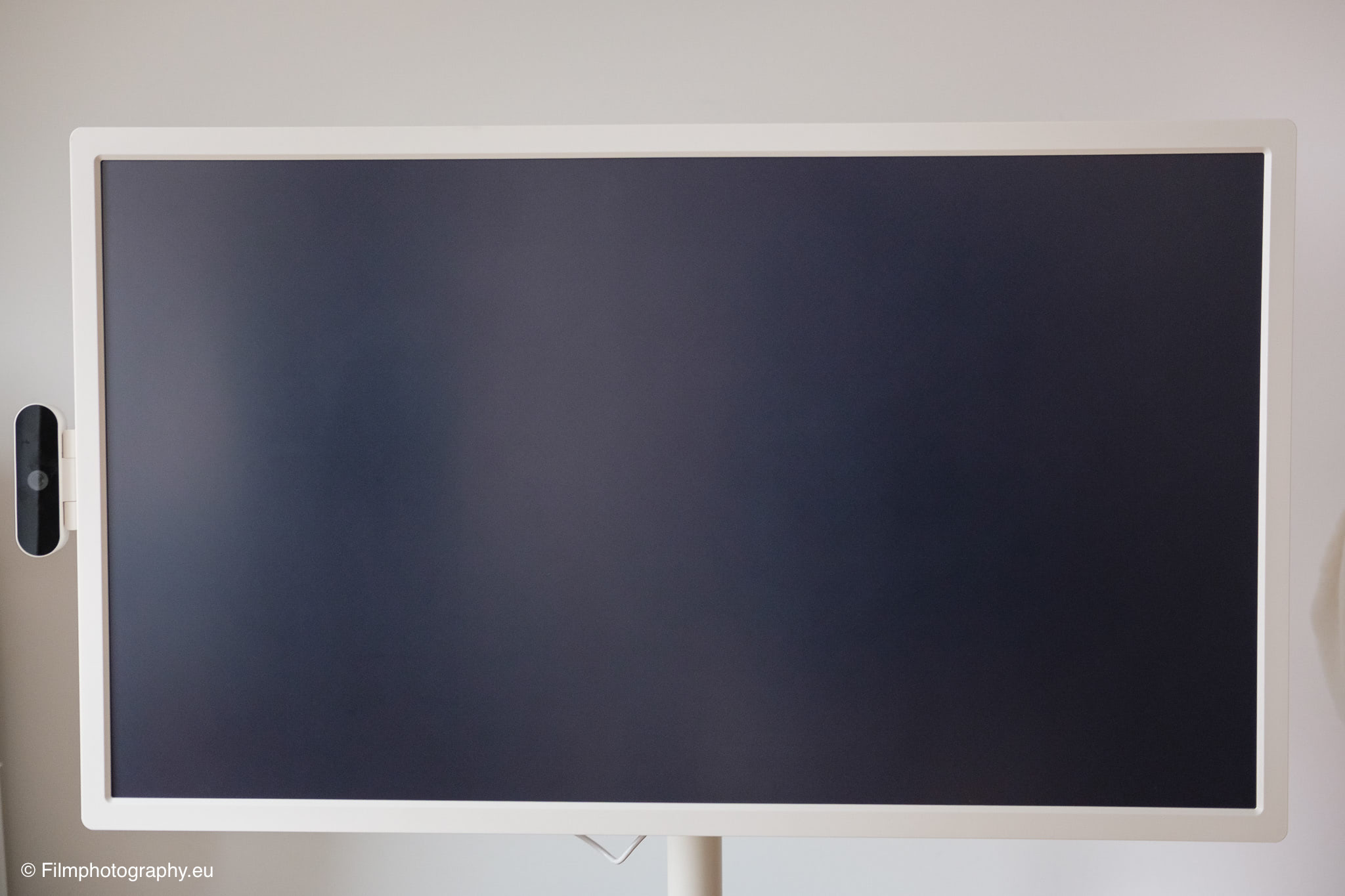
The market for smart monitors is constantly evolving, regularly bringing new concepts into our living rooms and workspaces. One of these concepts is the Apolosign 32-inch Smart Portable TV in the 4K version, a movable screen on wheels that seamlessly blurs the lines between a traditional television and a giant tablet.
I remember early attempts at large tablets. Be it in movies or later in the offices of major tech companies. Back then, of course, they were still very limited in their functions and, above all, well beyond the budget of a private individual. Today, there are feature-rich models available at reasonable prices.
So here is a first impression of the 32″ Smart Portable TV from Apolosign.
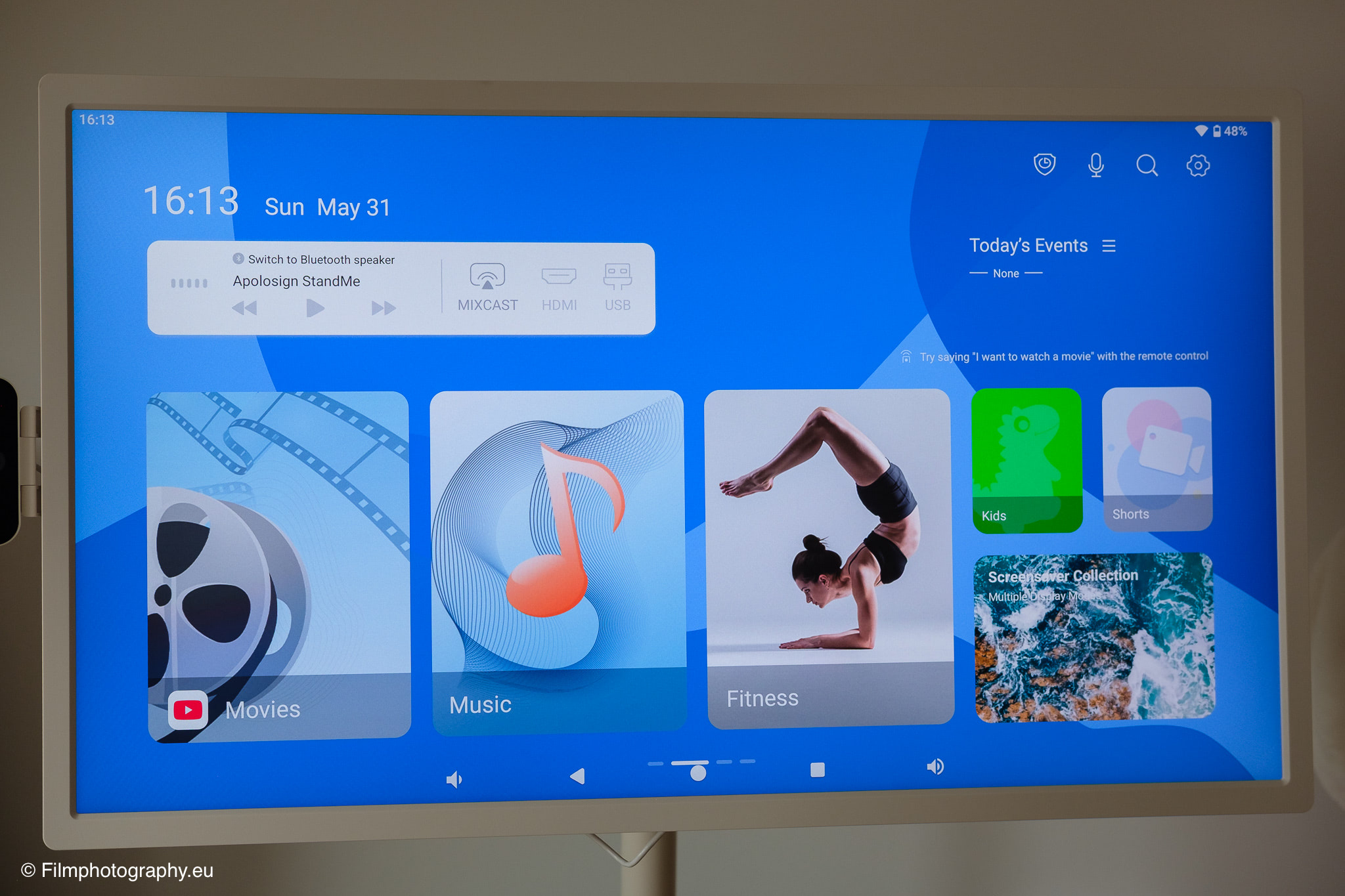
Apolosign
Anyone looking around the vast consumer electronics market will inevitably encounter many well-established names of large corporations. Apolosign might not yet be one of the ubiquitous brands in this country, but the company has developed in a focused manner since its founding in 2008.
Originally, the manufacturer positioned itself as a producer of digital picture frames and family calendars through direct sales. The central idea behind this apparently has always been to integrate technology seamlessly into everyday living spaces, without burdening the user with complicated interfaces or clunky designs.
Size & Weight
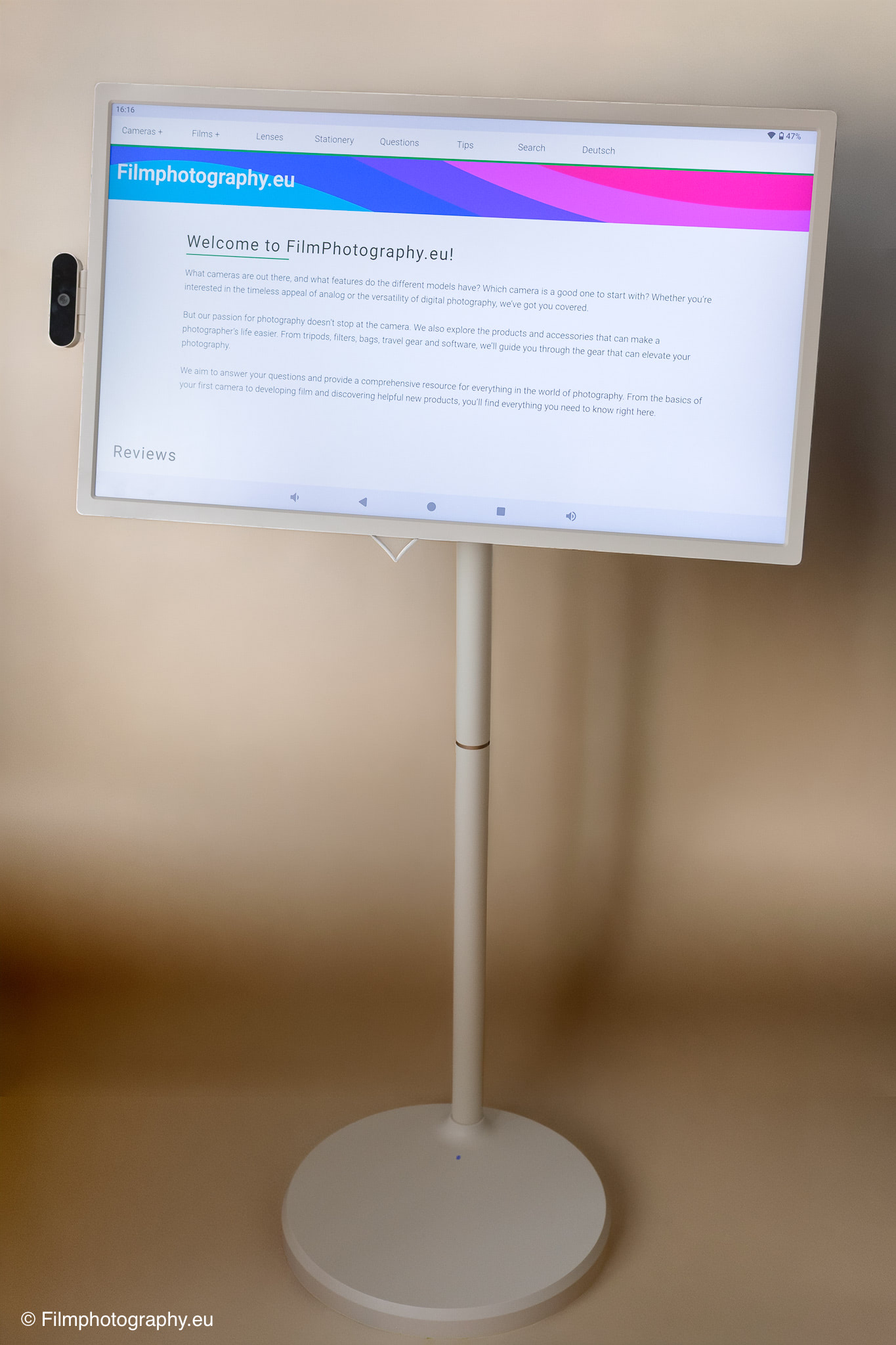
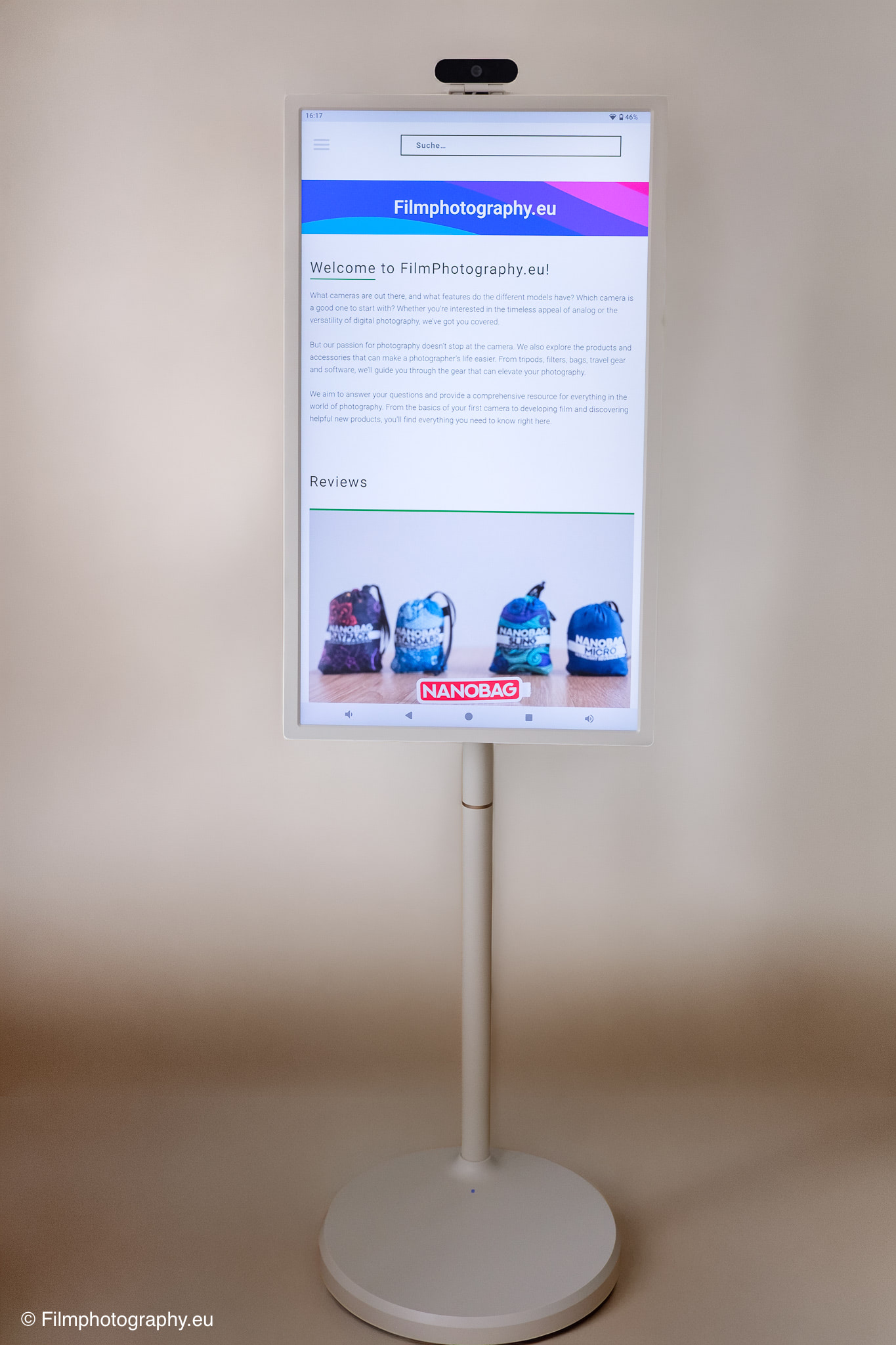
The Apolosign Smart Portable TV is a massive piece of technology, which is very directly reflected in its physical dimensions and choice of materials. The screen itself measures a proud thirty-two inches diagonally, which corresponds to a generous workspace and viewing area.
The entire structure, including the rolling stand, weighs in at a considerable twenty-plus kilograms. This rather high weight primarily results from the heavy base, which is absolutely necessary to give the large monitor the required stability in every conceivable position.
The dimensions in full gear demand their space in the room, but do not feel overwhelming due to the light coloring. The device is height-adjustable. For my height of 1.90 m, it could be a little bit higher.
Despite the heavy weight, the monitor can be moved surprisingly smoothly across flat floors thanks to the five castors built into the base. On smooth parquet, it requires hardly any effort to push the display from one corner of the room to the other, while a little more pull is needed on carpet.
The massive construction of the base gives the whole thing a pleasant stability, so you don’t have to worry about the screen wobbling immediately at a slight touch. Especially when working interactively with the touchscreen or changing the tilt angle, this stability is a crucial factor for a secure user experience. Nevertheless, a brake or locking mechanism would be advantageous in some situations.
Technical Specifications
Under the hood, the 4K version of the Apolosign thirty-two-inch monitor offers solid equipment tailored to current multimedia requirements. The display is matte and therefore less susceptible to reflections.
The centerpiece is the built-in panel with an Ultra HD resolution of 3840 by 2160 pixels. On a surface area of thirty-two inches, this high pixel density ensures a clear and detailed picture, which is particularly noticeable when viewing fine textures in photographs.
Processing power is provided by a system that can rely on 16 gigabytes of RAM and 265 gigabytes of internal storage space. This capacity is sufficiently dimensioned to play local media smoothly and keep various applications open in the background.
A current Android system is used as the operating system, which allows full access to the Google Play Store thanks to an official certification. A special feature is the integrated battery with a capacity of 15,000 milliampere-hours. According to the manufacturer, this enables up to eight hours of wireless operation, making the monitor independent of wall outlets.
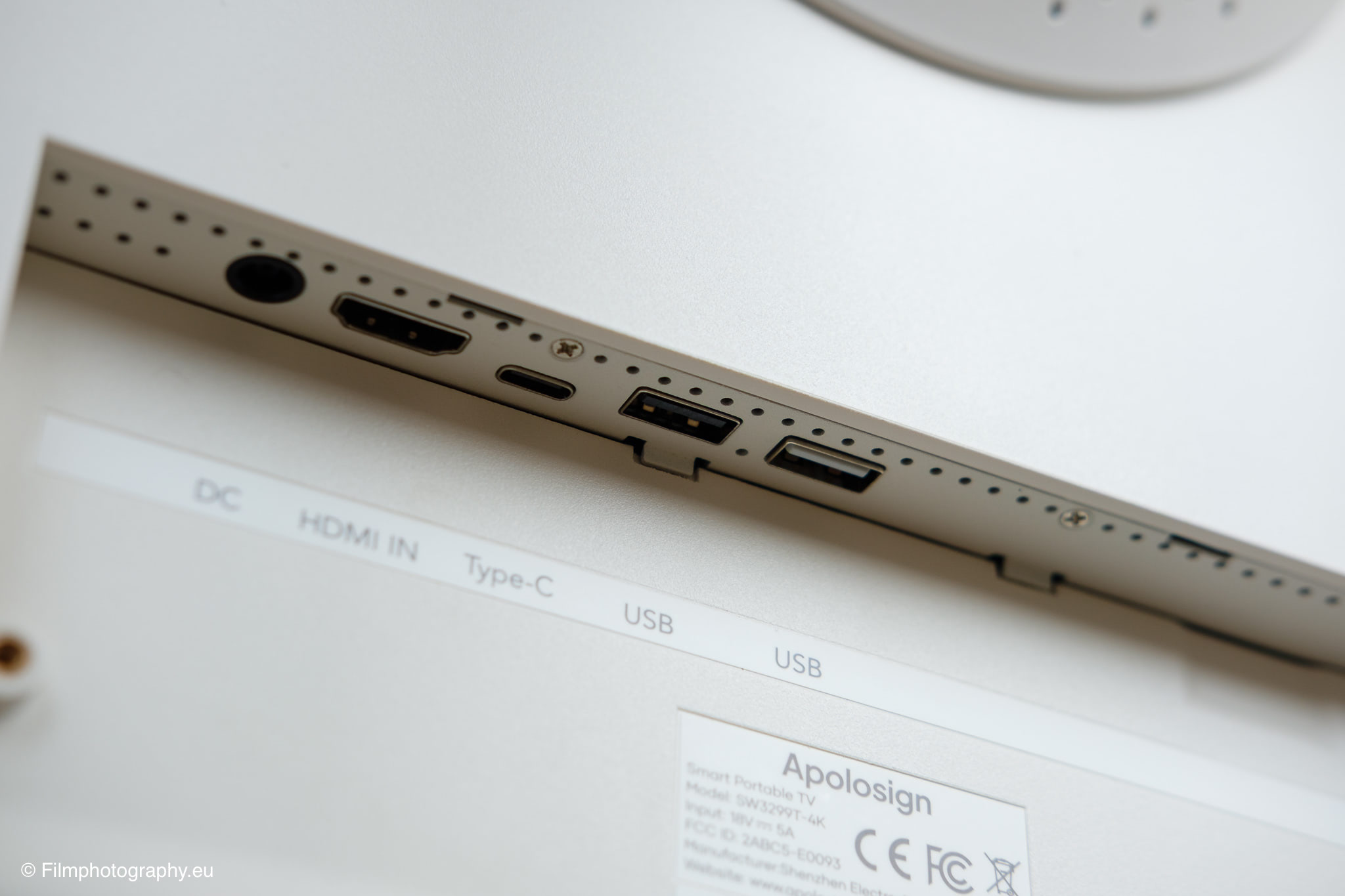
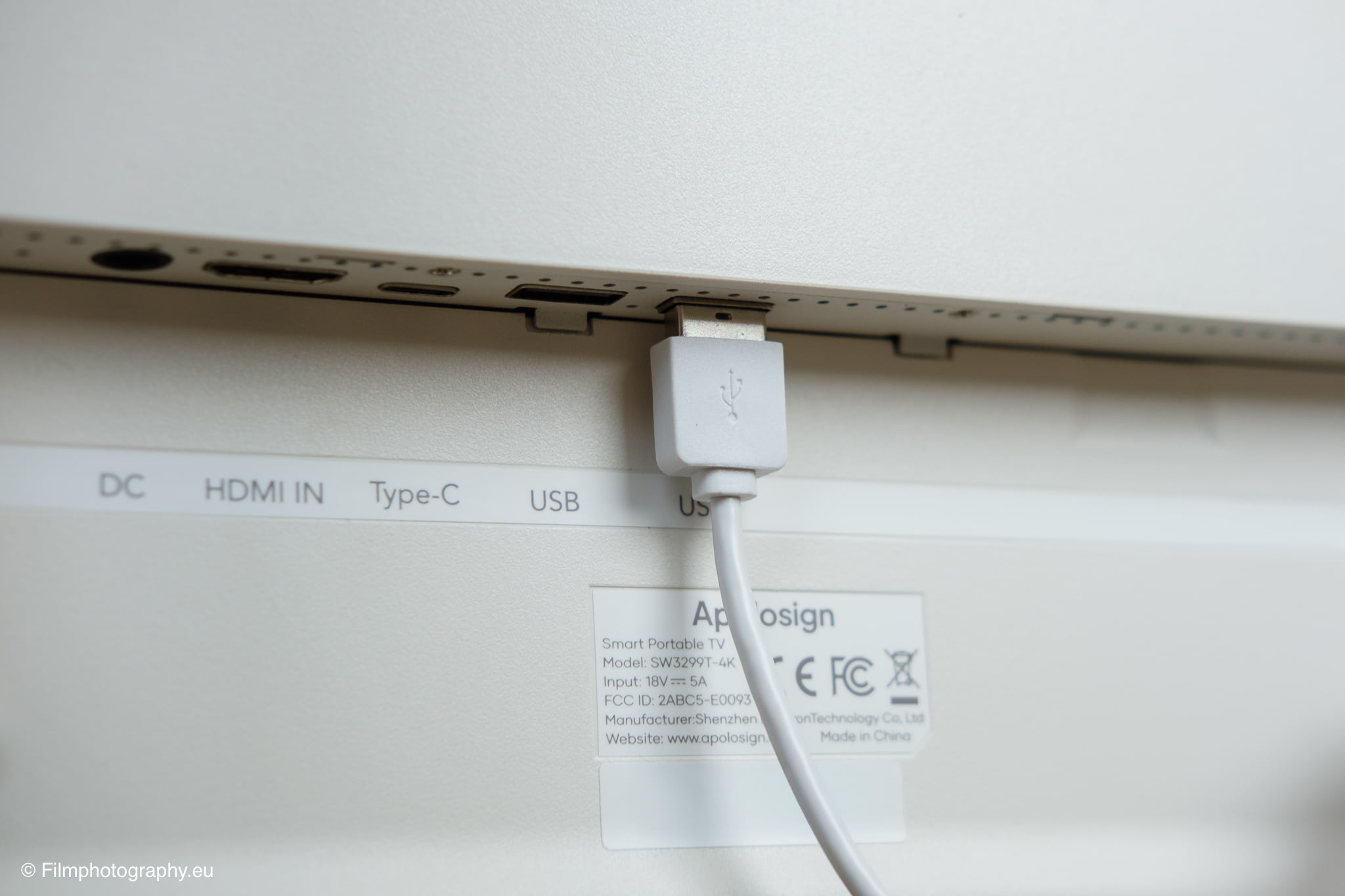
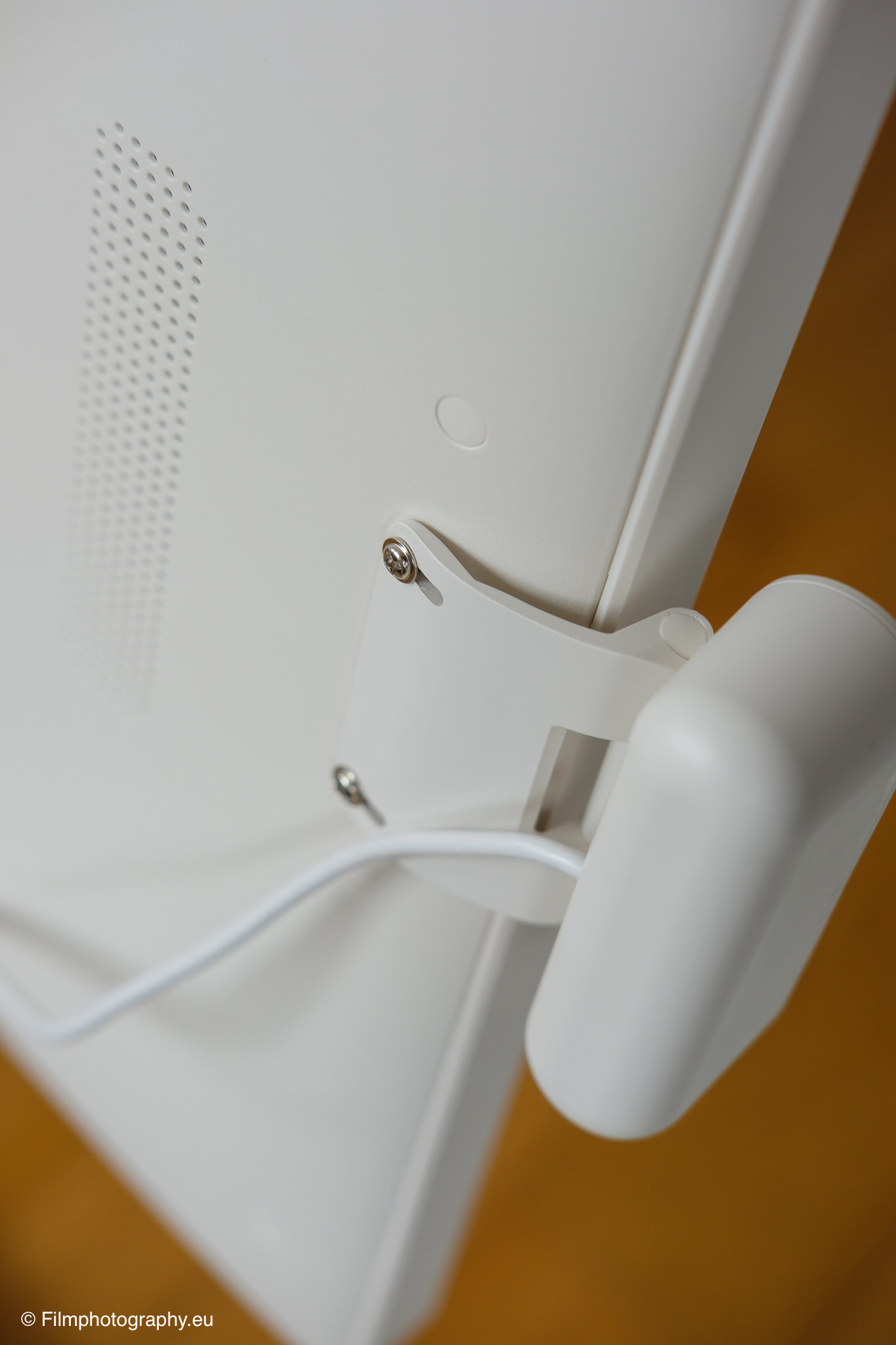
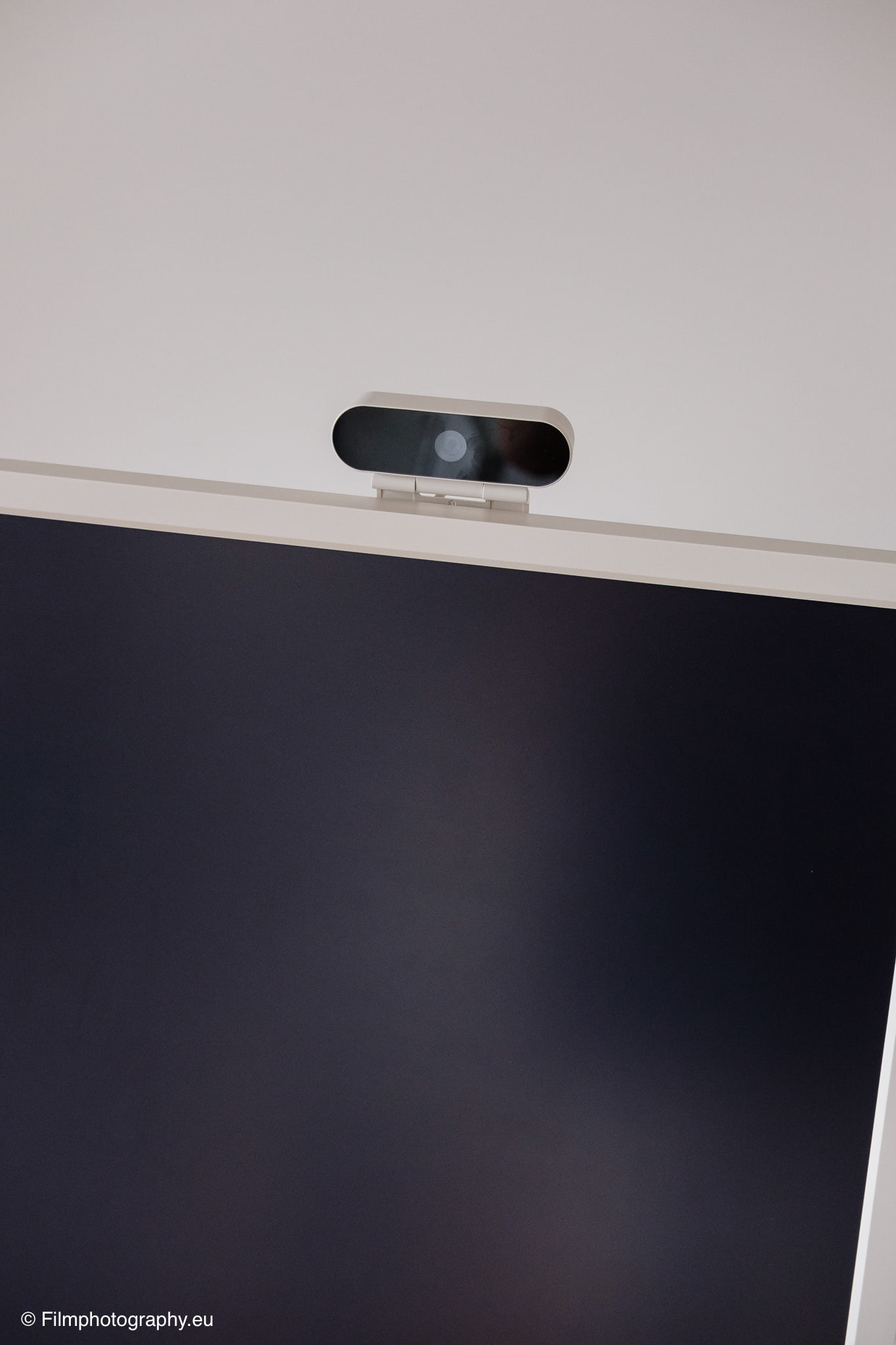
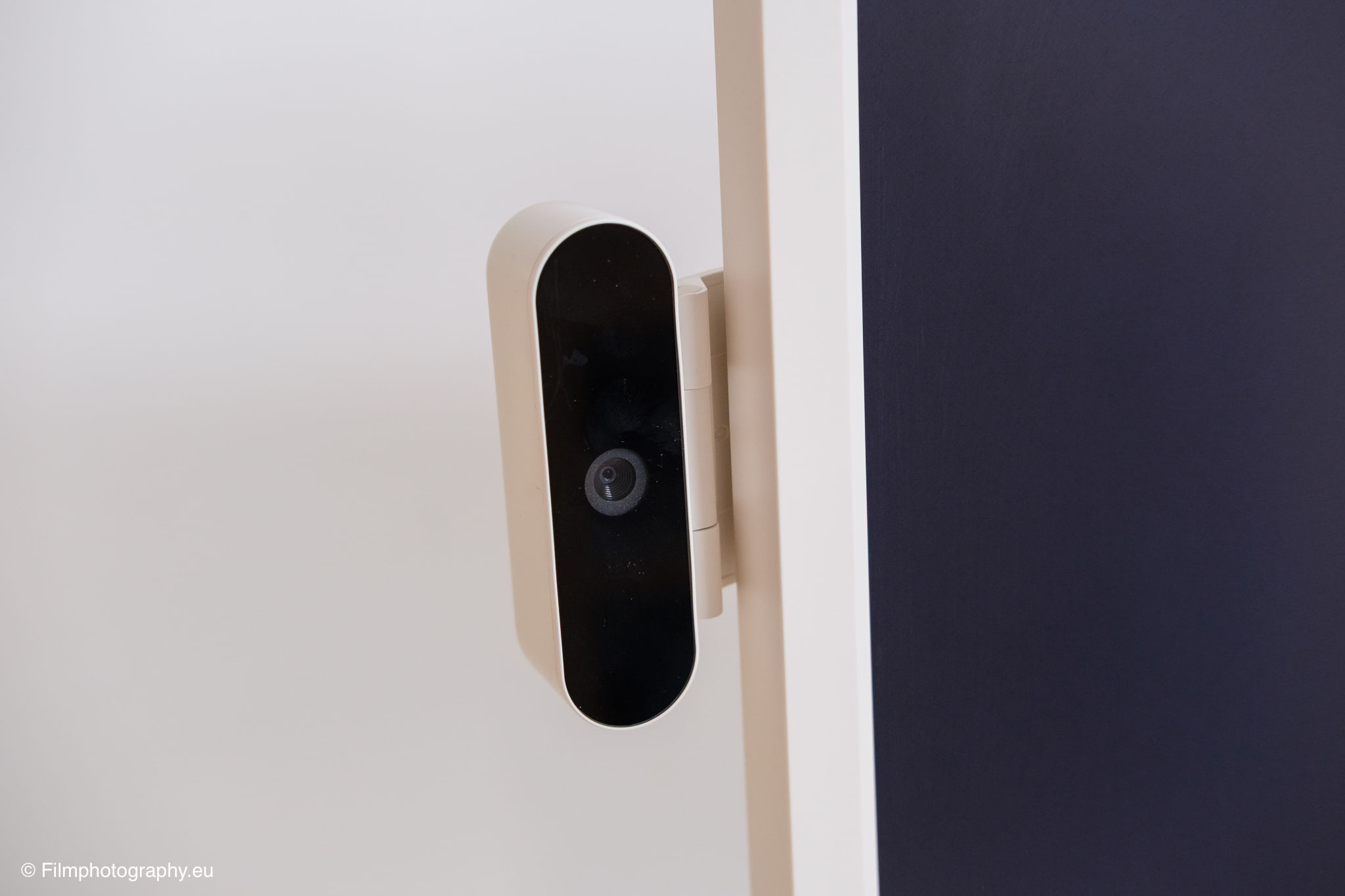
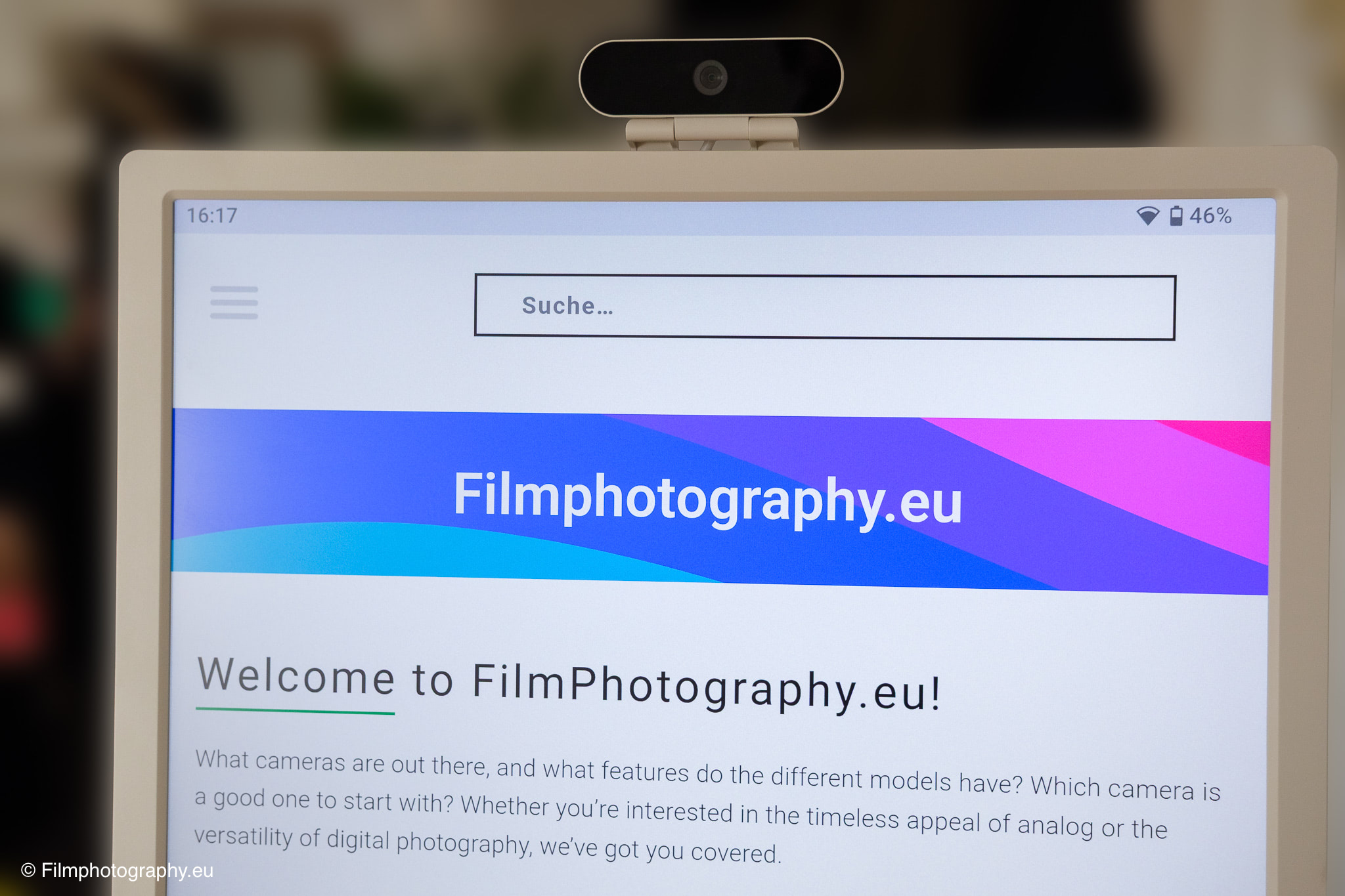
For external communication, Wi-Fi, Bluetooth, and physical connections for HDMI and USB (2x USB-A and 1x USB-C) are available. An included camera can be plugged into one of the USB ports.
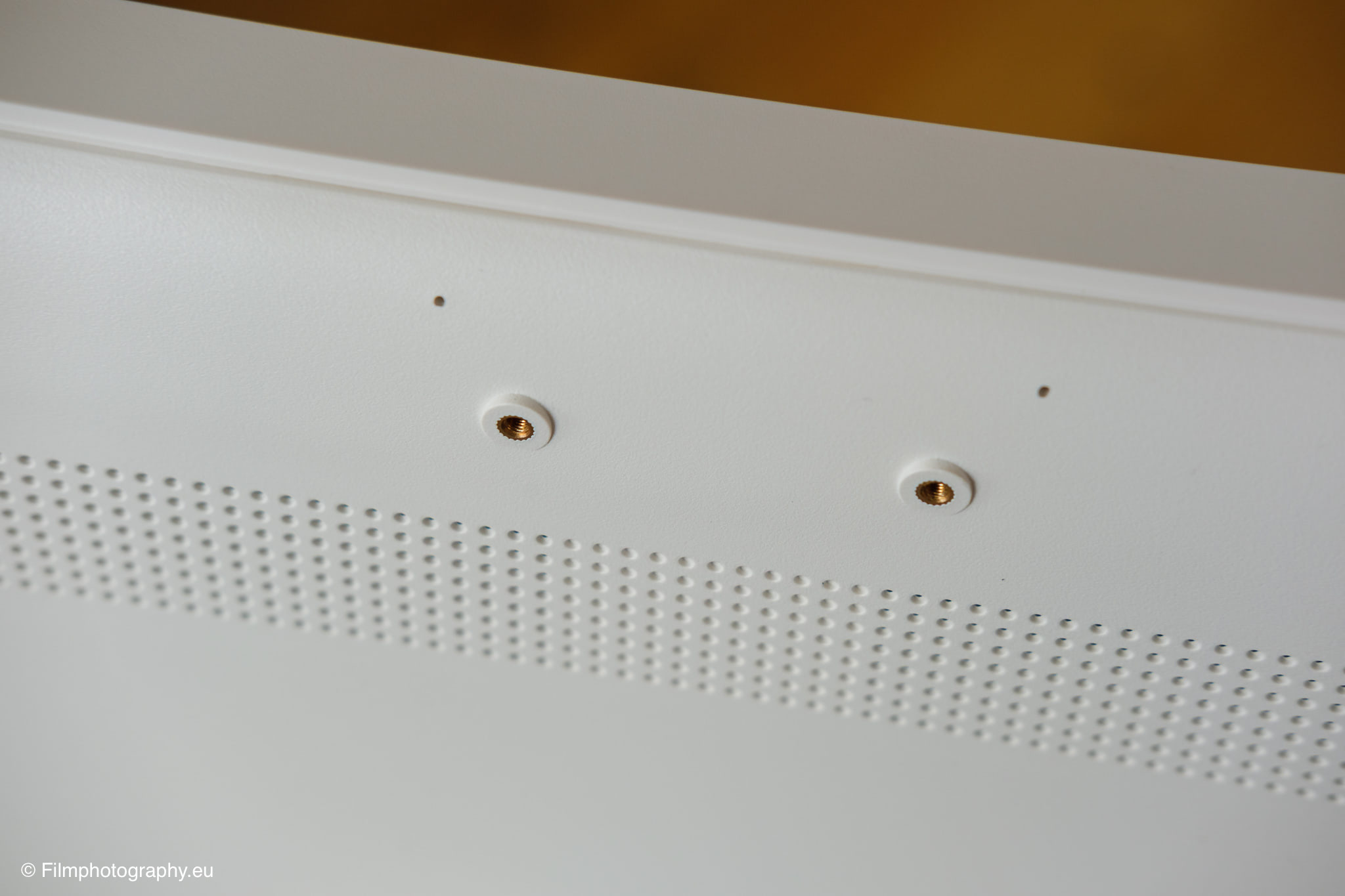
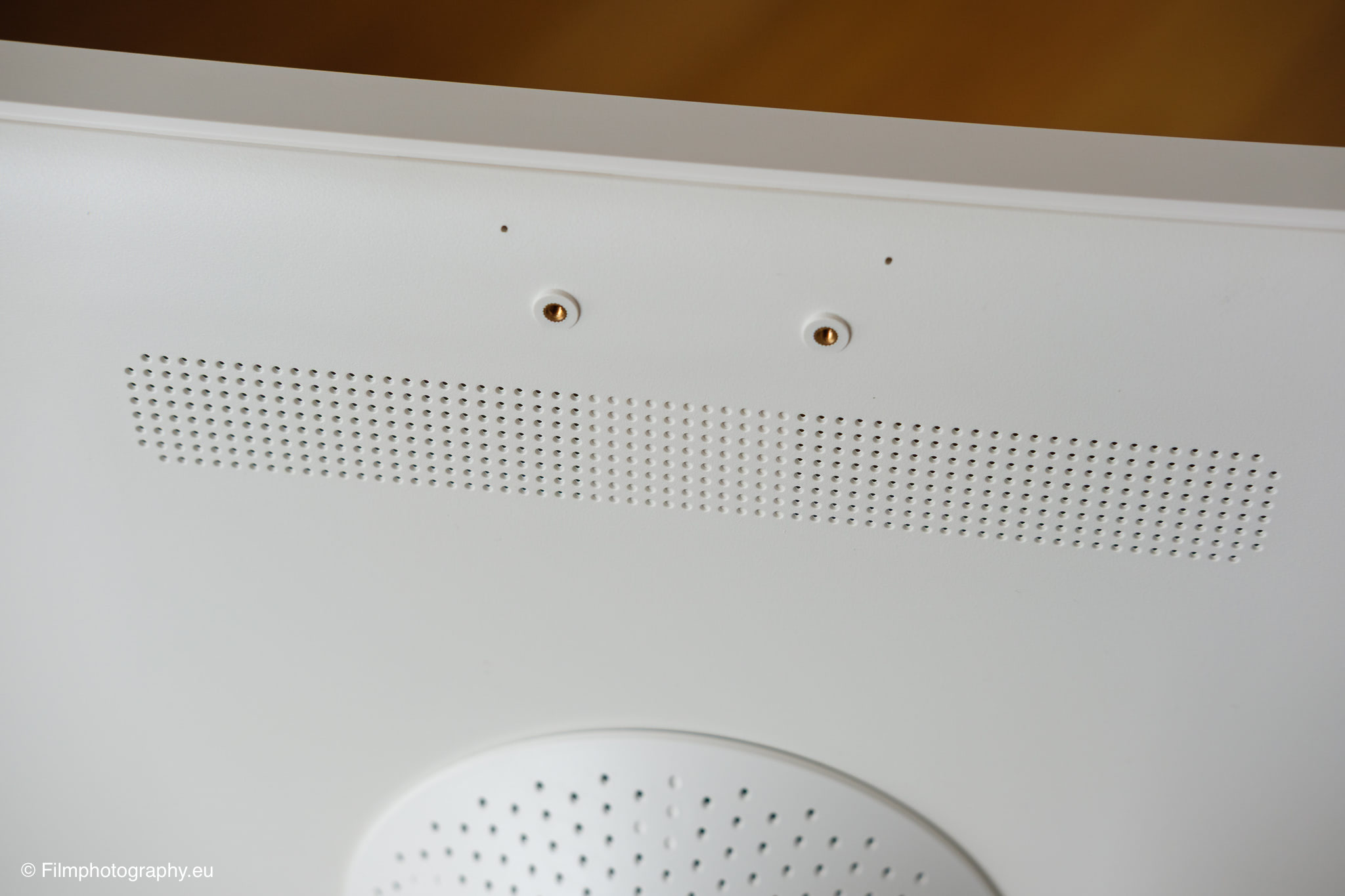
The camera can be mounted in one of two positions on the back panel. The image quality of the 8-megapixel camera is sufficient, I would say. It’s fine for a quick video call. If you wanted to use it as a camera for a photo booth app, for example, I would get a different model.
Assembly
The assembly is logical and well-structured, even though you have to act carefully in some places due to the aforementioned weight. All components are securely packed in thick padding and clearly arranged. Basically, the entire assembly consists of joining the heavy rolling base, the height-adjustable metal pole, and the actual screen unit.
The included manual guides you through the individual steps comprehensibly and with clear sketches. Fortunately, the required tools and all screws are included right in the scope of delivery.
First, the pole is firmly screwed to the base, after which a cover hides the metal screws and ensures a clean look.
The most critical moment of assembly is hooking and fixing the screen to the mount. Here, it is highly recommended to leave the monitor lying flat on a soft surface or to get a second person to help.
Once the monitor is seated in the mount, only a few connections need to be finally tightened. Overall, the assembly took me just under fifteen to twenty minutes.
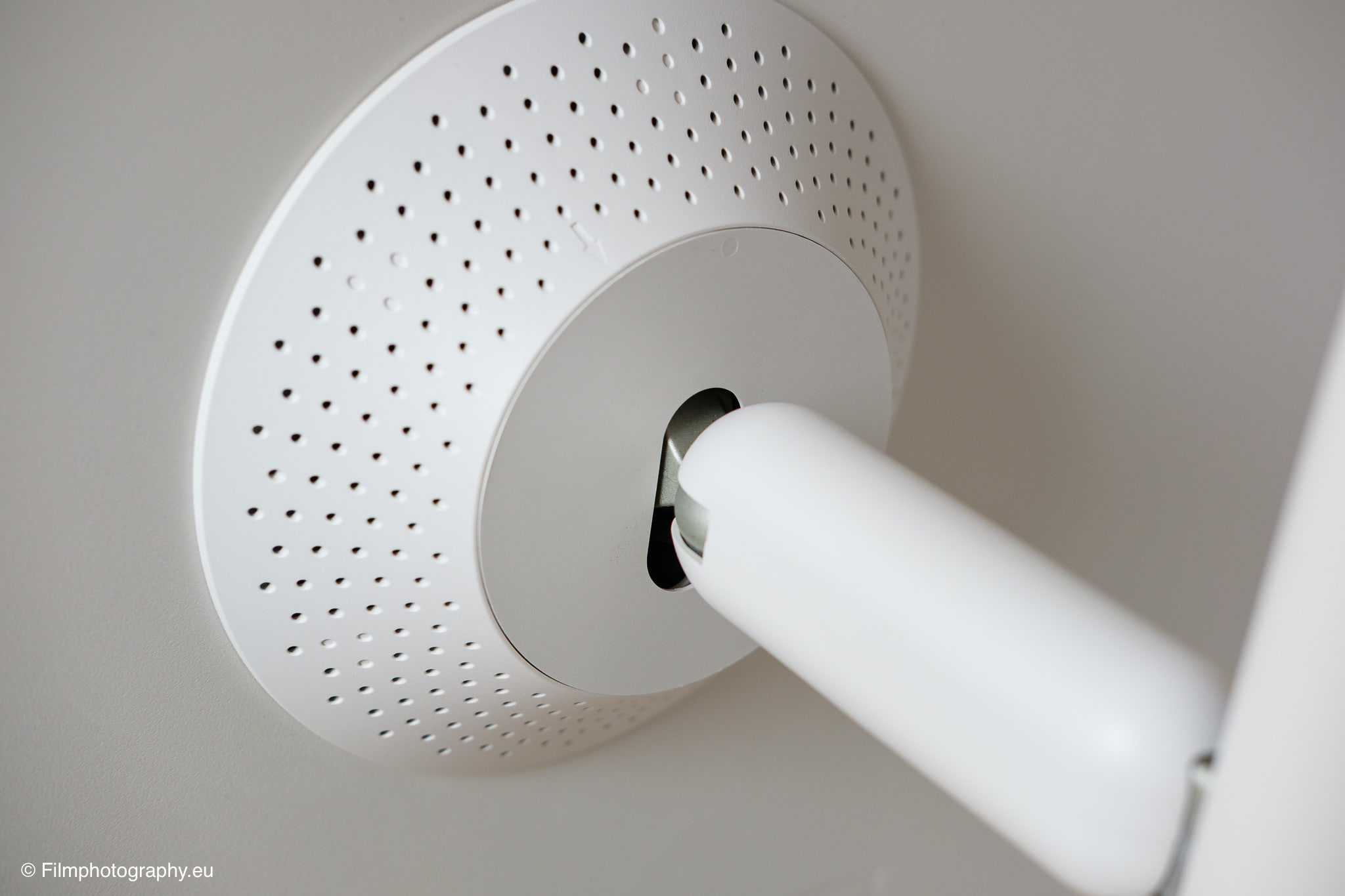
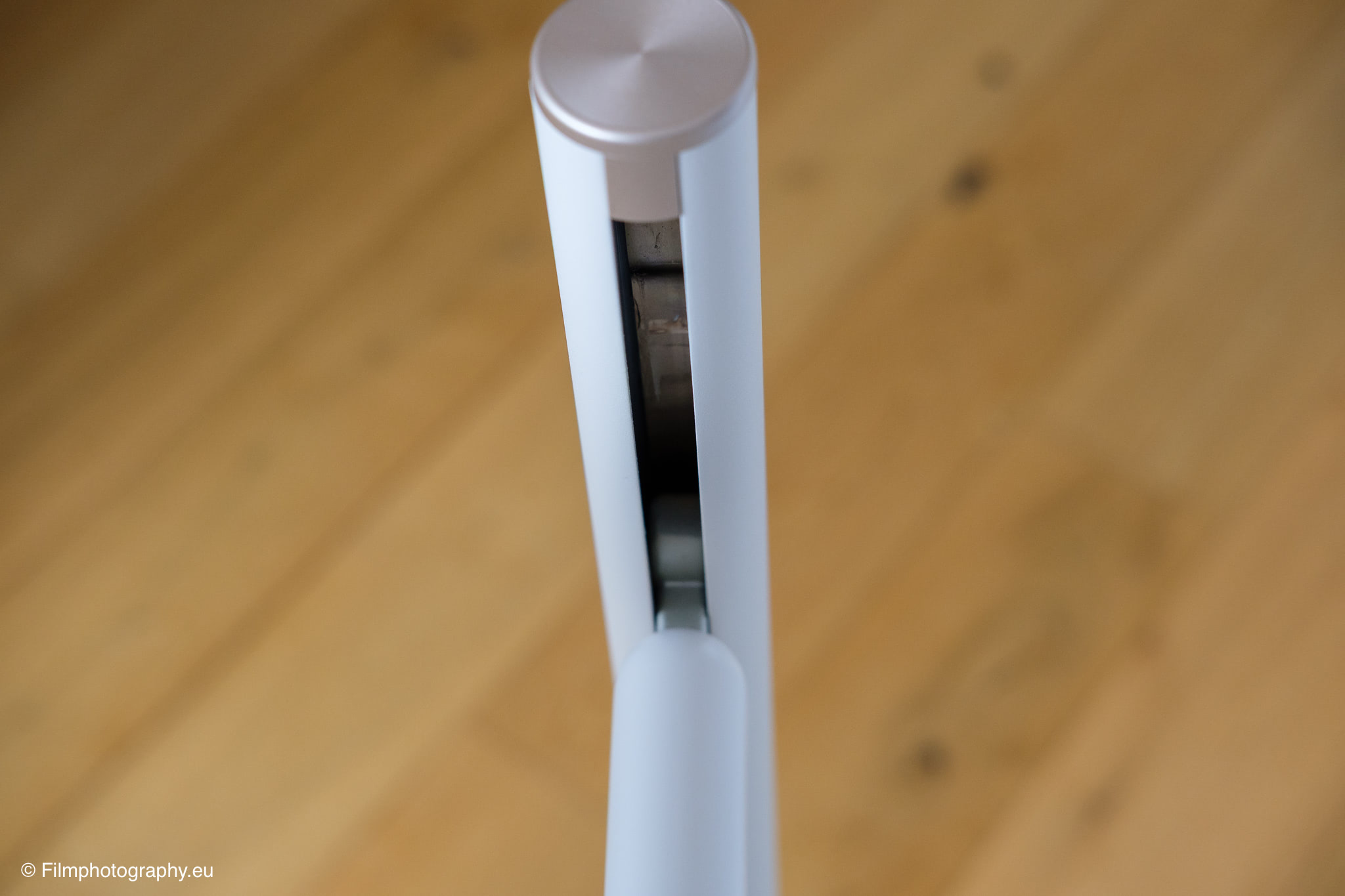
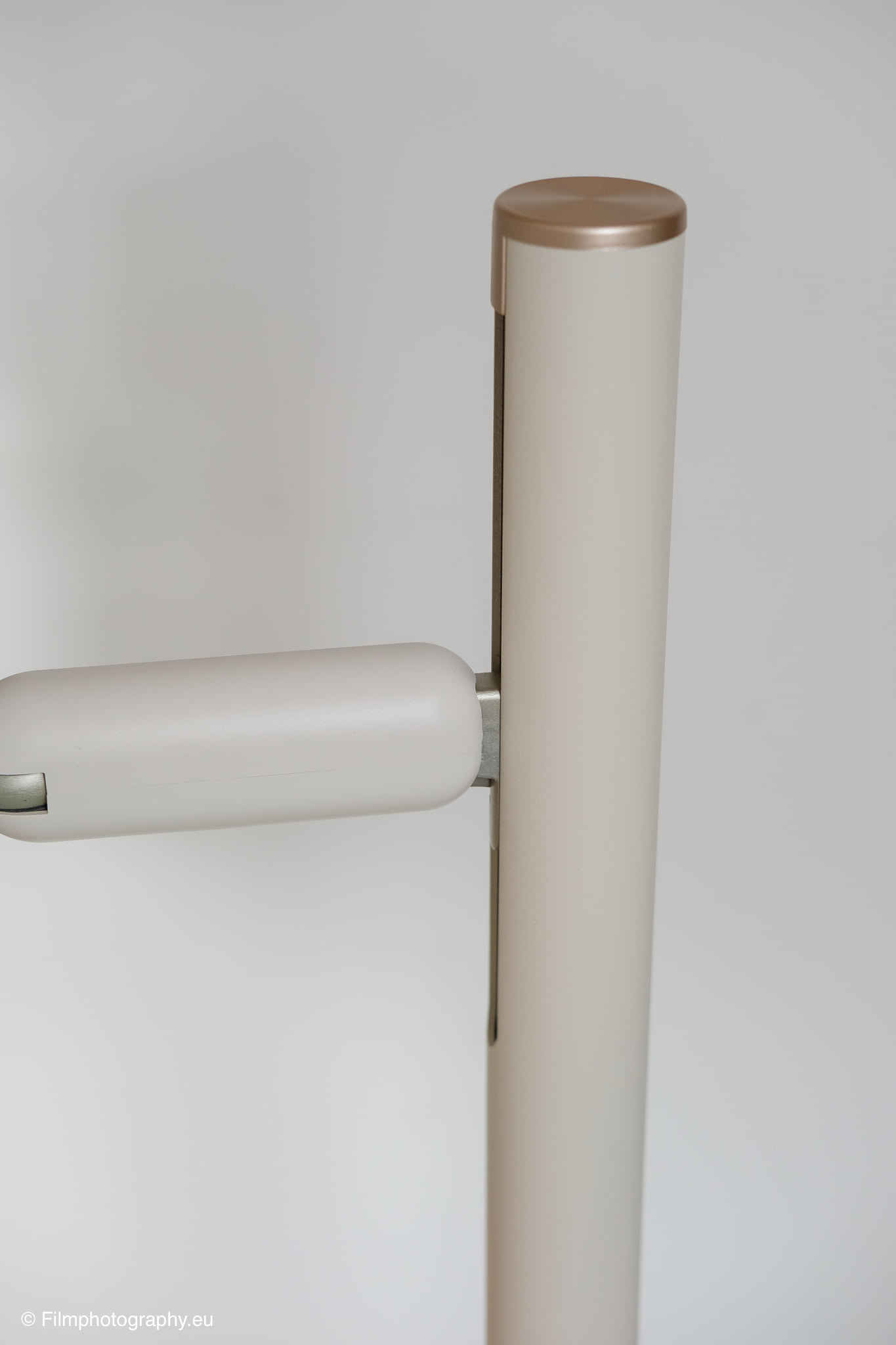
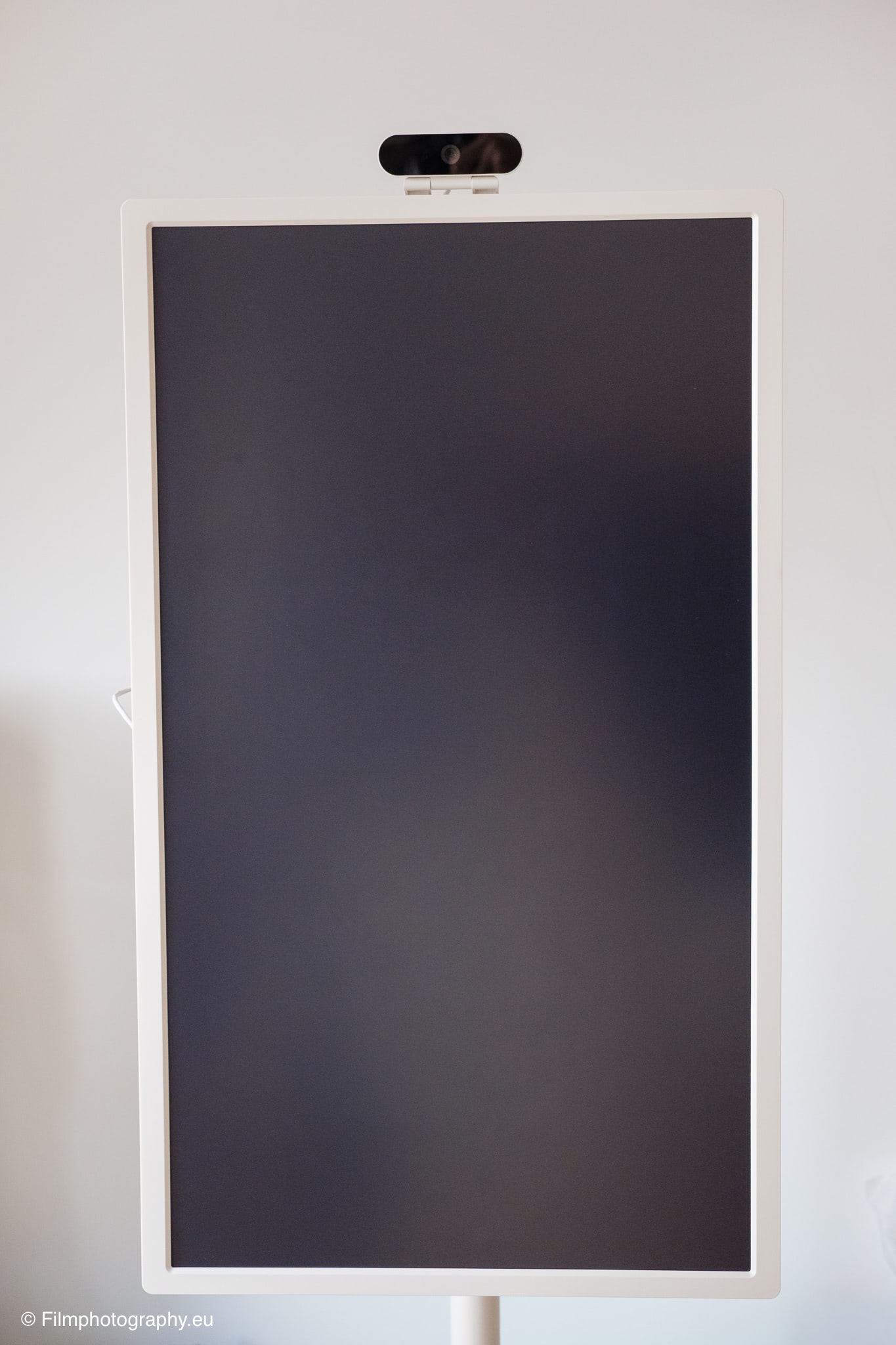
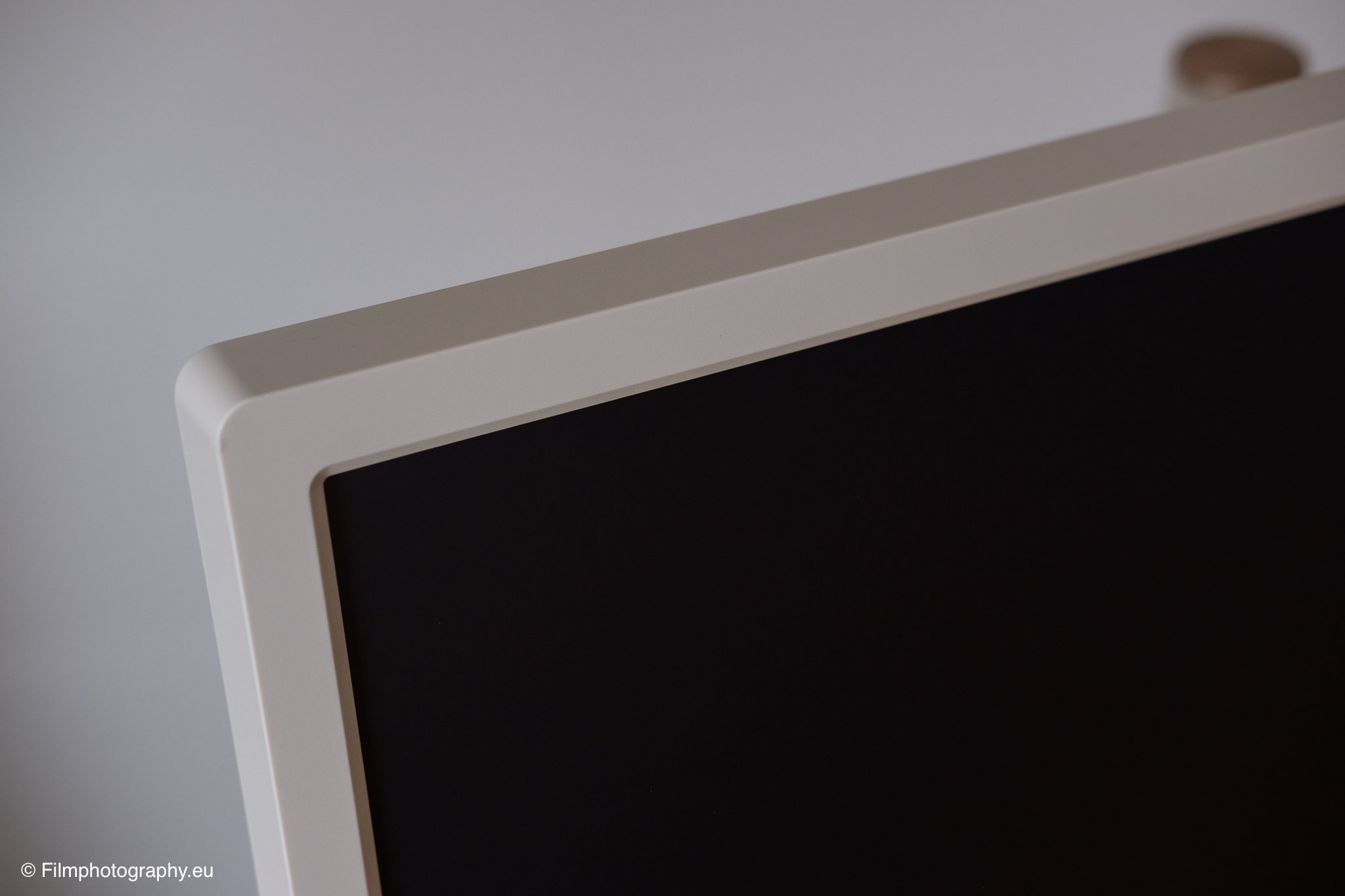
The build quality makes a consistently decent impression throughout. The plastics and metals used feel solid, and the panel gaps are evenly crafted. After assembly, a beautifully shaped device stands in the room, appearing almost like a modern piece of furniture due to its clean design, fitting well into a bright environment.
Setup
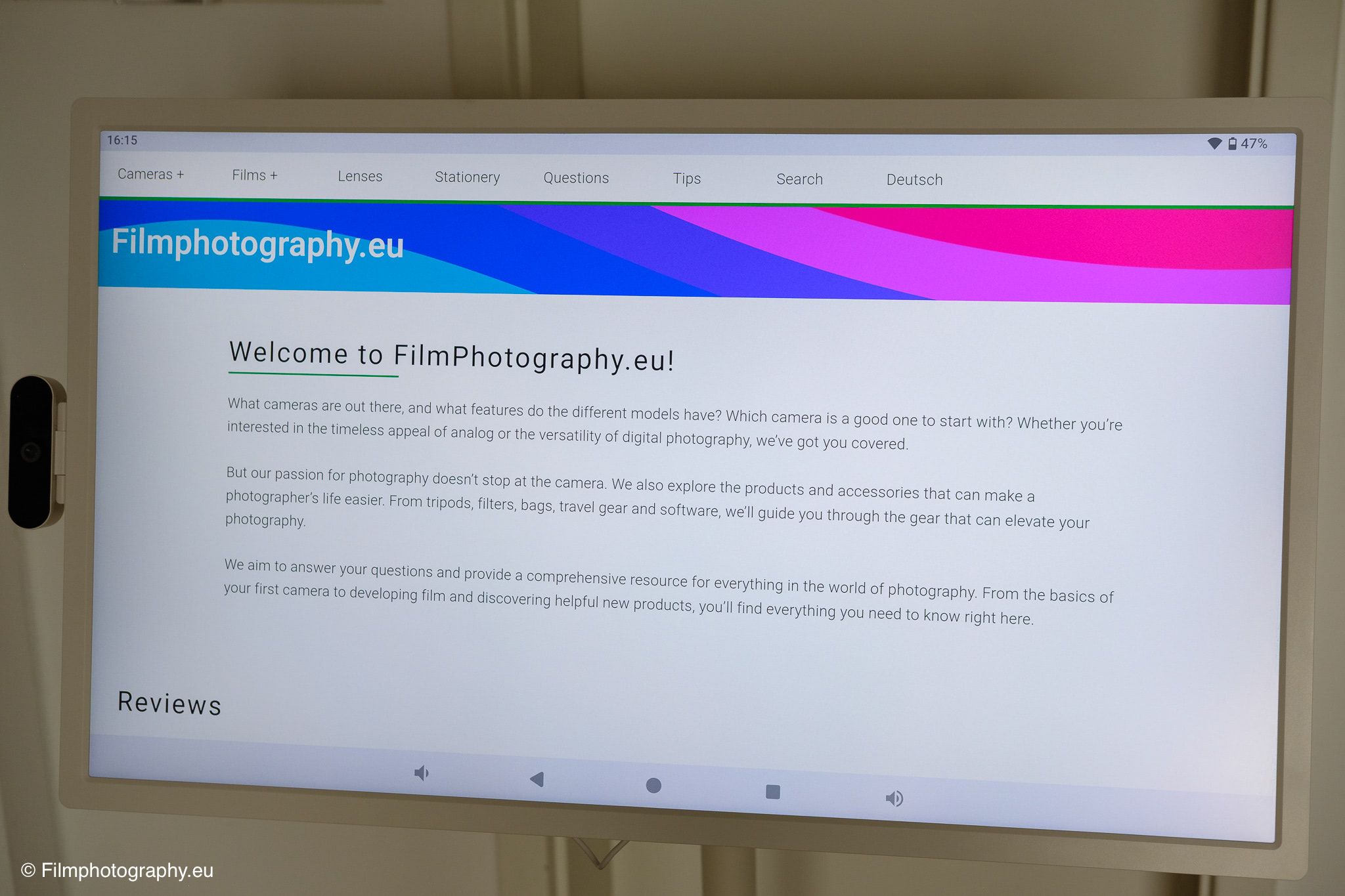
After turning it on for the first time, you are greeted by a familiar and clear Android setup. Anyone who already uses a smartphone or tablet with this operating system will immediately feel at home and find their way around intuitively. The setup process routinely guides you through connecting to the local Wi-Fi network and logging in with an existing Google account.
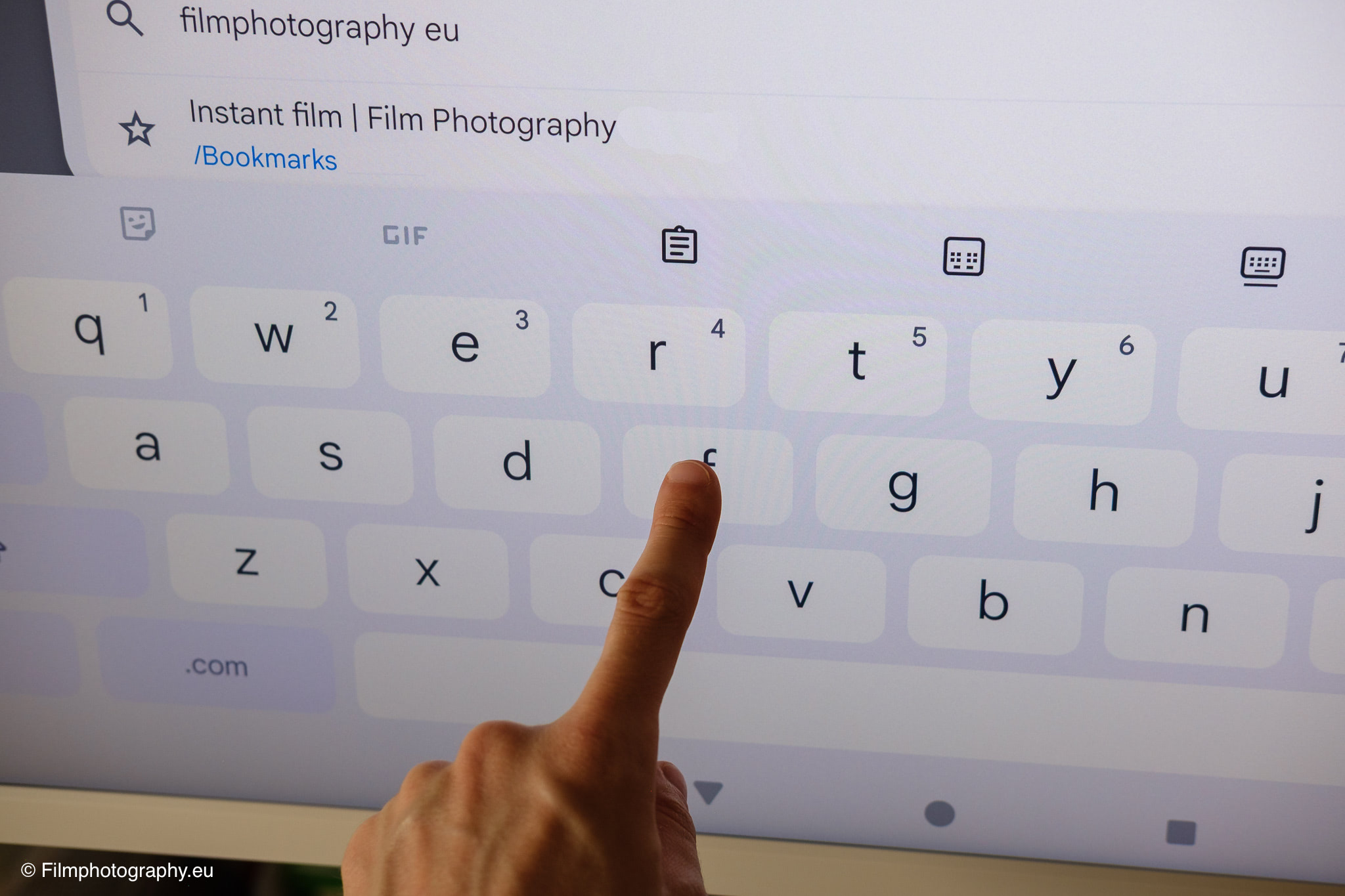
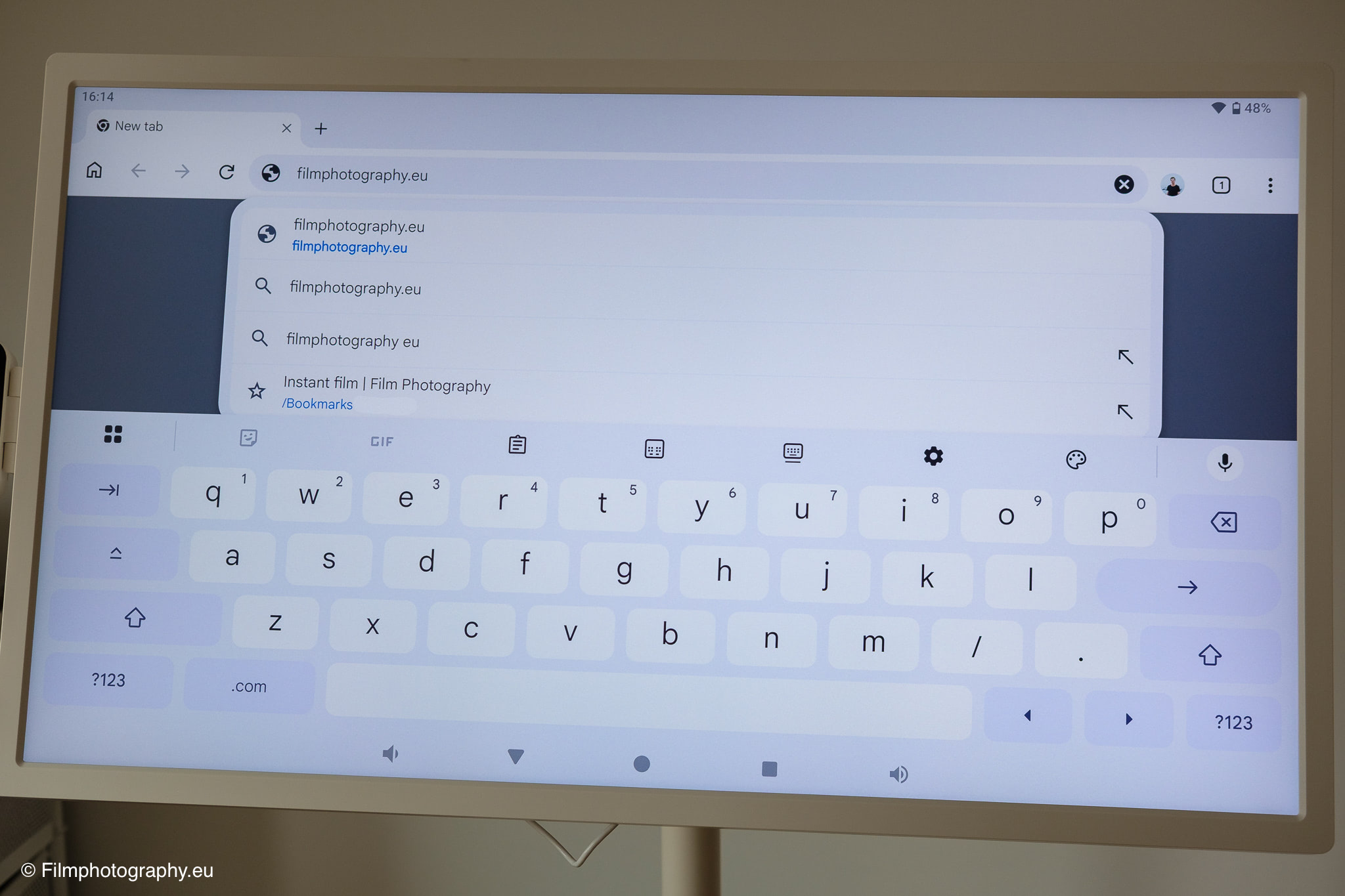
Entering passwords and account data is done directly via the on-screen keyboard. For text input, apart from passwords, I clearly prefer voice input or an external keyboard.
The digital keyboard is okay, worlds better than many a TV where you have to select the fields with the remote control, but due to the large gaps, it does drag on a bit with longer sentences. Fortunately, voice input is very well integrated into Android and is also relatively precise.
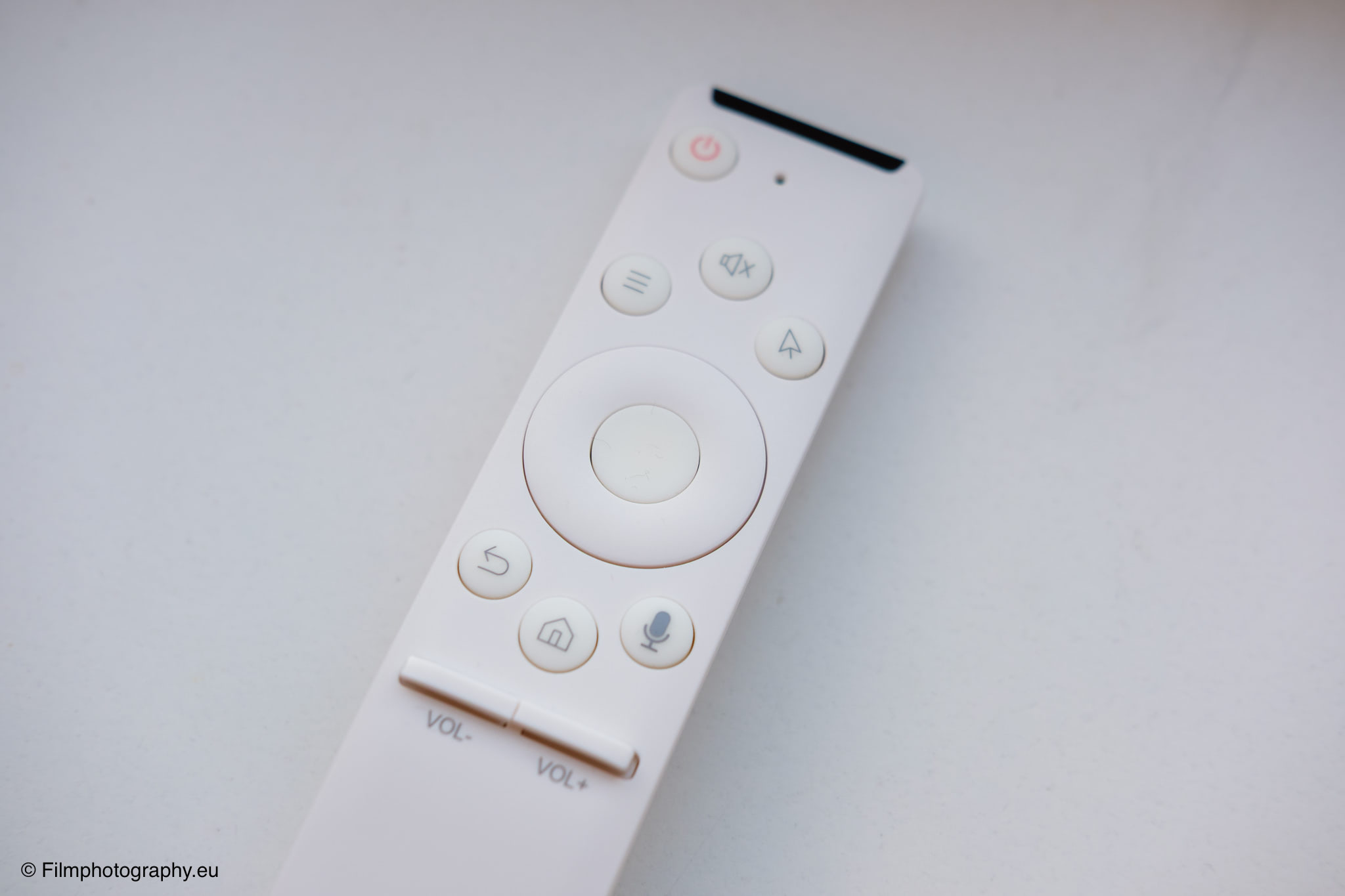
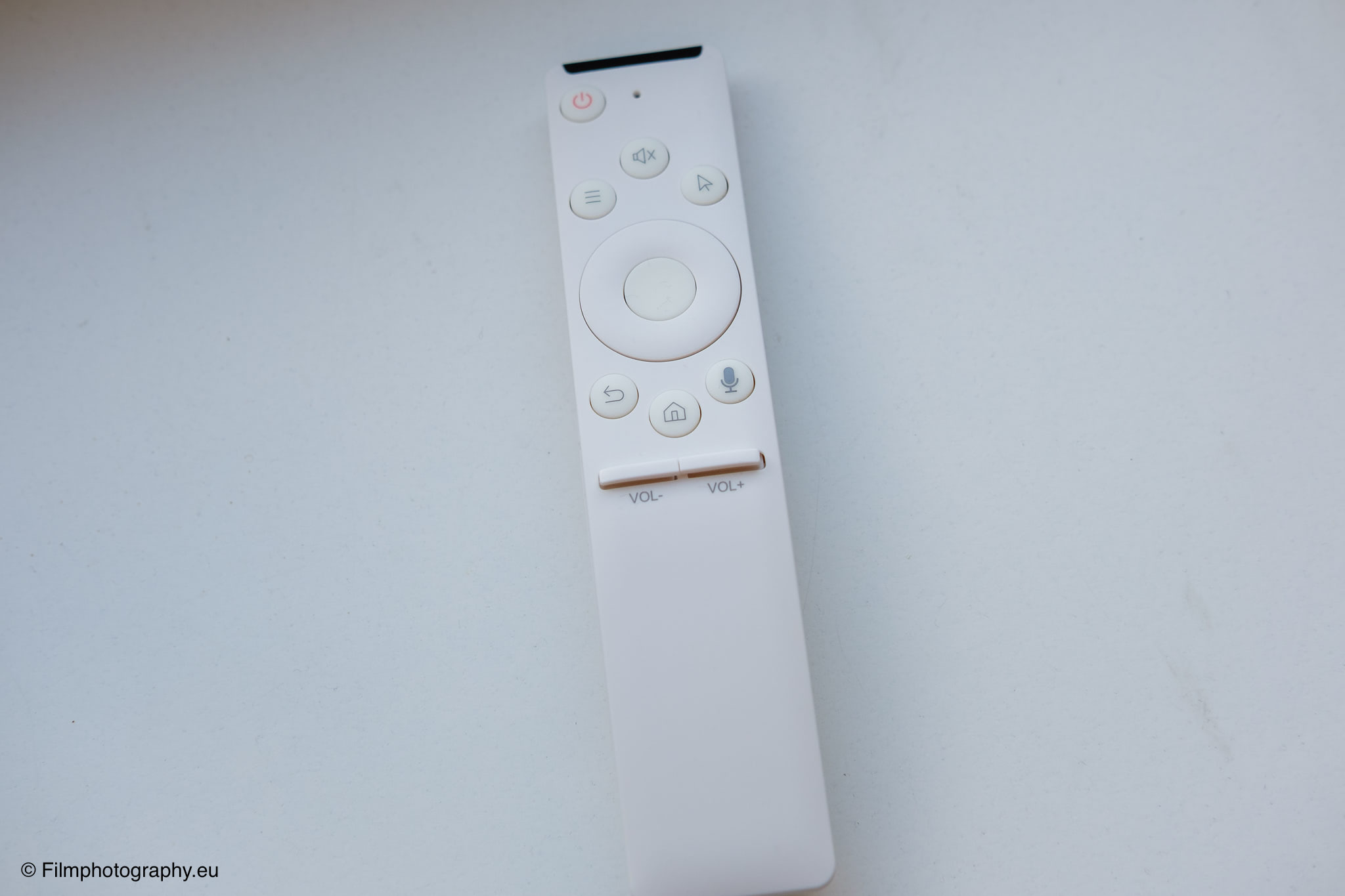
After a few minutes, the basic setup is complete and the home screen appears. From here, all desired applications can be downloaded via the Play Store. Some apps are already pre-installed here.
Feature Overview
The possibilities that this rolling monitor offers in everyday life are extremely diverse and invite you to try them out. Primarily, it functions as a self-sufficient large-format tablet. You can play visual content across all known platforms, surf the internet, read texts, or listen to music. The integrated speakers provide sufficient volume for everyday use in the living room.
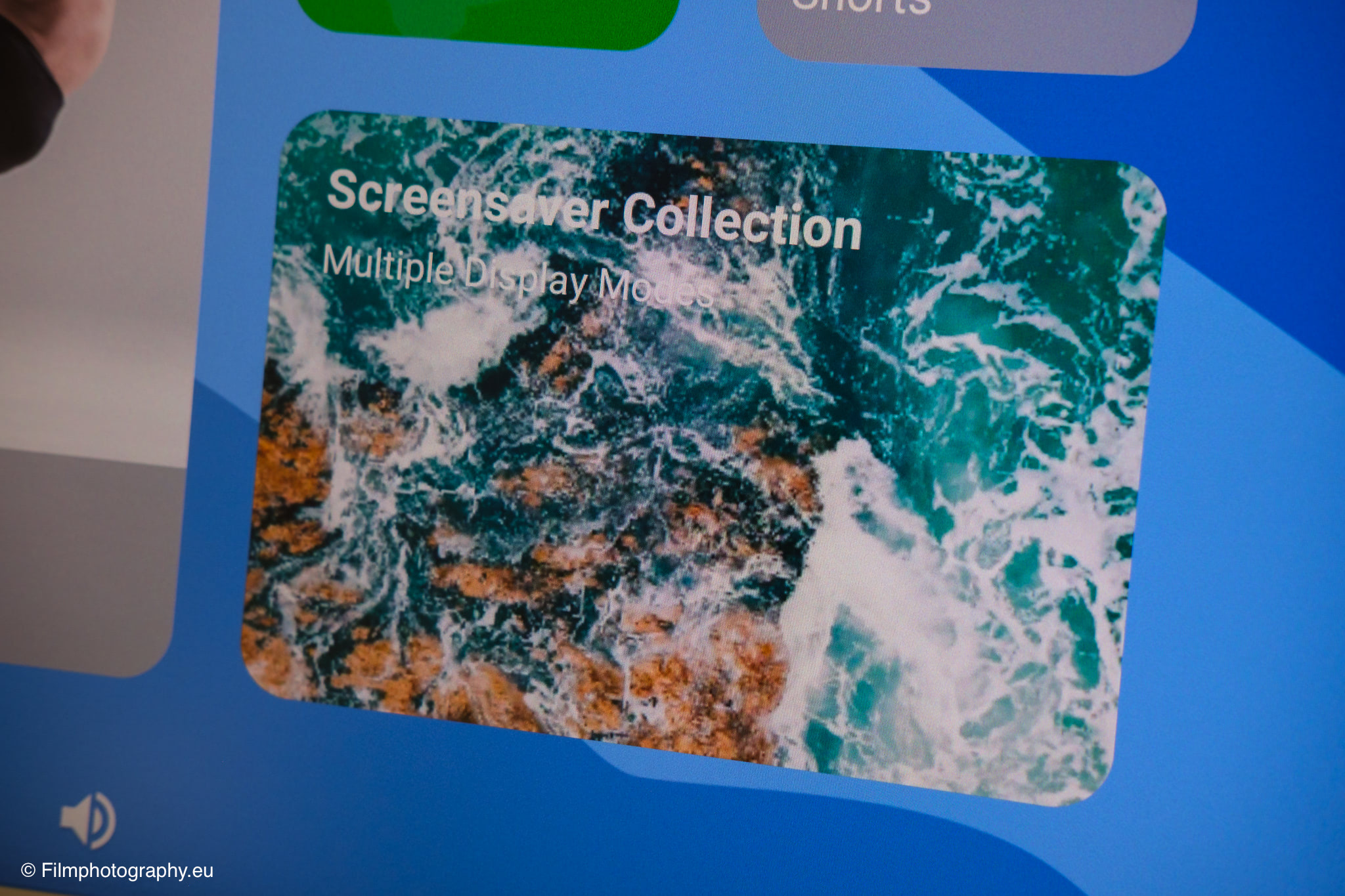
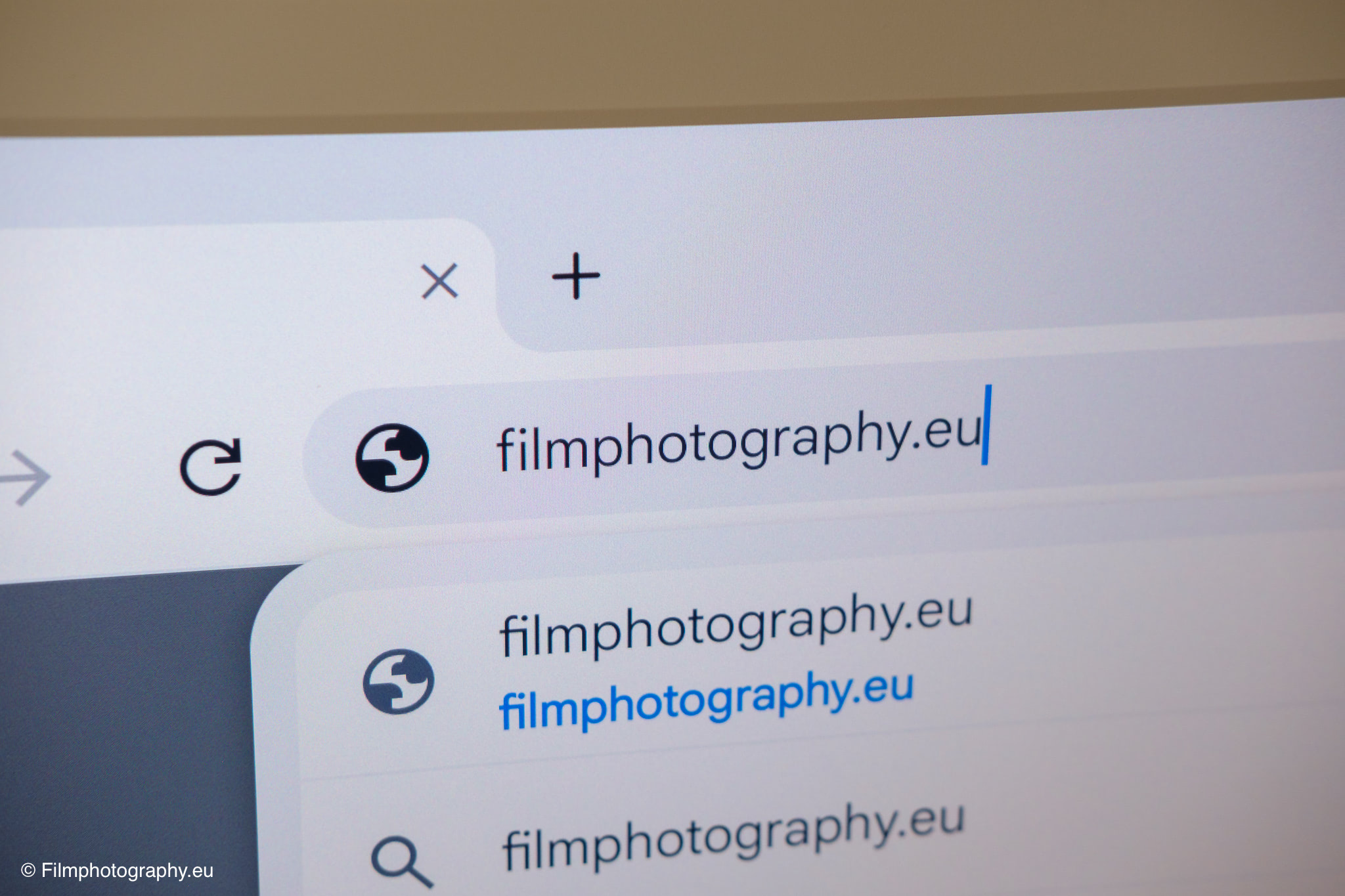
An exciting feature is the mechanical ability to rotate the screen by ninety degrees to view content in portrait mode. The operating system recognizes this and automatically adapts to the rotation.
The manufacturer has also integrated special calendar software that synchronizes appointments and tasks and presents them in a visually appealing way. When the device is not actively in use, it can function as a digital picture frame and display your own photographs.
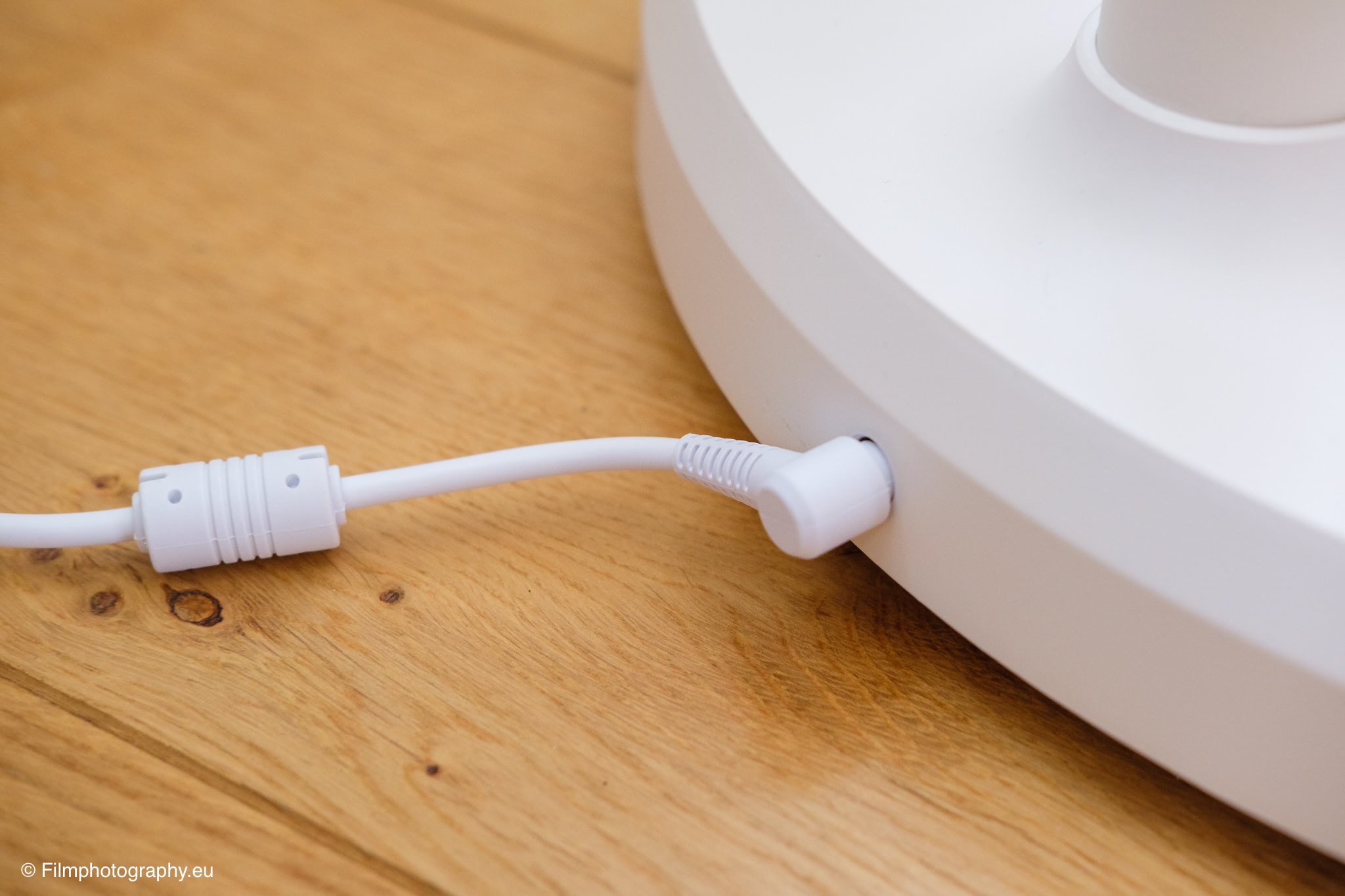
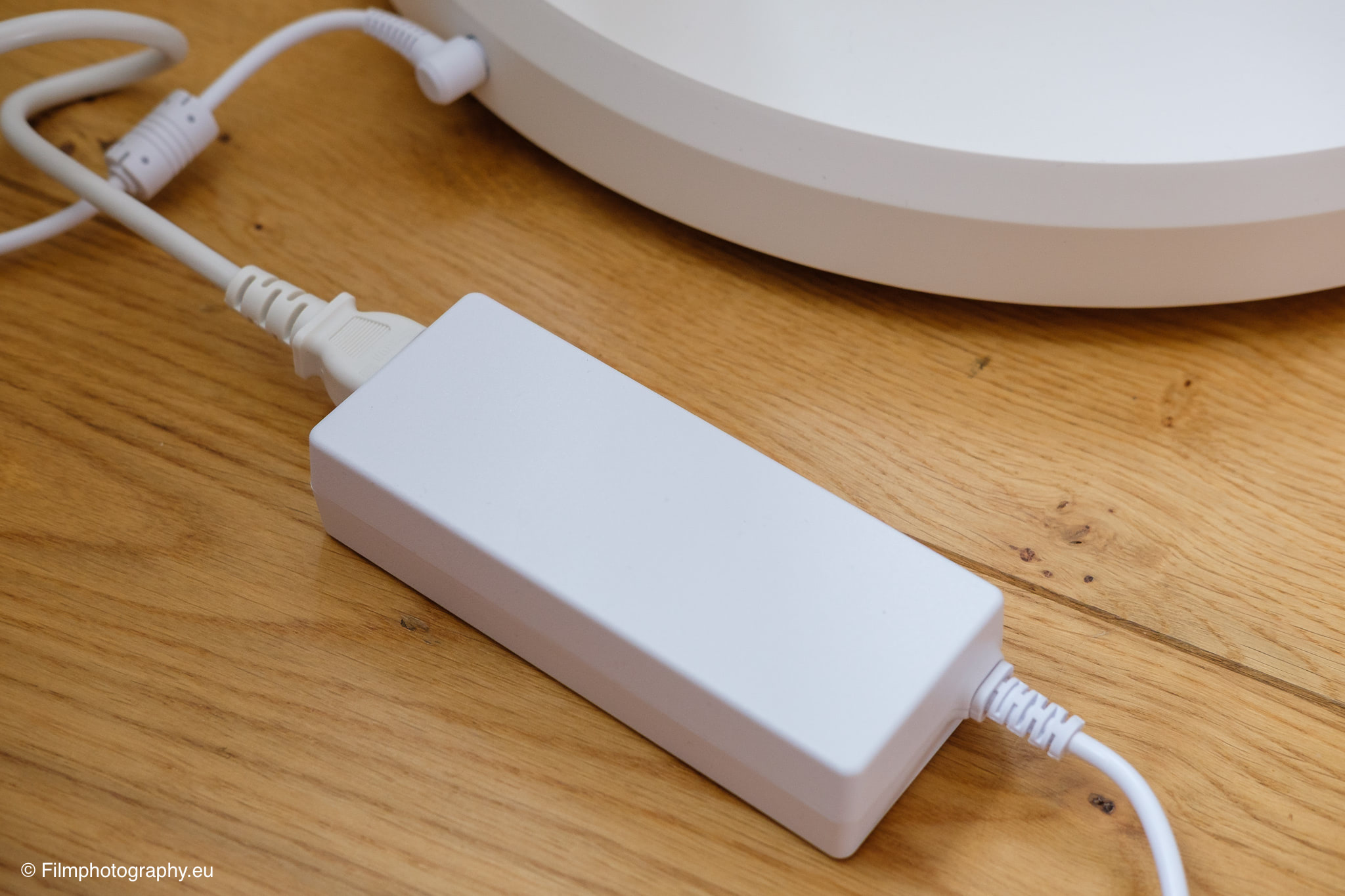
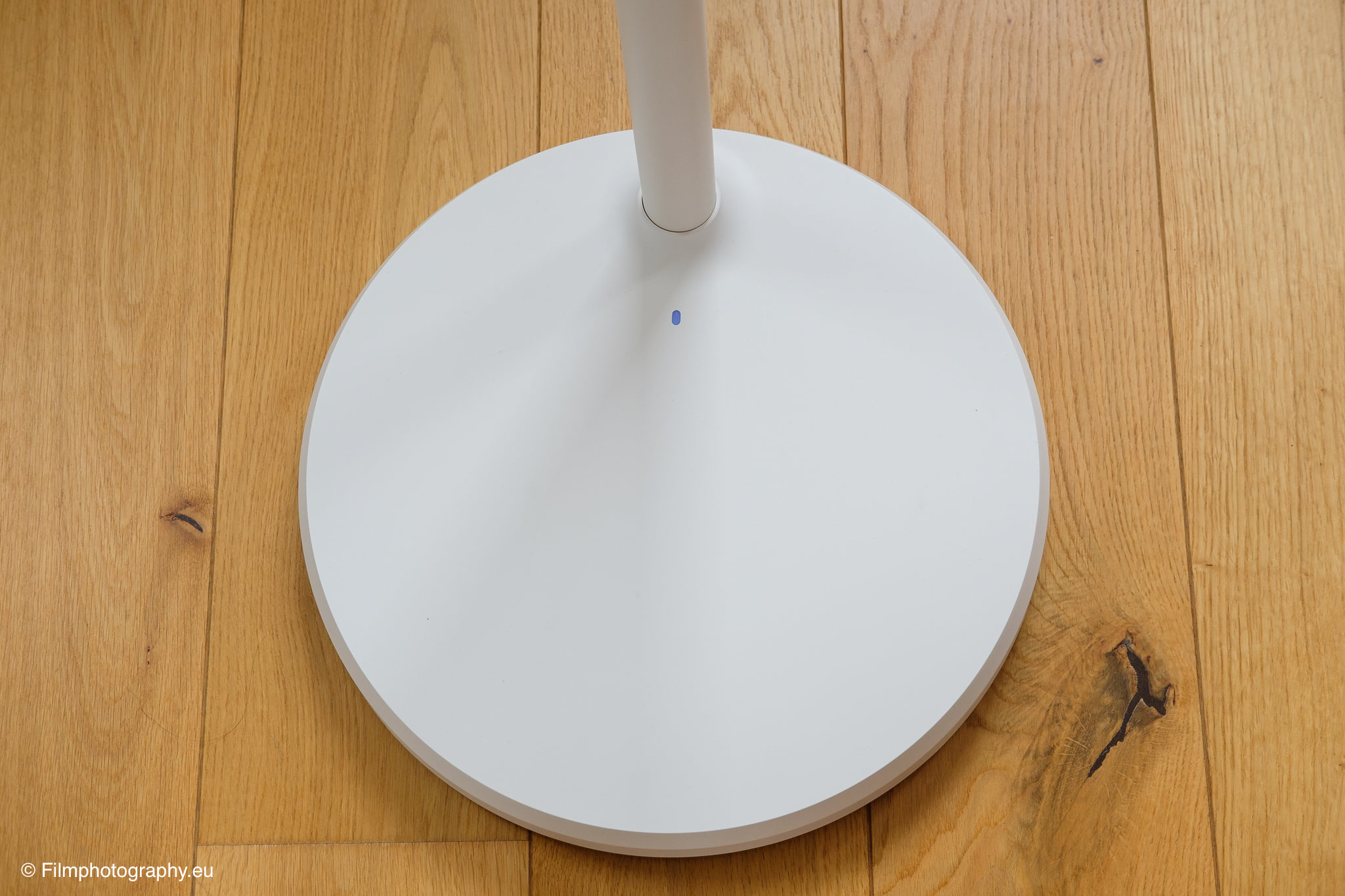
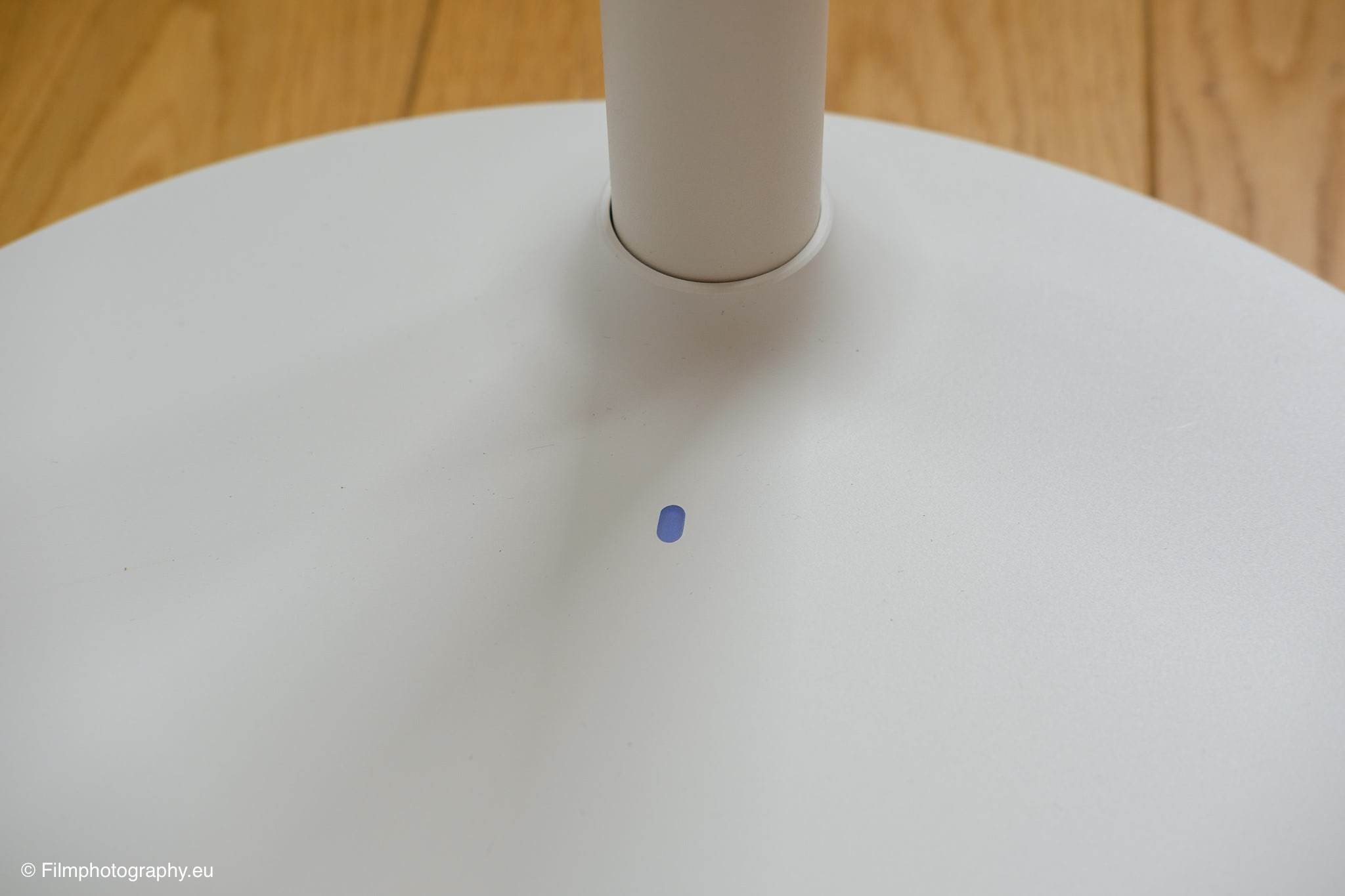
The built-in battery is the central element of the concept, as it makes annoying cable management obsolete as long as you rely on the internal power supply. The charging cable is somewhat reminiscent of an old laptop cable. Unlike today’s smartphones and tablets, the device from Apolosign cannot be charged via USB-C.
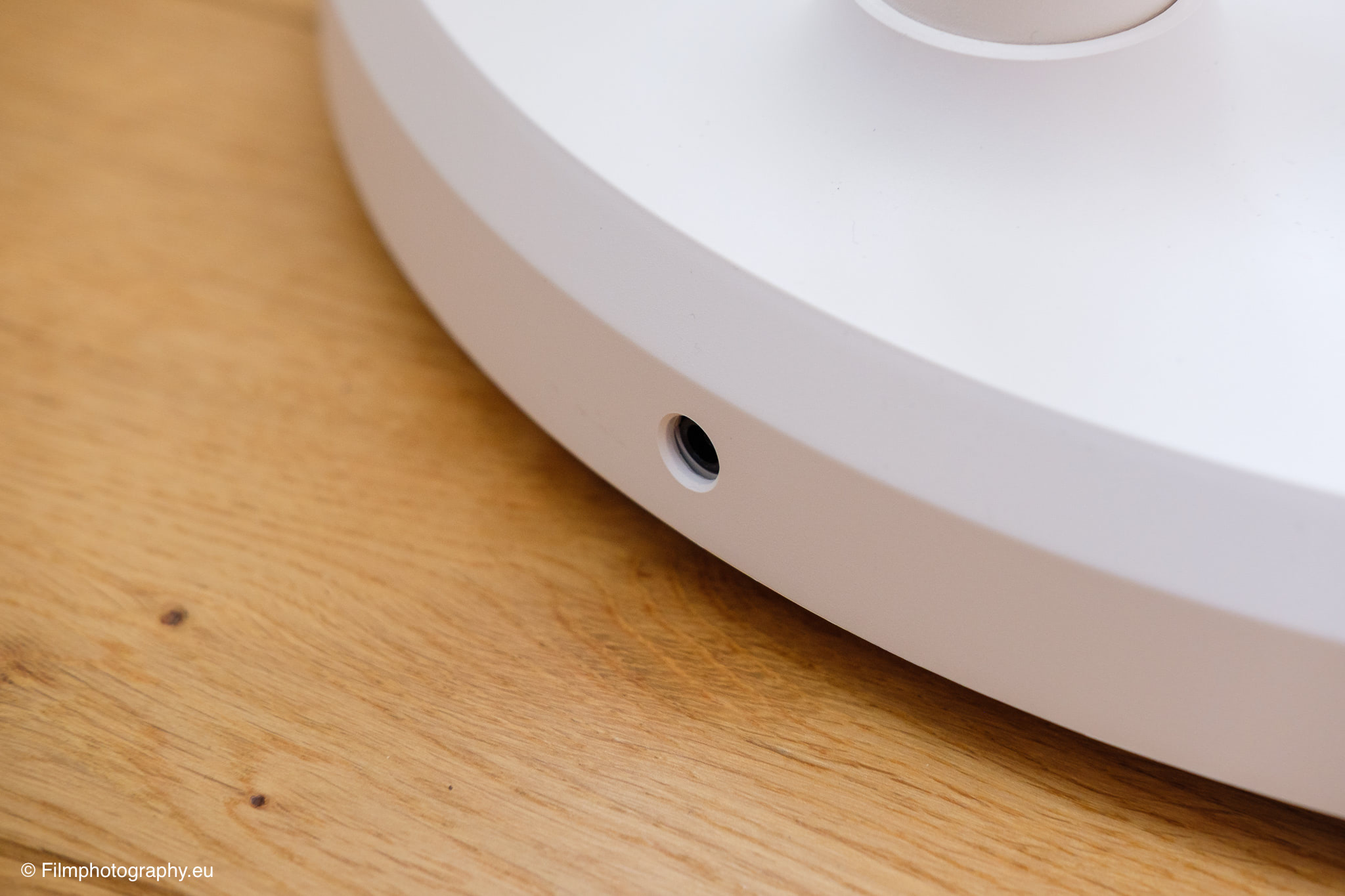
Operation is primarily via gestures on the screen. The touchscreen is responsive, even in the corners. It can be used well with the remote control. A holder on the base or on the back would be practical here, so that you don’t misplace the remote.
First Impression in Practice
In daily use, the device reveals many strengths, but also small quirks in its operation. The picture of the 4K version is sharp, the colors look natural to me, and the contrast is pleasantly balanced.
The built-in panel reduces distracting reflections from windows or artificial light sources to a certain extent. It is a great pleasure to retreat to a cozy corner of the studio with the screen to calmly review reference material or watch a long video.
The wireless freedom is a considerable gain in comfort that you quickly learn to appreciate. You simply push the device to wherever you need it at the moment, without having to search for a free power outlet.
The response time for direct inputs on the glass is appropriately short. However, there are also small hurdles in navigating the interface. Sometimes it doesn’t recognize the swipe from bottom to top to close the app. Especially if there is something located there, like the video scrubber bar. But there is also the option to display virtual buttons; this naturally has the disadvantage that you lose a part of the screen.
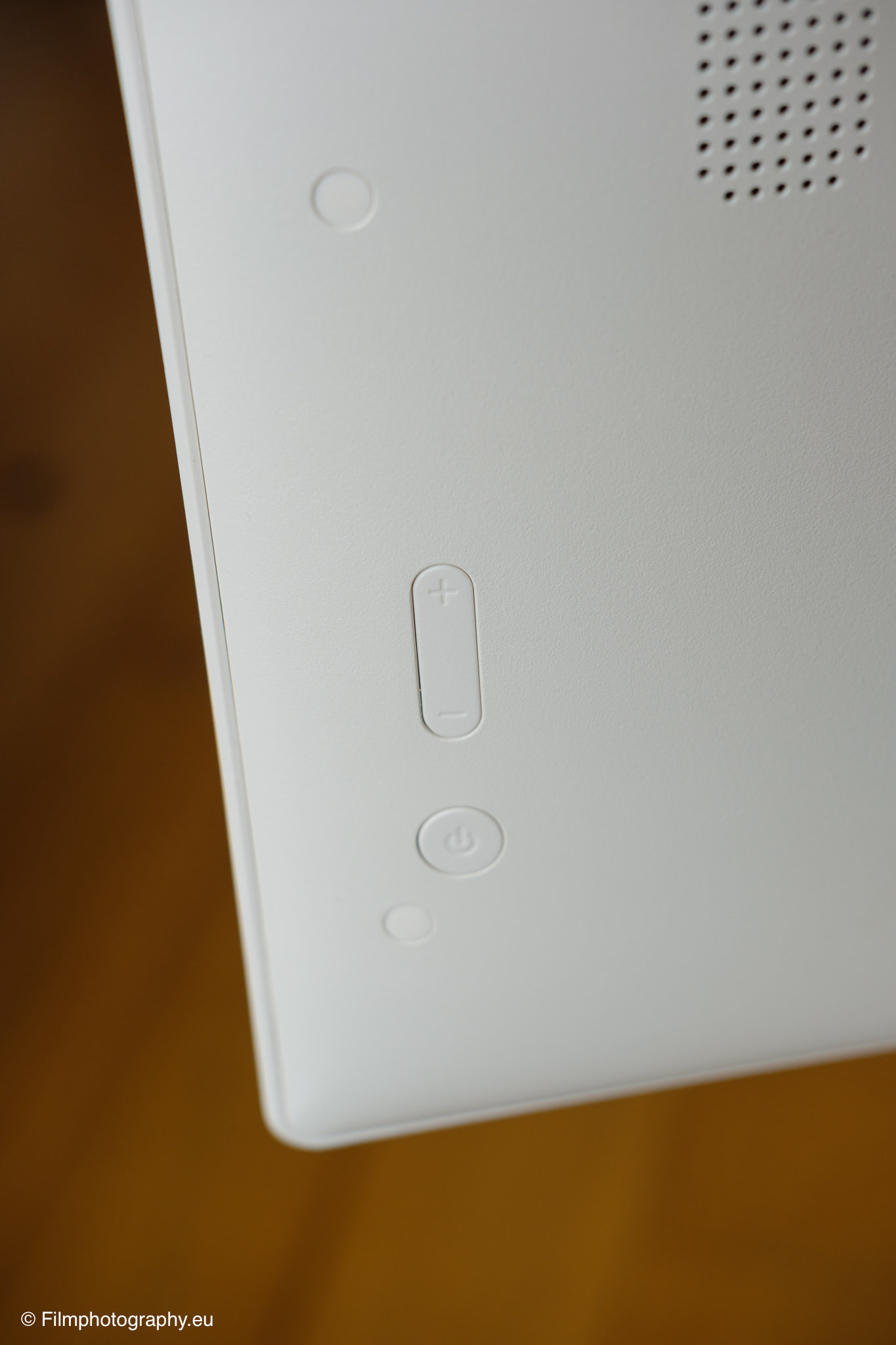
Unfortunately, the touchscreen does not support touch-to-wake-up. This means you either have to press the button on the back (which is located below the volume keys) or use the remote control. An invisible button on the front would be quite nice here, because I personally sometimes find it difficult to locate the button on the back. Of course, this might just be the case at the beginning until you get a bit used to it.
Nevertheless, the positive impression clearly outweighs the negatives. The flexibility to seamlessly adjust the tilt of the screen and rotate it into portrait format as needed opens up new ways of viewing visual content. In my first days of testing, the battery performance was easily sufficient for extended sessions without me having to constantly check the battery level.
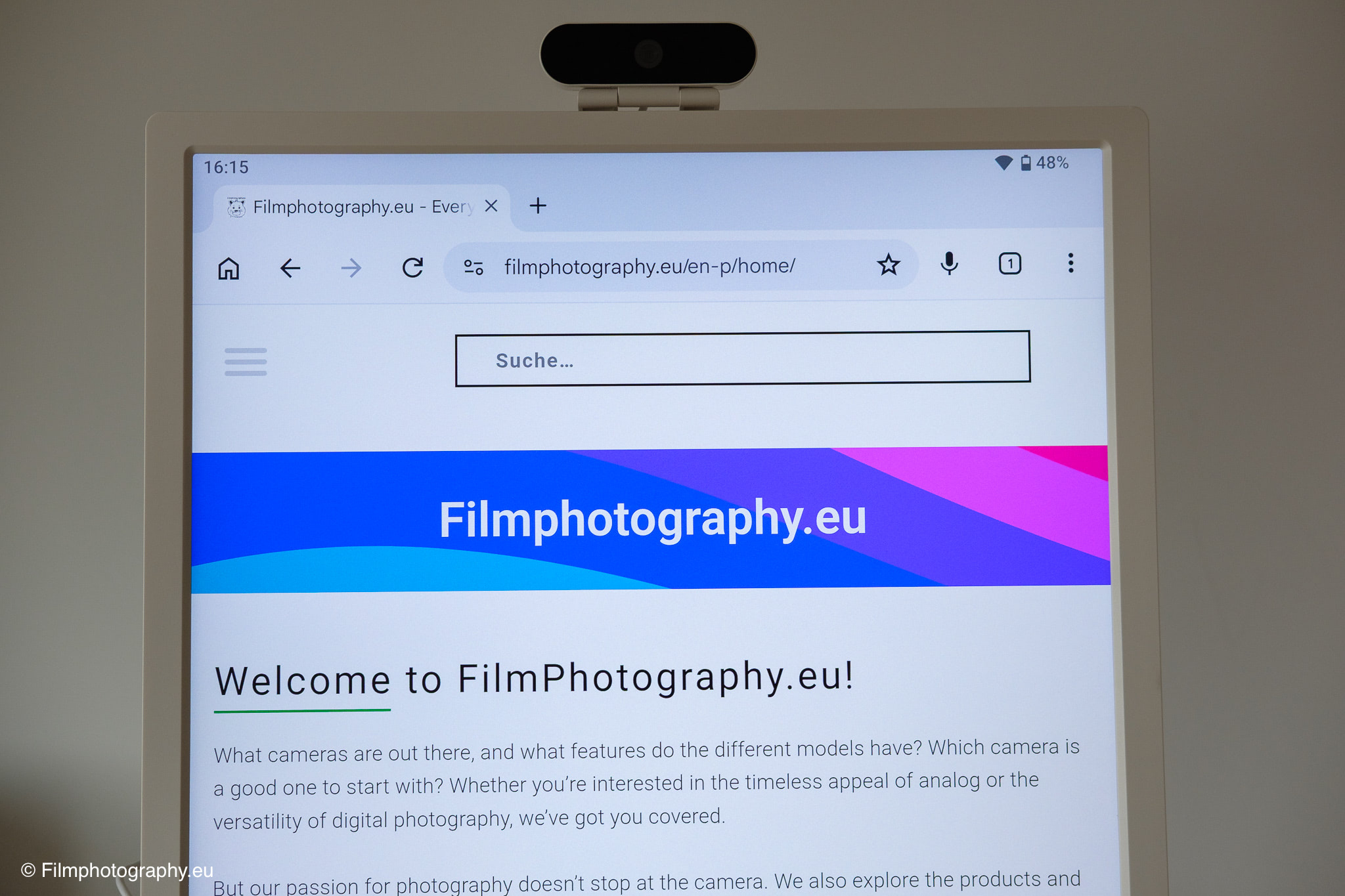
The big advantage of the Apolosign 32″ Smart Portable TV compared to a normal television or monitor is Android. In theory, you can use all apps for the operating system, even if not all apps are designed for the size of the screen. This way, you are not dependent on things like the ability to stream content to the TV, or generally dependent on a smartphone.
Teaser: Use as a Photographer
For my specific photographic work, I see considerable potential in this device that goes far beyond the mere consumption of movies or series. A monitor on wheels is ideal, for example, to serve as a mobile preview monitor directly on set during more complex photo shoots. Clients or models could view the fresh shots immediately in full size without having to crowd around a small and often dim laptop screen.
There are also benefits for subsequent, detailed image selection and portfolio discussions in a relaxed environment. In conjunction with wireless image transmission directly from the camera or via a local network, this opens up fluid workflows. The ability to view portraits on a thirty-two-inch screen diagonal in portrait orientation gives the images a very unique presence.
Exactly how the Apolosign integrates into my specific workflow as a photographer, how stable the connections remain in everyday studio life, and how it performs in the critical assessment of fine tonal values and details in the shadow areas, I will explore in detail in an upcoming article. This first contact definitely makes one curious about its professional application.
Buy
Anyone who has now found an interest in this device can find out more directly from the manufacturer. You can order the device there and find detailed information once again.
Having used similar mobile kiosks in corporate settings, the stability here is actually quite impressive. I’d recommend checking the caster quality if you have thick rugs, though.
Finally, someone is making these accessible for normal people. It’s about time. Definitely picking one up for the living room.
i love the idea of a portable screen. i think this would be perfect for my art studio when i need to reference photos while painting!
Honestly, the camera quality being just ‘fine’ is a bit disappointing at this price point. I wish they had integrated it better instead of a USB attachment.
Interesting concept. I’ve been looking for something like this for my home office, but I wonder how long the battery actually lasts with heavy use? 8 hours seems optimistic.
It’s a bit heavy, isn’t it? 20kg sounds like a real pain if you have to move it between different floors in a house. Why no locking wheels?
Great article, thanks for sharing! This looks like a solid upgrade from the usual bulky stationary TVs.