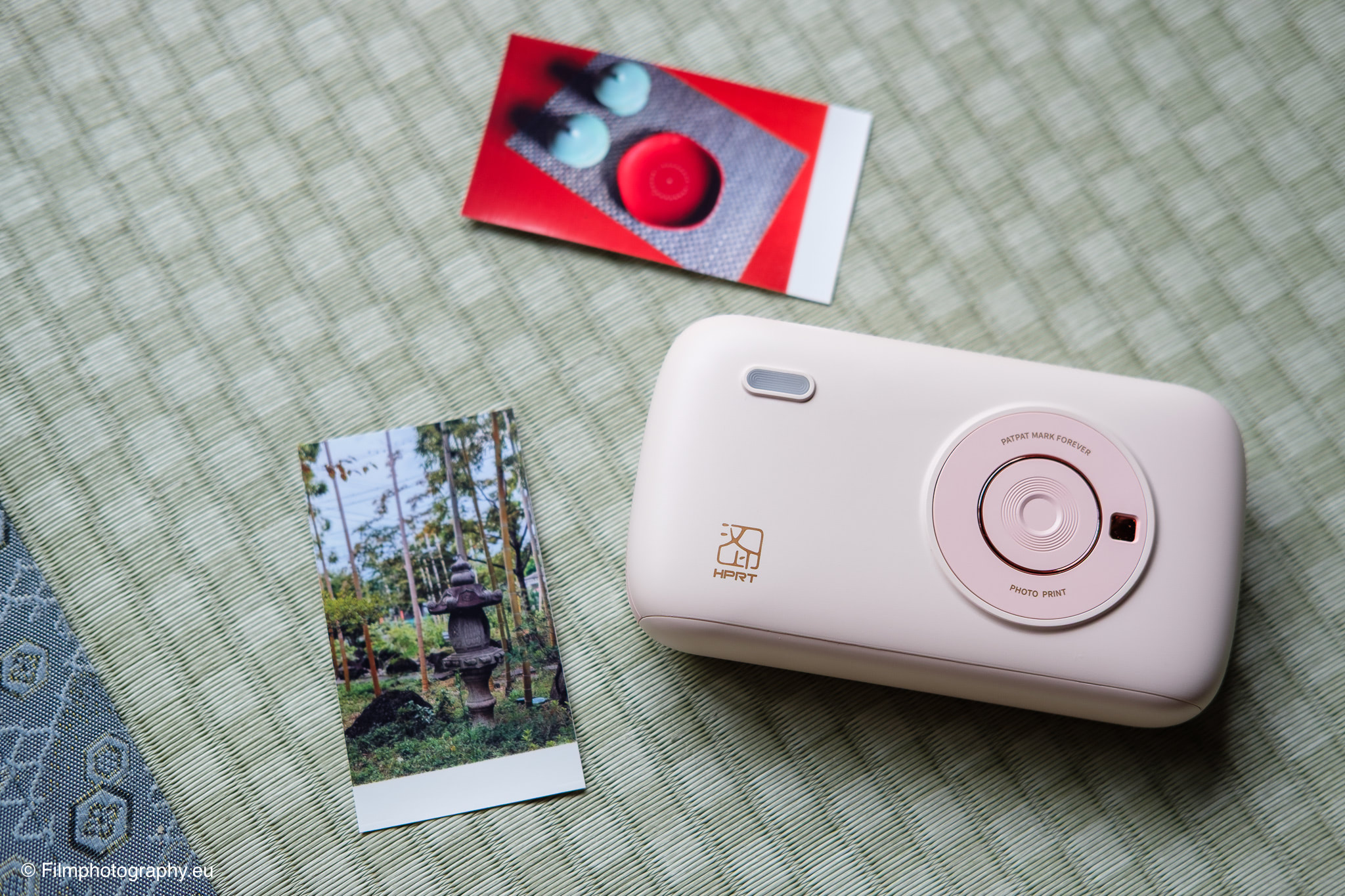
As a photographer, I love the printed image. For the best possible quality, there’s naturally no way around a professional photo lab. But there are moments, especially when traveling, when I want to hold a photo in my hands immediately. Be it as a gift or for my travel diary.
It was precisely for this purpose that I stumbled upon the mobile photo printer HPRT CP2100. But can such a compact device be more than just a technical gimmick and truly find a place in a photographer’s camera bag?
Size, Scope of Delivery, and First Impression
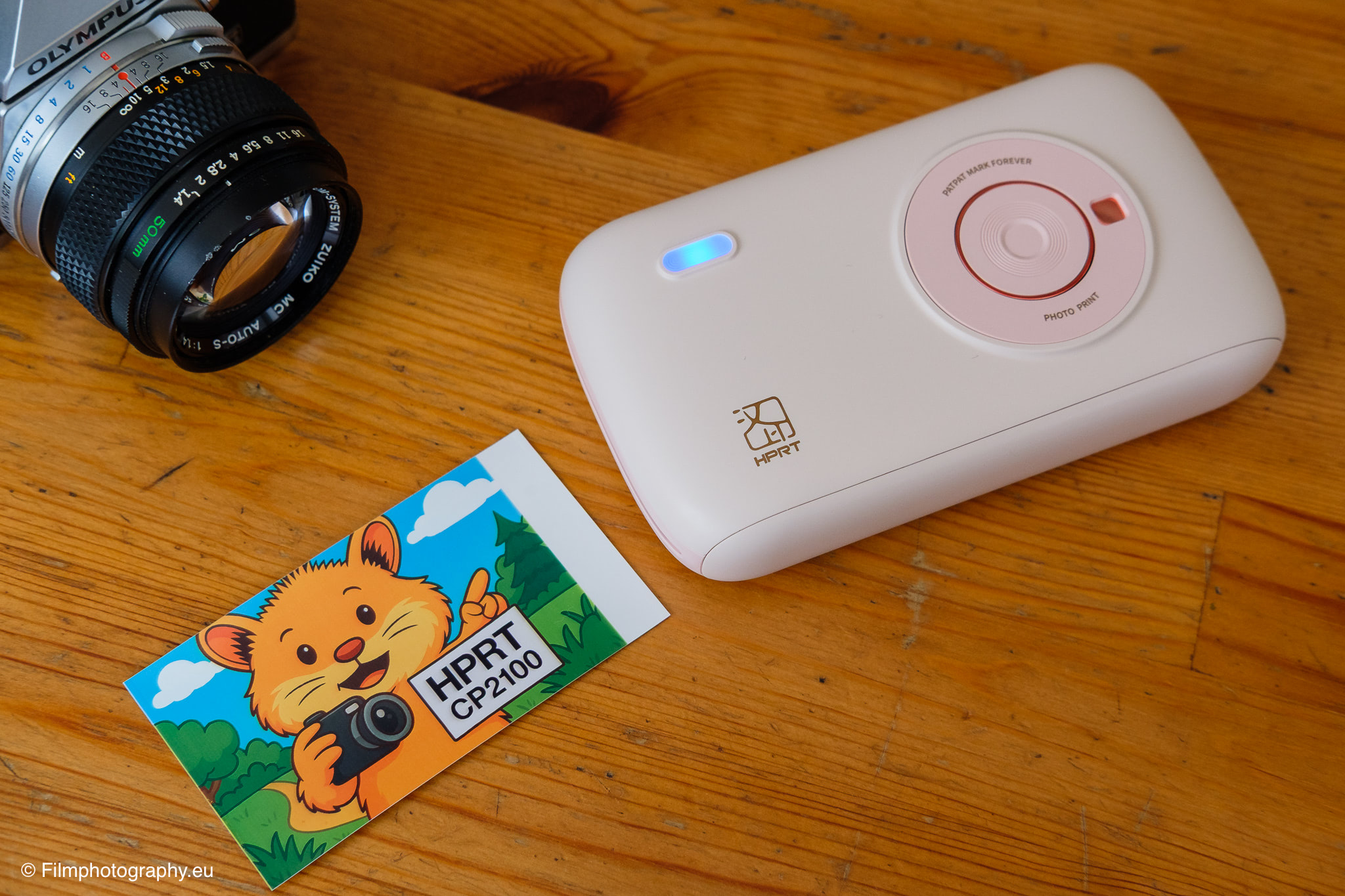
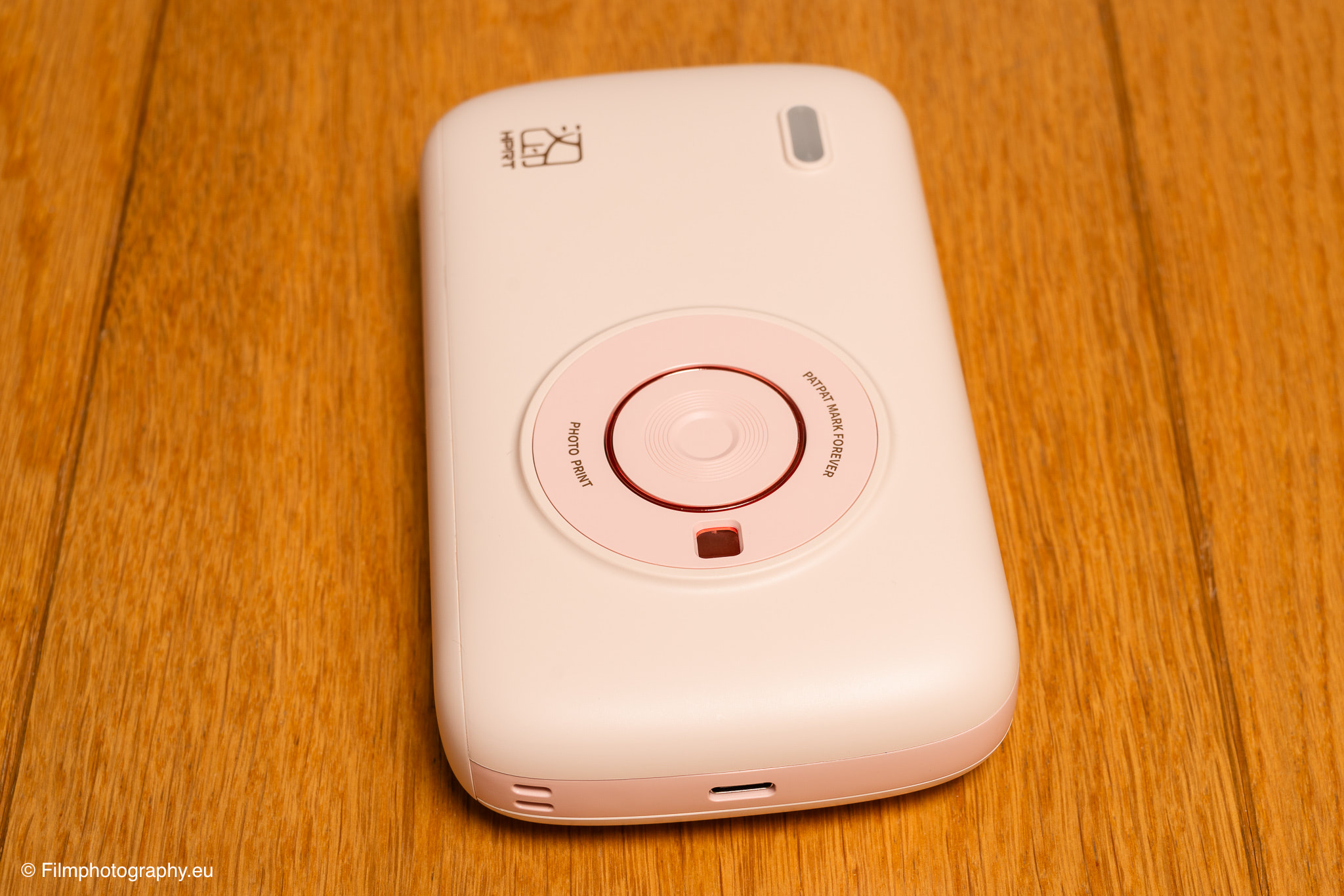
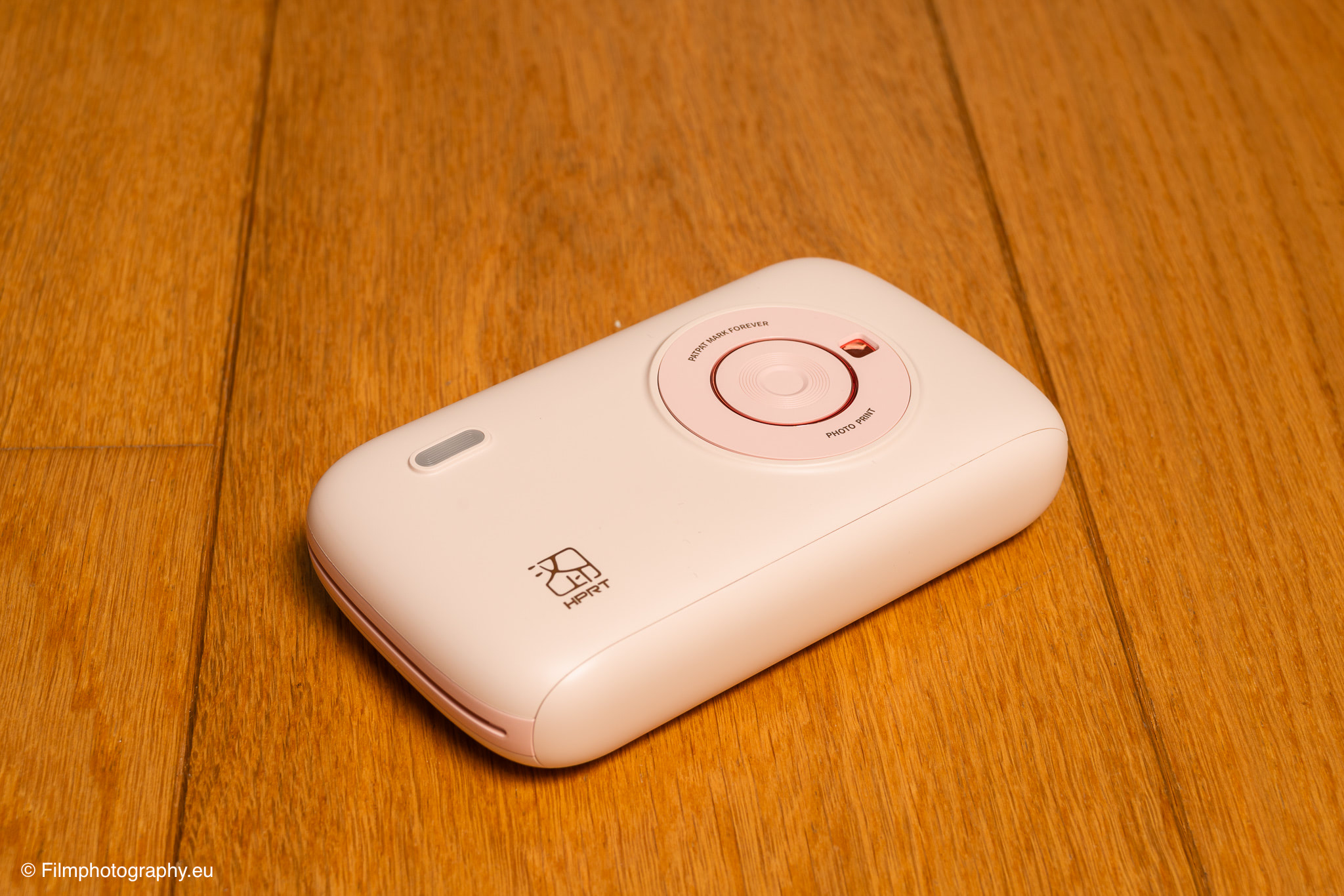
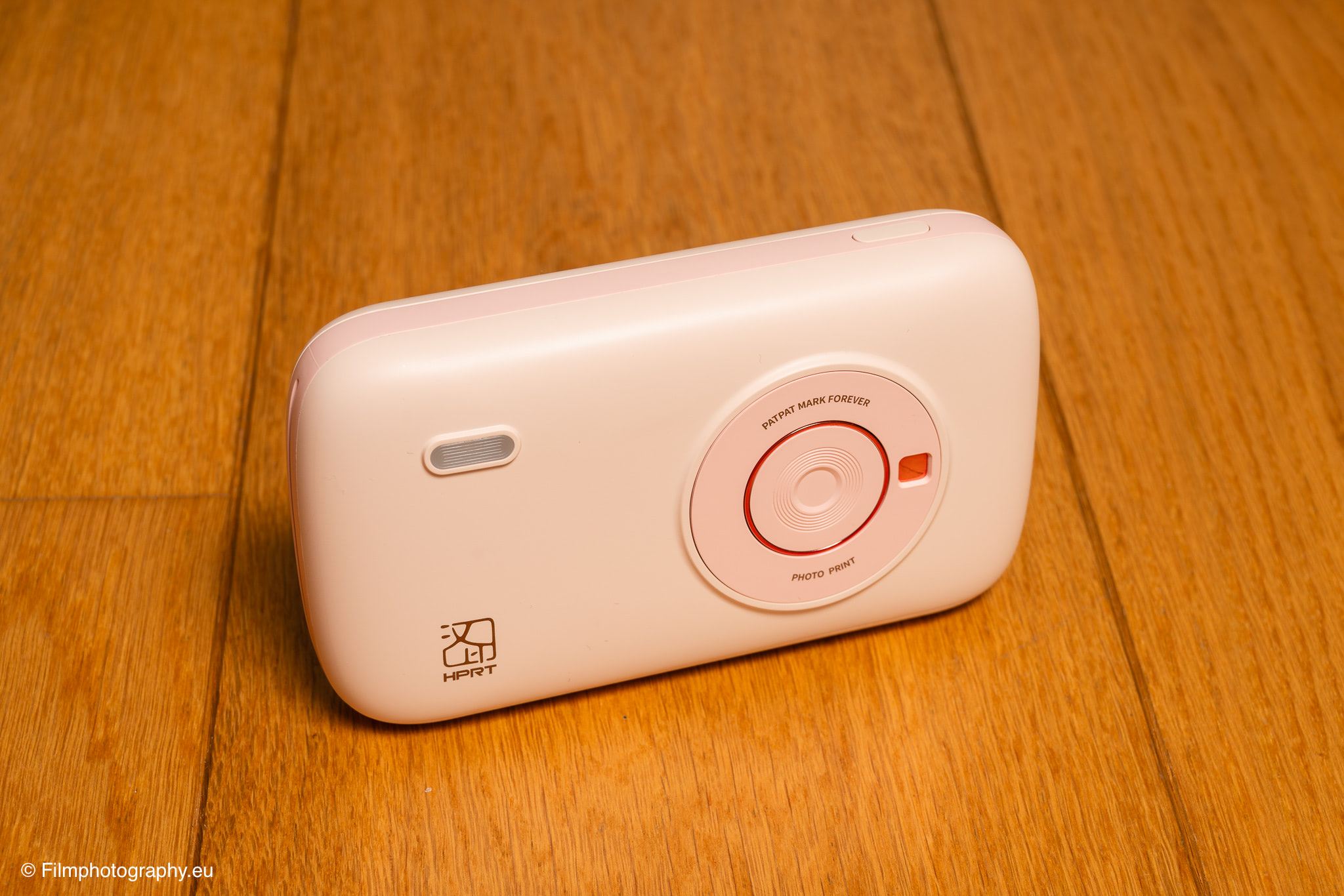
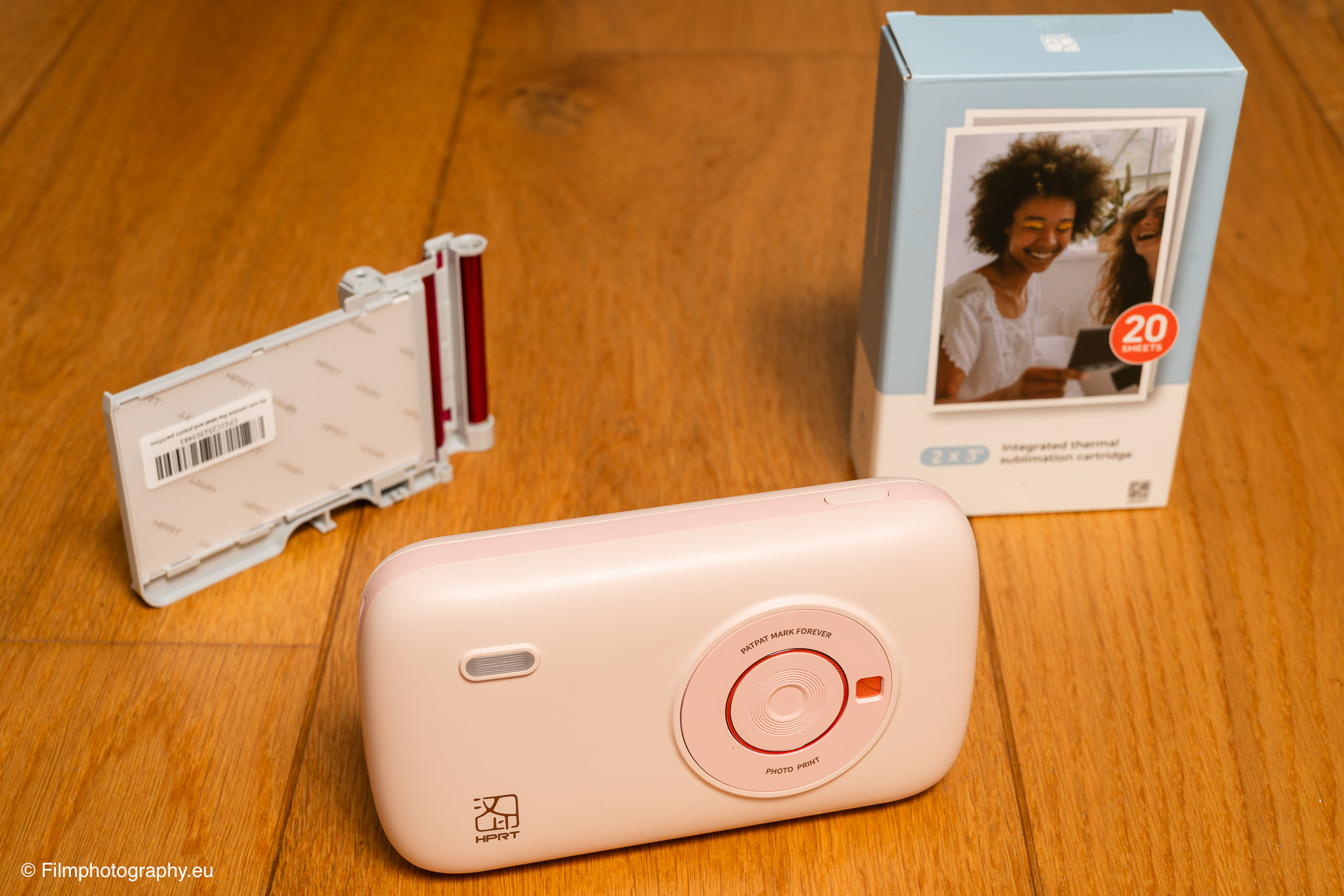
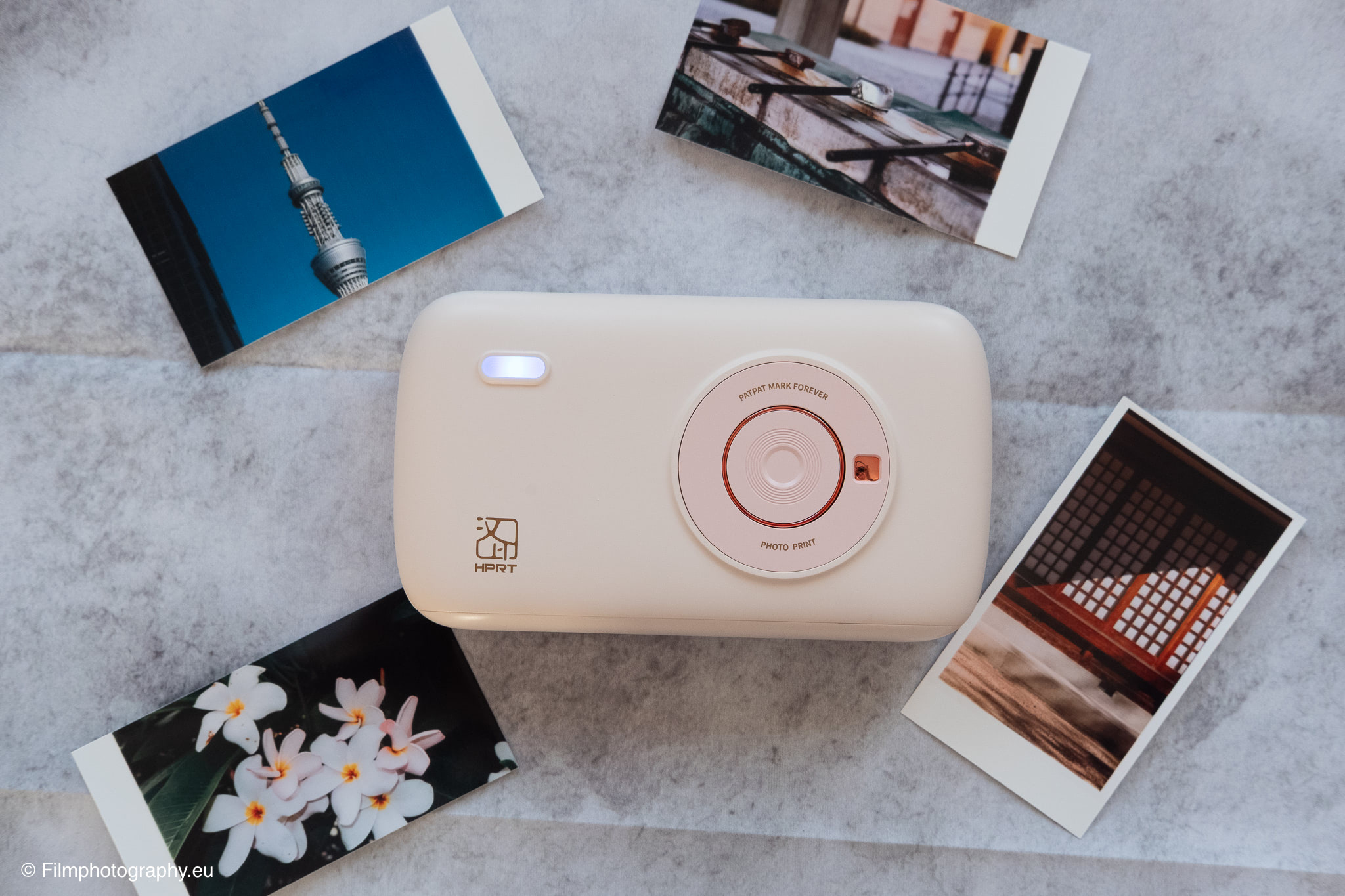
Even when unpacking the HPRT CP2100, it’s clear that attention has been paid to an attractive exterior. The design is simple, almost minimalist, and with its rounded shape and central element reminiscent of a lens, it resembles a small compact camera.
The plastic casing feels high-quality and is cleanly processed, without creaking gaps or sharp edges.
With its compact dimensions of only about 146 x 83 x 34 millimeters and a weight of around 280 grams, it really fits easily into a jacket or camera pocket.
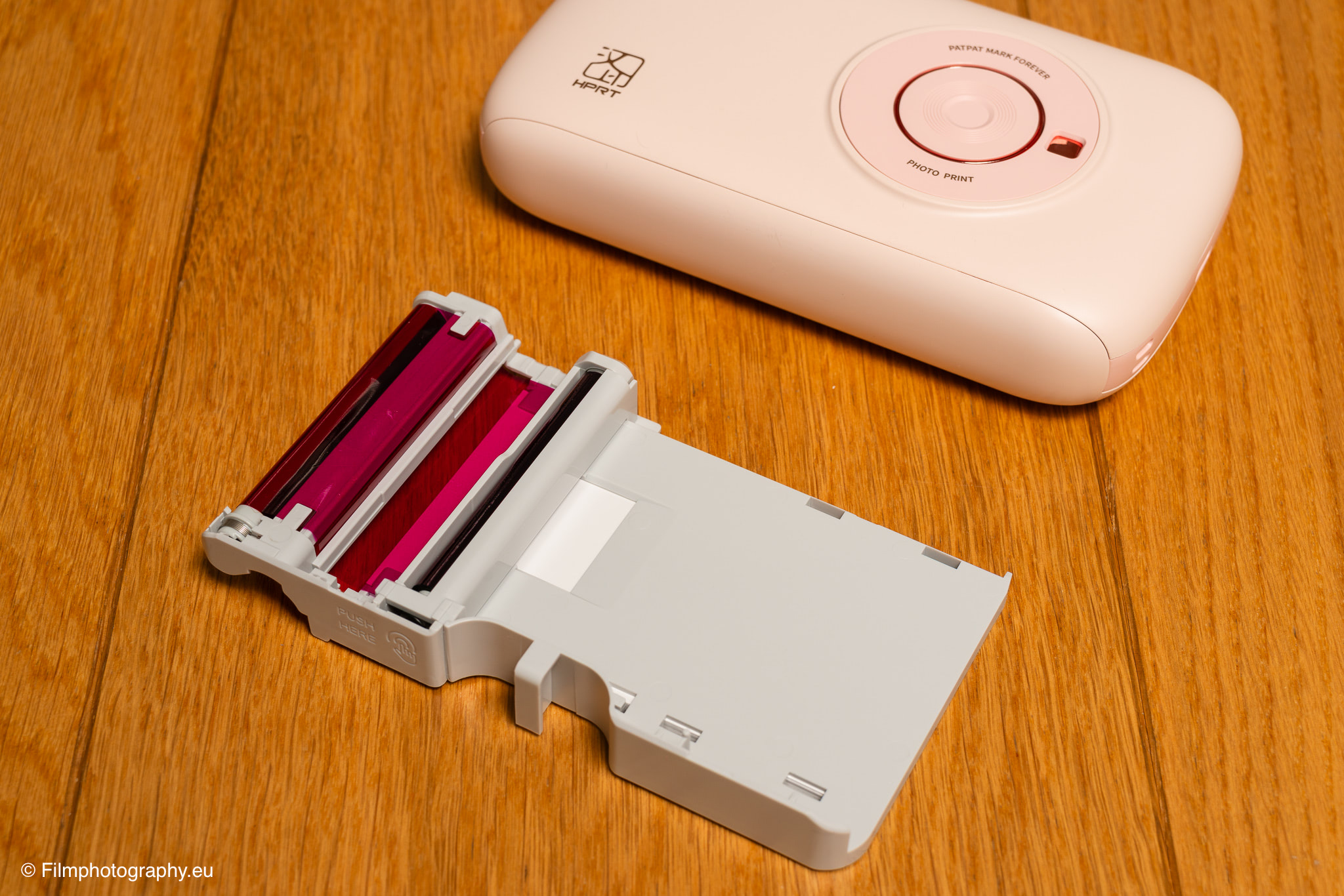
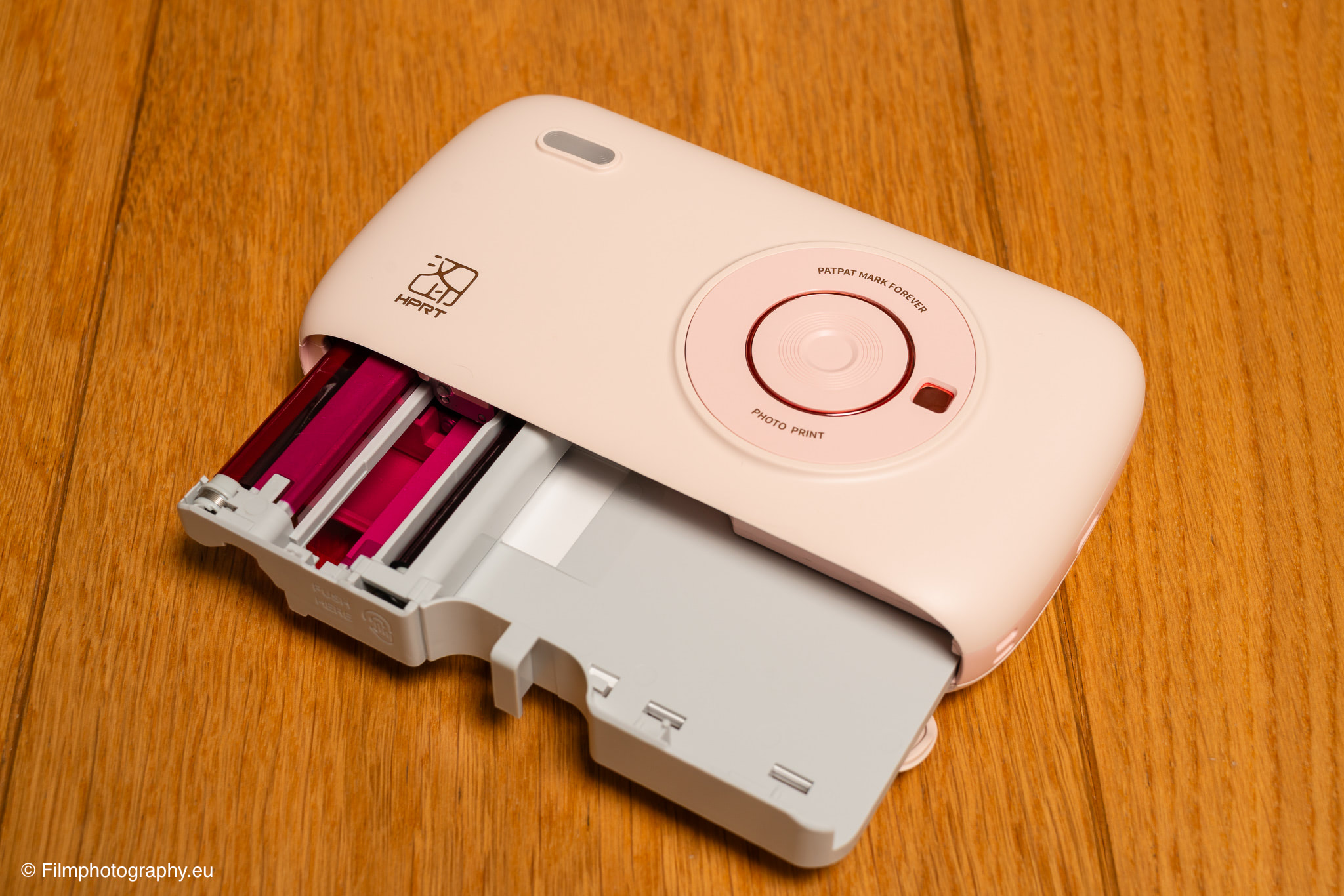
The controls are reduced to the essentials: a single button for switching on and off and a USB-C port for the charging cable. The simplicity of the design continues in its handling; a flap on the side reveals the compartment for the print cartridge.
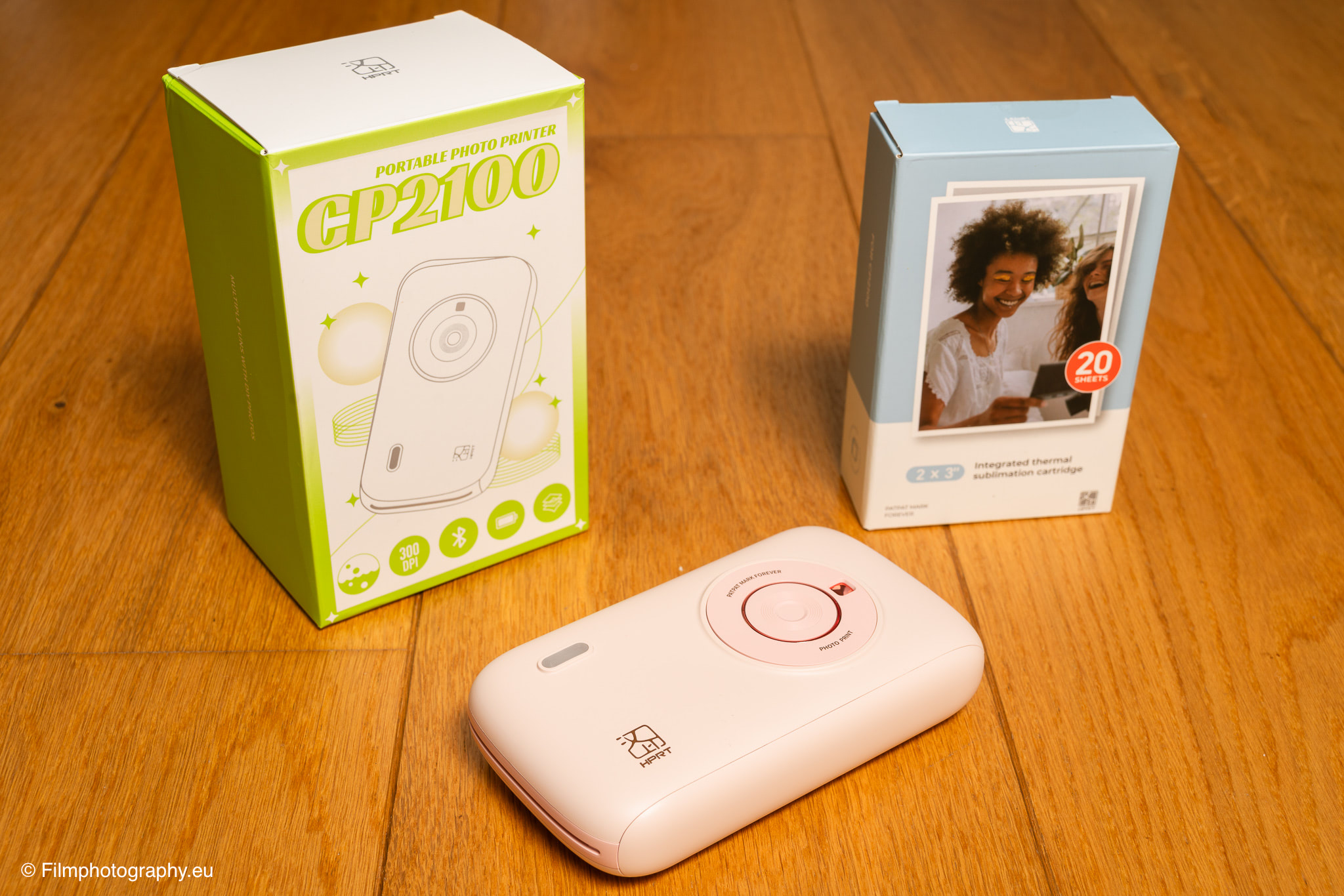
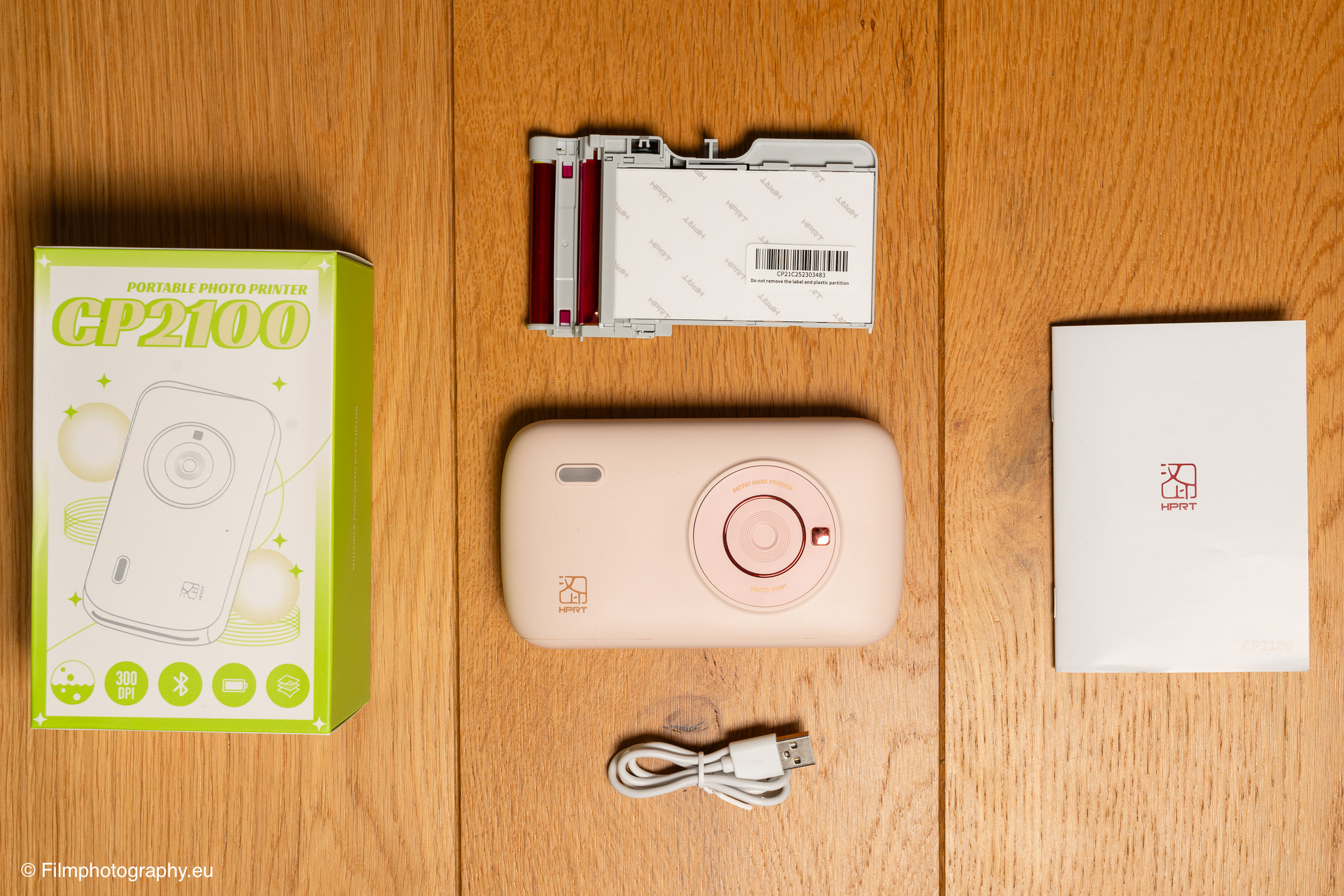
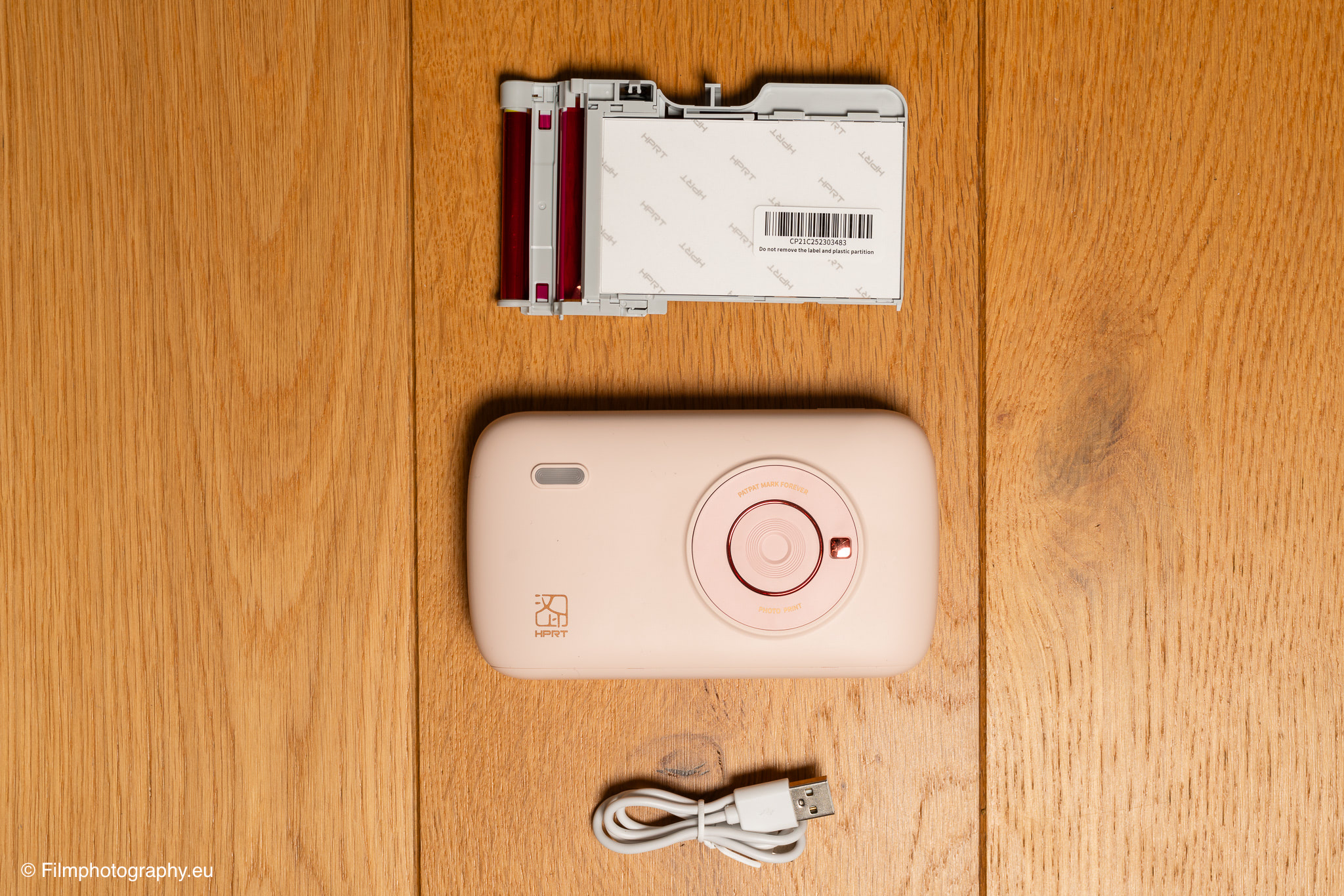
In addition to the printer itself, the scope of delivery includes a USB-C cable and an initial cartridge sufficient for ten prints. You won’t find a power adapter. However, you usually have at least one at home.
You can also charge the printer via a power bank if the power runs out. Unfortunately, charging and printing are not possible simultaneously.
Dye-Sublimation Printing
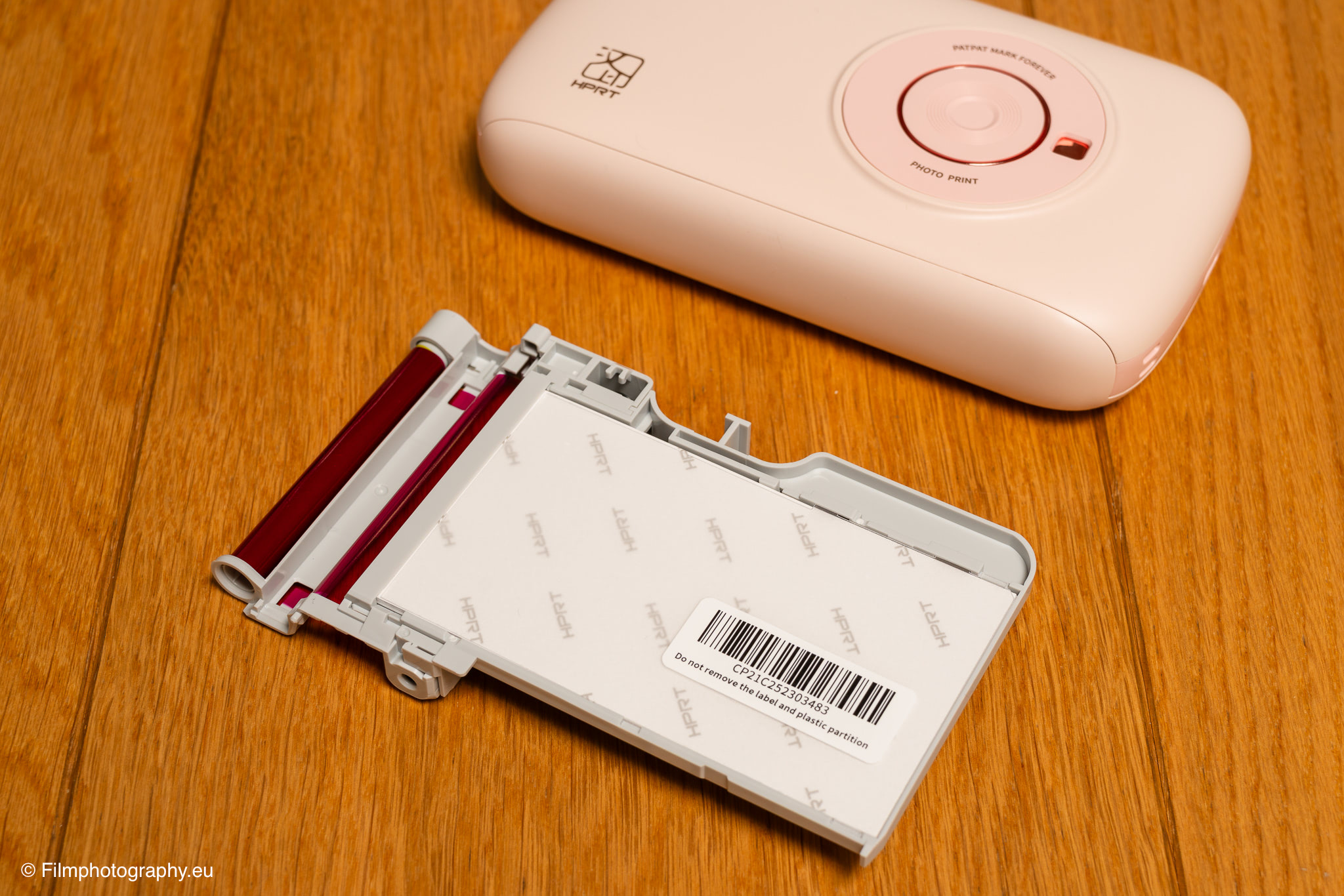
Inside the CP2100, a dye-sublimation printing process is at work. Unlike the dye-printers often found in mobile printers, which store their color information in special crystals in the paper, the HPRT uses a color ribbon cassette.
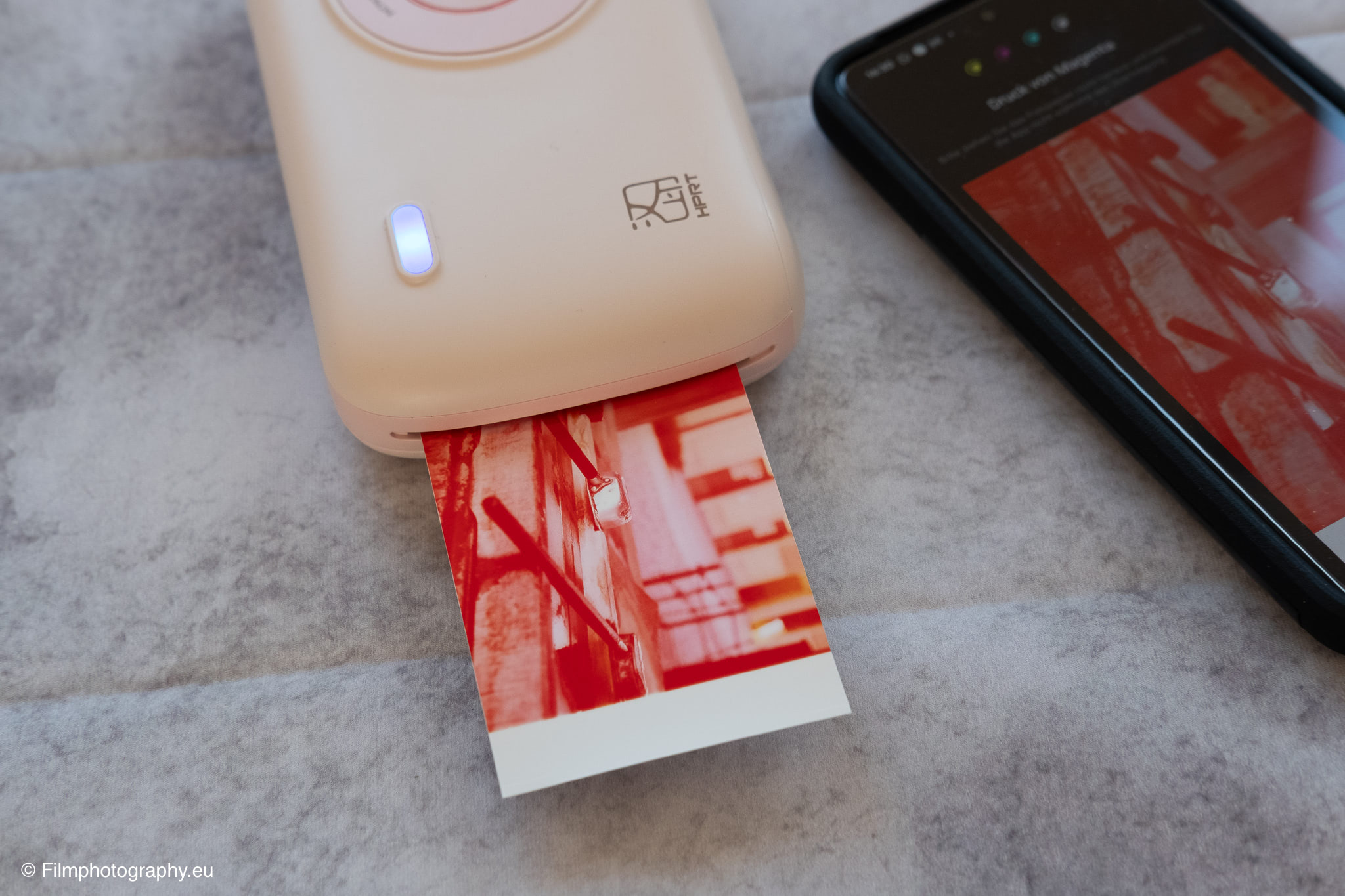
During the printing process, the photo paper is passed through the thermal print head multiple times. In each pass, one of the three primary colors (yellow, magenta, and cyan) is transferred (sublimated) from the ribbon to the paper using heat. This process allows for fine color gradations and high detail reproduction with a resolution of 300 DPI.
In a final, fourth pass, a transparent protective layer is applied to the image. This seal makes the print resistant to fingerprints, dust, and even water splashes and is intended to protect the colors from fading.
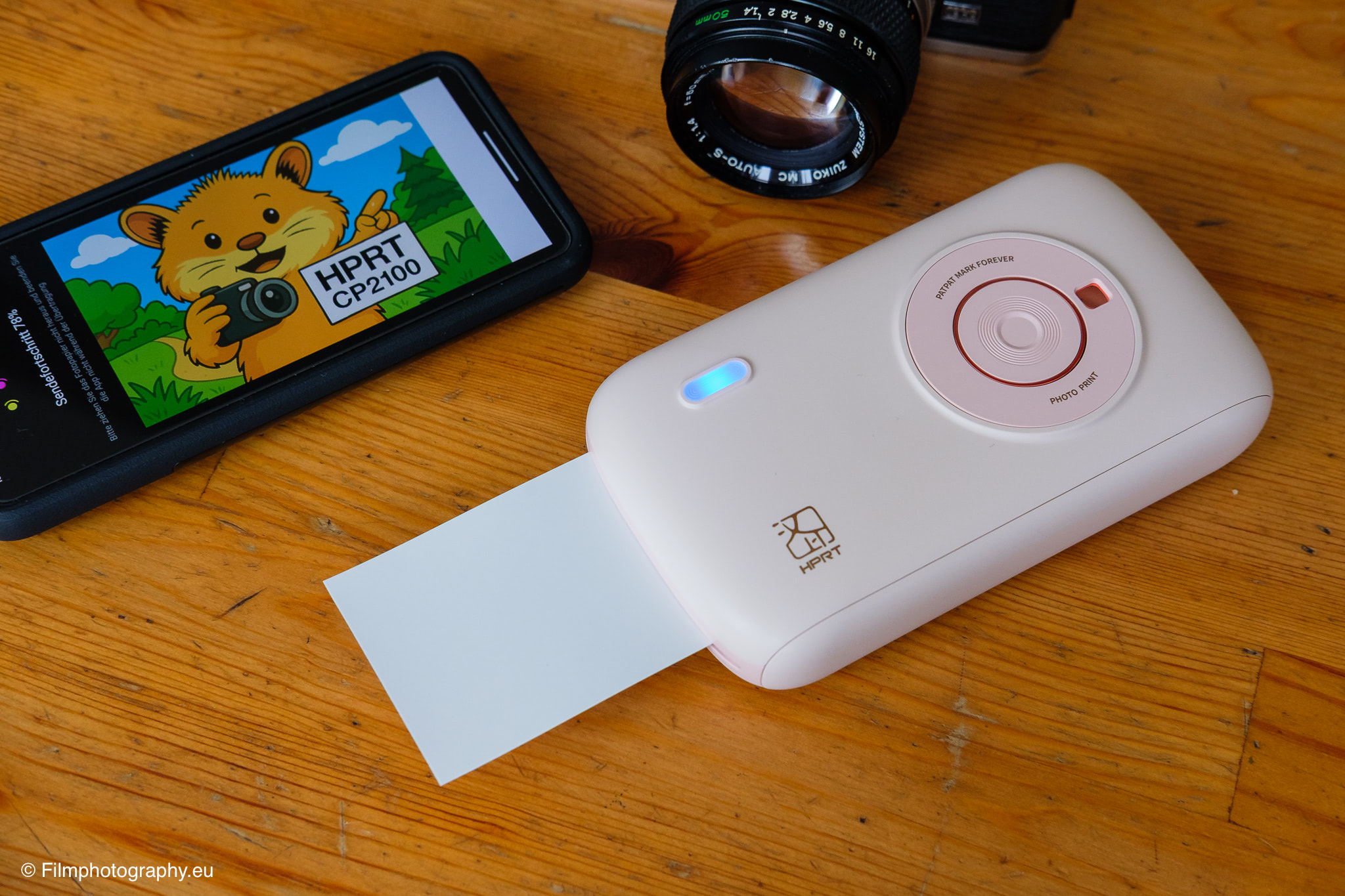
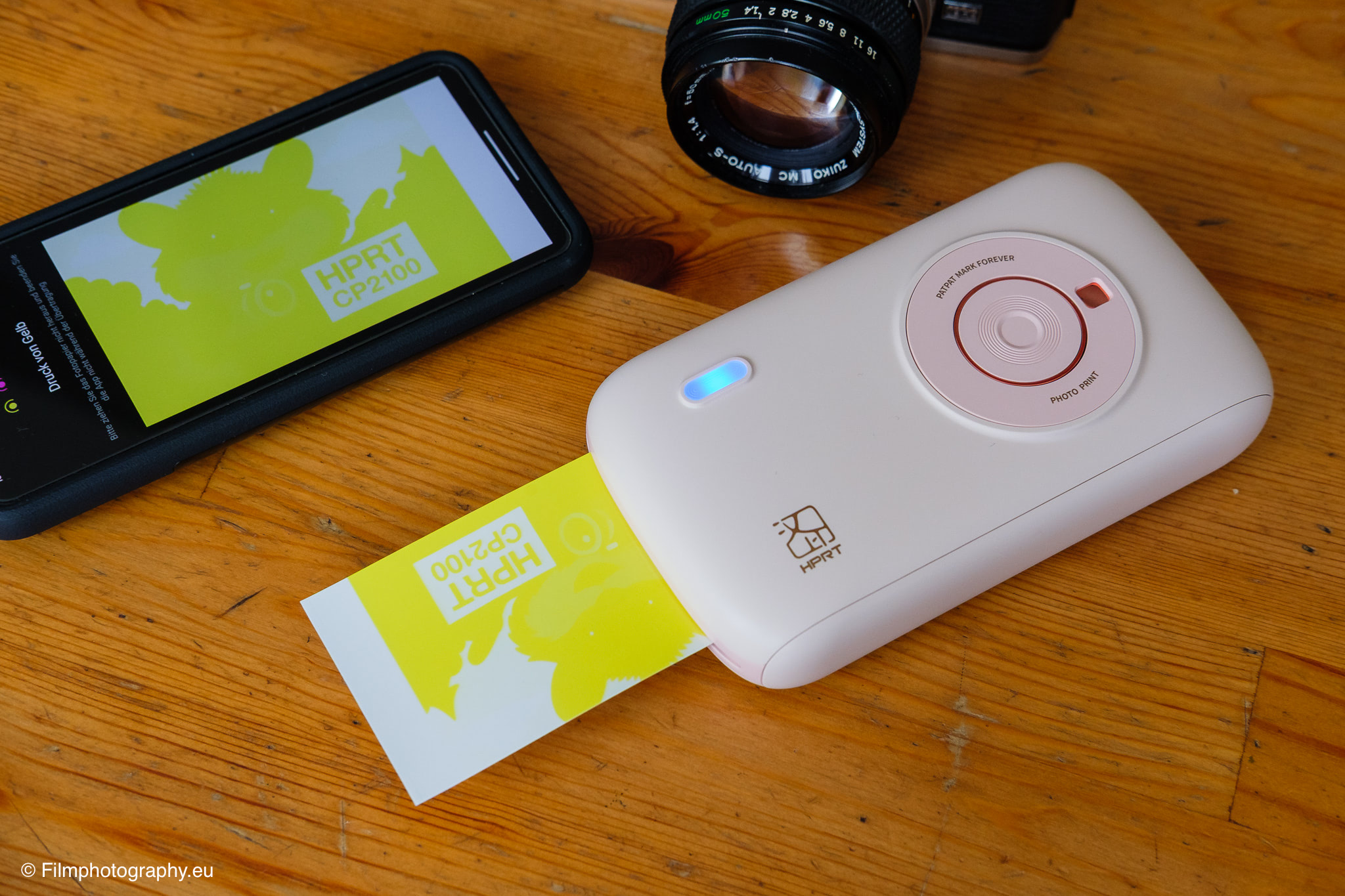
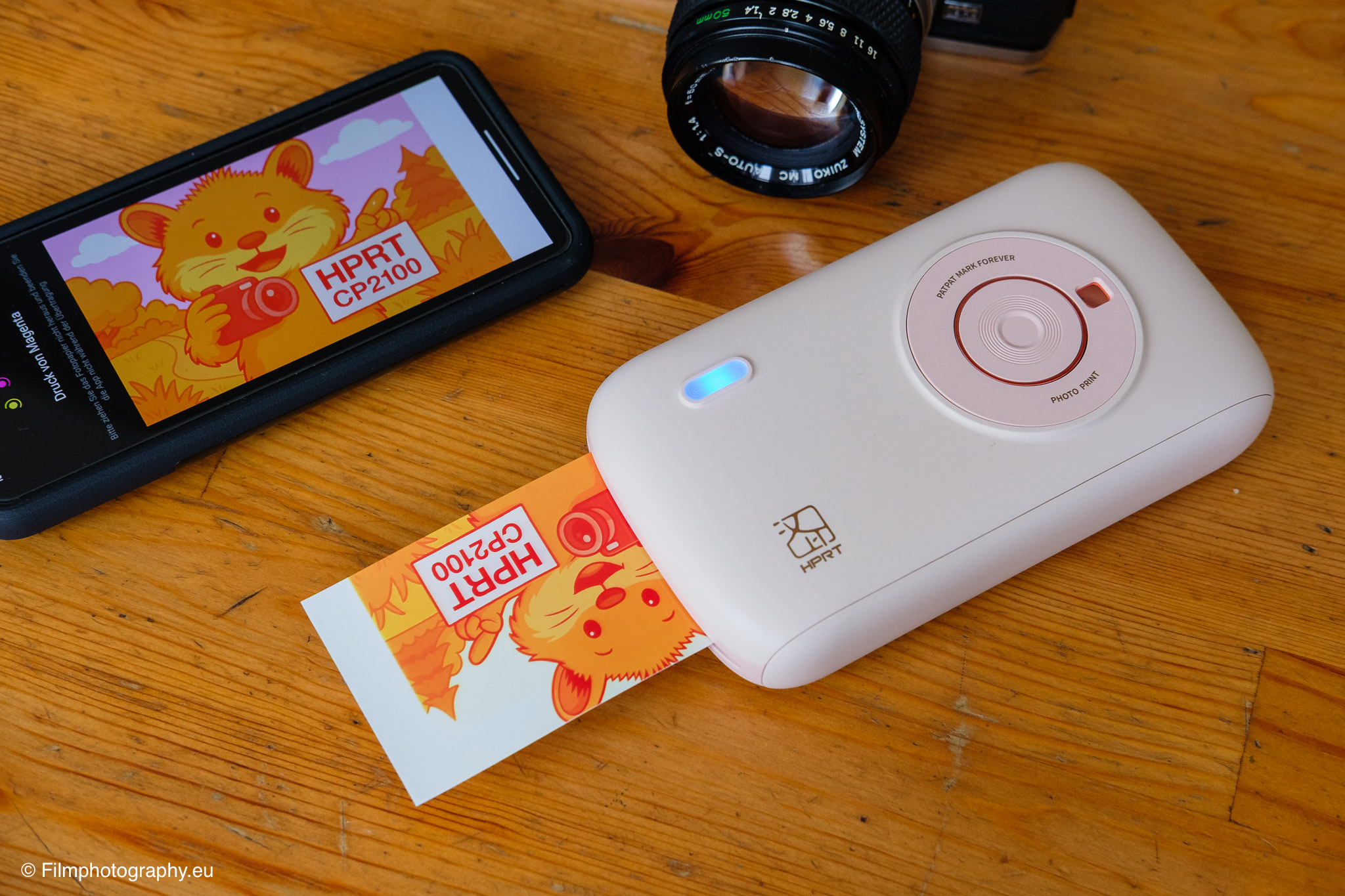
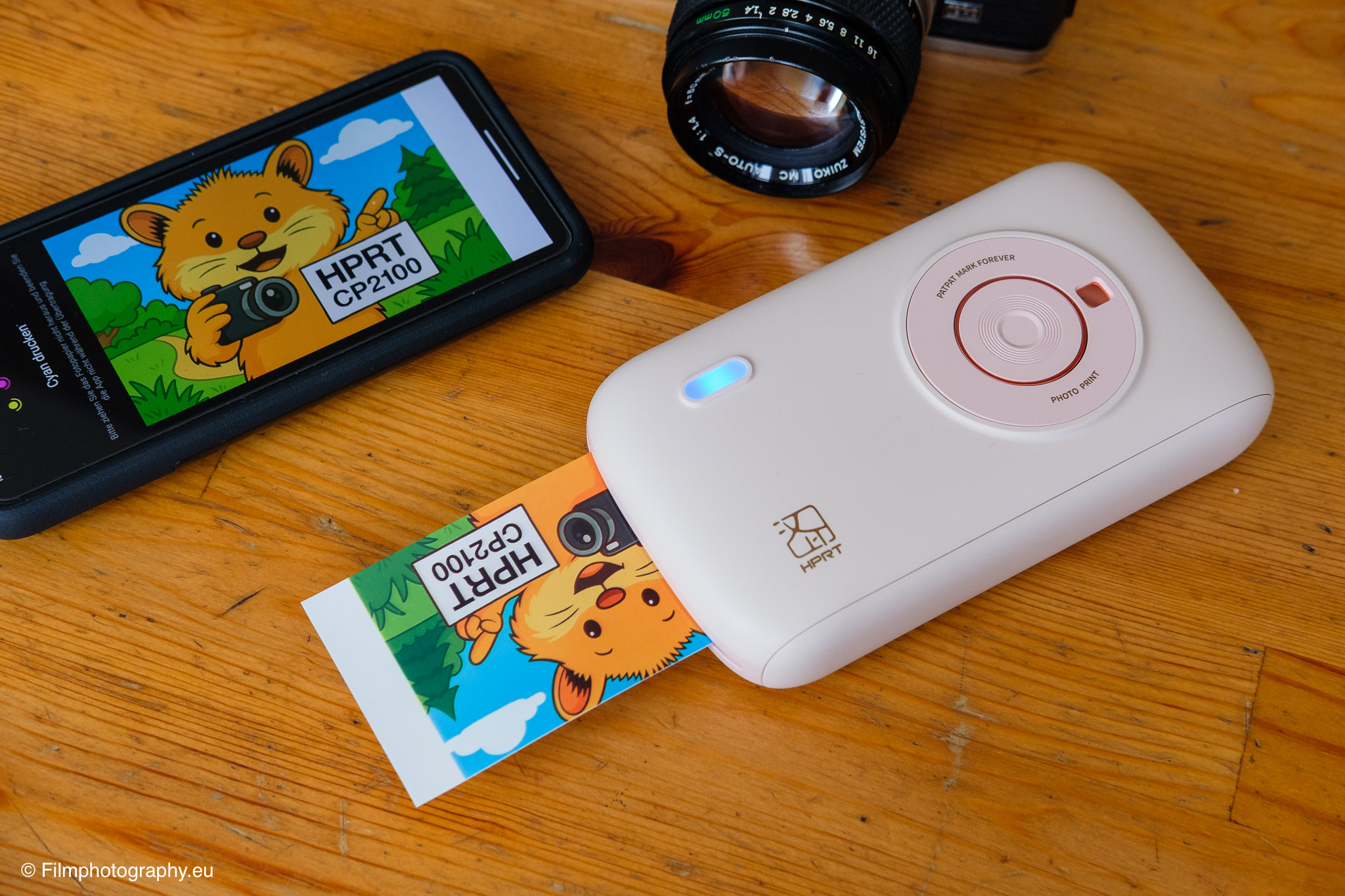
It is precisely this multi-stage process, where the image is created step by step and the photo paper is fed in and out of the device multiple times, that has an almost magical, almost nostalgic feel. It’s a bit like the slow appearance of an image in a Polaroid shot and creates a more conscious perception of the image creation process.
Features and Connectivity
Connection to the printer is exclusively via Bluetooth, which worked quickly and uncomplicatedly in the test. There is no Wi-Fi connection or direct printing options from a computer.
The entire control and image transfer is done via the accompanying app “HeyPhoto”, which is available for Android and iOS.
An interesting additional feature is the ability to print AR photos. This involves printing a still image from a video. If you later scan this photo with the camera in the HeyPhoto app, the corresponding video will play on your smartphone’s display, adding a dynamic layer to the static image.
The App in Daily Use
The initial setup of the printer via the app is refreshingly intuitive. After switching it on, the CP2100 is immediately recognized in the app and can be added with just a few clicks.
The app itself offers basic editing functions such as filters, adding frames, or creating collages. It is also possible to print passport or ID photos in various formats.
However, in the Android version, I noticed some awkward phrasing in the German translation. The formulations sometimes seem unnatural and machine-translated. An example is the option “Mit Grenzen” (With Borders) for adding a white border around the image, where “Mit Rand” (With Margin/Edge) would have been the more appropriate translation. While you generally understand what is meant, it slightly tarnishes the otherwise solid impression of the software.
Field Test on My Japan Trip
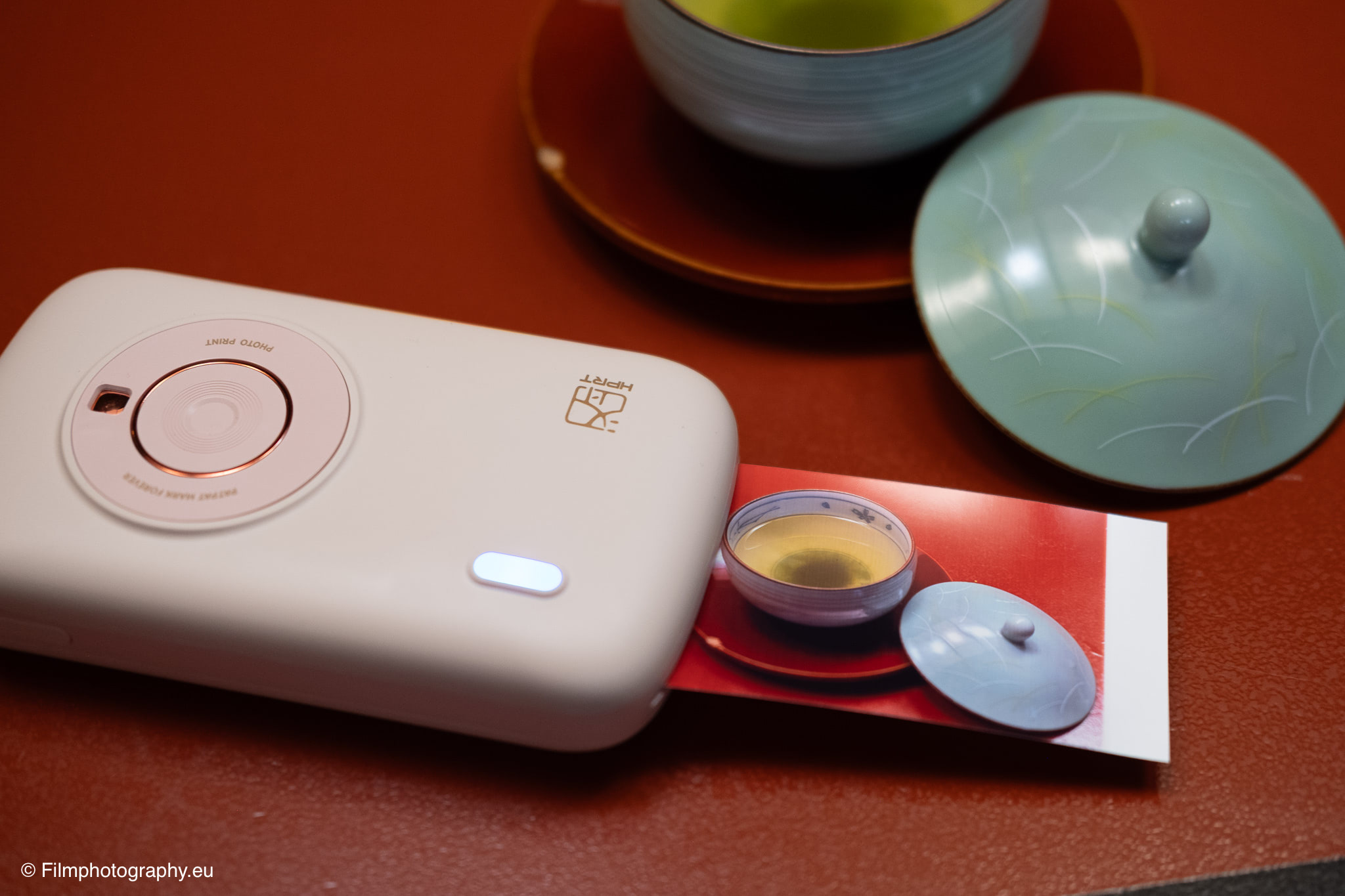
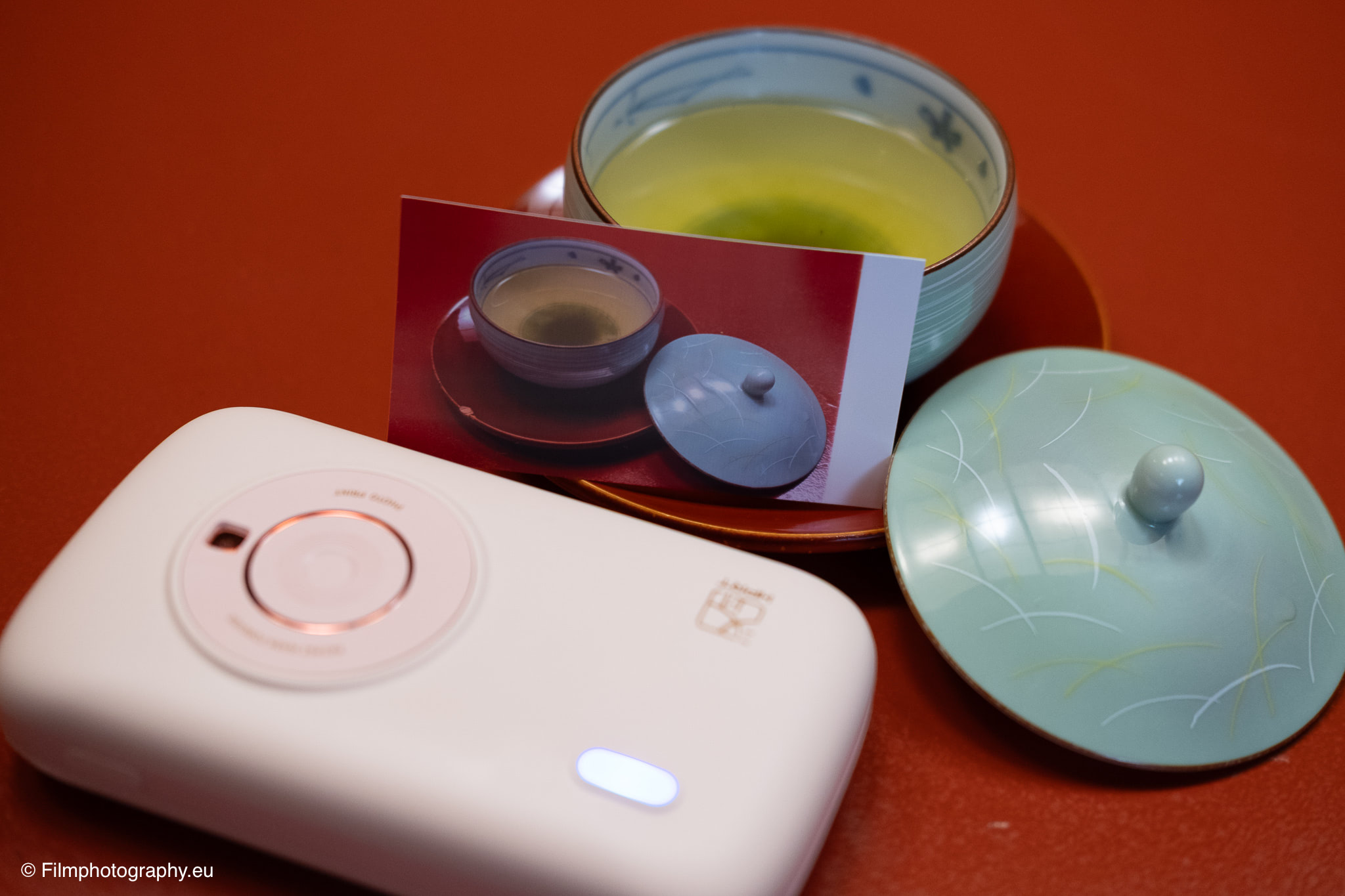
During my trip through Japan, the little printer proved to be a charming companion. The ability to not only capture special moments digitally but also to transform them into physical objects immediately opened up new possibilities for interaction.
For example, you can give friends or chance encounters the photo taken just moments before. A small, personal gift that always brings special joy and leaves a more lasting impression than the quick exchange of social media profiles.
The printer was also a valuable addition to my travel diary. Instead of leaving space for photos to be pasted in later, I could print the day’s pictures directly in the hotel room in the evening and place them next to my notes.
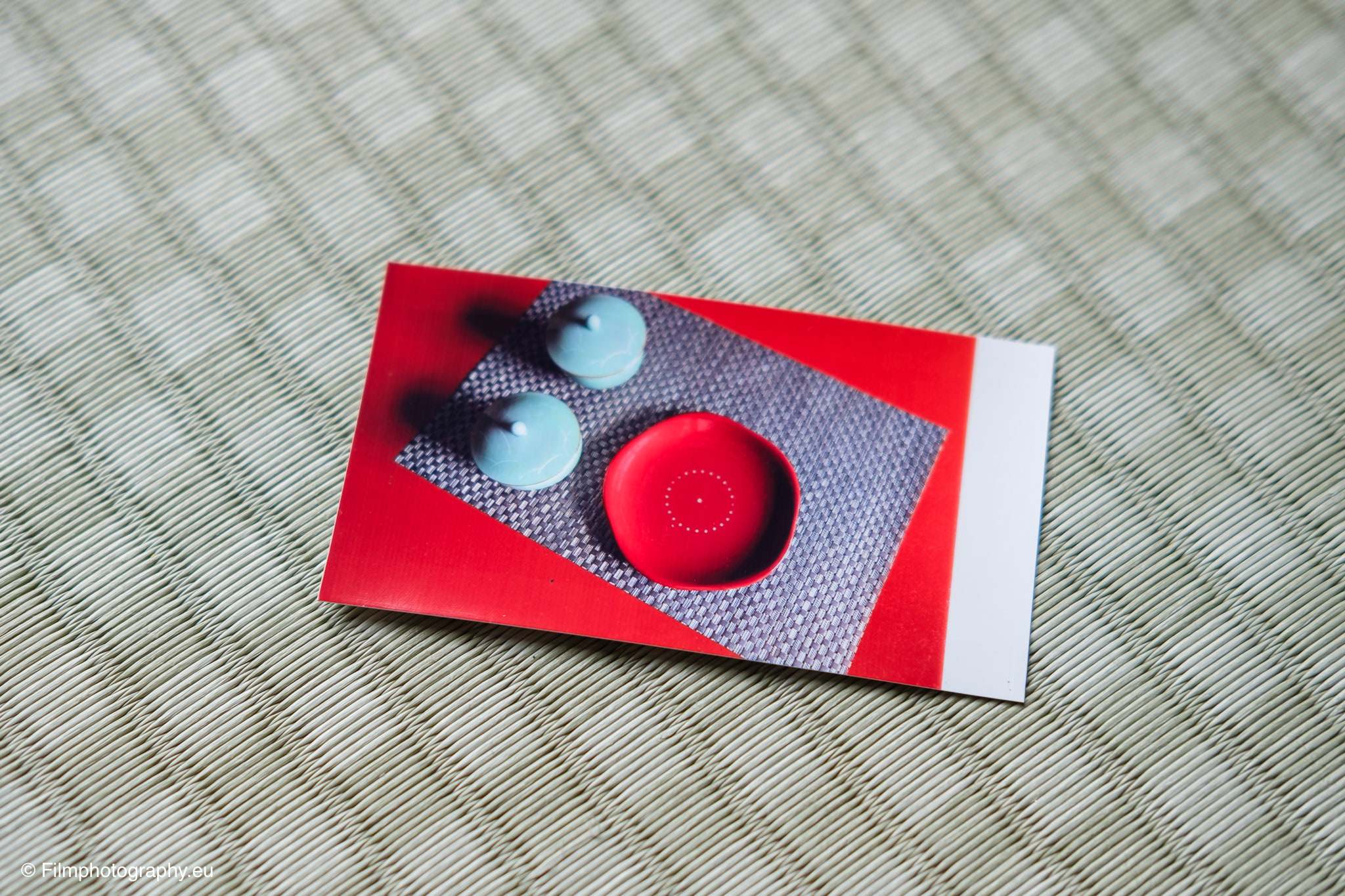
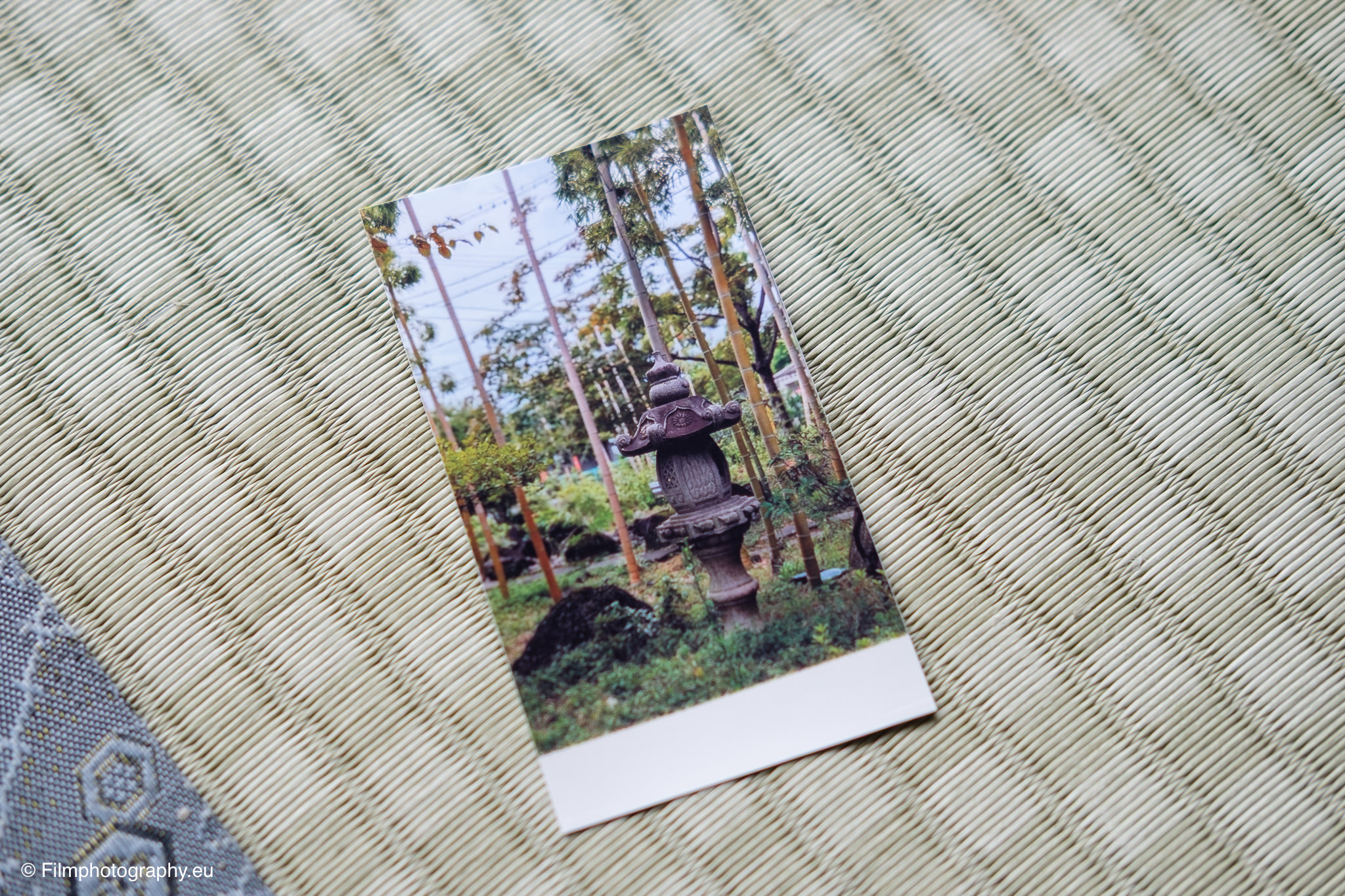
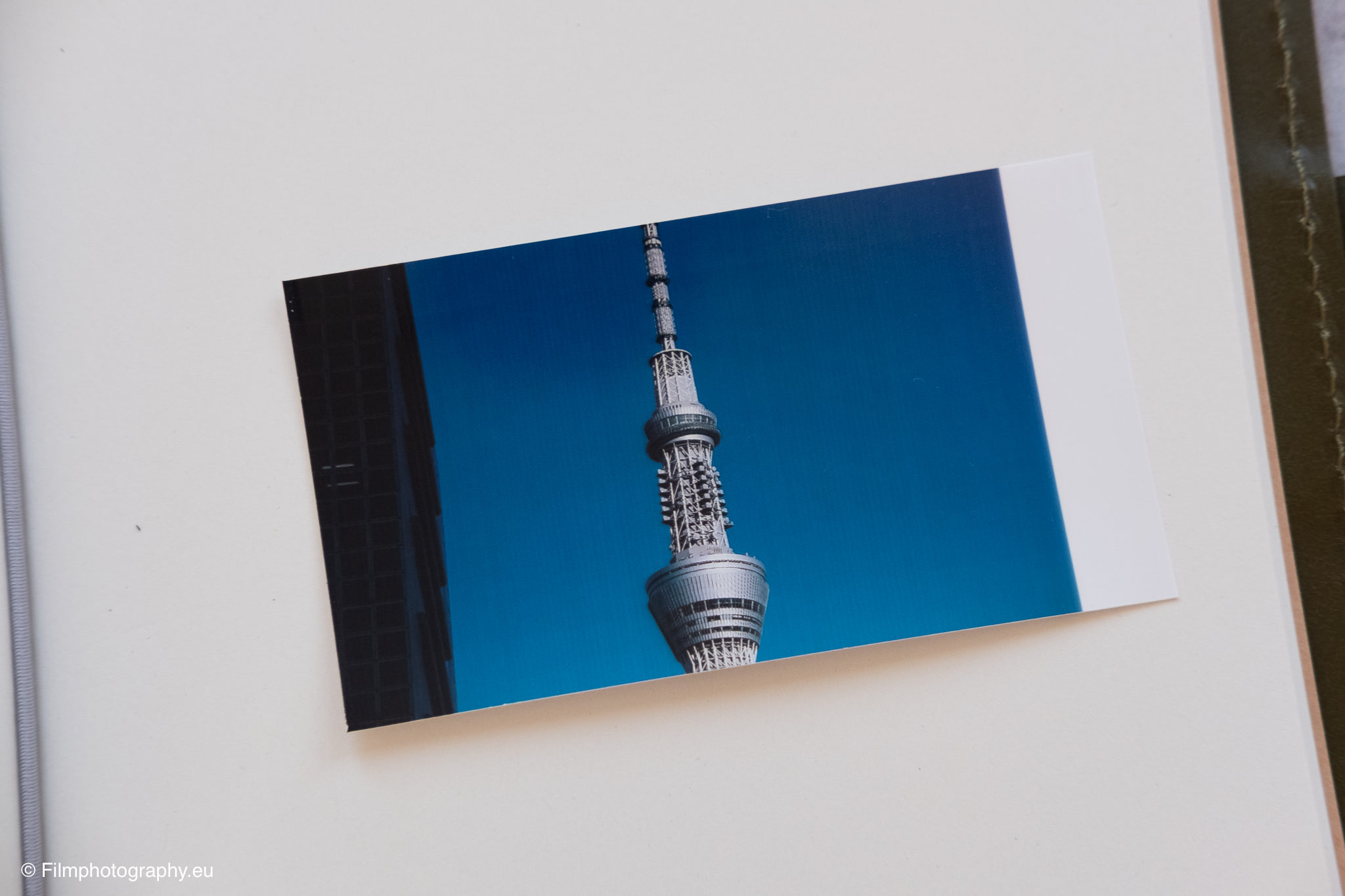
The prints in the size 2.1 x 3.4 inches (approx. 5.3 x 8.6 cm) are a pleasant size for such purposes. At the bottom of each image, there is a white area that is somewhat reminiscent of Polaroid pictures. You can either cut this off or add stickers or text.
In practical use, however, some limitations also became apparent. For example, it is not possible to print while charging. So you have to plan ahead and charge the battery in time, its capacity is sufficient for about 20 to 30 prints.
Another minor point of criticism is the lack of an indicator for the remaining number of photos in the cartridge. You are only informed by an error message in the app that the consumables are running low.
The printing process itself is not entirely quiet due to the paper feed mechanism. It’s also a shame about the waste. After each cartridge change, the empty plastic holder remains, similar to instant camera cartridges.
Conclusion on the HPRT CP2100
Can the HPRT CP2100 mobile photo printer convince?
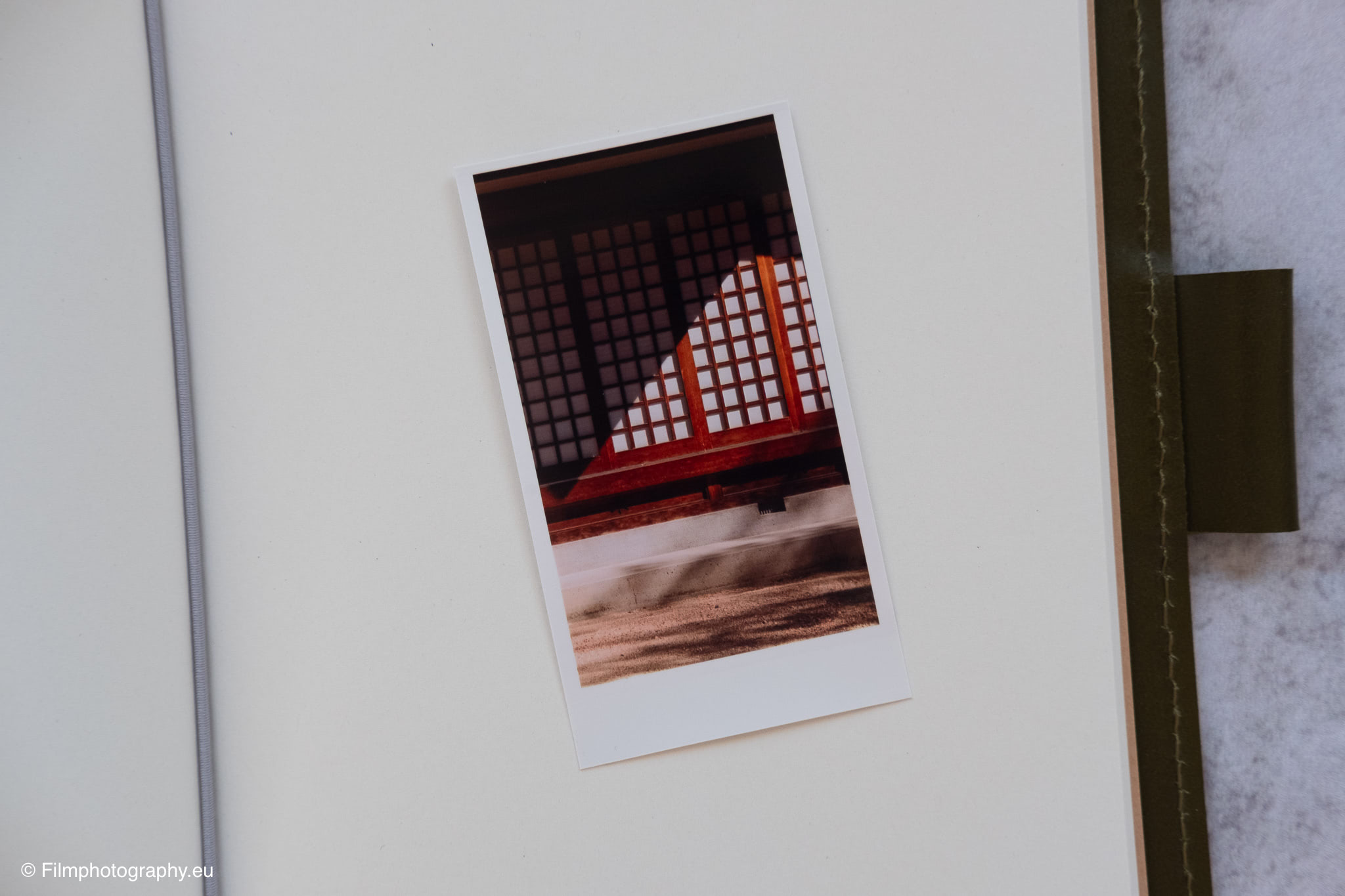
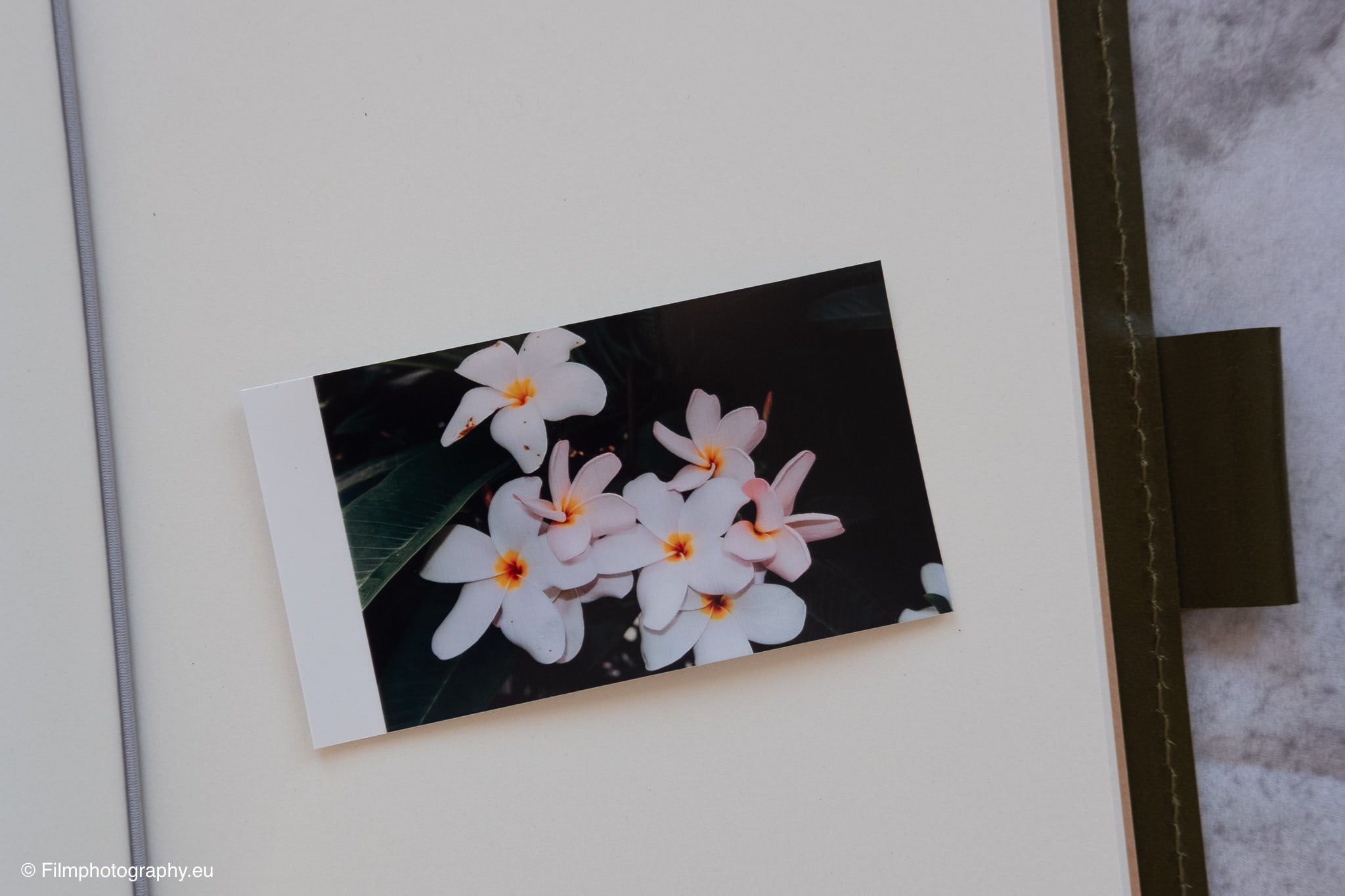
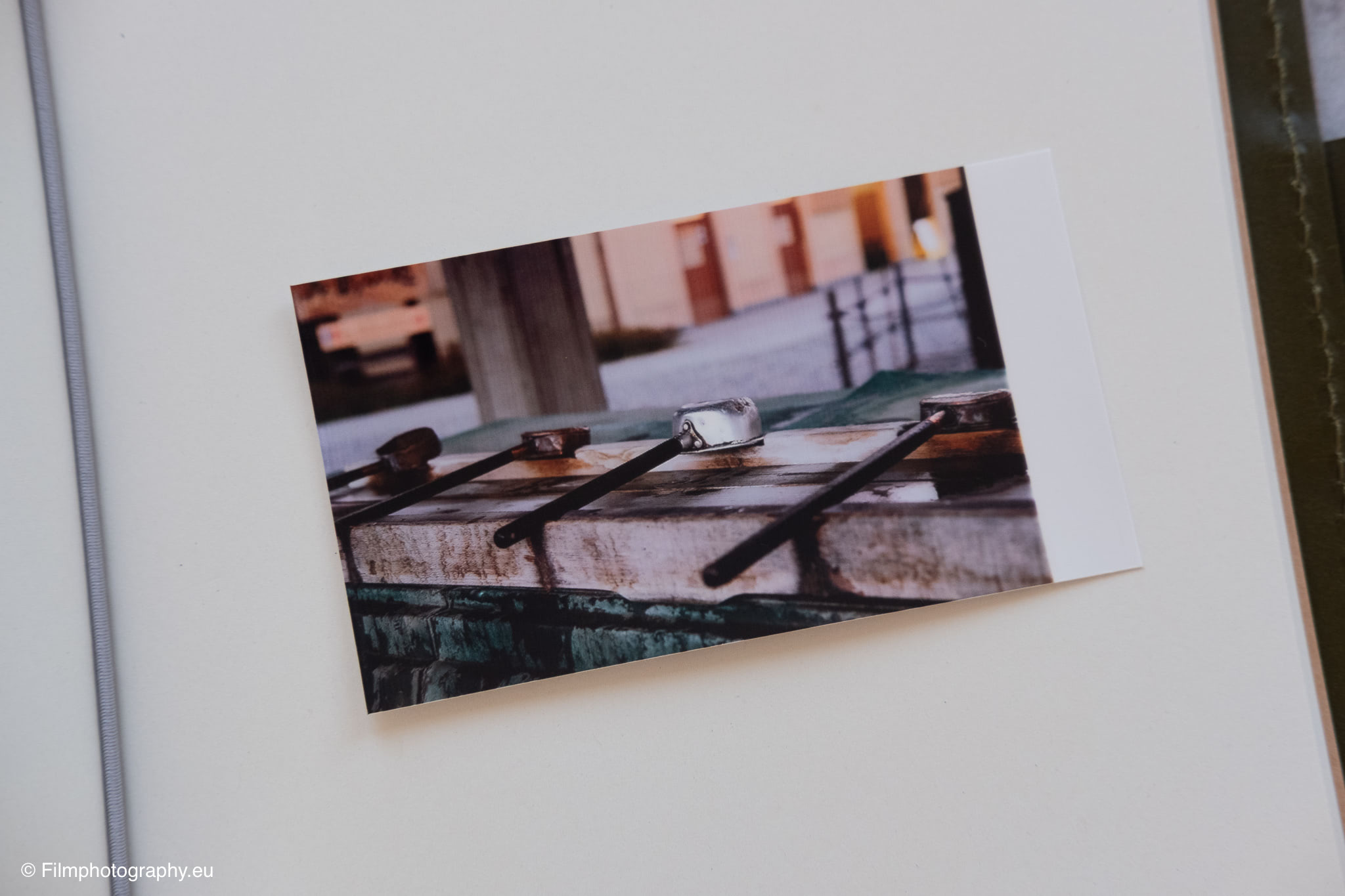
The print quality is indeed surprisingly good. The colors are rich. The images are very high contrast. Even small details are still clearly visible, considering the size of the prints.
Minor weaknesses such as the app translation needing improvement, the lack of a fill level indicator, and the operating noise only slightly tarnish the overall impression. What would still be nice is if the pictures had an adhesive backing.
The HPRT CP2100 is thus a wonderful tool for photographers who not only want to take pictures but also share stories and make memories tangible.
Buy HPRT CP2100
The HPRT CP2100 can be easily ordered via Amazon. The matching papers are also available there. More information about the printer can also be found on the HPRT website.