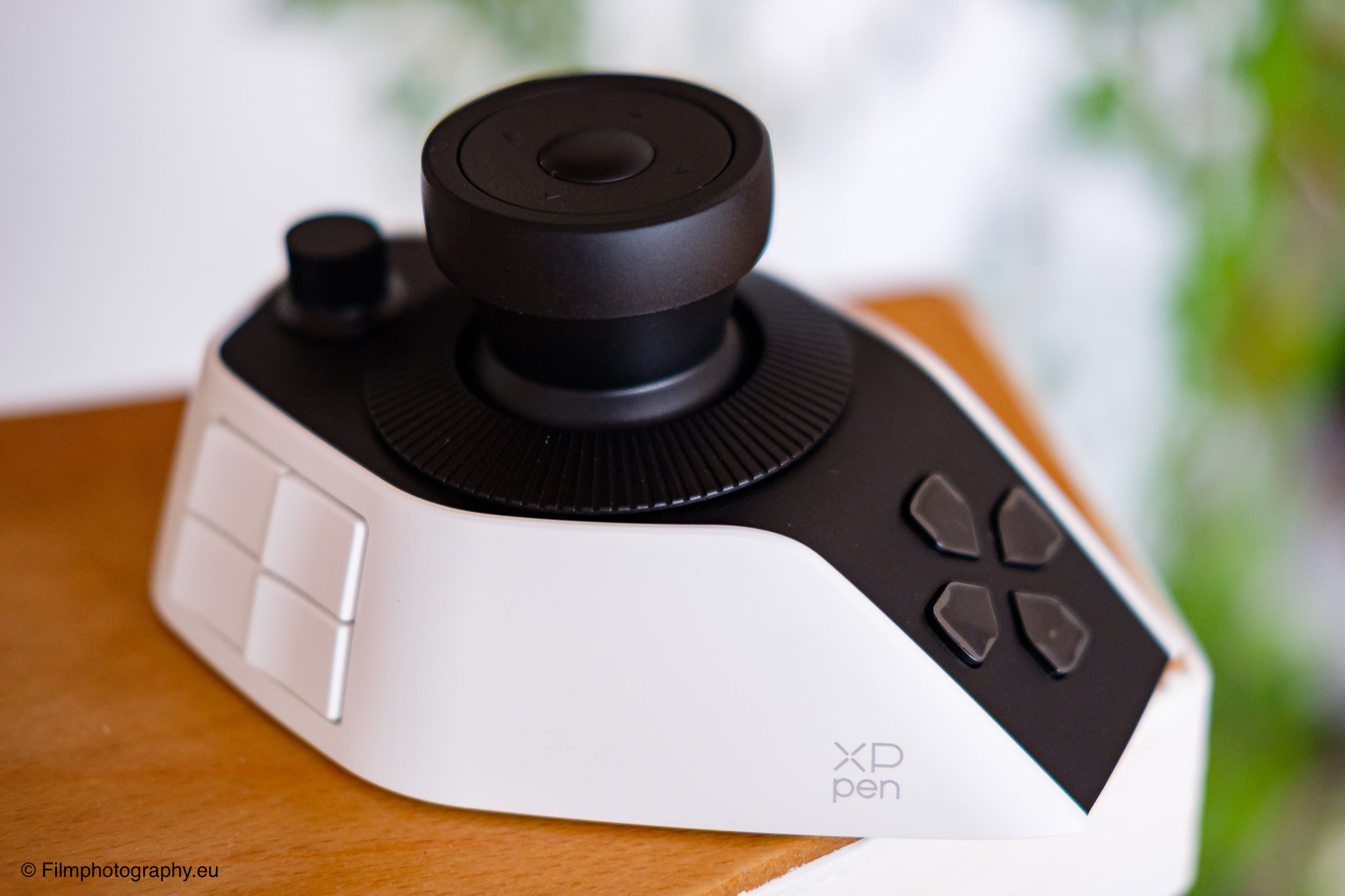
In the world of photographic post-processing, we are constantly looking for ways to make our workflows more natural and fluid. The constant switching of hands between a conventional keyboard and a computer mouse often interrupts the creative flow.
With the XPPen Pilot Pro, there is now a new input device on my desk that aims to tackle exactly this everyday problem. Over the past few days, I have been testing it intensively to see if this compact console can noticeably enrich a photographer’s digital daily routine for you.
Background on the Brand
Anyone involved in digital image editing or illustration has most likely stumbled across the name XPPen. The company has built a solid reputation in recent years, particularly through the development of graphics tablets and pen displays for creative professions.
For a long time, other well-known names dominated this market segment, but XPPen has earned a loyal user base through an attractive pricing structure and steadily growing product quality. Until now, the brand’s focus was primarily on devices operated with a digital pen.
With the Pilot Pro, the company is now venturing into a neighboring field. The idea is to offer a central control hub for creative programs that serves as a supplement to a mouse or graphics tablet. This device is primarily intended for people who work heavily with image editing, video editing, or other creative applications and do not want to constantly switch between different input devices and complex keyboard shortcuts.
Technical Specifications
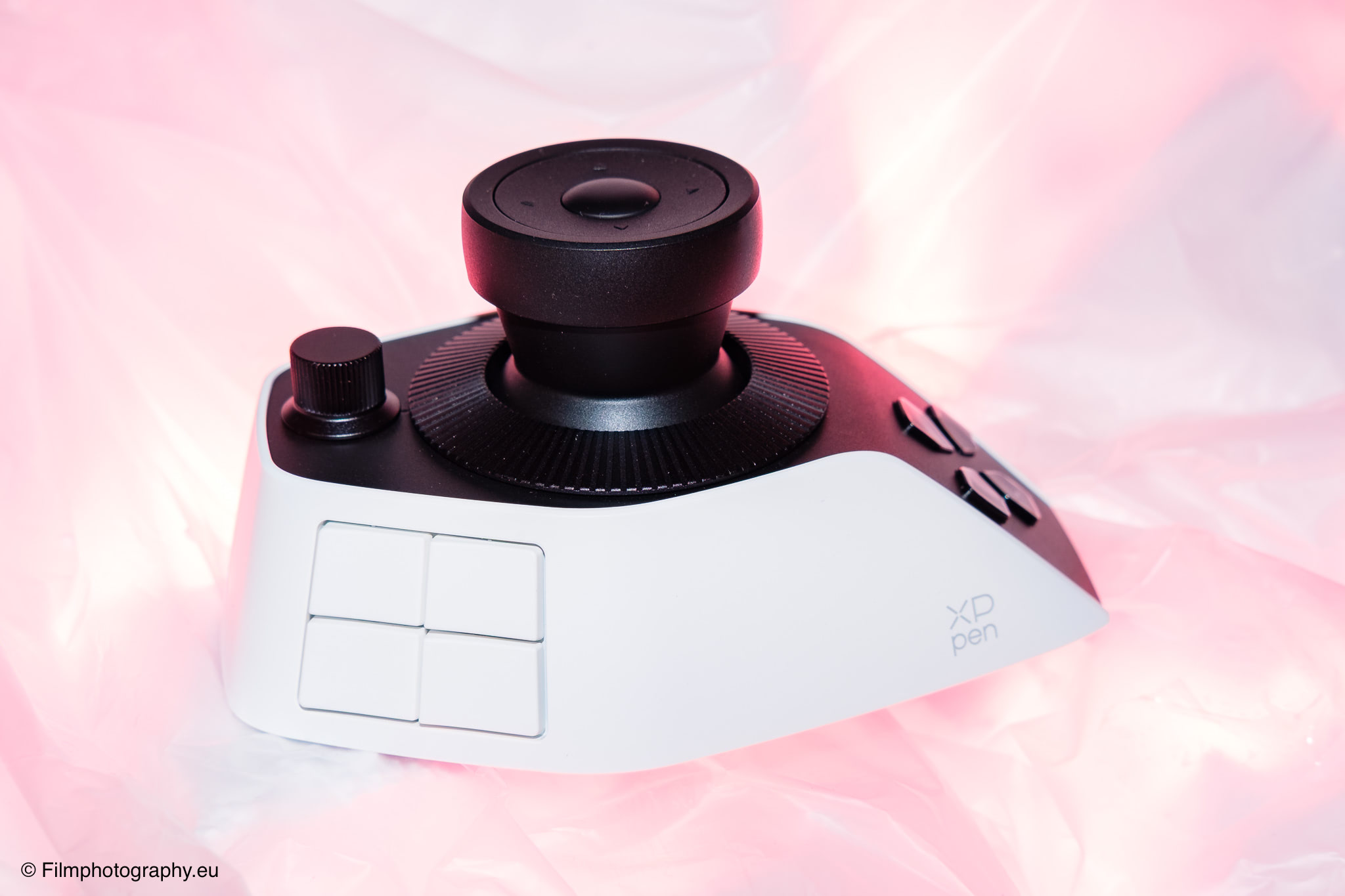
Before we dive into the actual practical use, let’s take a detailed look at the hard facts and physical characteristics of the device. The console features an asymmetrical, ergonomically shaped design and weighs in at 251 grams. The exact dimensions are roughly 130 millimeters in length, just under 93 millimeters in width, and about 67 millimeters in height.
Inside, a durable battery with a capacity of 1,900 milliampere-hours does its job. According to the manufacturer, with four hours of daily use, this capacity is sufficient for a good 15 days of operation before the device needs to be recharged.
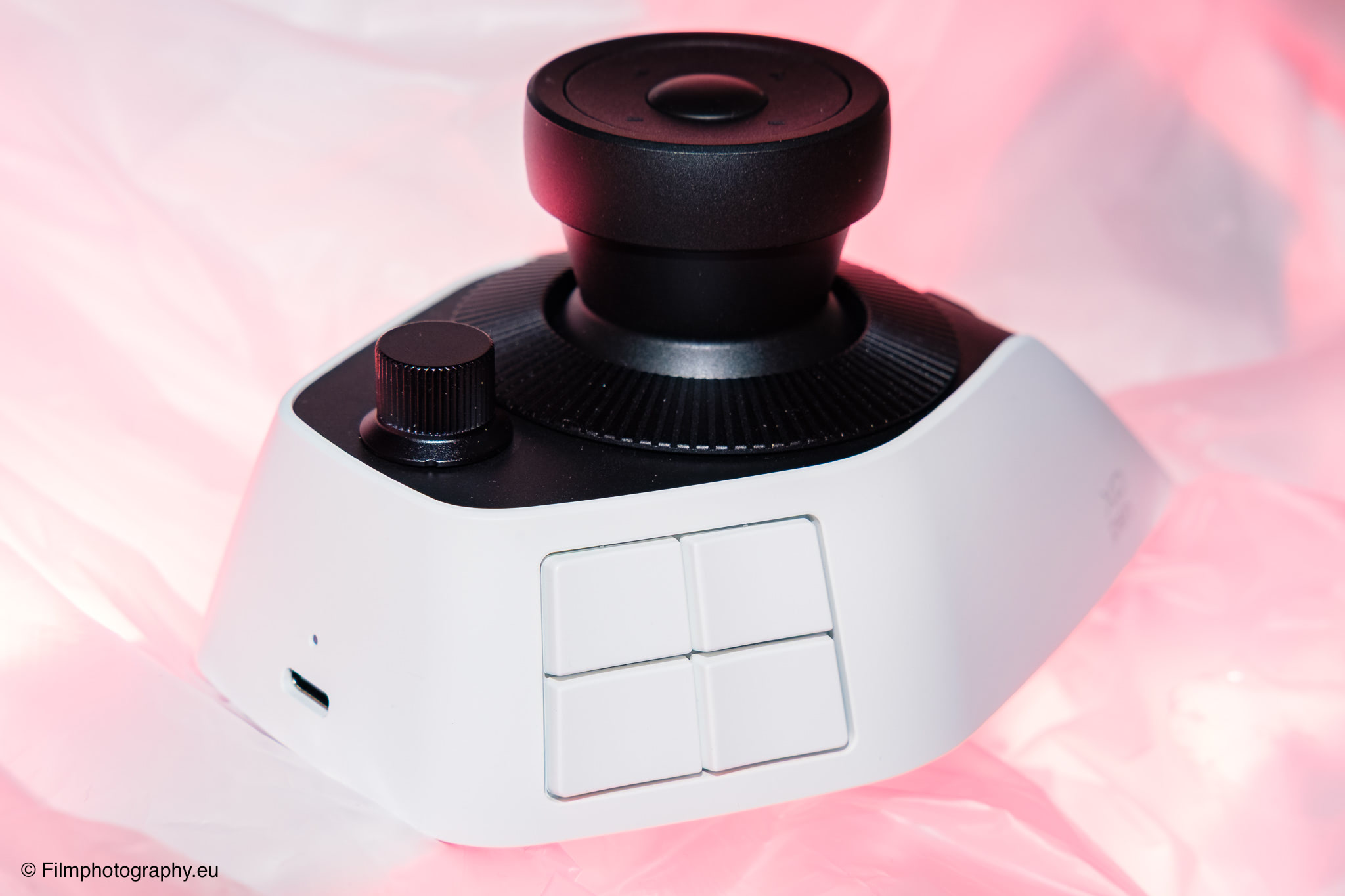
There are three different ways to connect to a computer. You can use the included cable with a modern, symmetrical Type-C connector, which charges the battery at the same time.
Those who prefer to work without cables can opt for the wireless Bluetooth connection. The device supports the Bluetooth 5.4 standard. Alternatively, a small 2.4 GHz wireless receiver is included, which is meant to ensure a stable connection. The device is compatible with Windows 10 and macOS 11.0.
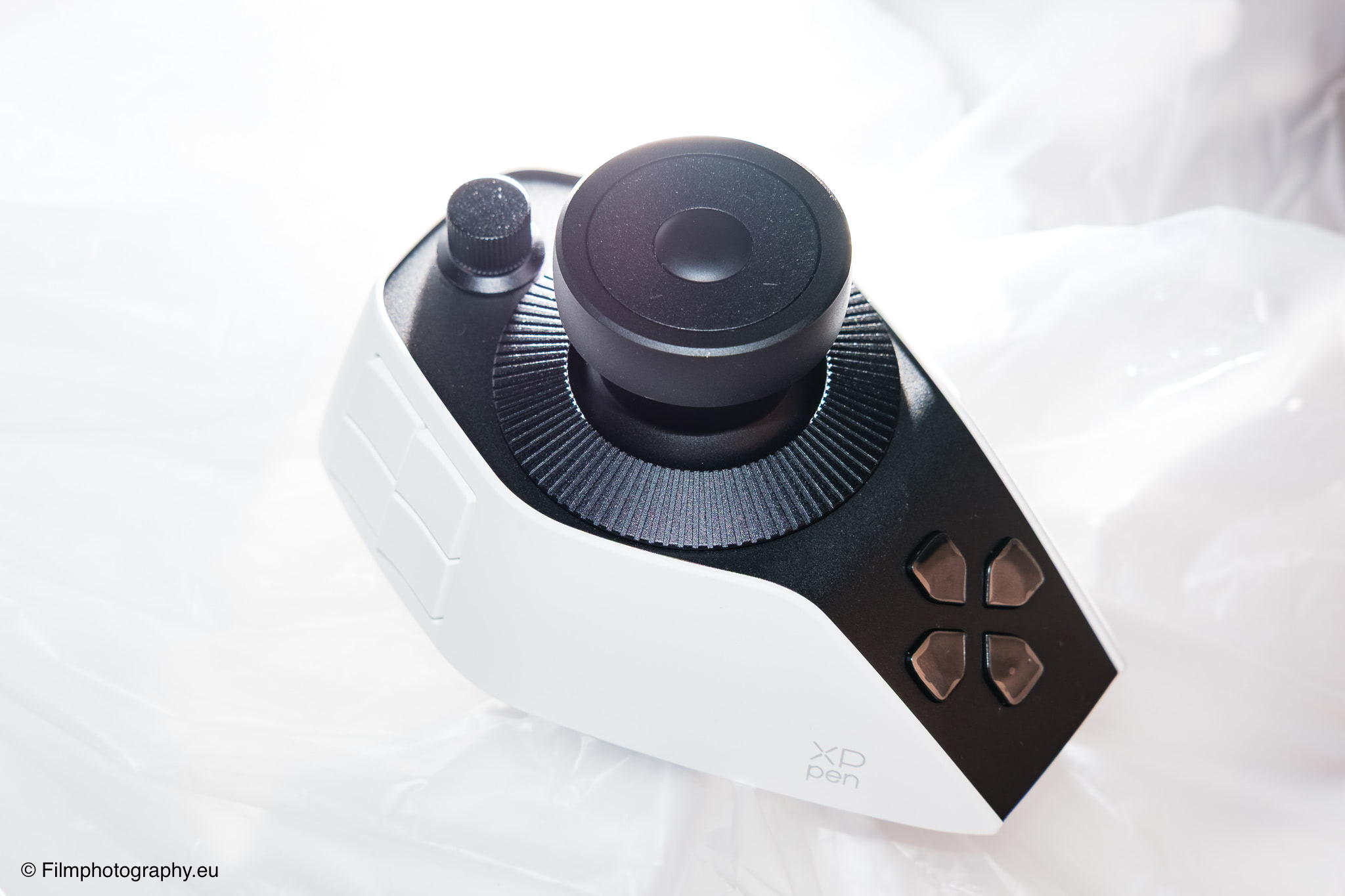
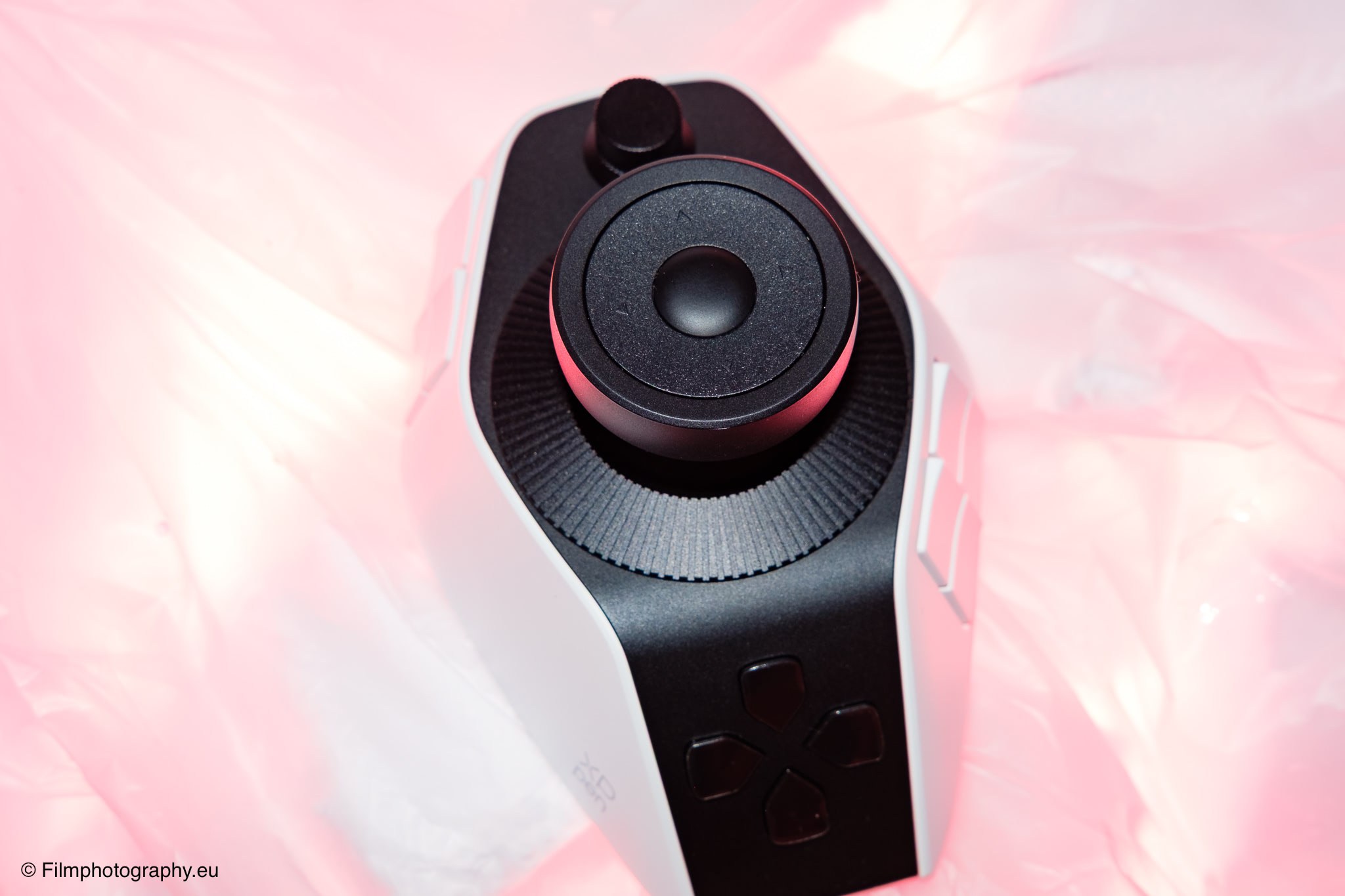
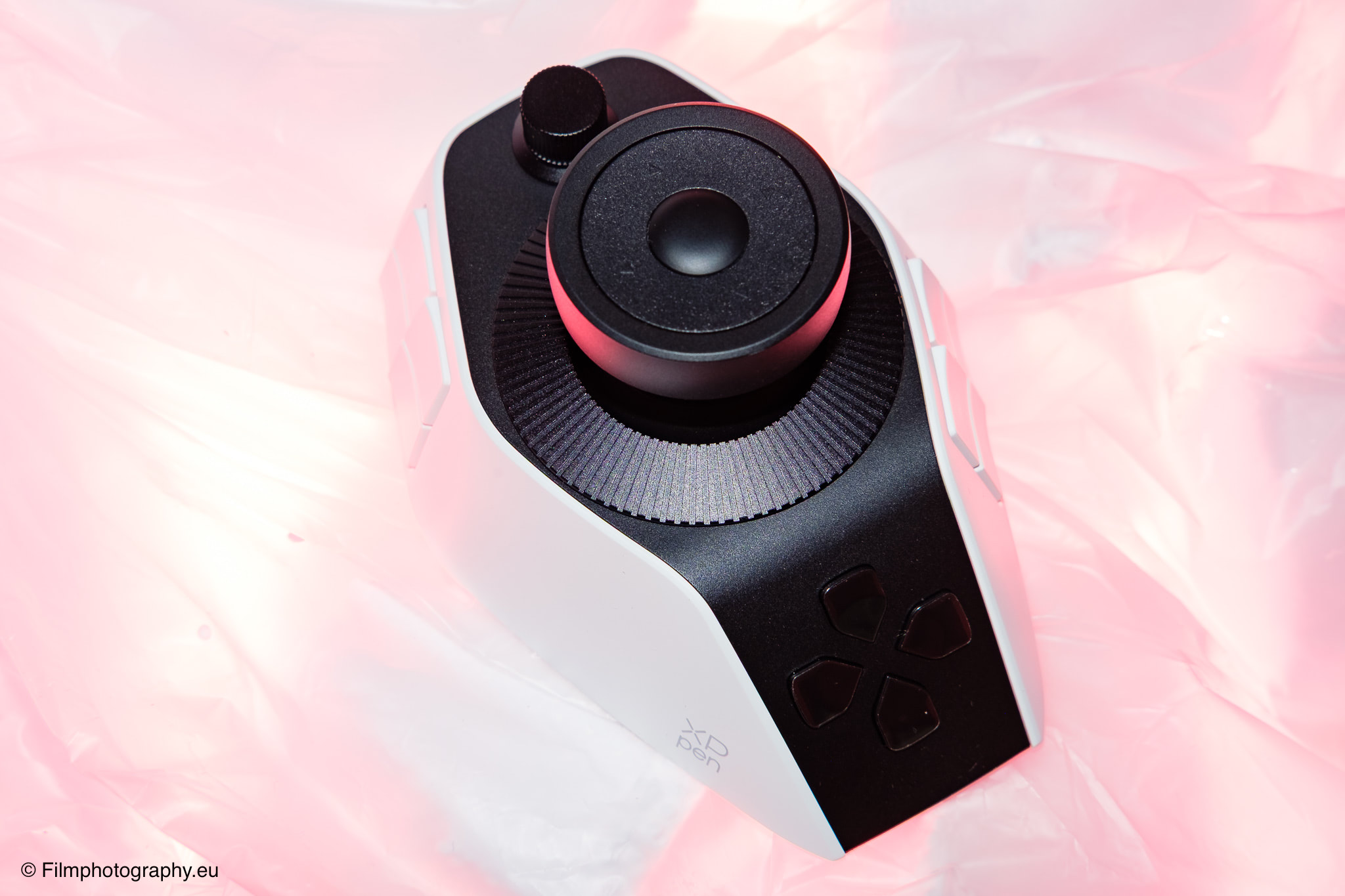
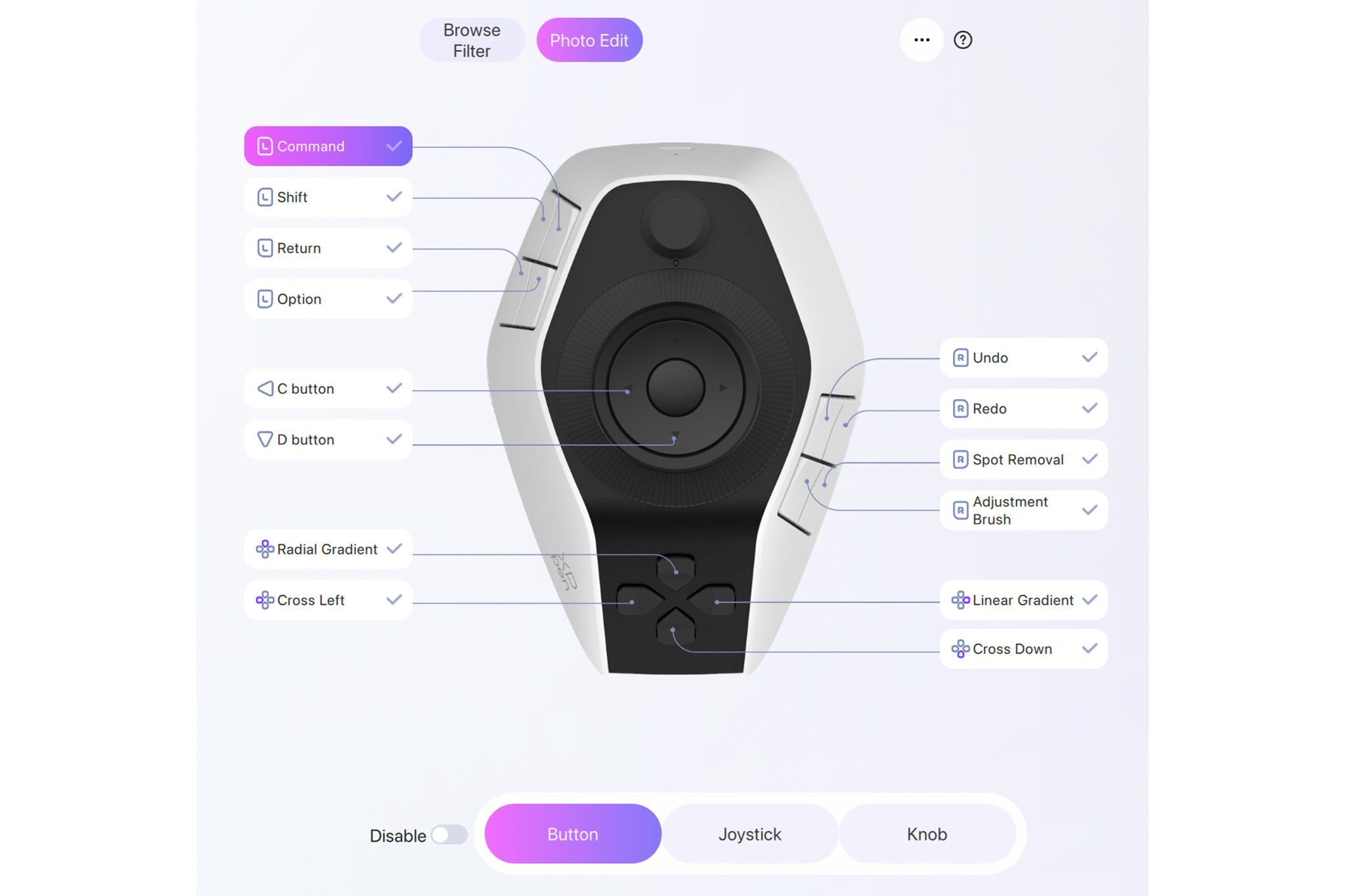
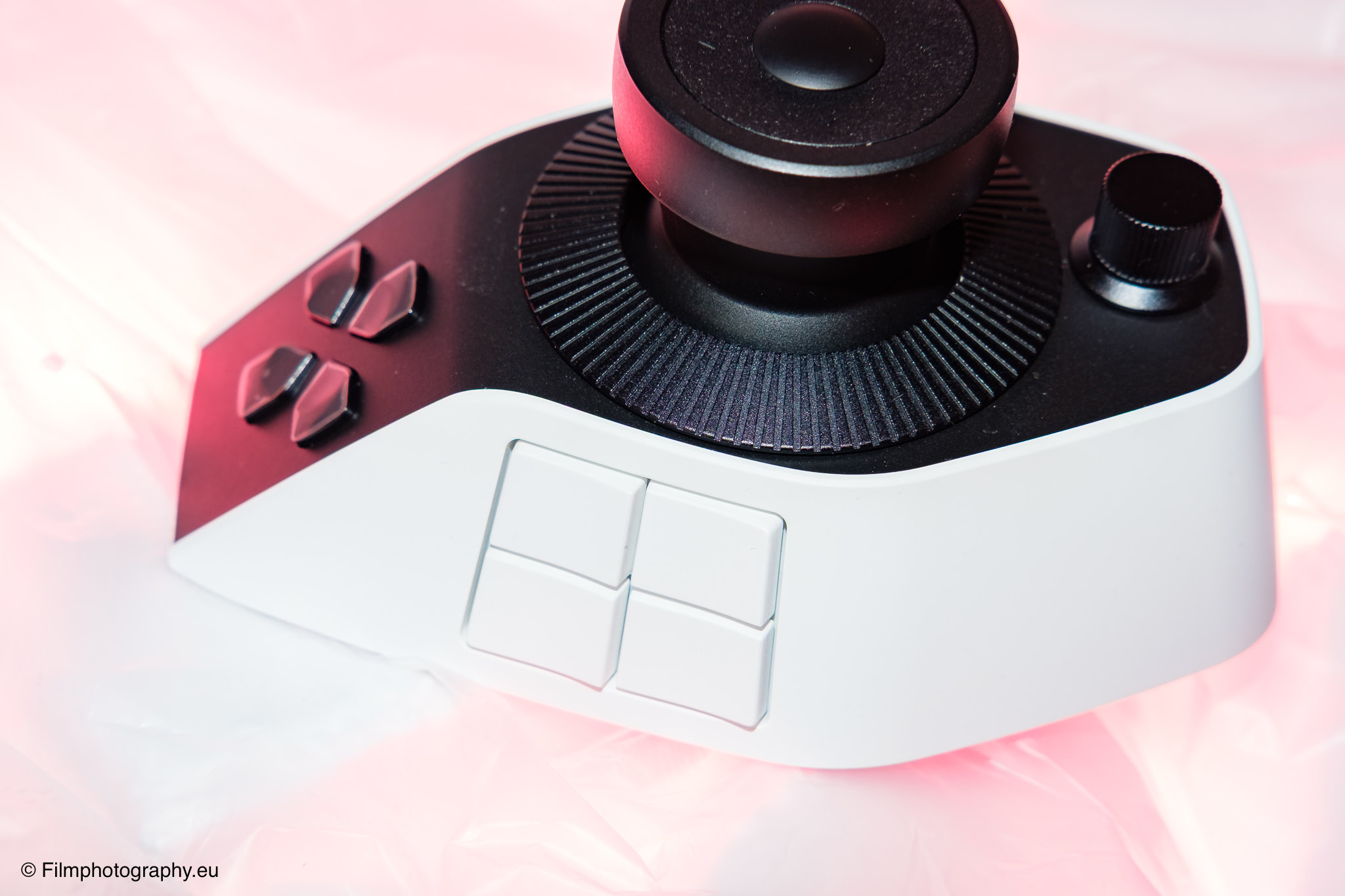
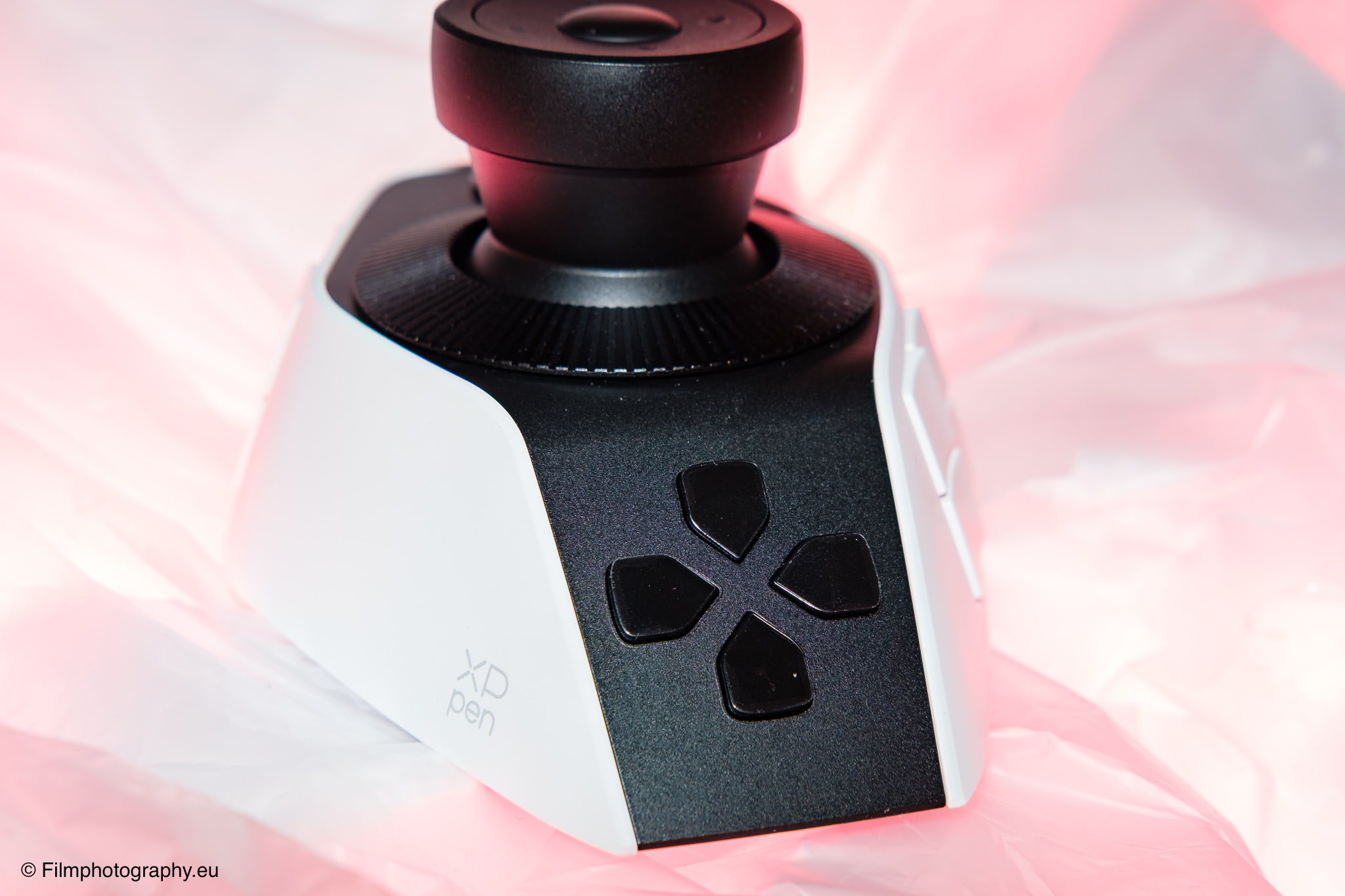
The console is not lacking in controls. It offers a total of 19 keys, including 12 shortcut keys, three function keys, and four special touch keys at the top edge. In addition, there are three rotating elements in the form of a small knob, a large knob, and a flat scroll wheel. The visual centerpiece is a large joystick that allows for omnidirectional control.
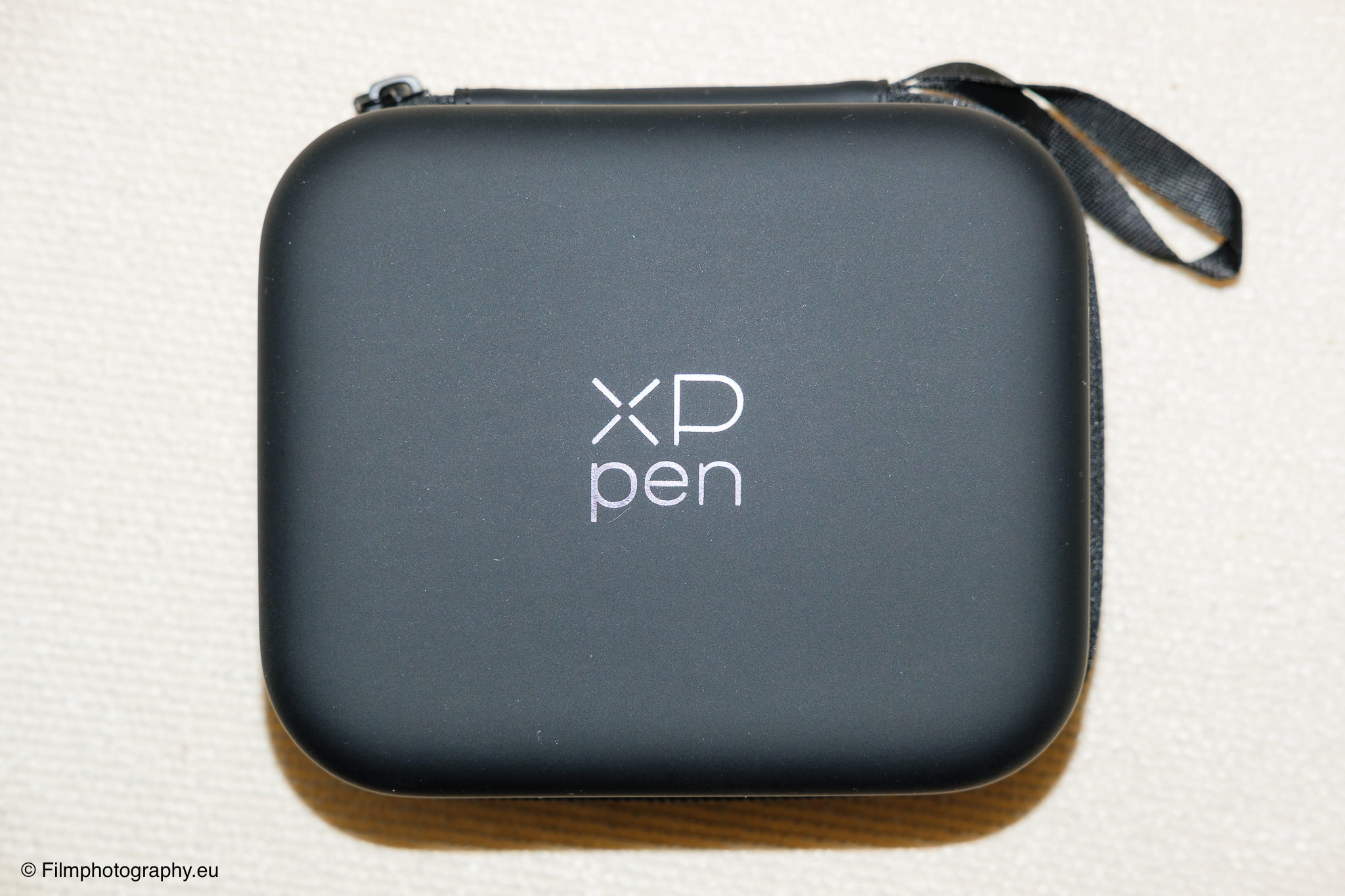
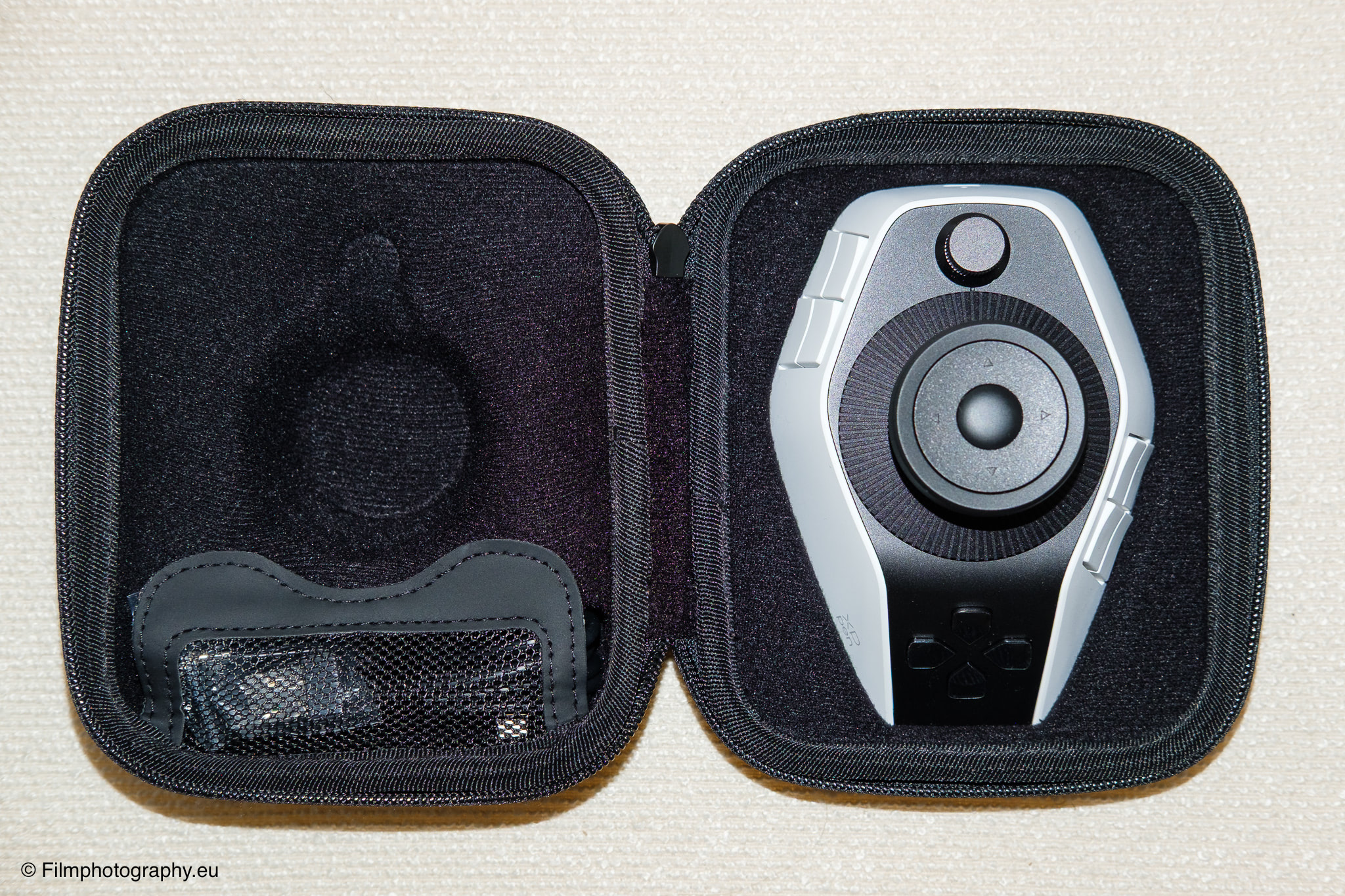
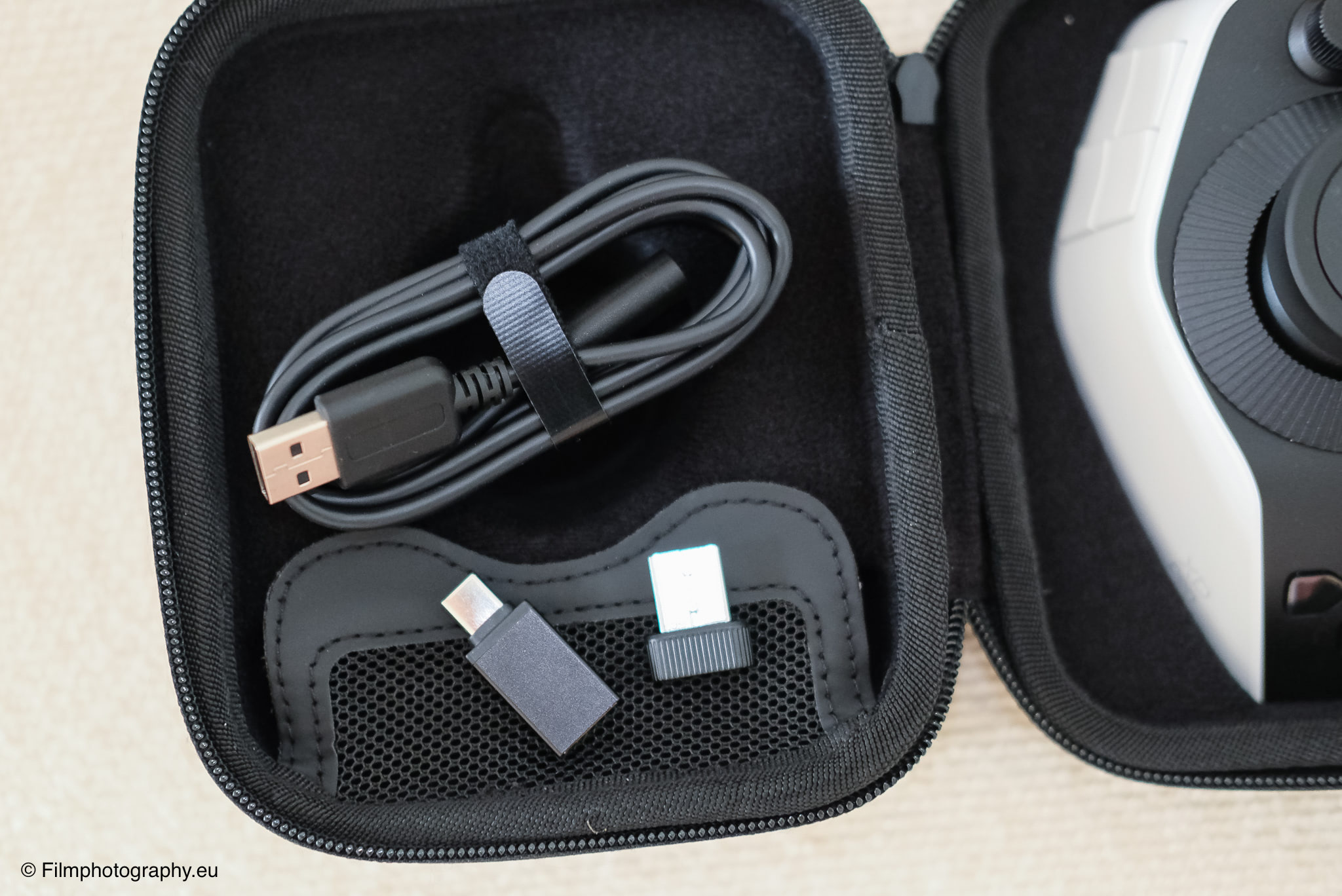
The controller is delivered in a matching carrying case. The cables can also be found there.
Feature Overview
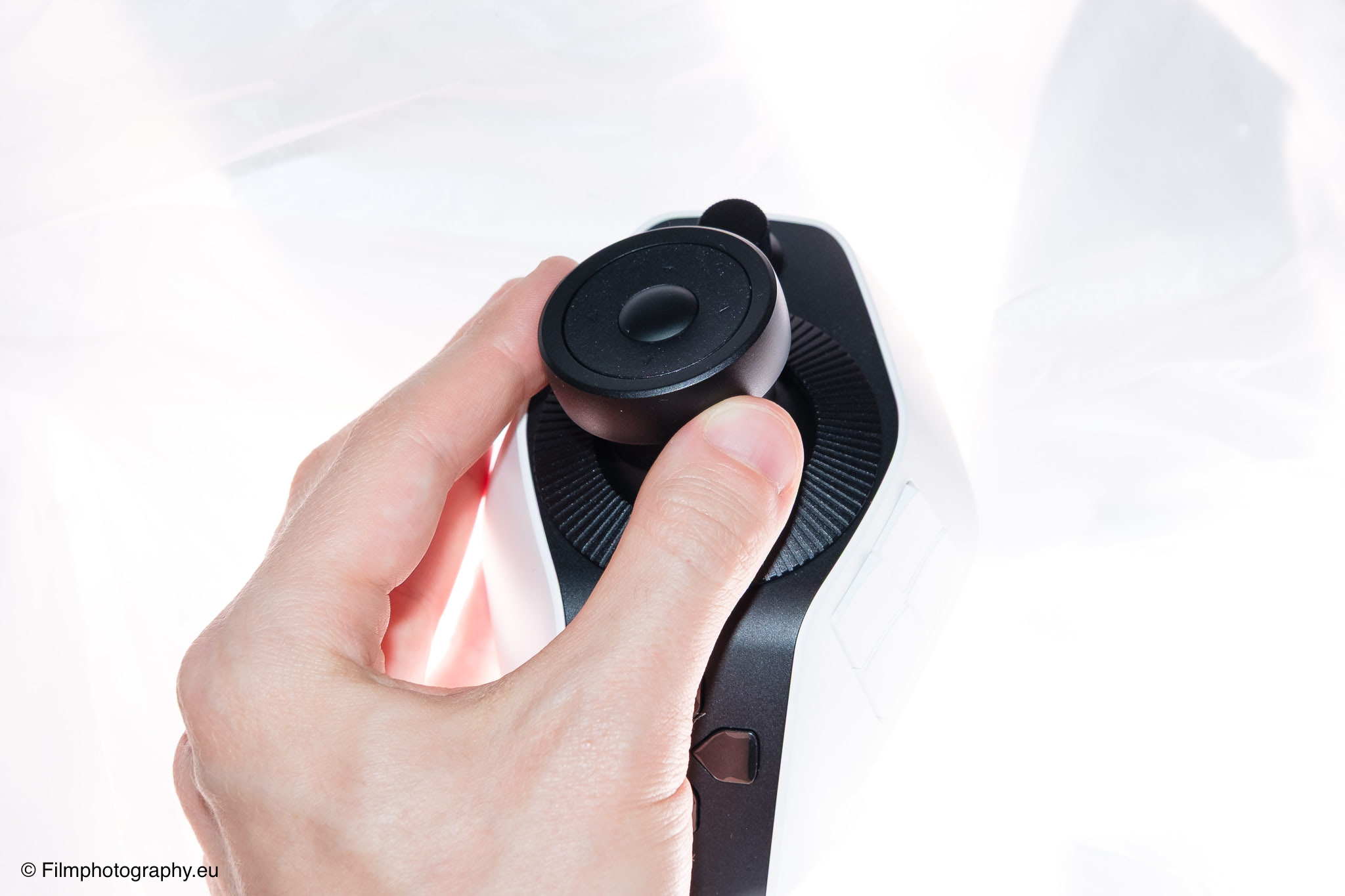
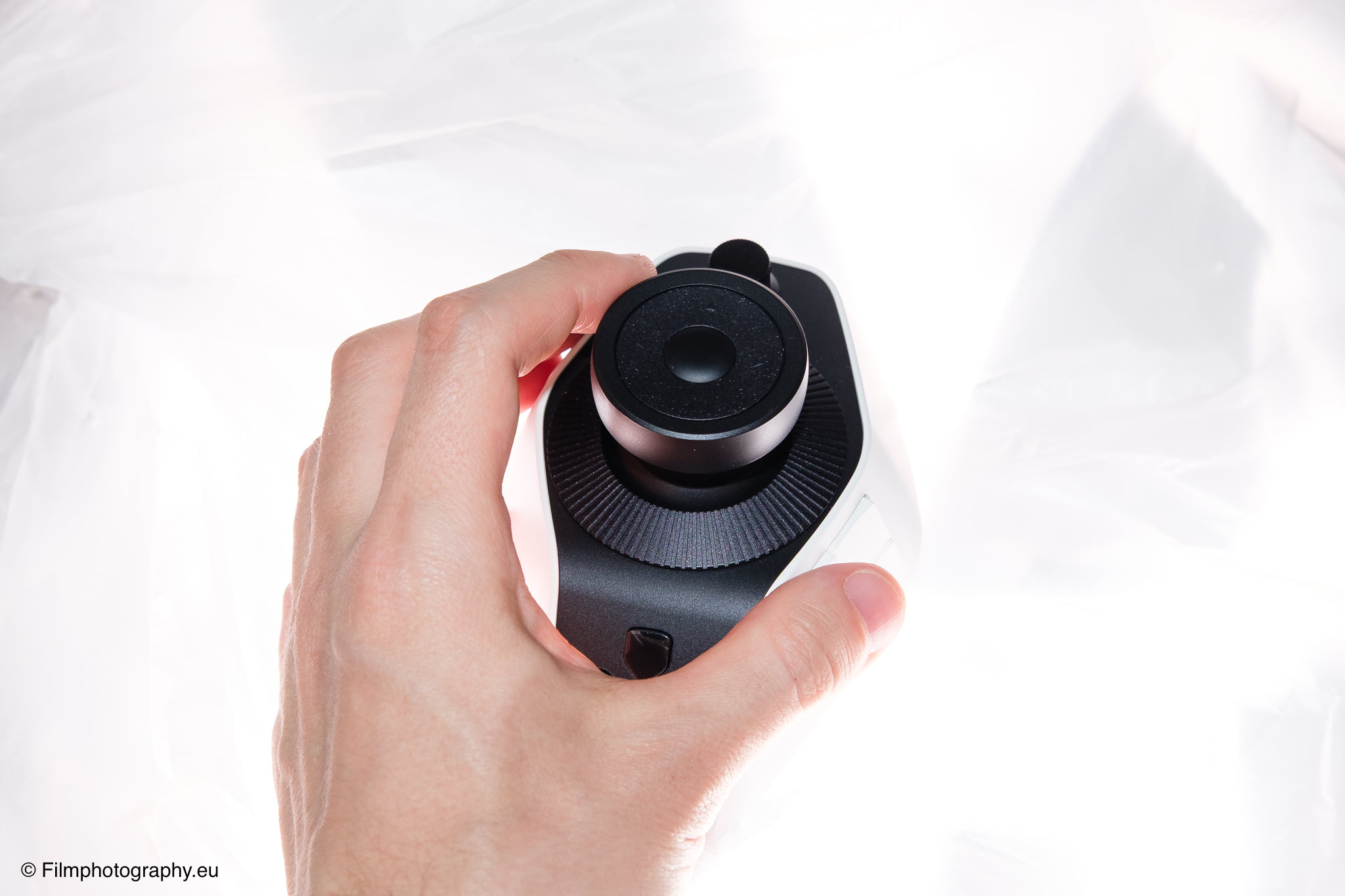
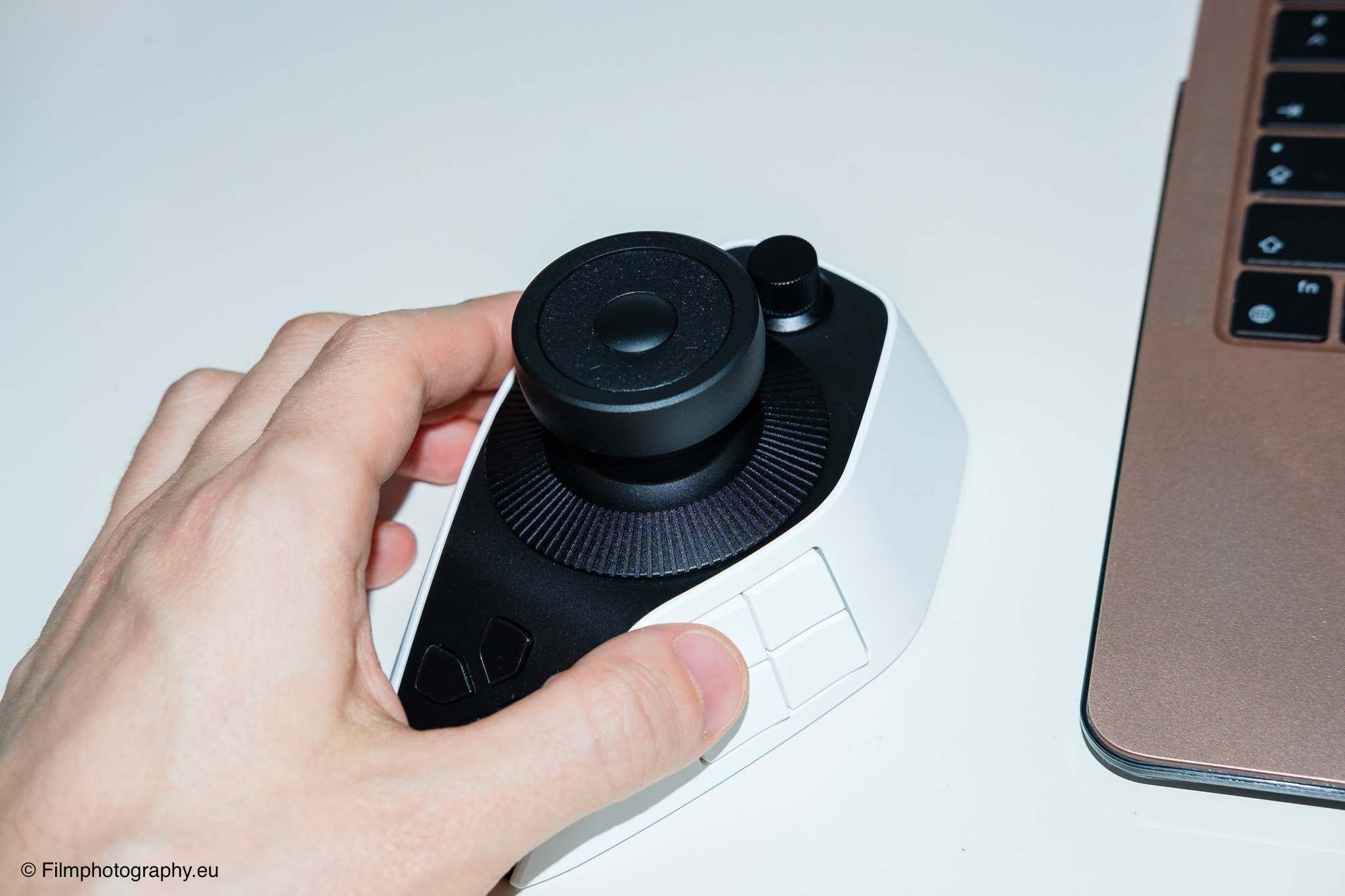
The design of the Pilot Pro is aimed at a specific type of use. The housing is designed so that the left hand rests on the device while the right hand continues to guide the mouse or the pen of a graphics tablet. The goal is a control setup where you don’t have to take your eyes off the monitor.
All keys and knobs are arranged so that they are easily reachable with the fingers of the left hand without having to change the hand position much. This layout is meant to allow complex software commands to be executed blindly.
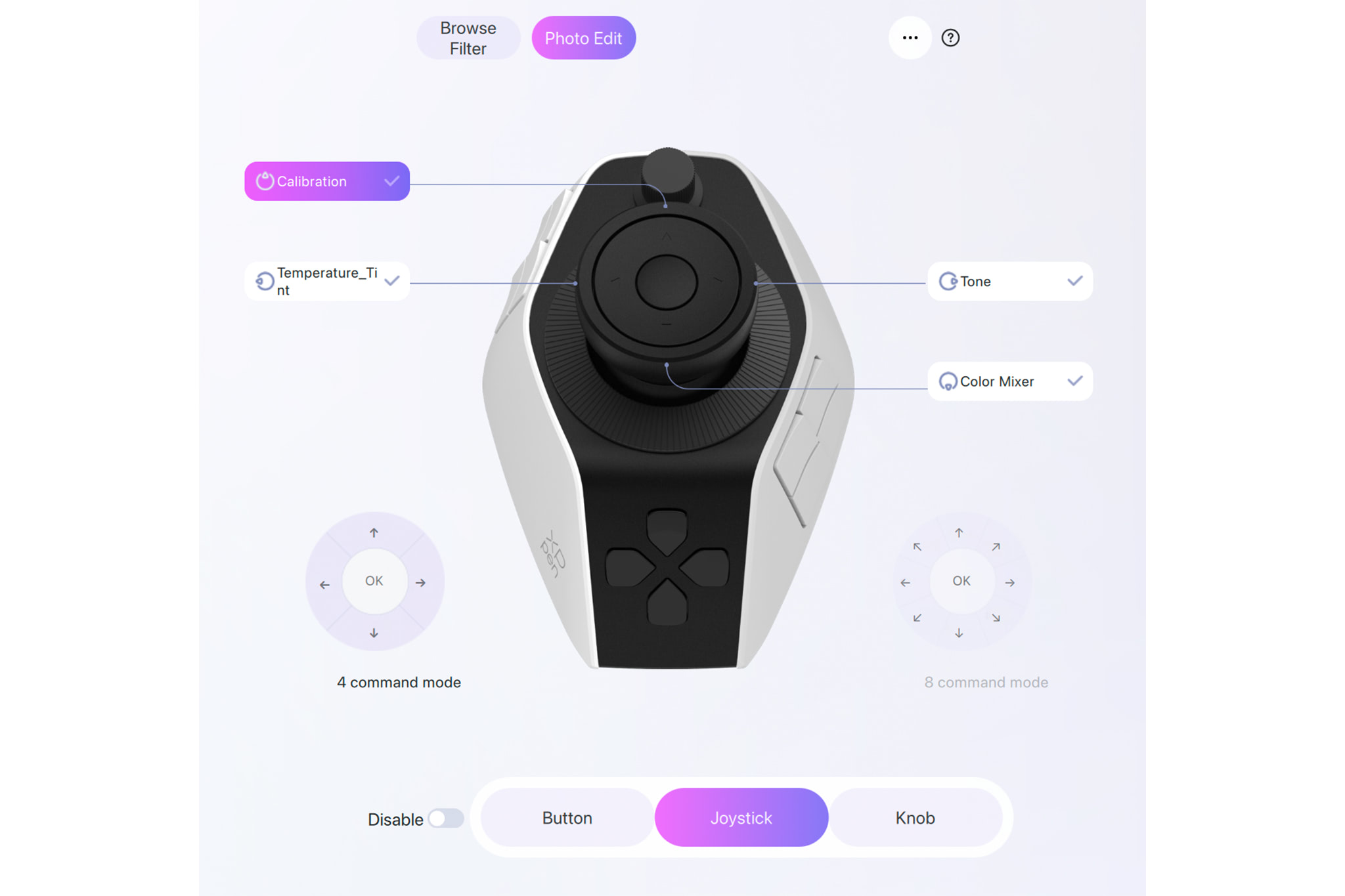
The prominent joystick in the center of the console offers different movement modes. It can be moved in four or eight directions and is used, for example, for quick navigation on a timeline or for selecting tools.
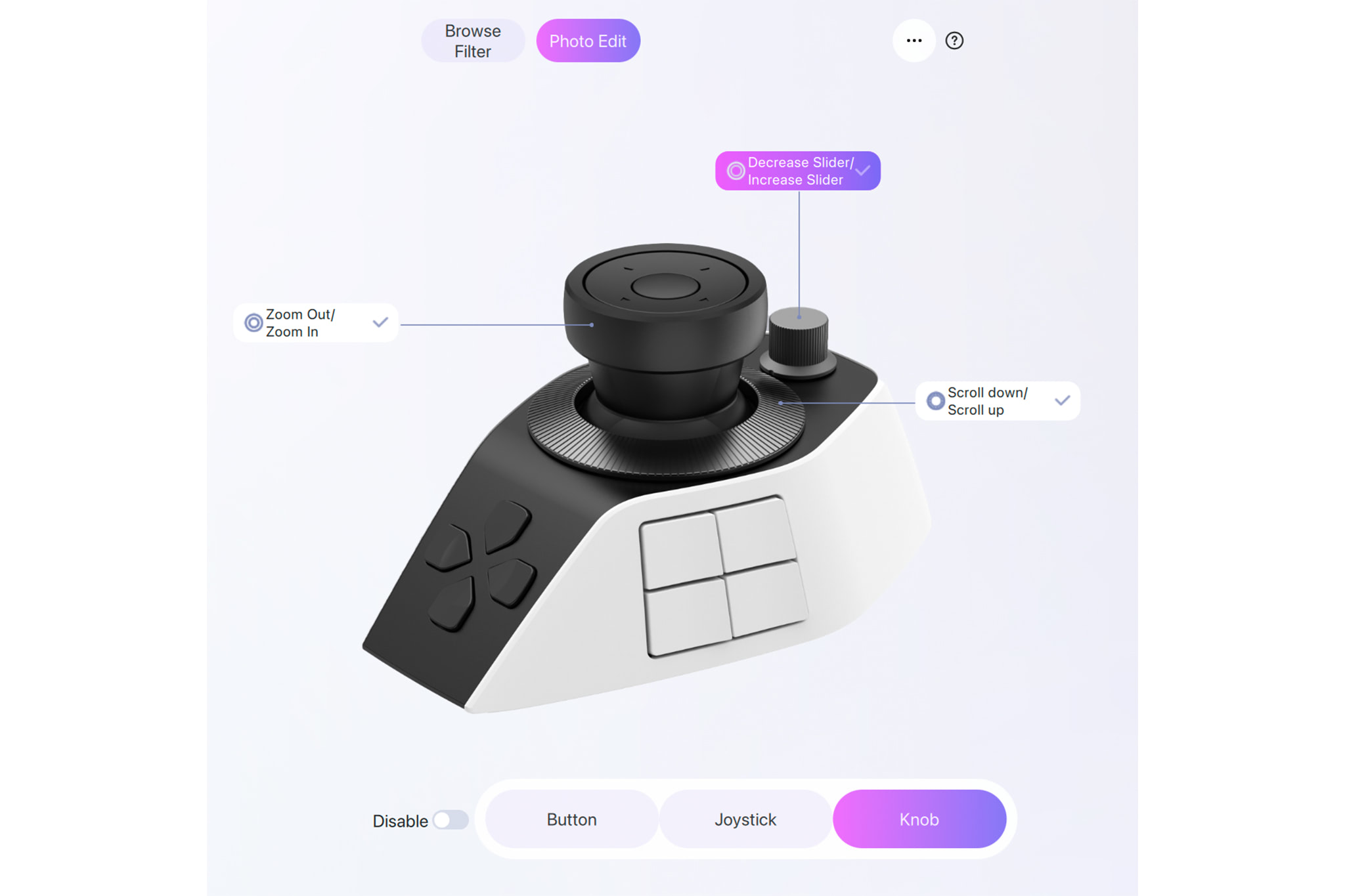
The three dials are intended for different tasks. The flat wheel is suitable for fast scrolling, the large knob for rough adjustments, and the small knob for fine-tuning. An interesting detail is the haptic feedback of the dials. A small vibration motor inside provides feedback when you turn the wheels. The intensity of this vibration can be adjusted in three levels within the accompanying software, or switched off completely if desired.
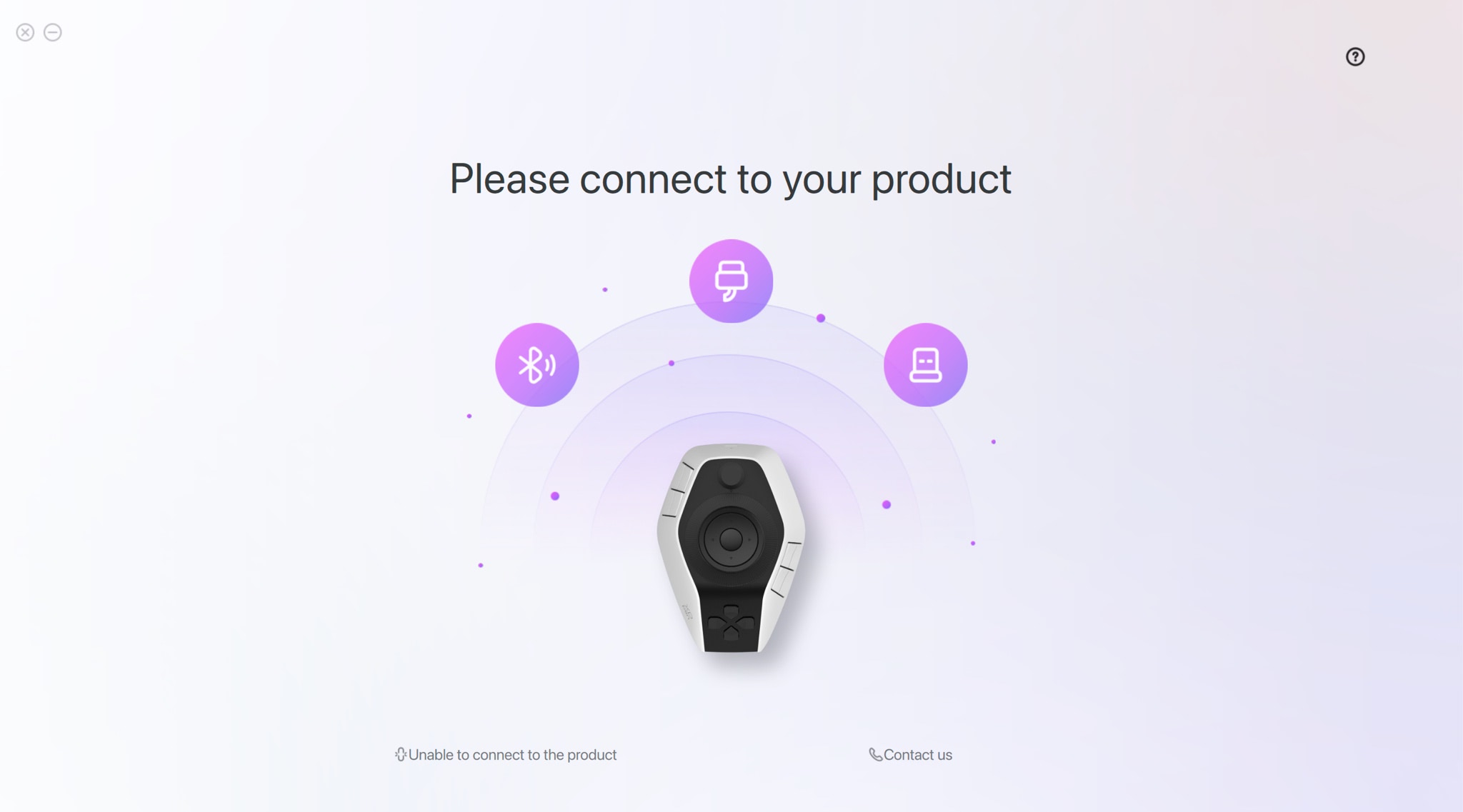
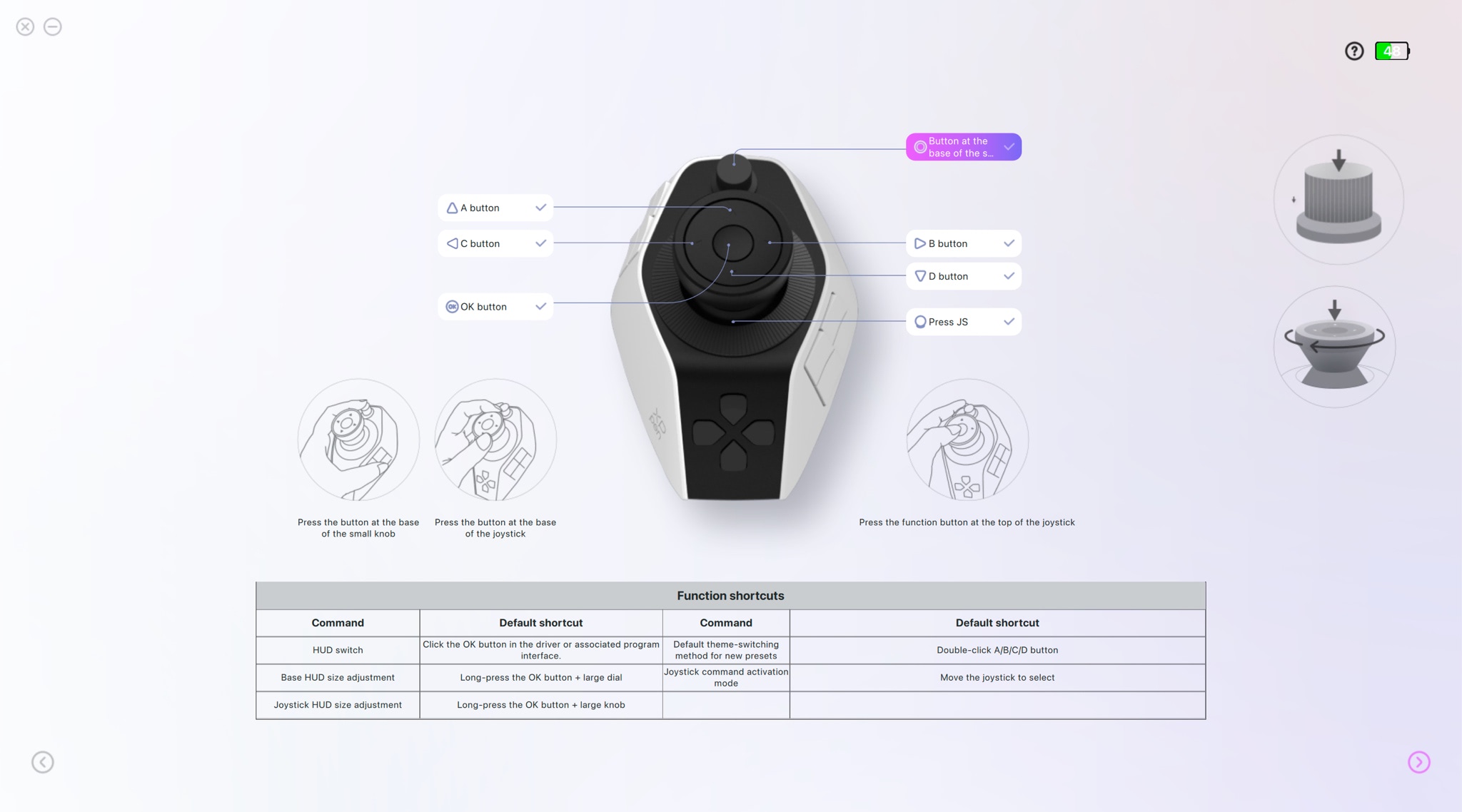
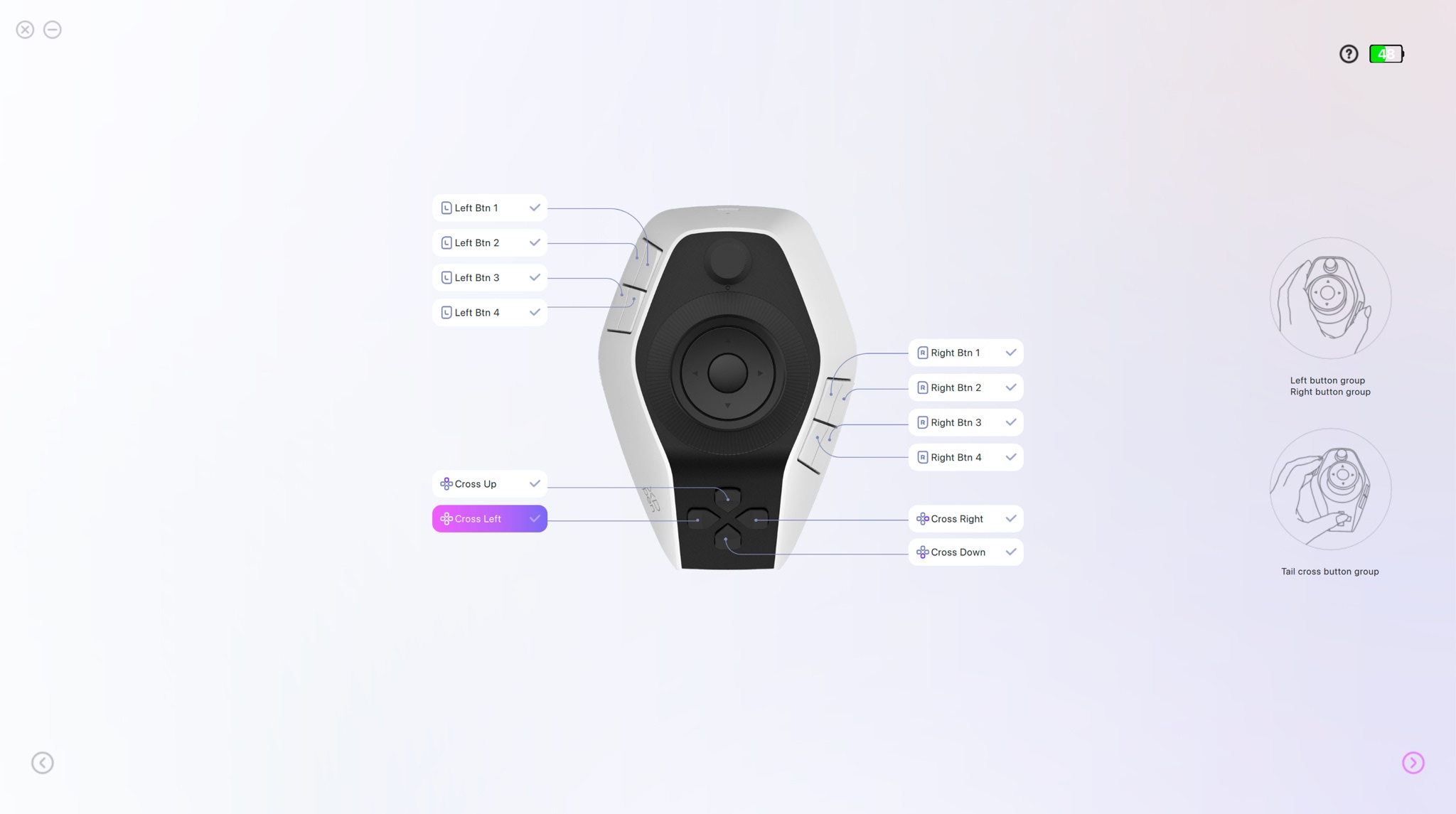
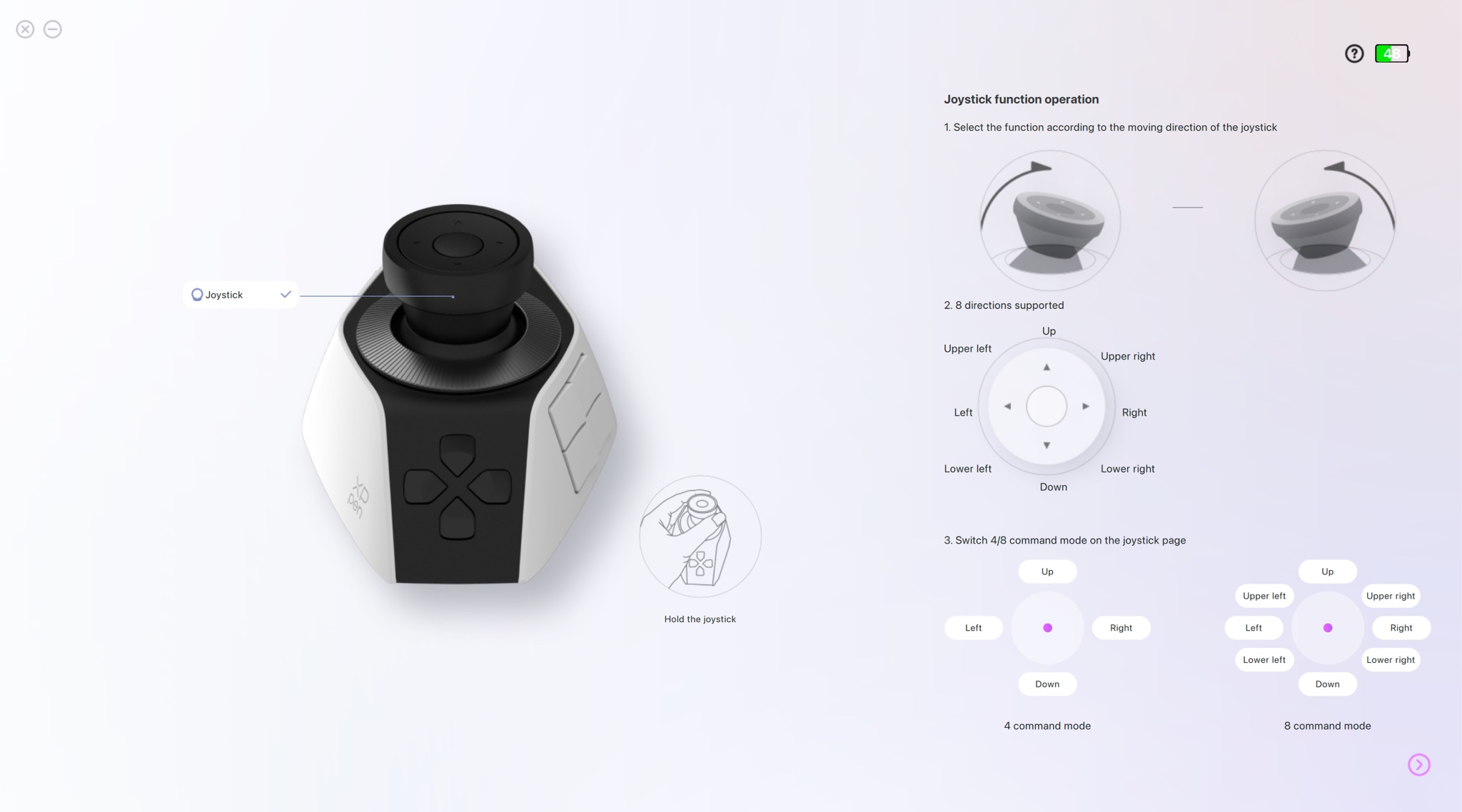
Right out of the box, the console is compatible with many well-known programs, including Photoshop, Lightroom Classic, Premiere Pro, and DaVinci Resolve. Via the included driver software, users can create up to seven different themes or profiles.
A theme groups together a set of commands for a specific software. If you switch from image editing to video editing on your computer, the software recognizes this and automatically switches to the corresponding key profile.
Of course, it is not necessary to use every single button. You can also deactivate an entire section in the software if, for example, you don’t want to use the buttons, the joystick, or the dials. This gives the user a high degree of flexibility to adapt the tool to their own needs without feeling overwhelmed by an overabundance of functions.
Practical Impressions in Lightroom
Now we come to the area that is of particular importance to me as a photographer. Setting up the console for Lightroom Classic requires a bit of time initially. It is advisable to consciously take this time to familiarize yourself and adapt the key assignments to your personal work habits.
Although XPPen offers pre-made profiles that provide a good starting point, the true value of such a device only reveals itself when you fine-tune it to your own rhythm. For example, I have gotten into the habit of assigning the keys around the joystick to functions that I need for culling images after a long shoot.
In daily work with my RAW files, the controller shows its strengths quite clearly. The left hand rests relaxed on the rounded housing. I mainly use the large dial to adjust the brush size for local corrections. This is noticeably more fluid than searching for the corresponding keys on the keyboard.
I assigned the exposure compensation function to the small dial. When navigating through a large batch of images, I can make minor brightness adjustments almost imperceptibly while my eyes remain fixed on the image subject. I use the small keys for repetitive tasks such as marking favorites, assigning star ratings, or taking a step back in the editing history.
The keys have a soft, pleasant pressure point and respond reliably. The overall ergonomics are well thought out, which has a positive effect during longer editing sessions. Nevertheless, there is one aspect that slightly mars the otherwise positive impression. The device sometimes feels a bit lightweight on the desk. It could be a bit heavier, and the rubber base a bit more secure; if you use the joystick a bit too forcefully, the Pilot moves slightly and lifts off the table. In such moments, I have to place my hand on it a bit more consciously to give the console the necessary stability.
A more solid base or grippier materials on the underside would greatly benefit the ease of use here. Apart from this physical detail, I find the workflow pleasant and intuitive after the initial learning curve.
Usage in Video Editing
In addition to pure photography, my daily work also occasionally involves editing moving images. Although my focus is not on video production, I occasionally edit short clips, wedding videos, or social media videos in programs like DaVinci Resolve or Premiere Pro.
In this environment, the console reveals another facet of its capabilities. The joystick, which I rarely use in Lightroom, proves to be extremely useful when navigating the timeline of a video project. A slight push to the side is enough to let the playhead glide smoothly through the footage, allowing you to find the right spots in the video very precisely.
The joystick can also be used for color grading video clips by directly controlling the color wheels in the software. This requires some finesse at first but feels very natural after a short adjustment period.
The dials come into play when setting precise cut marks. You can scroll through a scene frame by frame until the exact moment for the cut is found. I then use the small side buttons to select the cutting tool and remove excess footage. All in all, operating it here is a lot of fun.
As a conclusion for this video section, it can be said that the product really shines here, though as a non-professional user, I obviously can’t make a definitive statement. However, it is obvious that the developers strongly considered the typical video editing workflow when placing the joystick and dials. The entire layout looks as if it emerged directly from the needs of a video editor.
Conclusion
In summary, it can be said that XPPen has brought an extremely interesting tool to the market with this controller. It is a device with a lot of potential that can offer noticeable relief in your creative day-to-day work.
The idea of developing a controller that can be operated completely blindly with one hand has been well implemented in practice. The haptic controls, such as the dials and the joystick, add a tangible, physical layer to digital work that I often miss when purely using a keyboard and mouse.
Anyone willing to engage with the initial learning process and tailor the software precisely to their own workflows will gain a powerful tool for photo and video editing.
The ergonomic design relieves strain on the wrist, and the soft keys invite long sessions. Criticisms are limited to nuances in material quality and weight. A slightly higher weight would underscore the premium feel and prevent it from slipping on the tabletop.
Overall, the positive impressions outweigh the negatives for me. It is not an absolutely necessary utensil, but a fine accessory that makes the image development process more pleasant and, in many aspects, more fluid. For photographers and videographers who want to expand their desk with a functional input layer, this model is definitely worth a close look.
Where to Buy
You can find further information about the device and the option to buy it directly on the company’s official website at https://www.xp-pen.com/product/pilot-pro.html