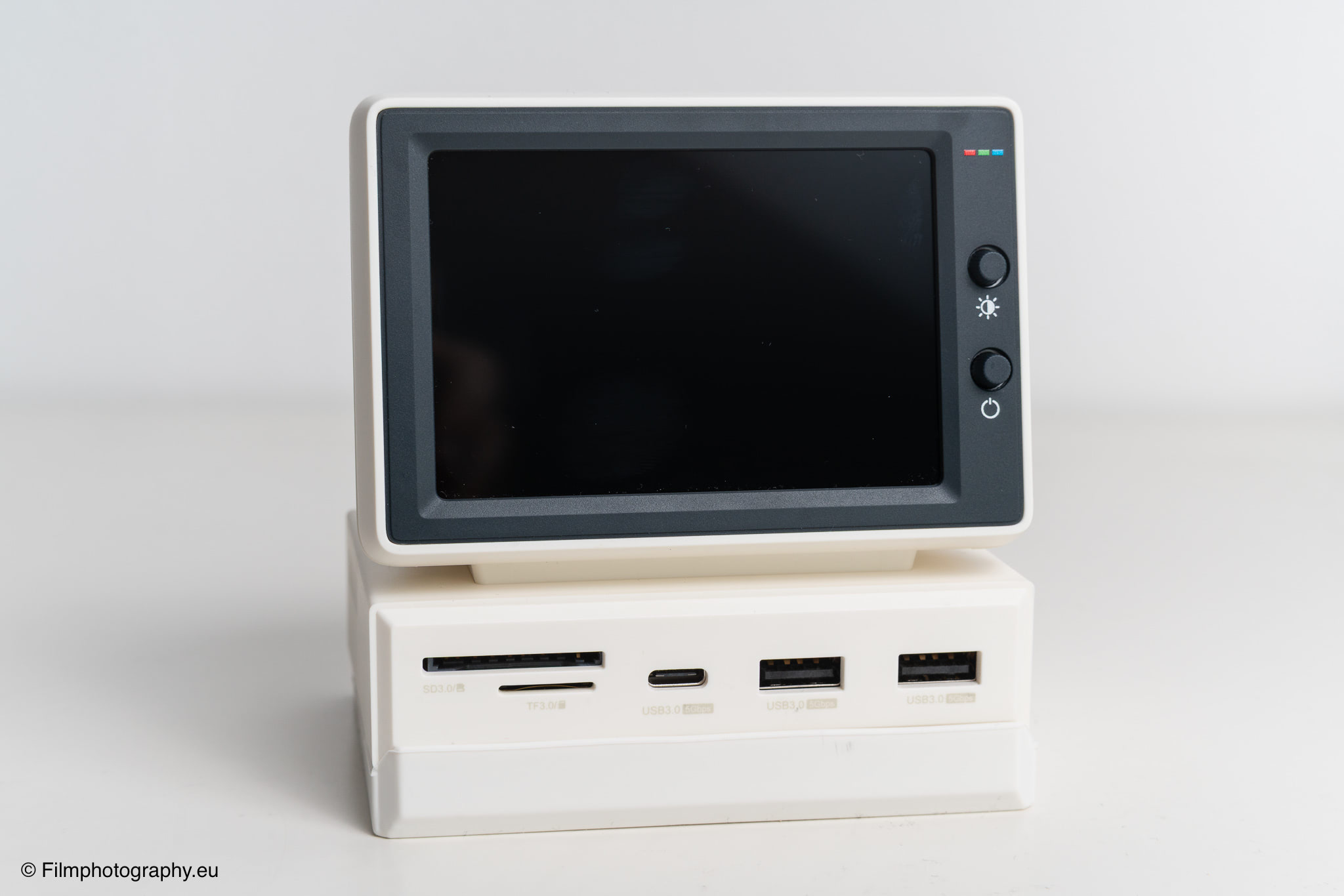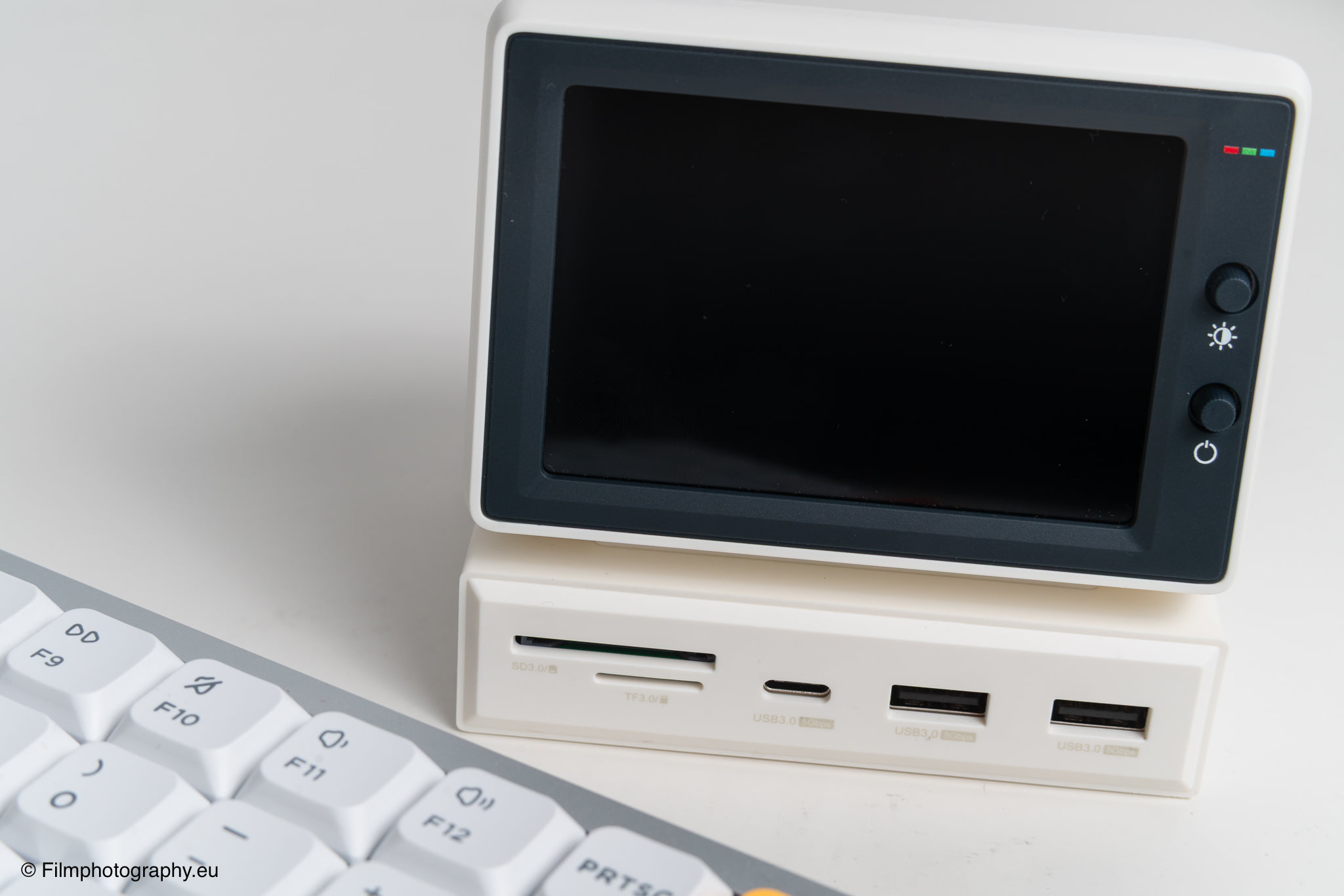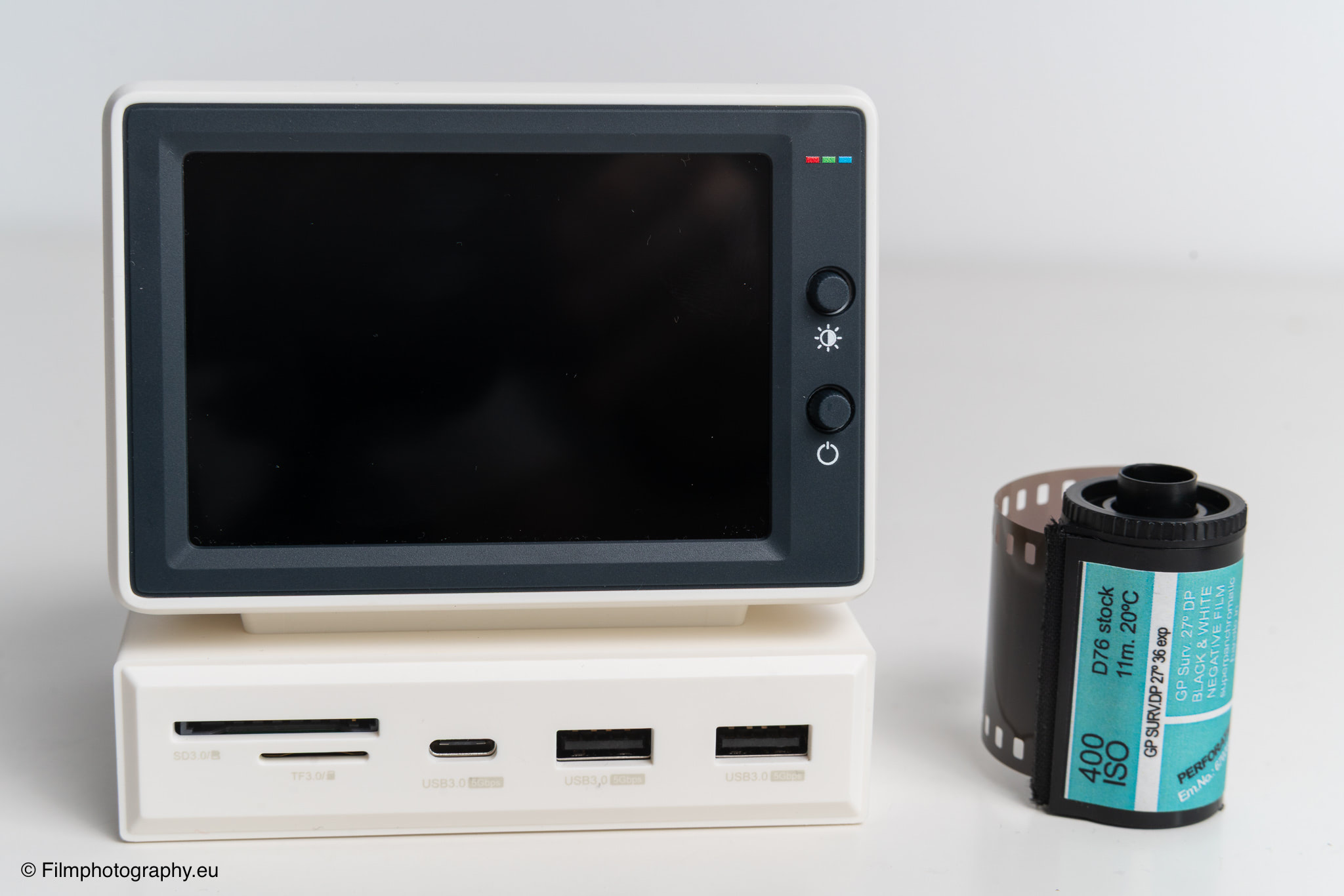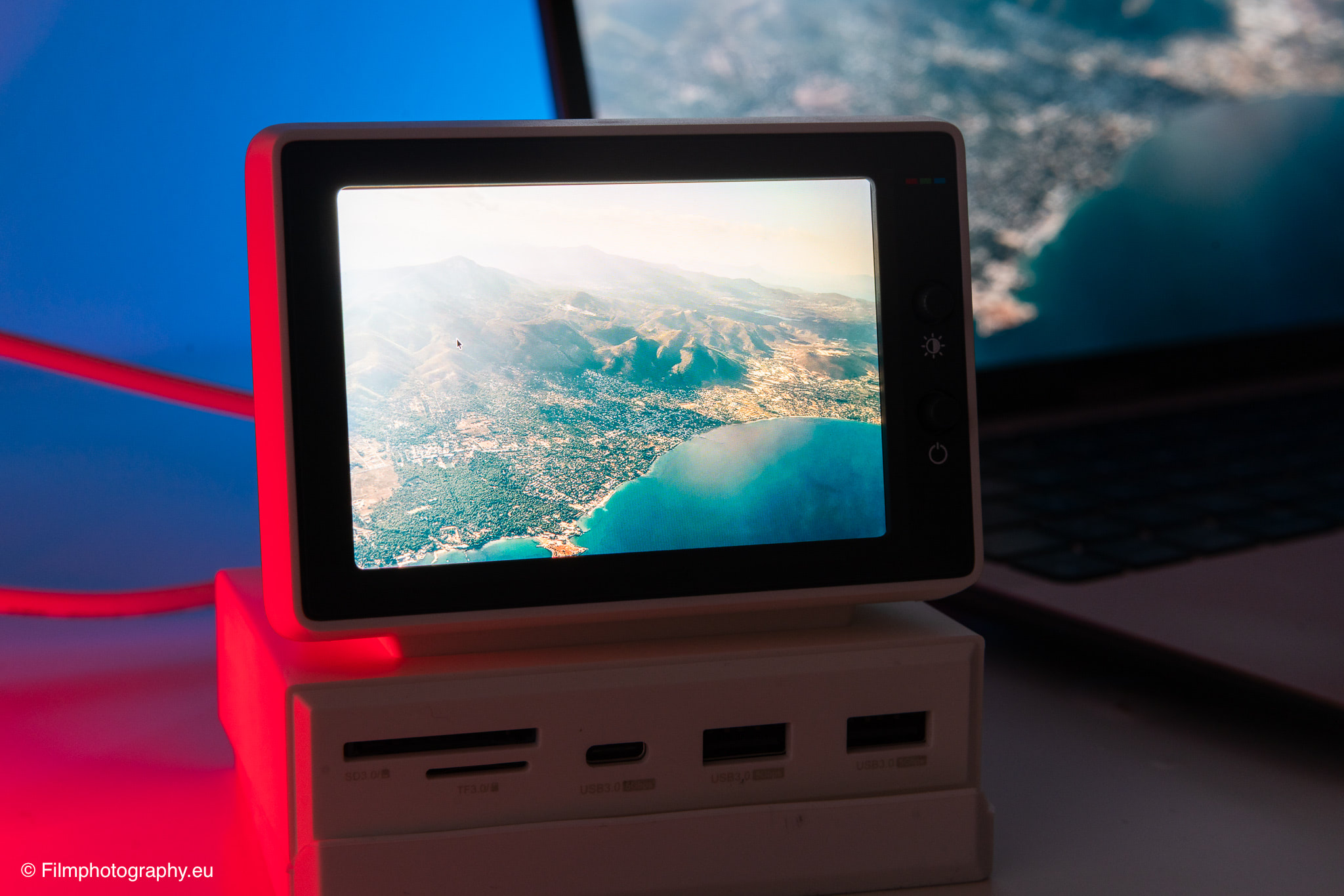
The Hagibis Mini PC USB-C Hub attempts to blend these practical requirements with a dash of nostalgia by combining a classic design with modern connectivity. This compact device pairs a functional USB-C dock with a tiny secondary screen that visually recalls the CRT monitors of past decades.
Specifications
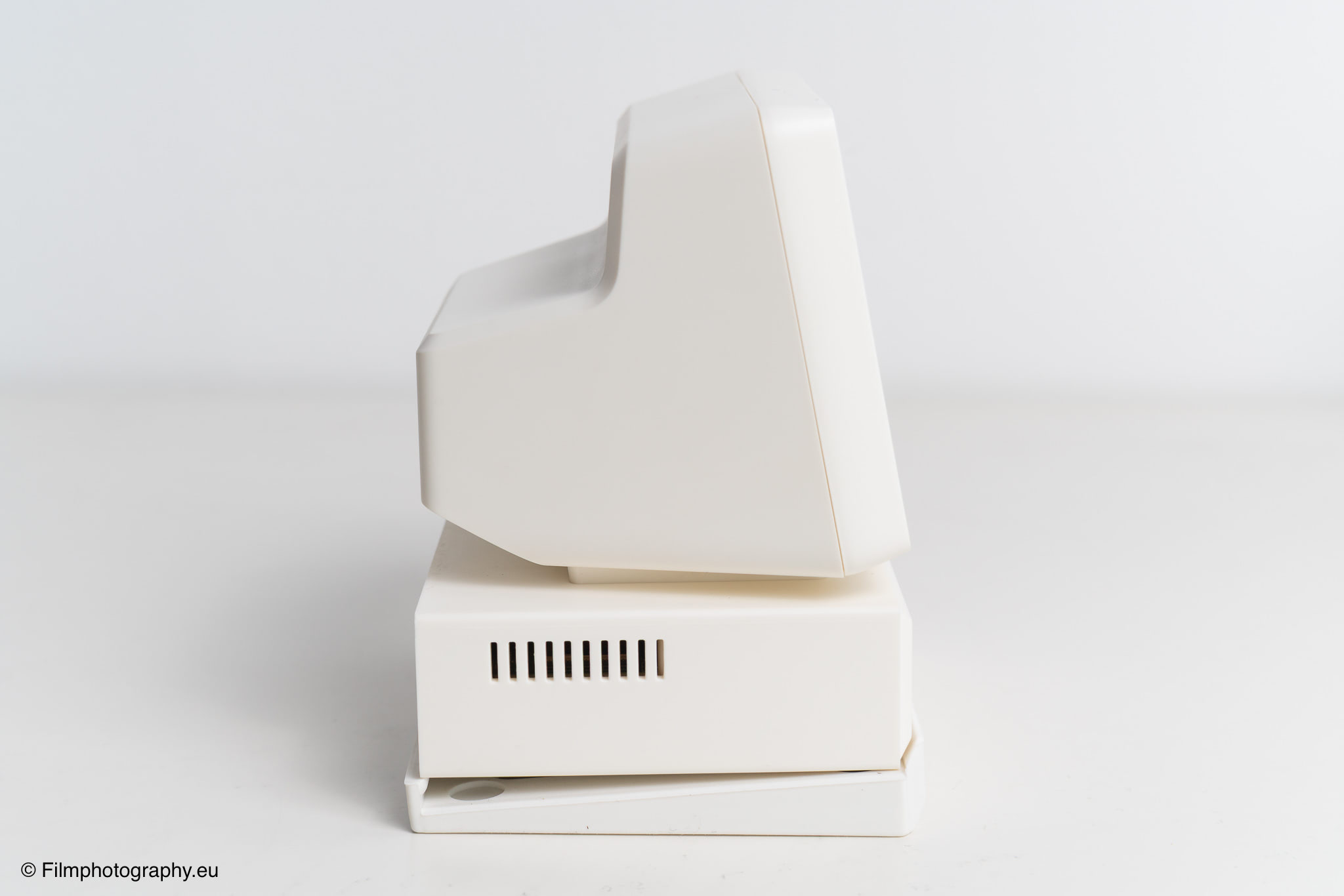
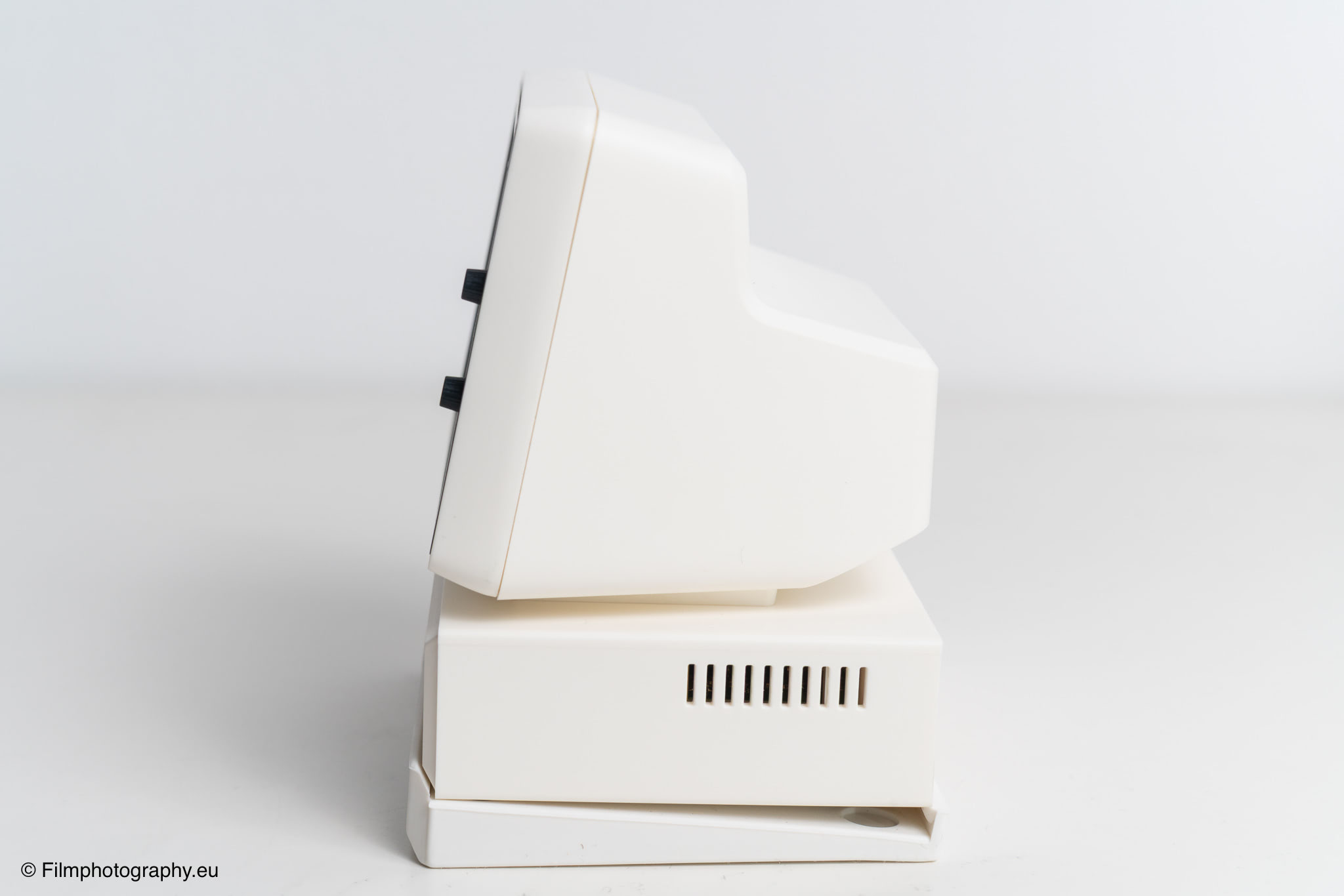
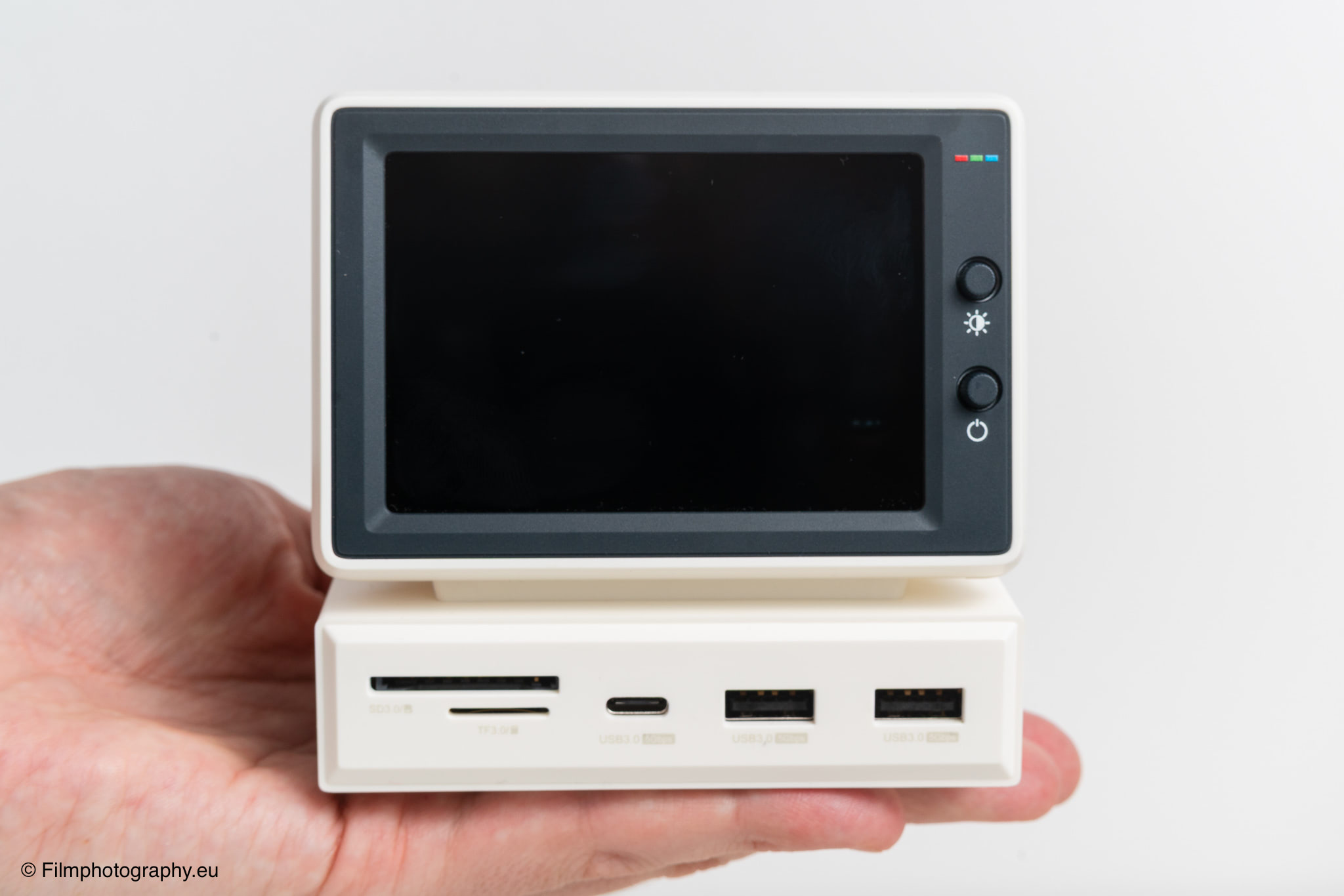
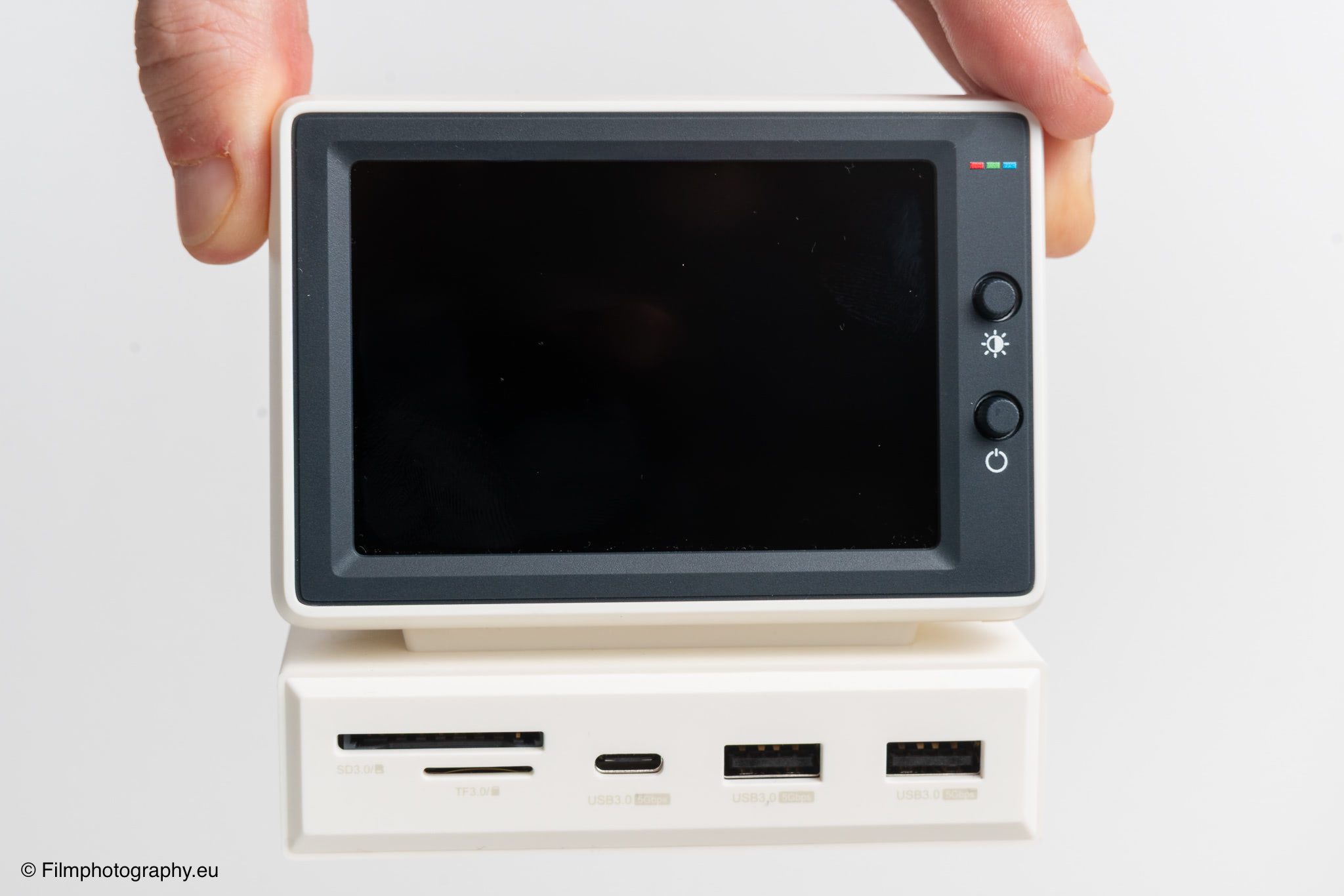
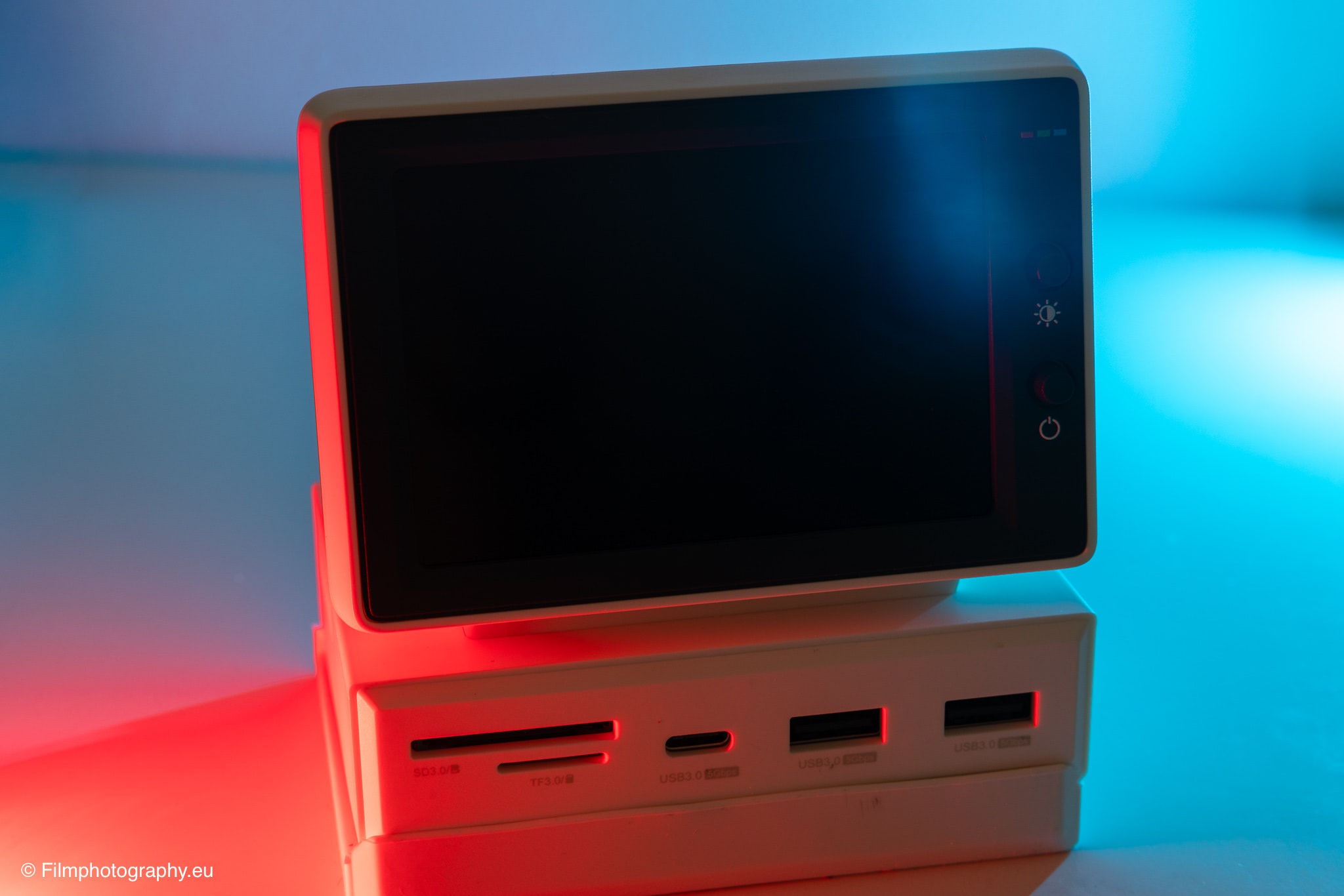
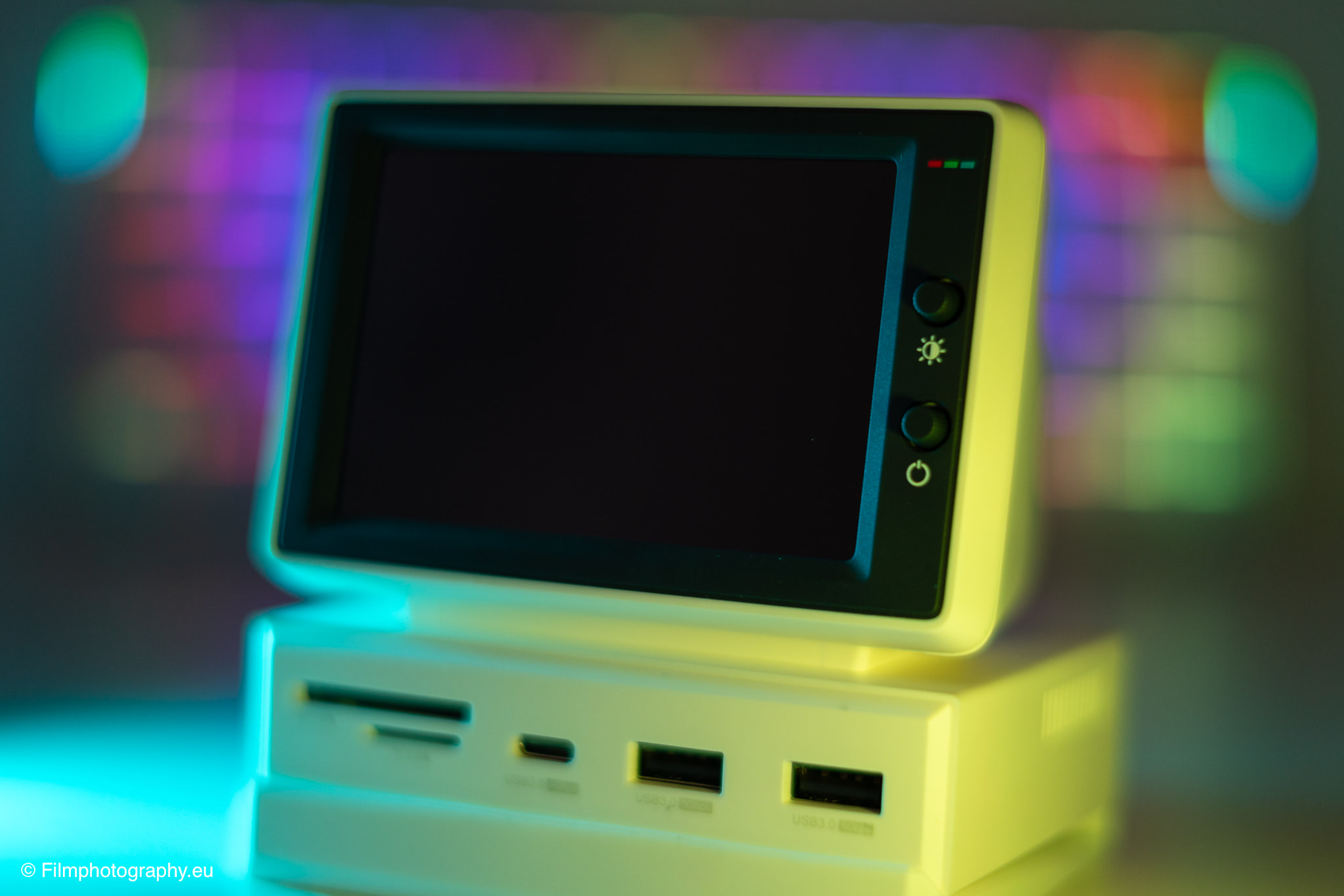
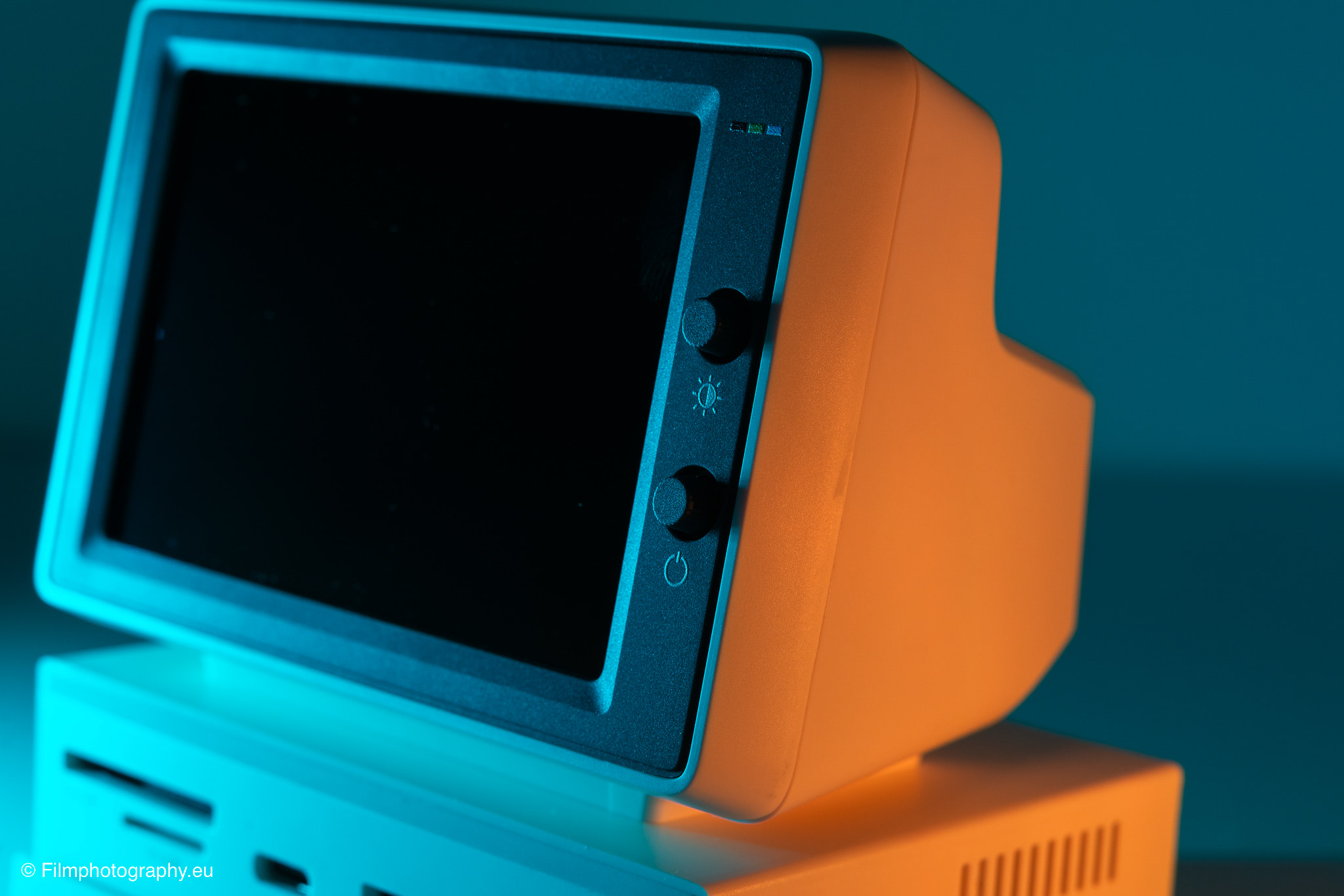
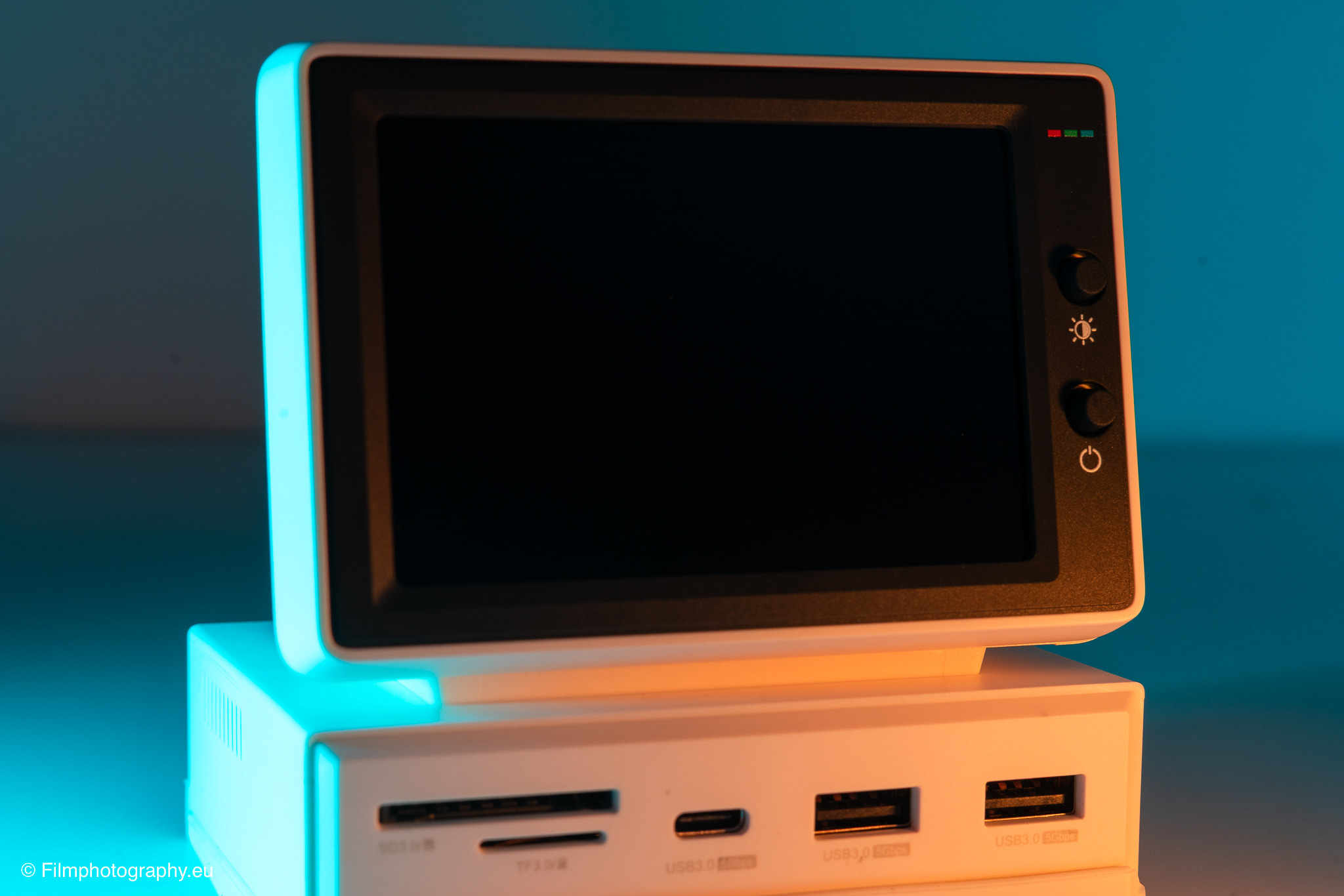
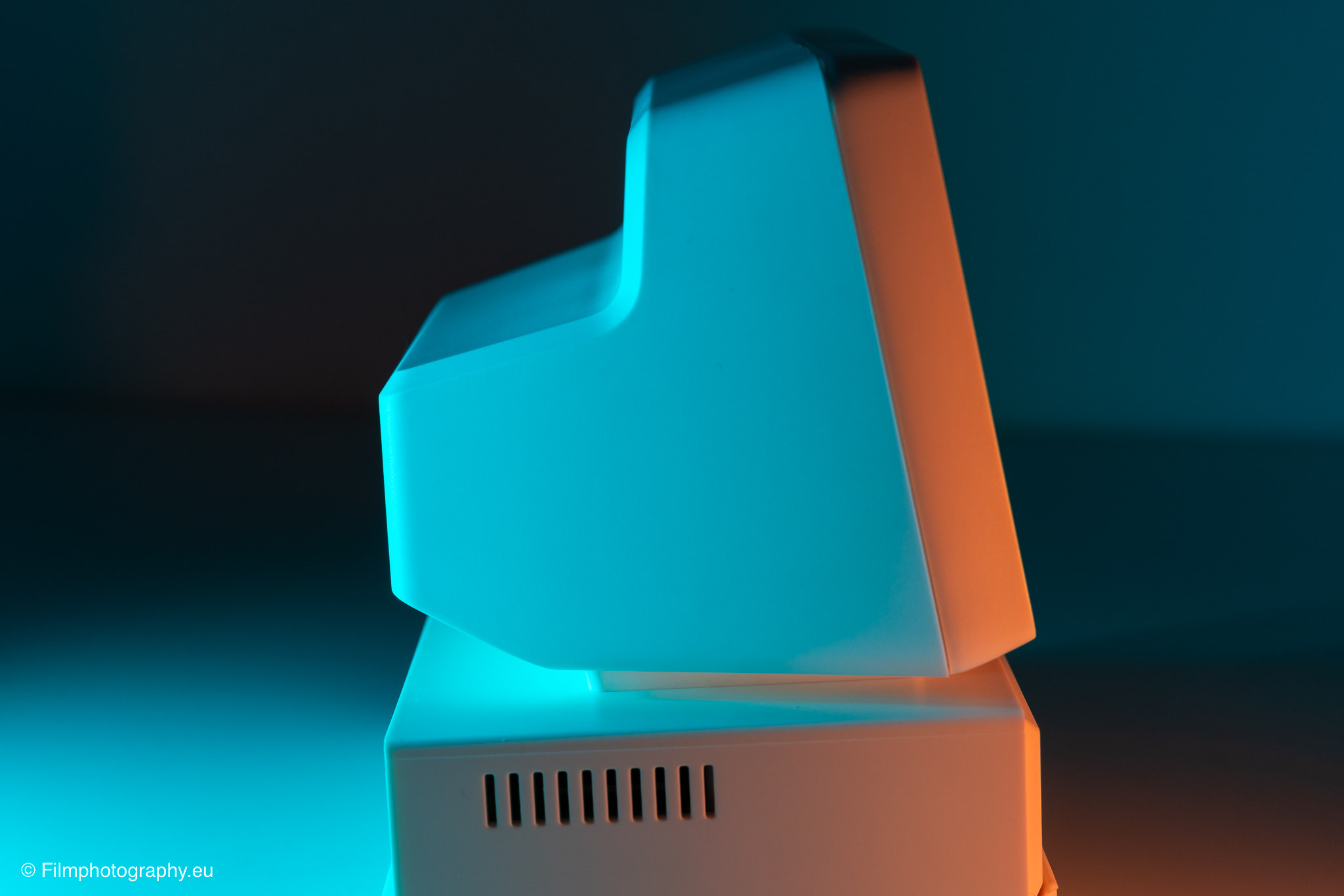
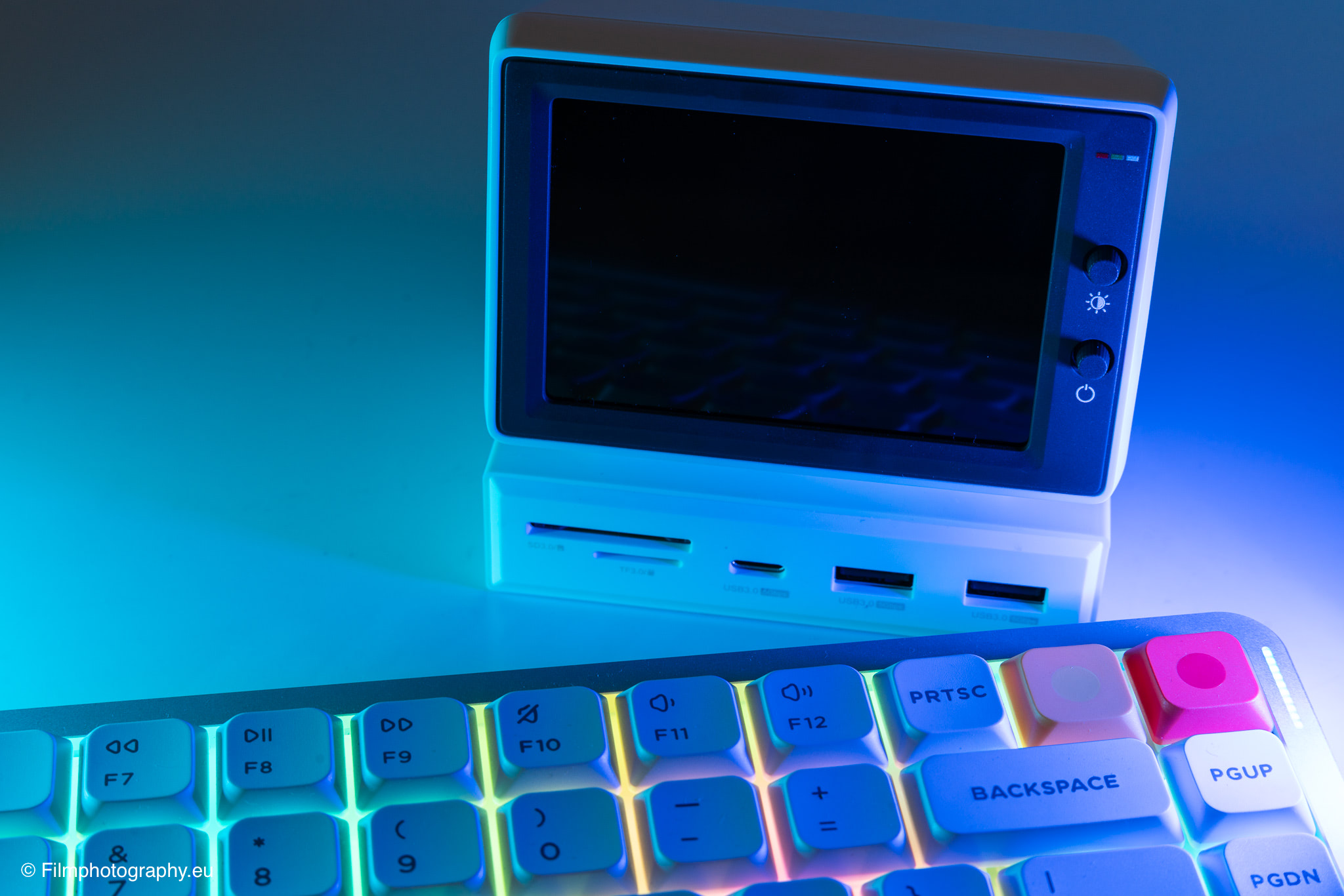
At first glance, the distinctive retro design immediately stands out, drawing heavily from the compact desktop computers of the late 1980s and early 1990s. The housing is made of a light-colored plastic that feels unremarkable to the touch and adds a nostalgic accent to the desk.
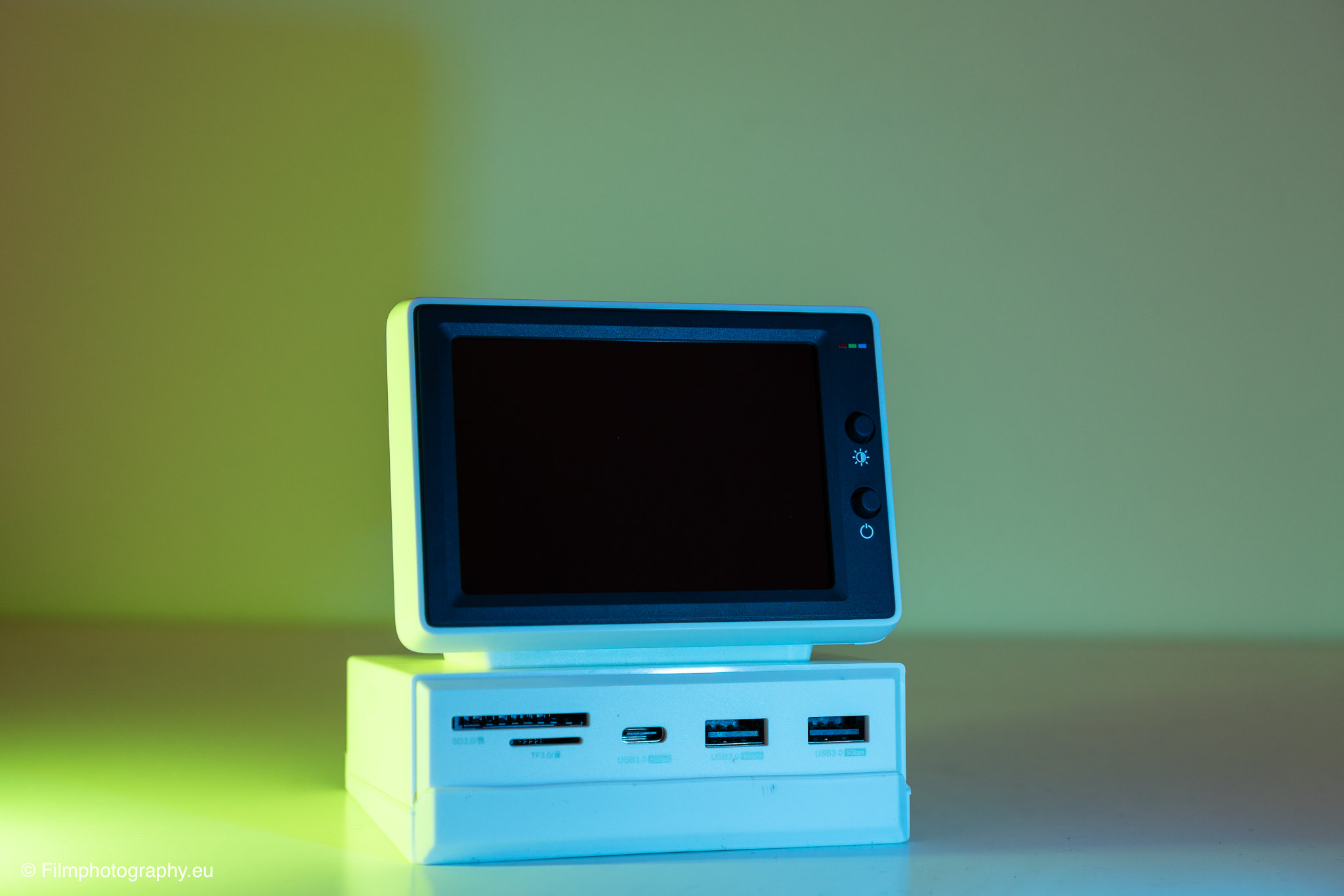
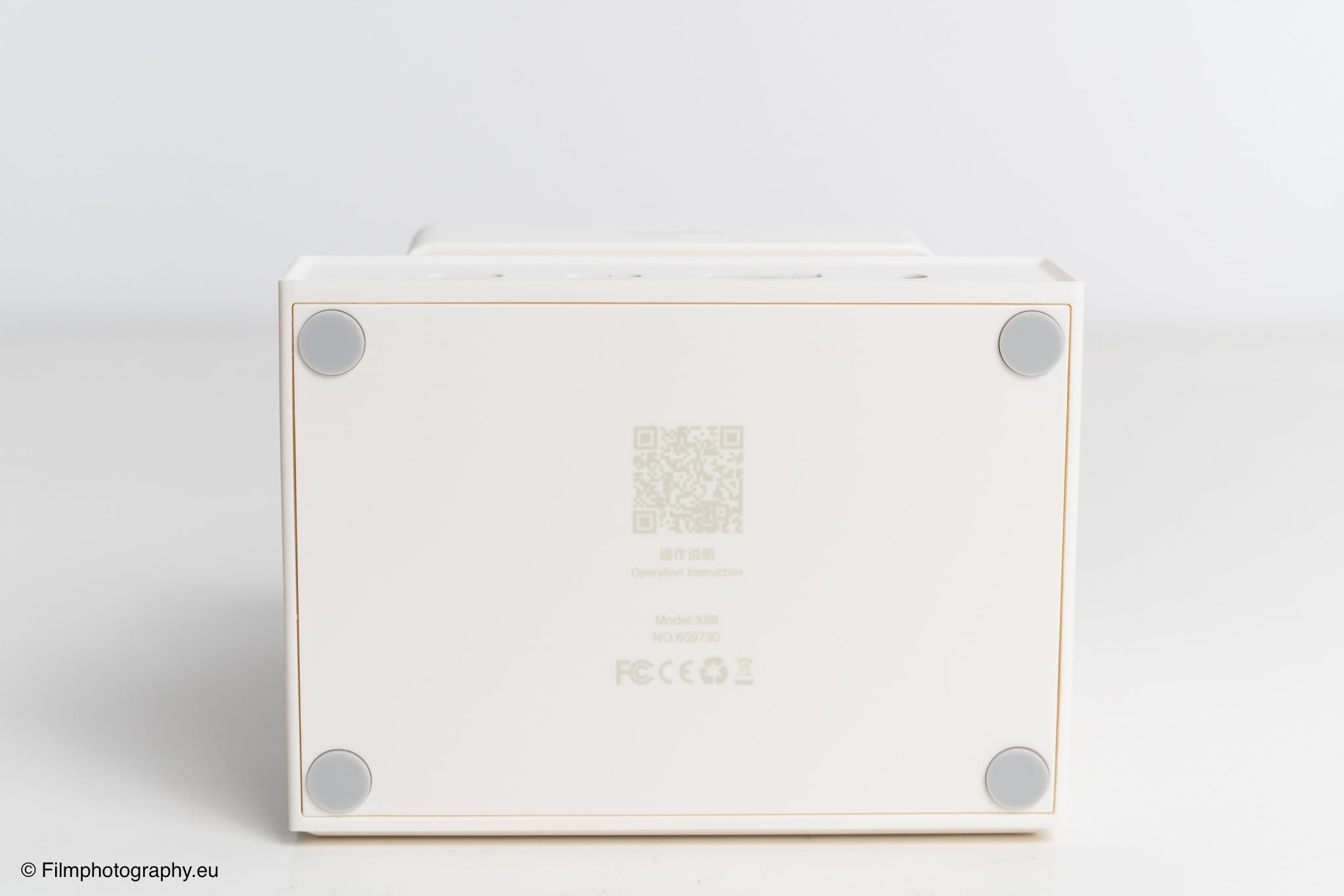
With its compact dimensions of 100 mm in length, 72 mm in width, and 94 mm in height, this hub takes up a pleasantly small footprint on the work desk. The low weight of around 250 grams is also a good fit.
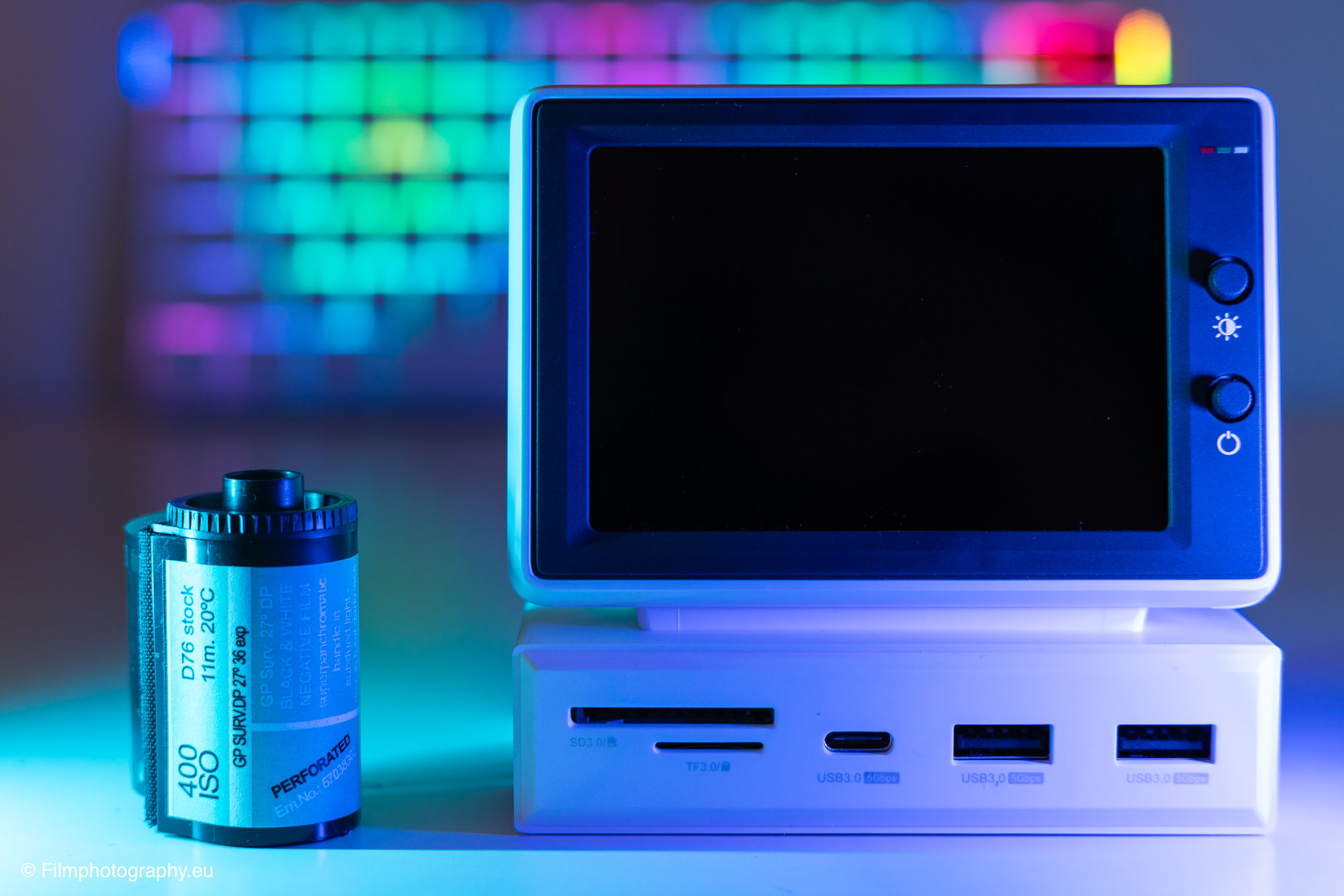
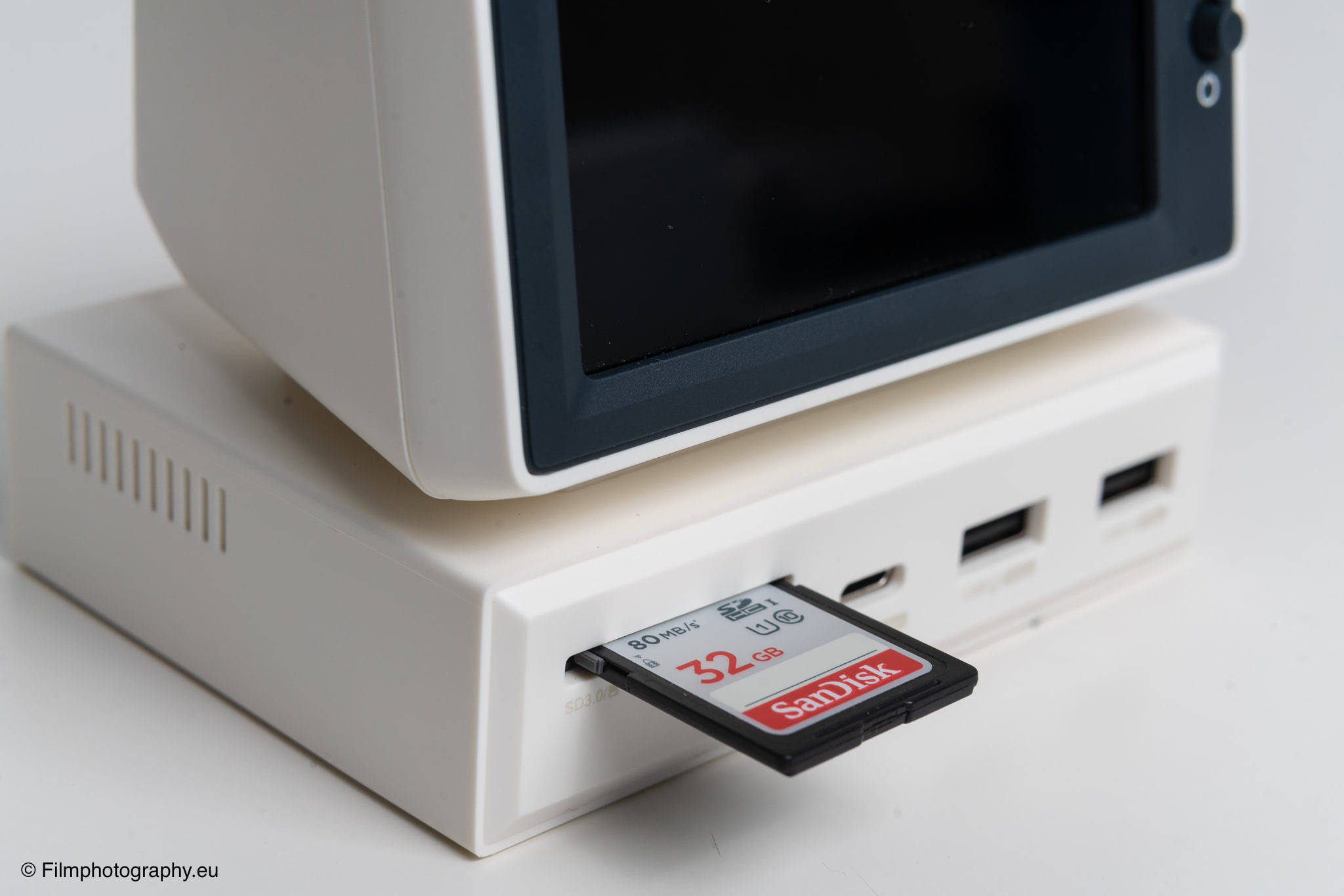
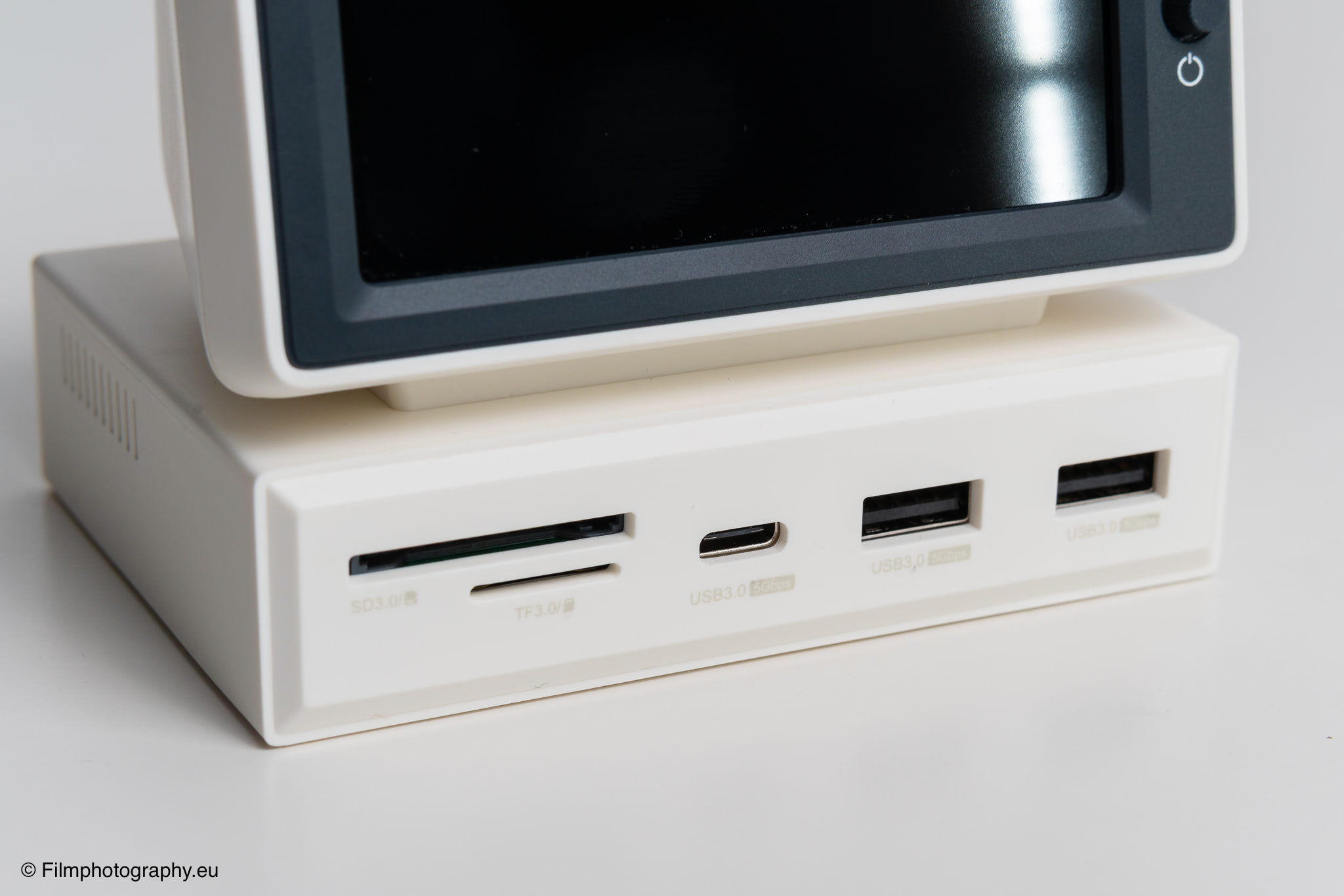
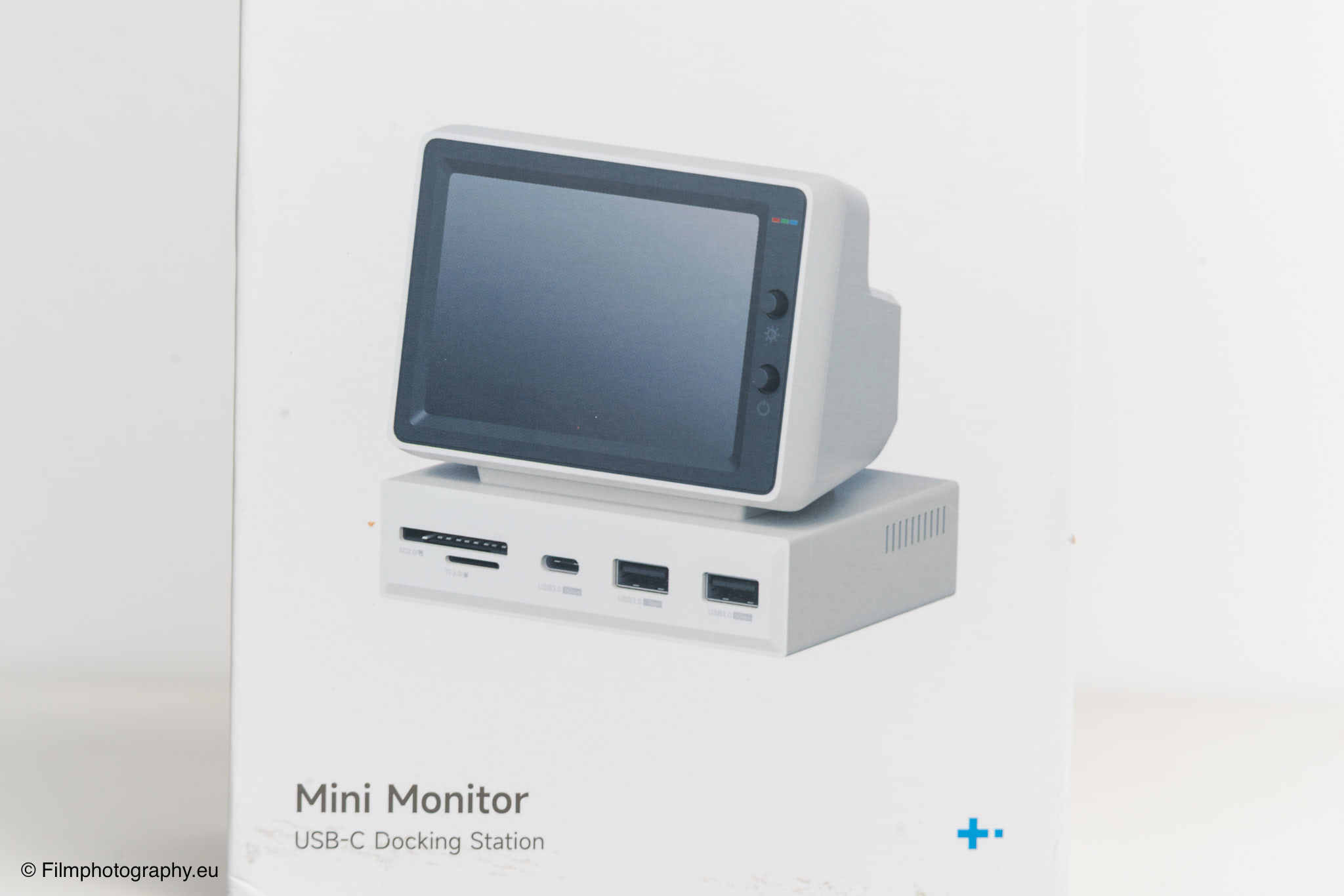
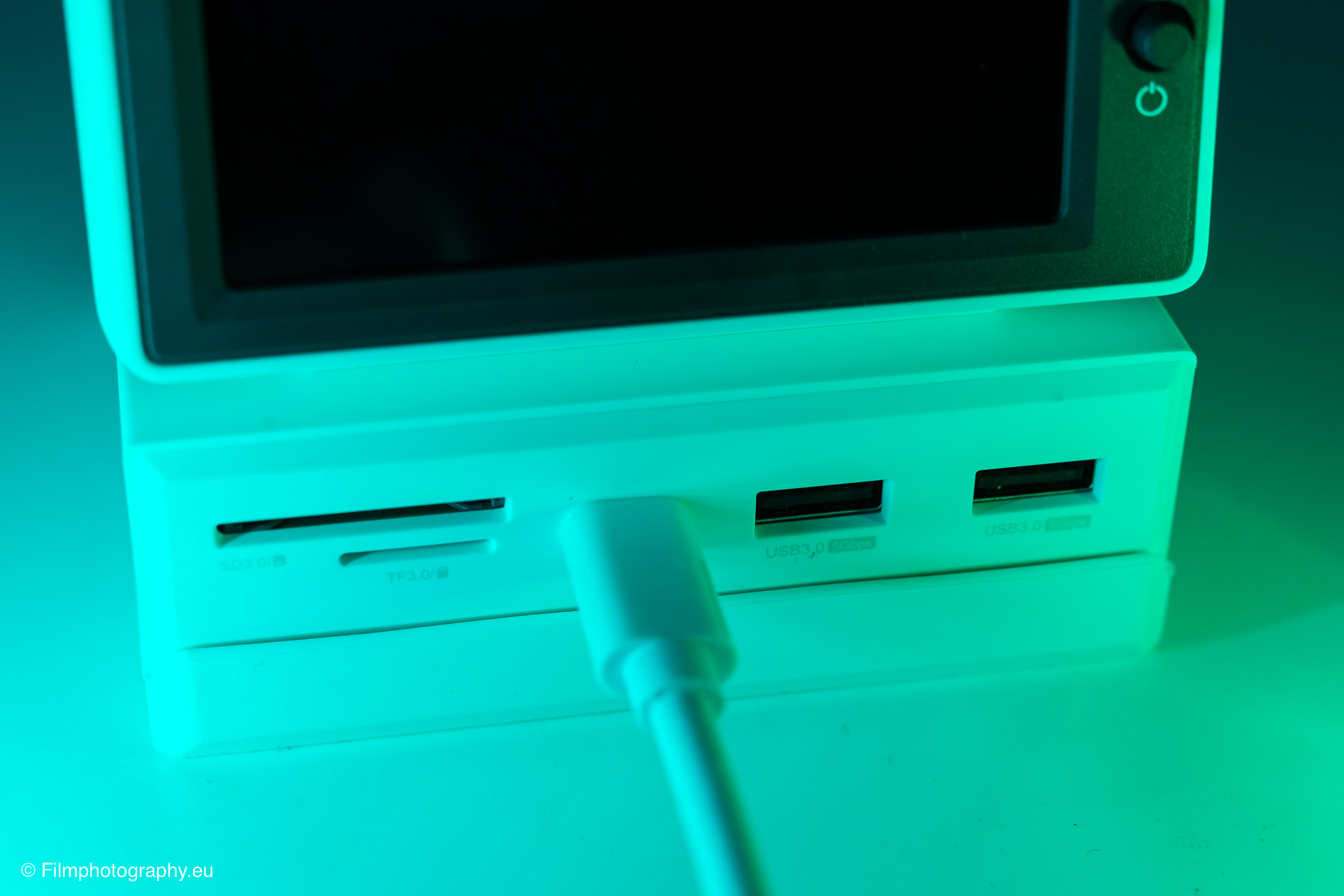
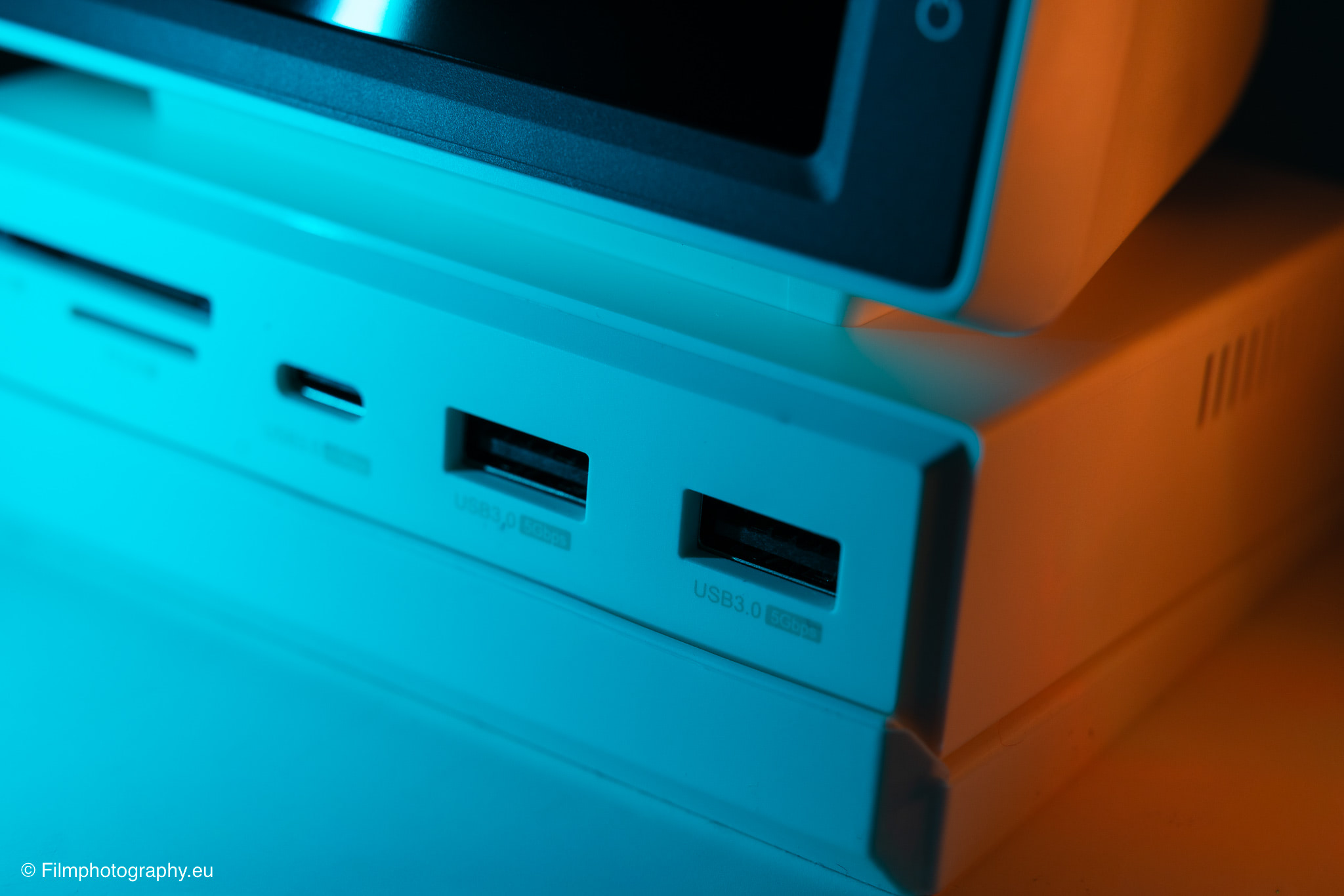
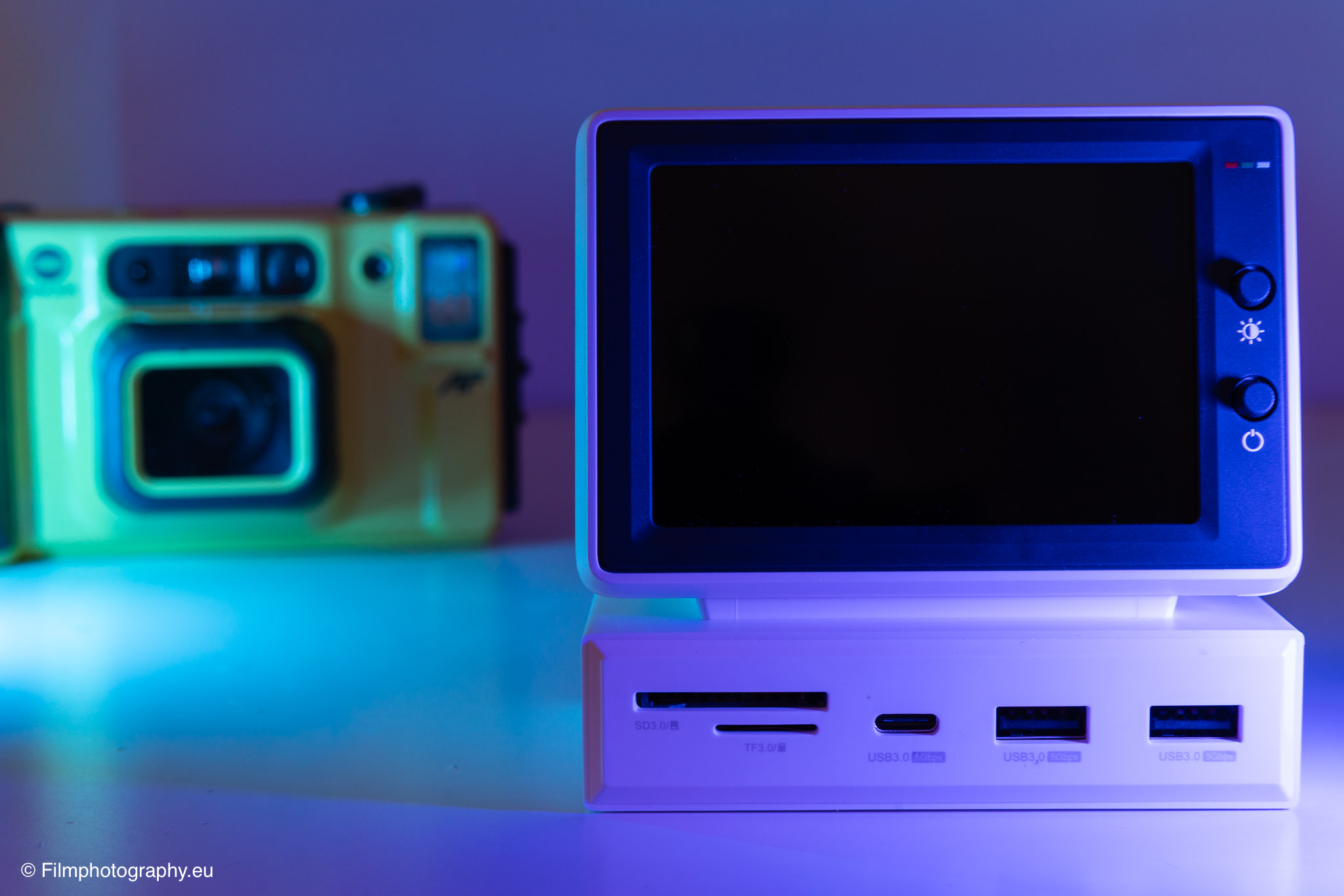
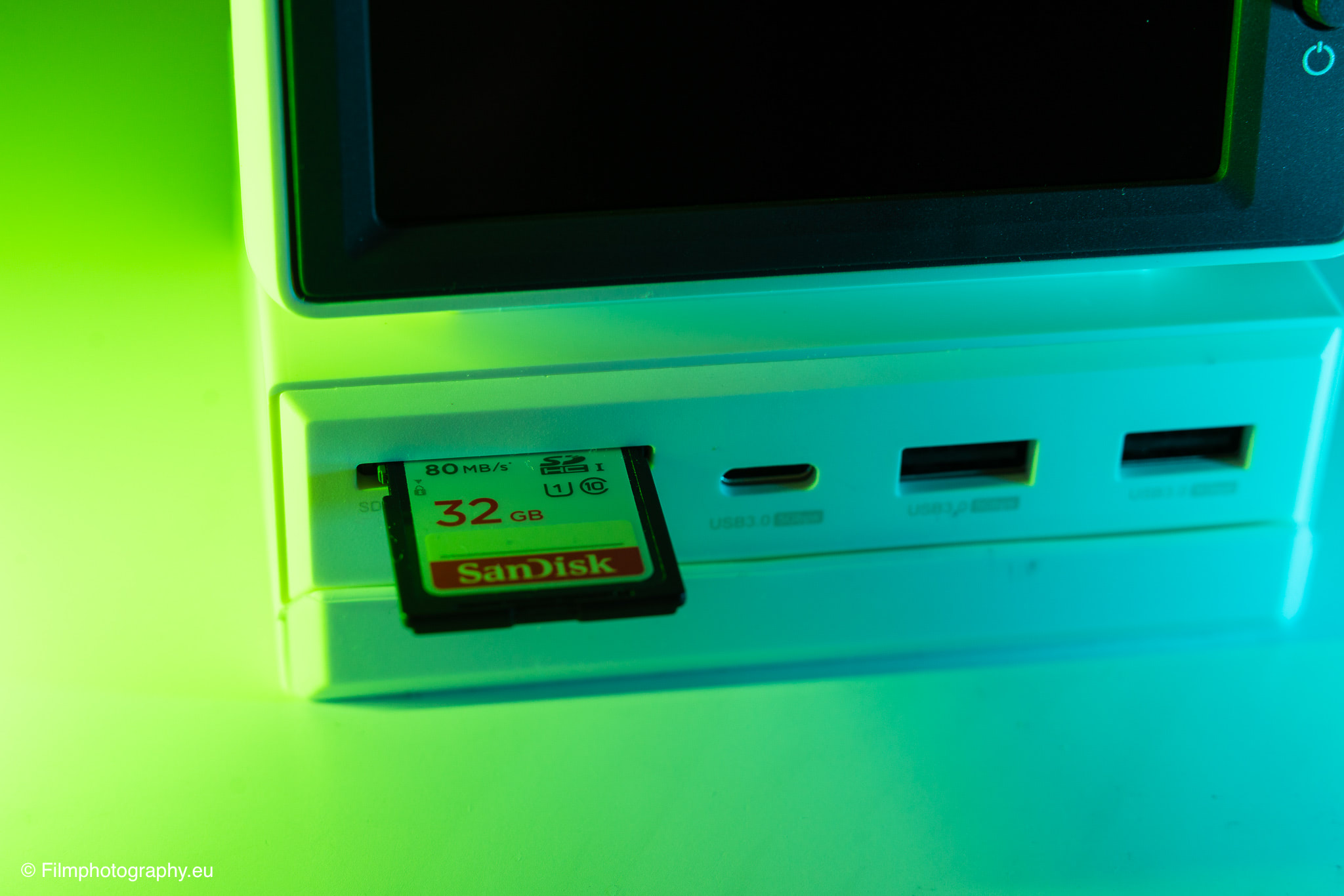
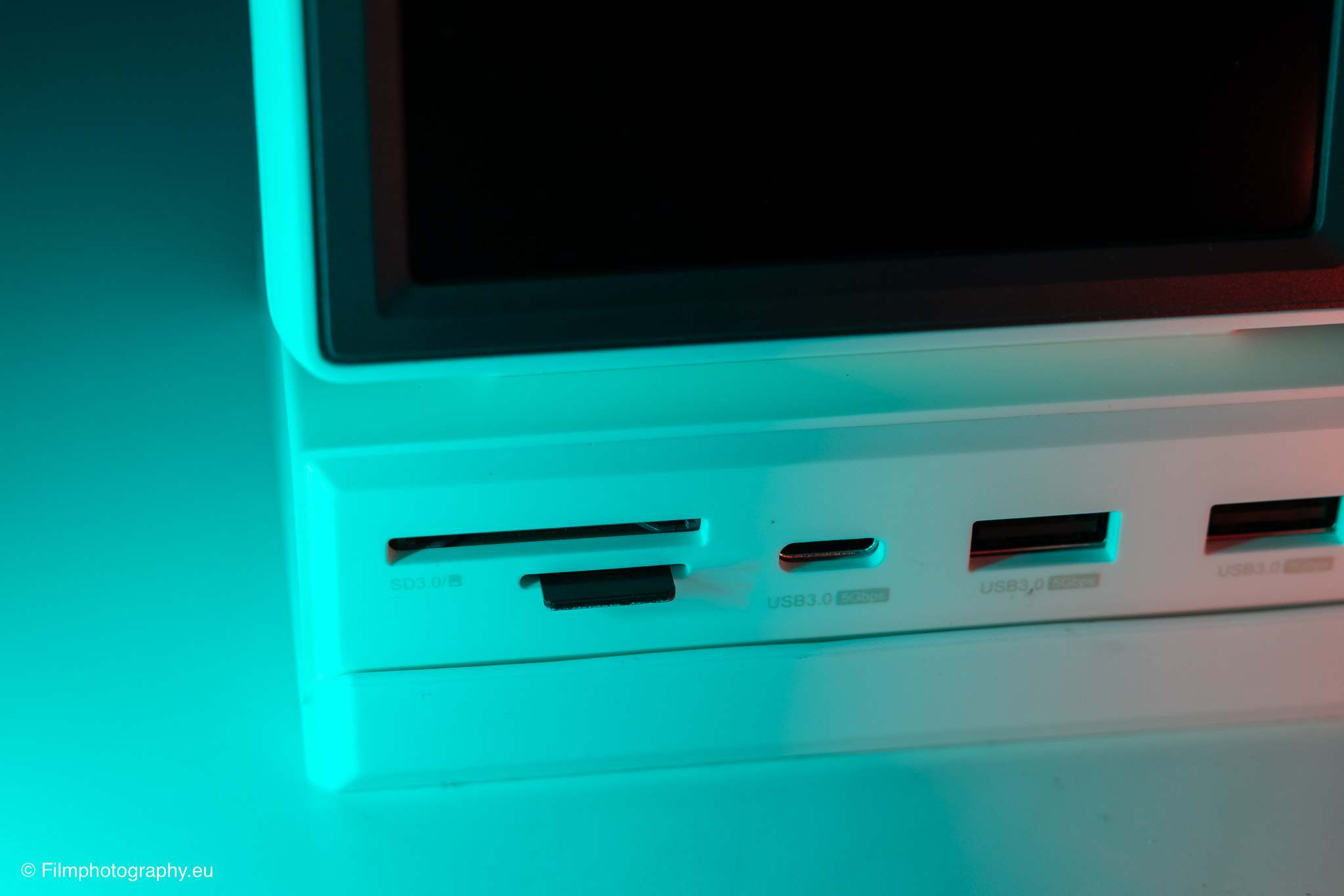
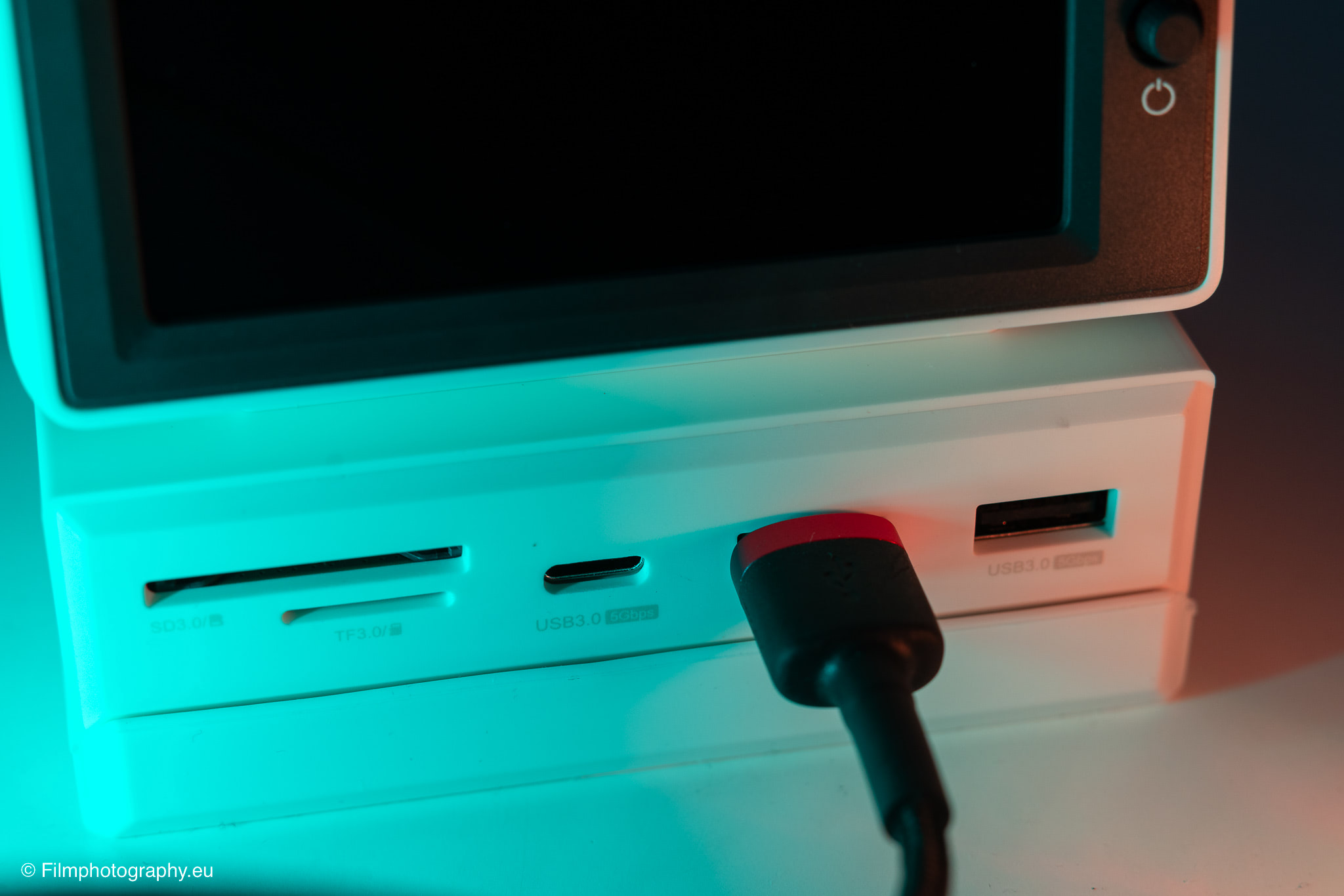
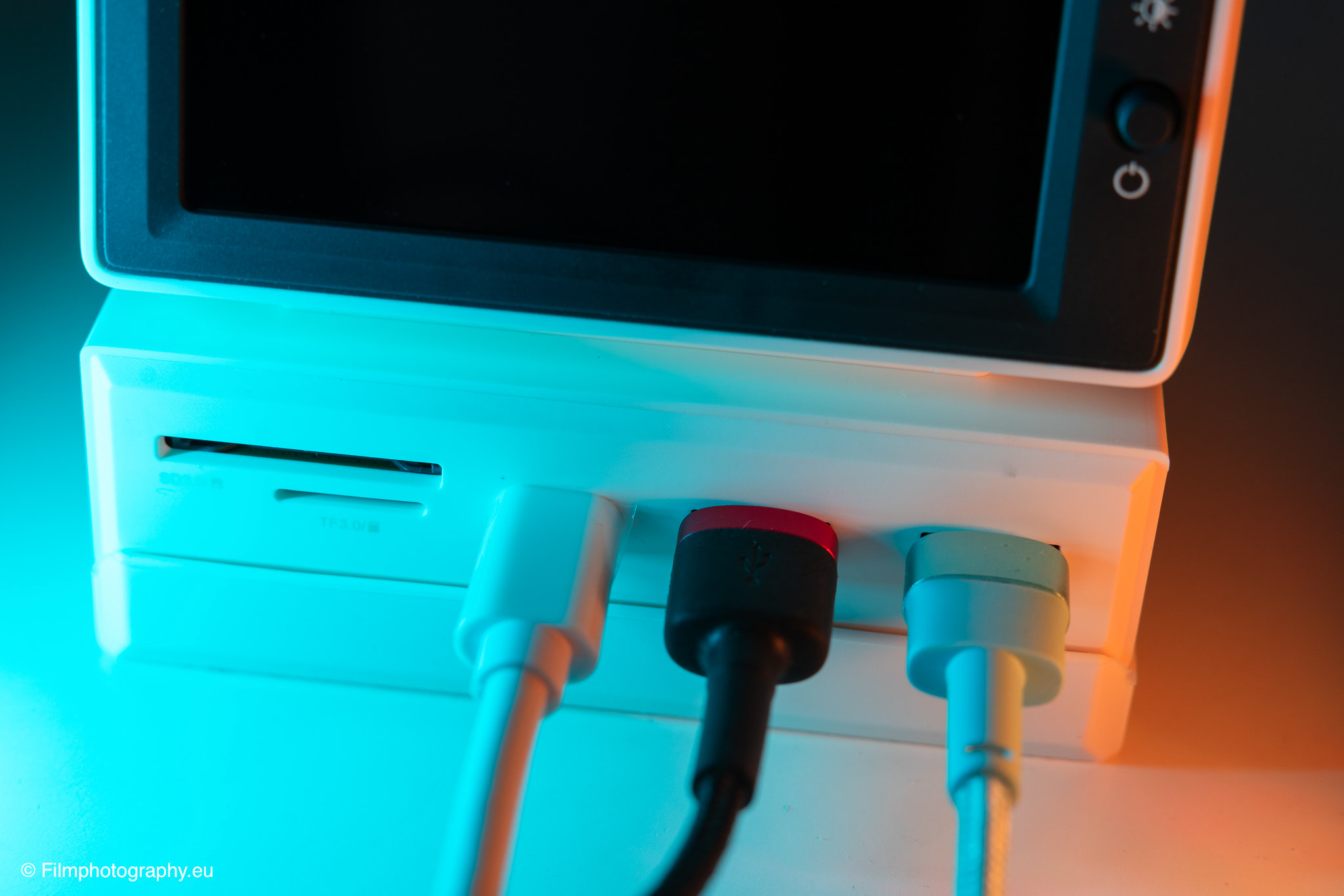
On the front, there are 2 USB-A ports following the 3.0 standard as well as 1 USB-C port, all of which support a data transfer speed of 5 Gigabits per second. Directly underneath, there are 2 separate slots for SD and MicroSD memory cards, which is of great importance for daily work with image files.
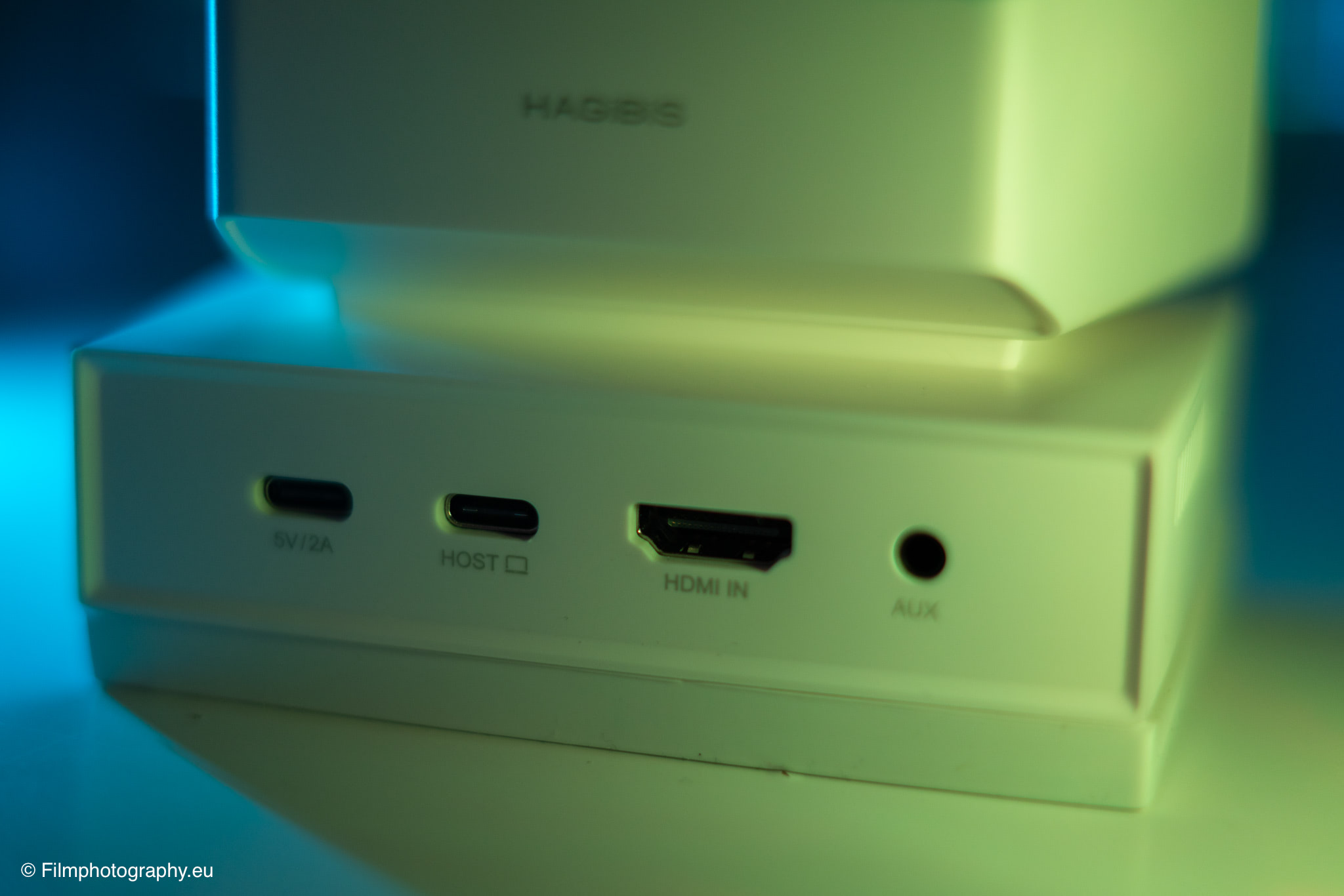
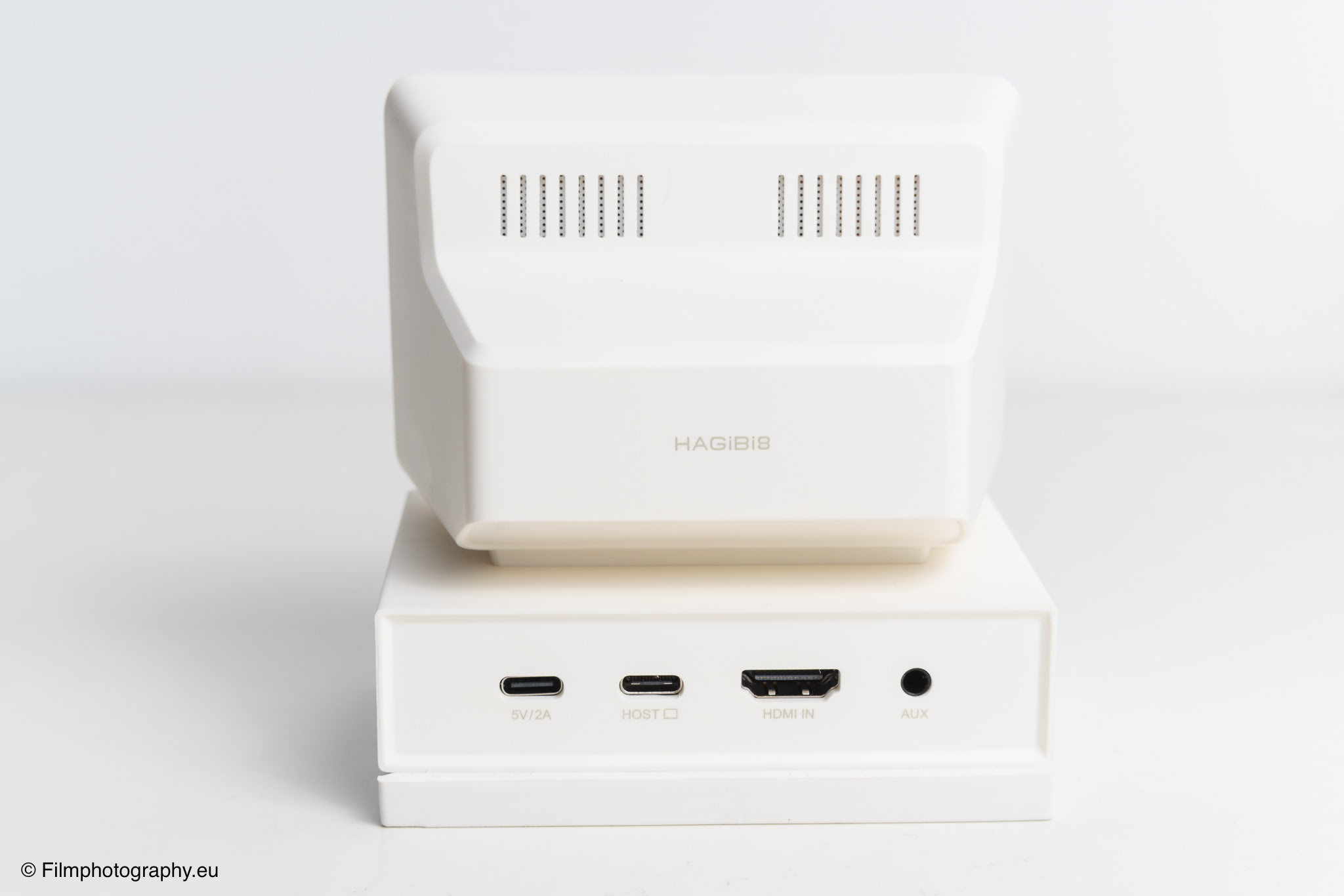
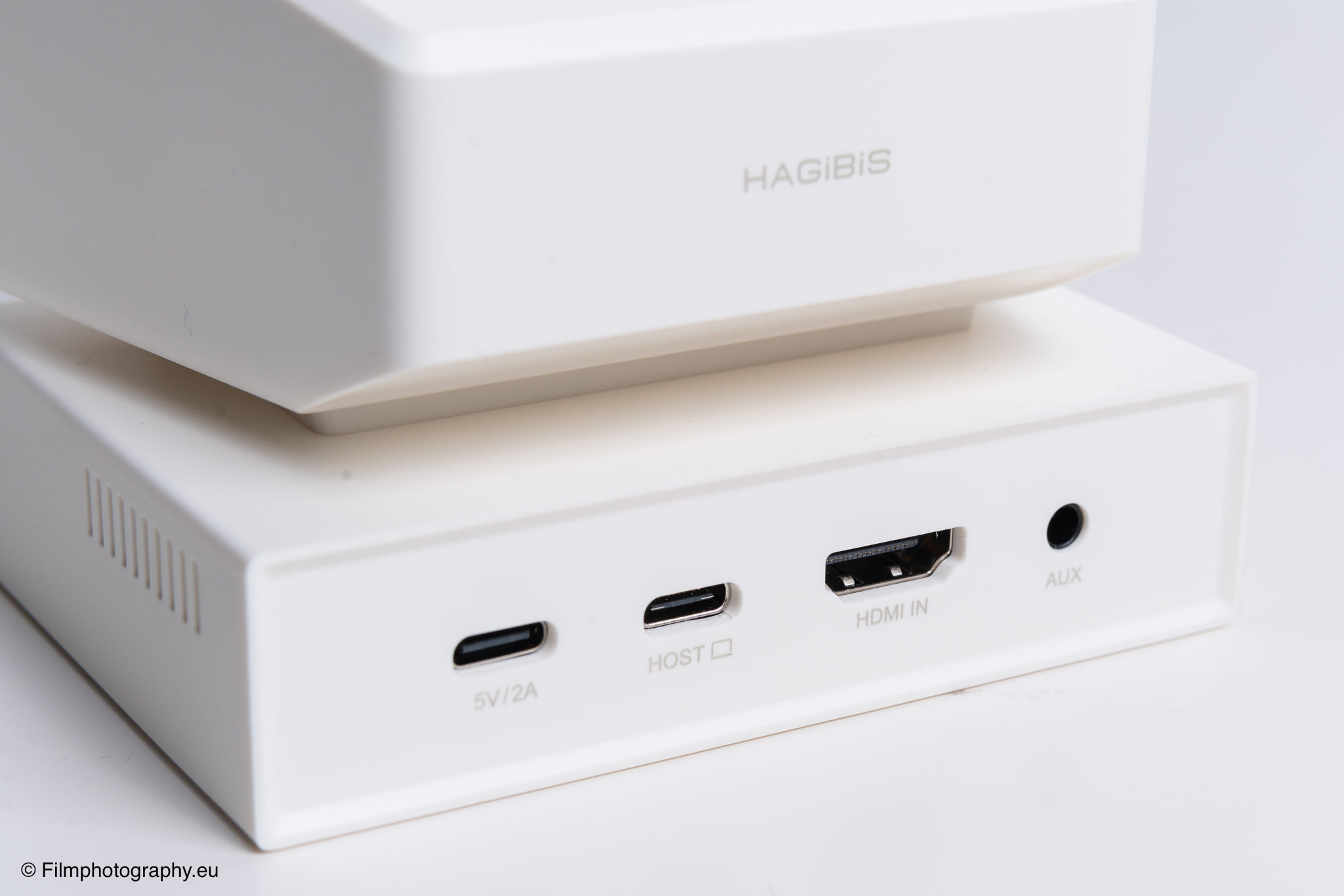
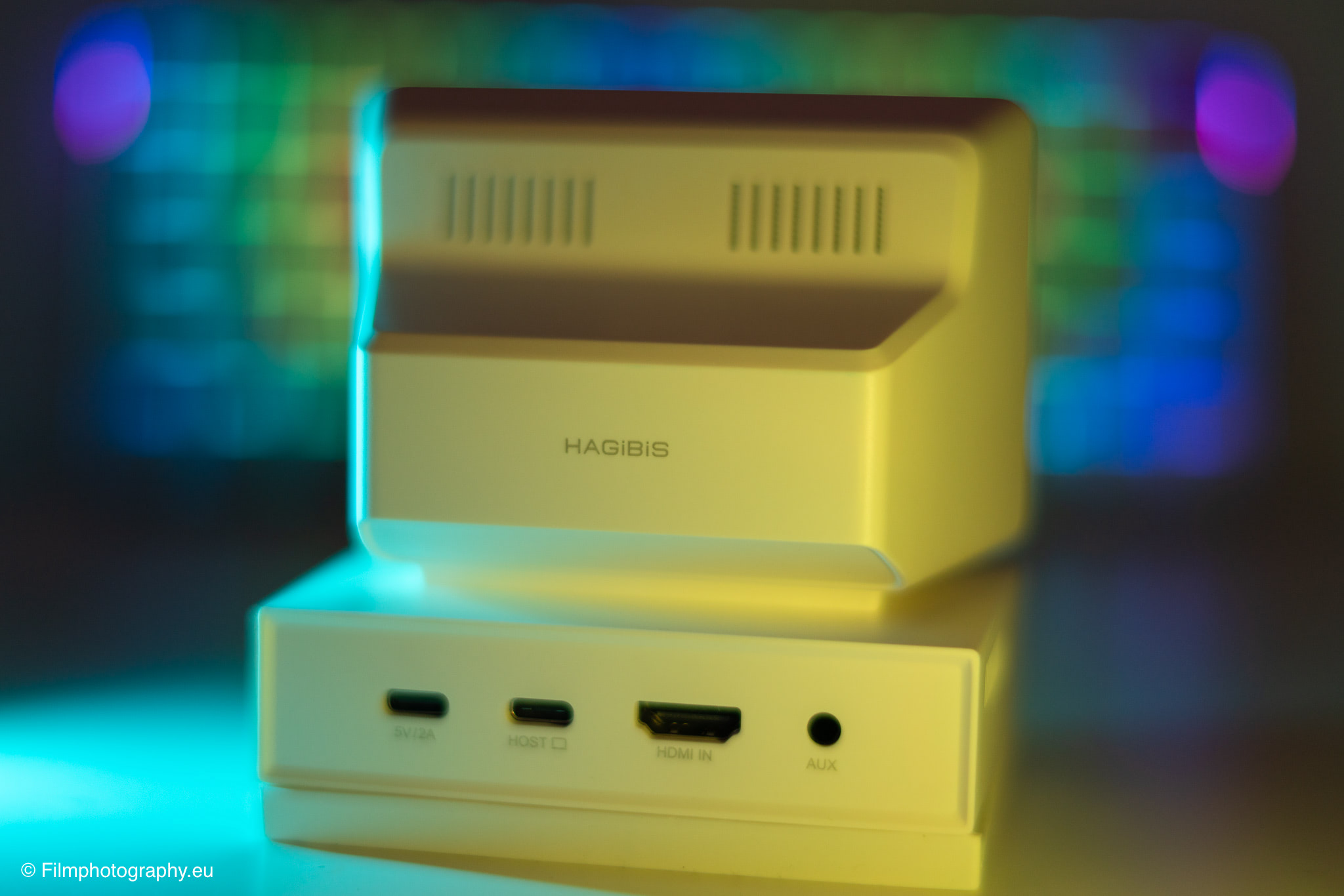
On the back of the housing, there is 1 USB-C port for connecting to the computer, 1 power input for an additional 5V power supply, as well as 1 HDMI input and 1 classic 3.5 mm jack for headphones.
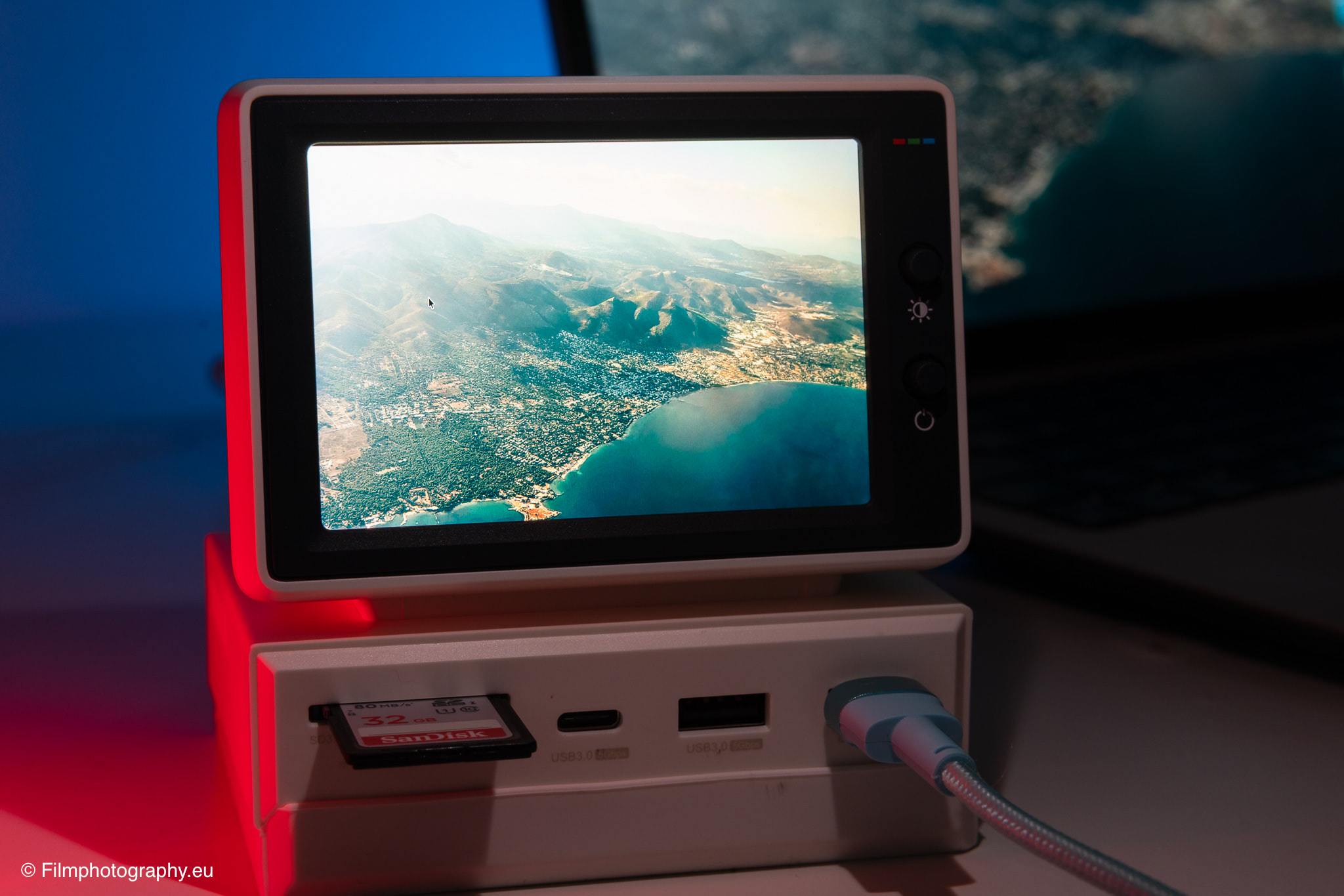
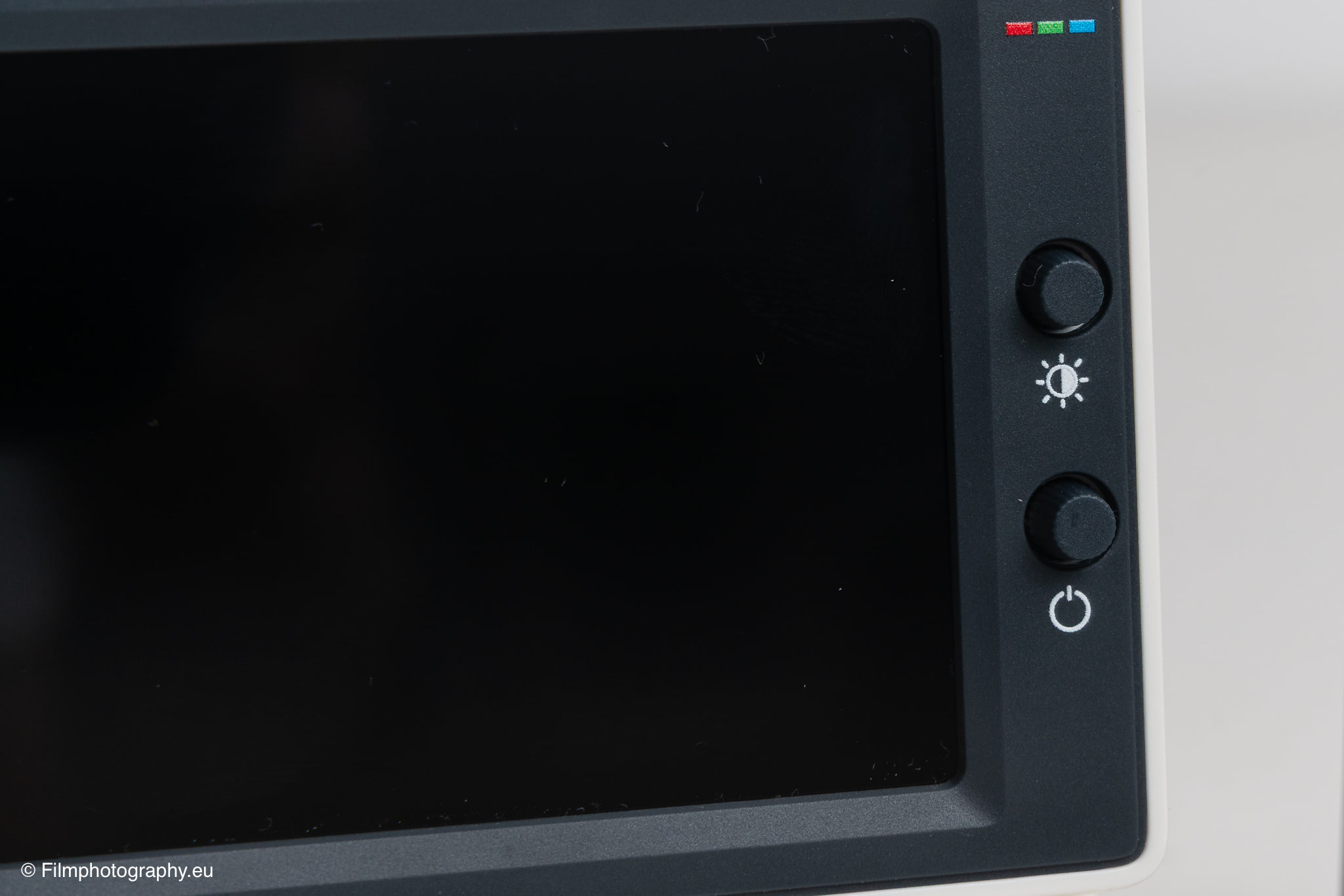
The integrated screen measures 3.5 inches diagonally and uses a viewing-angle-stable IPS panel that allows viewing from angles up to 178 degrees. The physical resolution of this small display is natively 960 by 640 pixels, although the device can also simulate higher, scaled resolutions of up to 2560 by 1600 pixels via the operating system.
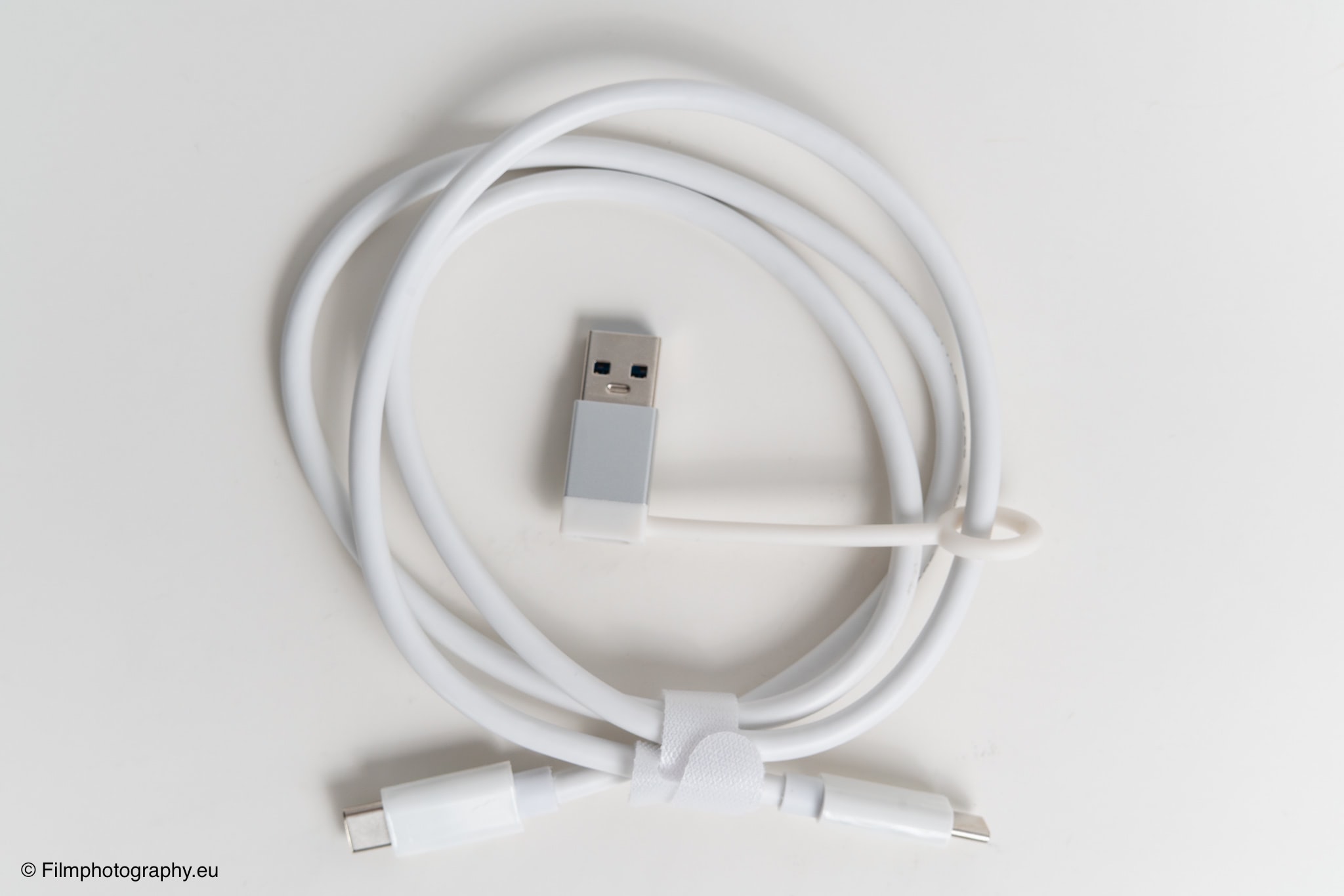
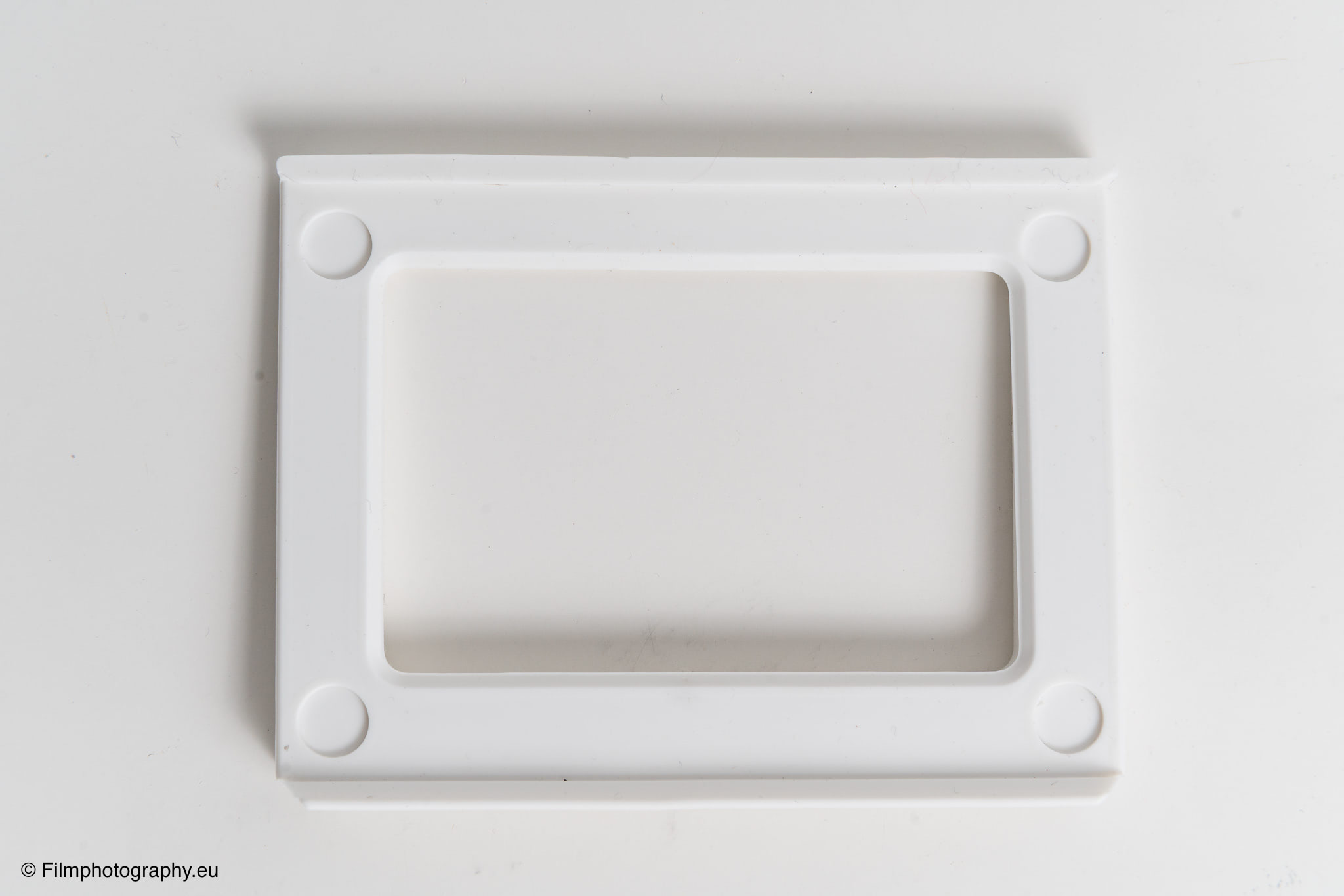
Also included in the package is a color-coordinated silicone pad, which can be used to raise the tilt angle of the small housing by about 5 degrees to improve ergonomics and readability on the desk. Additionally, a USB cable with a USB-A adapter is included with the purchase.
Use as a Hub
For photographers who regularly scan film material or transfer digital images from memory cards to their computer, the accessibility of the interfaces is a crucial factor. In daily use, the Hagibis hub proves to be a useful expansion in the photographer's workflow.
Inserting an SD card from the camera or scanner succeeds without any contortions, and the image files are quickly transferred to the computer. A USB flash drive can also be quickly connected when needed.
Other than that, there is not much else to say about using it as a hub, as the Hagibis hub simply does its job. It would be nice to have one or two more USB-A or USB-C ports on the back. This would keep things tidier, especially for constantly used devices with longer cables.
Use as a Second Display
At first glance, the small monitor on top of the device might seem like a gimmick. To some extent, it is certainly a novelty at first.
When using the hub over a longer period, you quickly realize that it can actually be quite useful. The installation is very simple. Just plug it in, and it is immediately recognized as a display by macOS and is ready to use. The image quality here is surprisingly good.
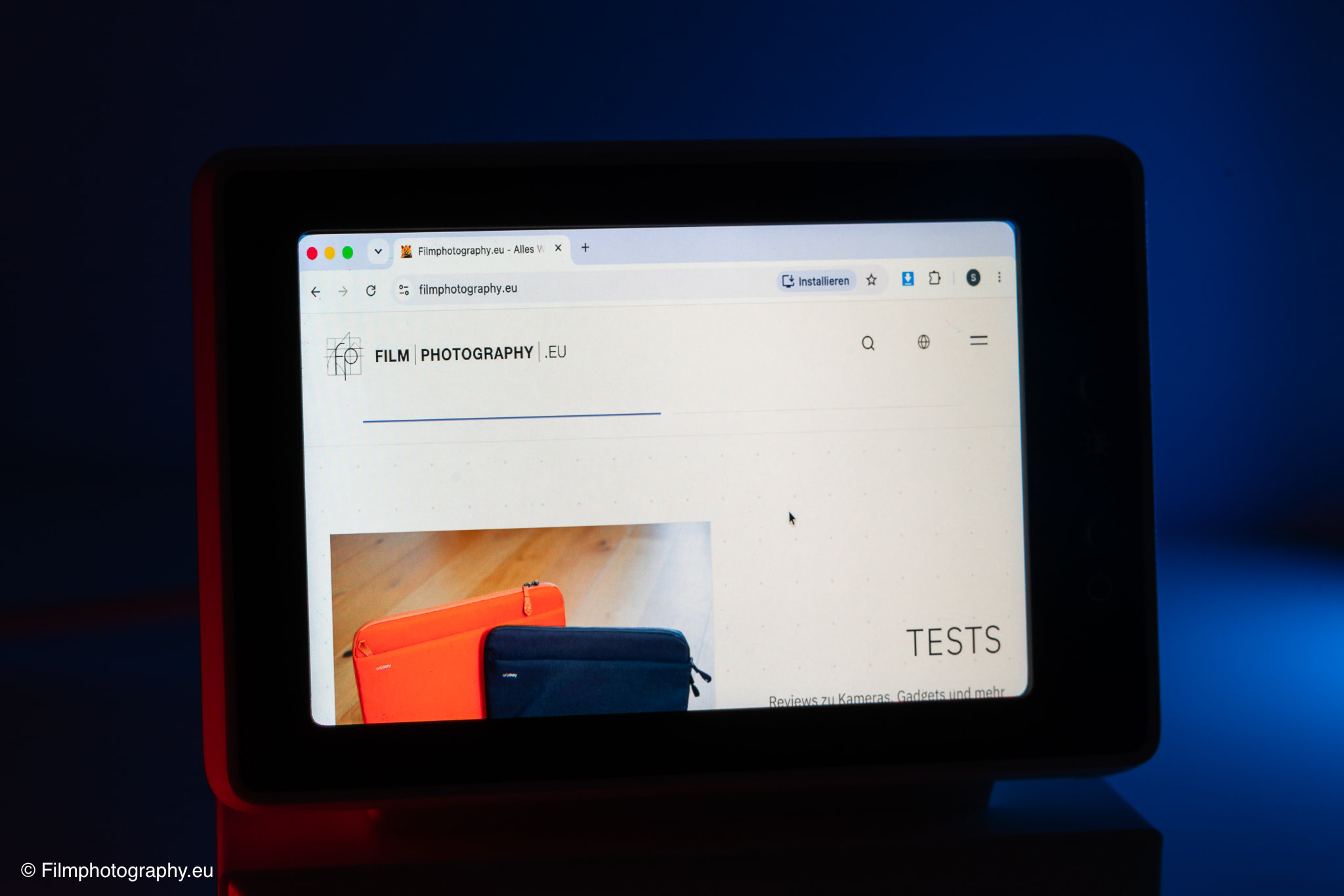
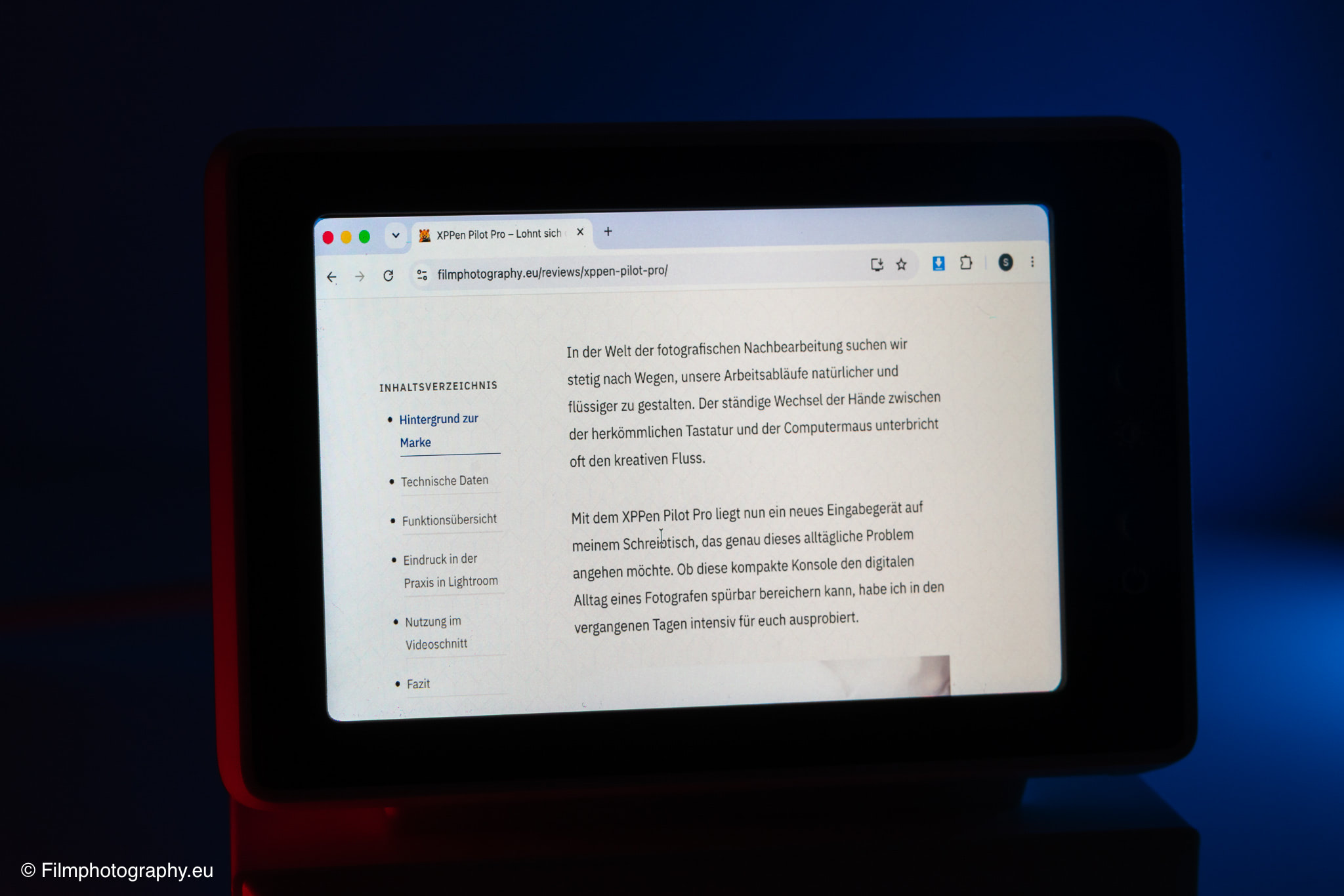
While the display is not suitable for the critical evaluation of sharpness, contrast, or color in RAW image editing, it proves to be a practical secondary screen for monitoring active processes. Besides displaying system data such as CPU load or computer temperature via appropriate companion software, the screen can also be integrated into a smart home system. For example, you can position the live feed of a security camera there to keep an eye out for the mail carrier while working in the studio, or monitor the room next door, functioning like a classic baby monitor.
The small IPS monitor also offers an unobtrusive solution for entertainment or visual inspiration. If you want to follow a video or a stream while working, you can move the video window to the small display to catch the action on the side without taking up space on your main screen.
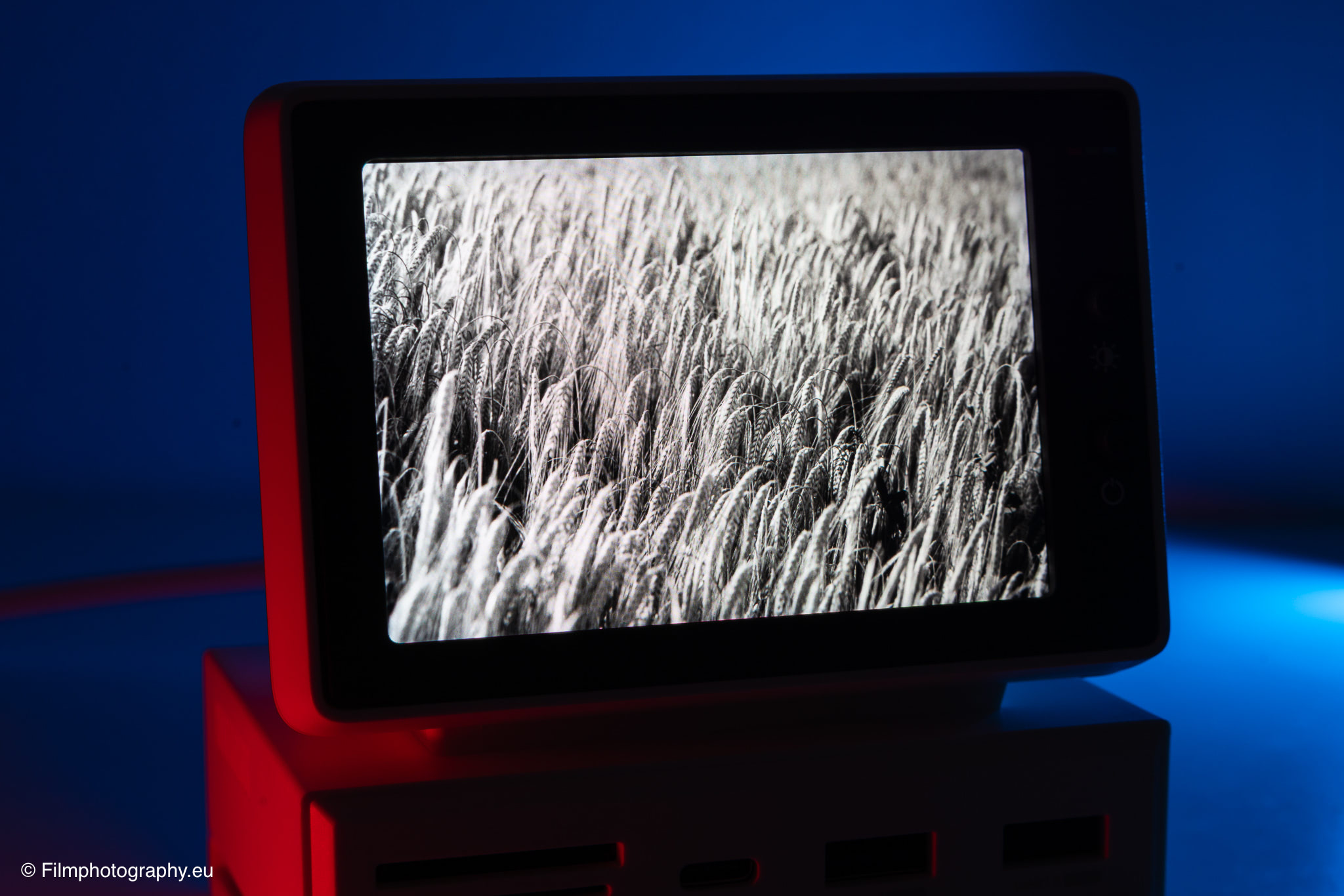
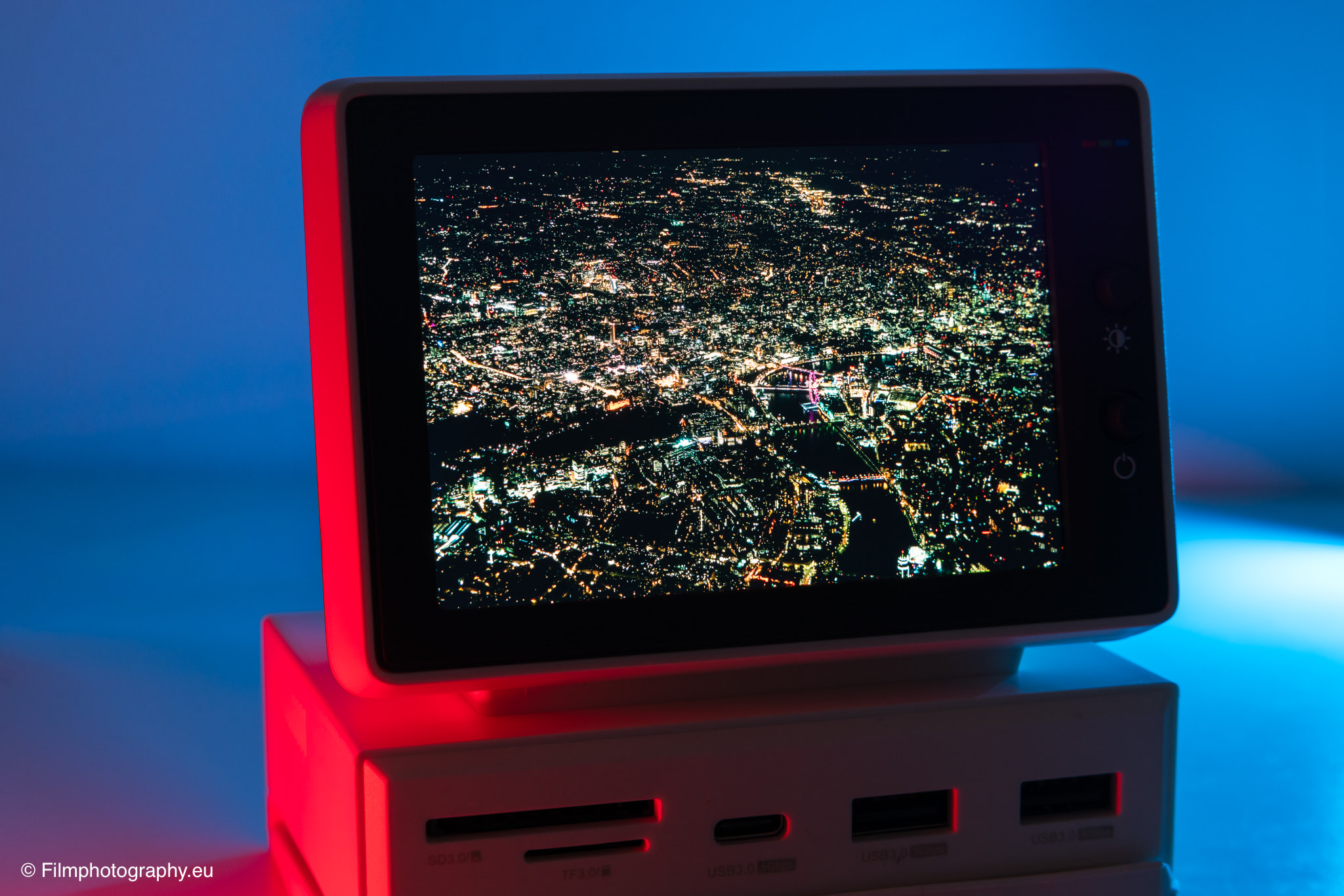
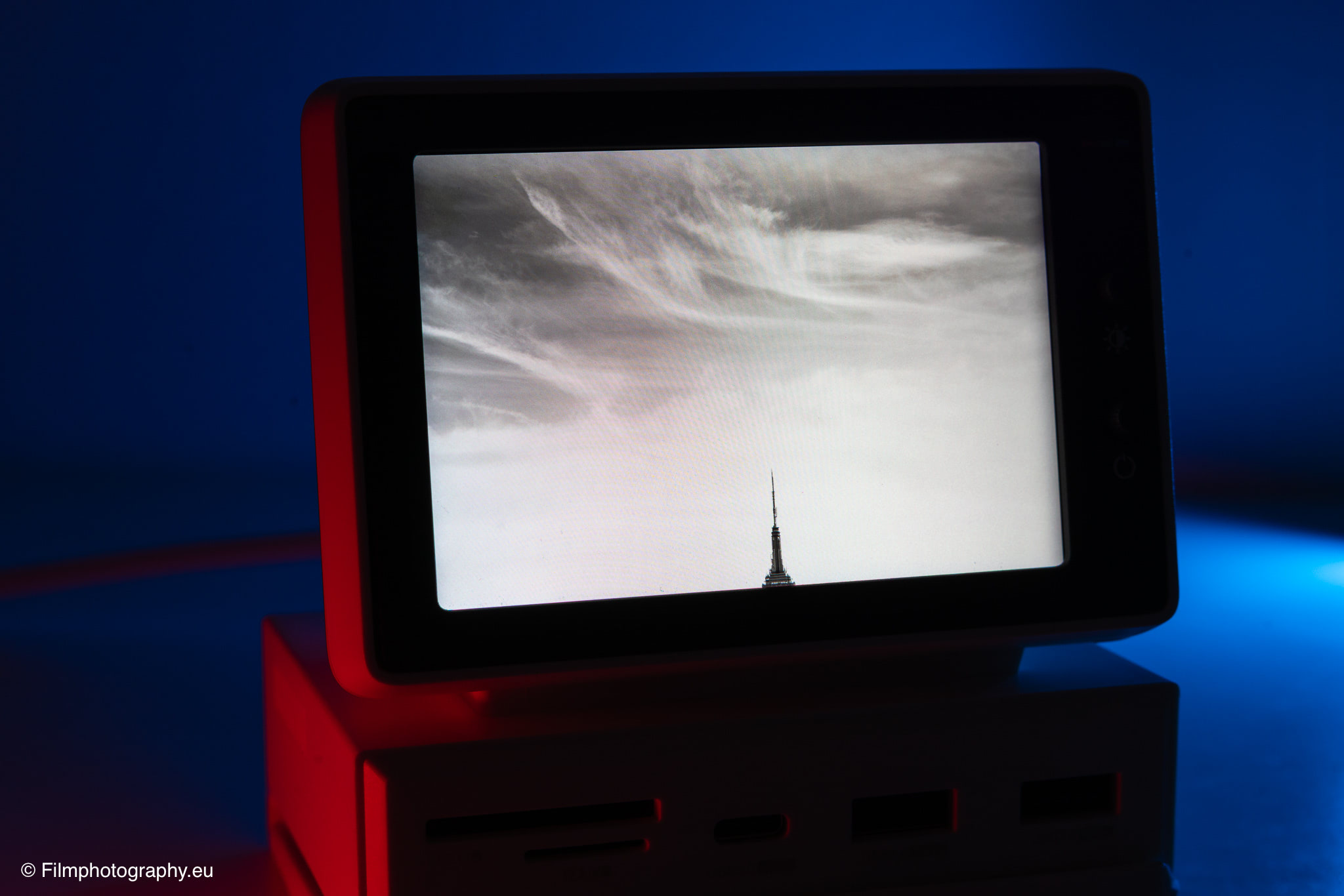
For photographers, however, a special appeal lies in using it as a digital picture frame. The display is well-suited for presenting selected favorite shots as constant visual inspiration within your field of view. Showing your own images in a small format brings a piece of classic, framed photography back to the modern desk and brightens up the workspace.
In a future version, integrating a touchscreen might be interesting to control smart home devices or trigger other minor actions.
Conclusion
In summary, the Hagibis Mini PC USB-C Hub is an interesting niche product for the desk, appealing primarily through its visual design and the combination of two useful functions. It solves the everyday problem of missing or hard-to-reach ports on the desk, while simultaneously adding a playful, visual component to the workspace.
Where to Buy
The Hagibis Mini PC USB-C Hub is available from various sources on the internet, with prices varying depending on the platform and current offers. On the official website of the manufacturer Hagibis, you can find the functional overview again. The device can be purchased from Amazon, for example.