如何使用Polaroid OneStep或其变体拍照?
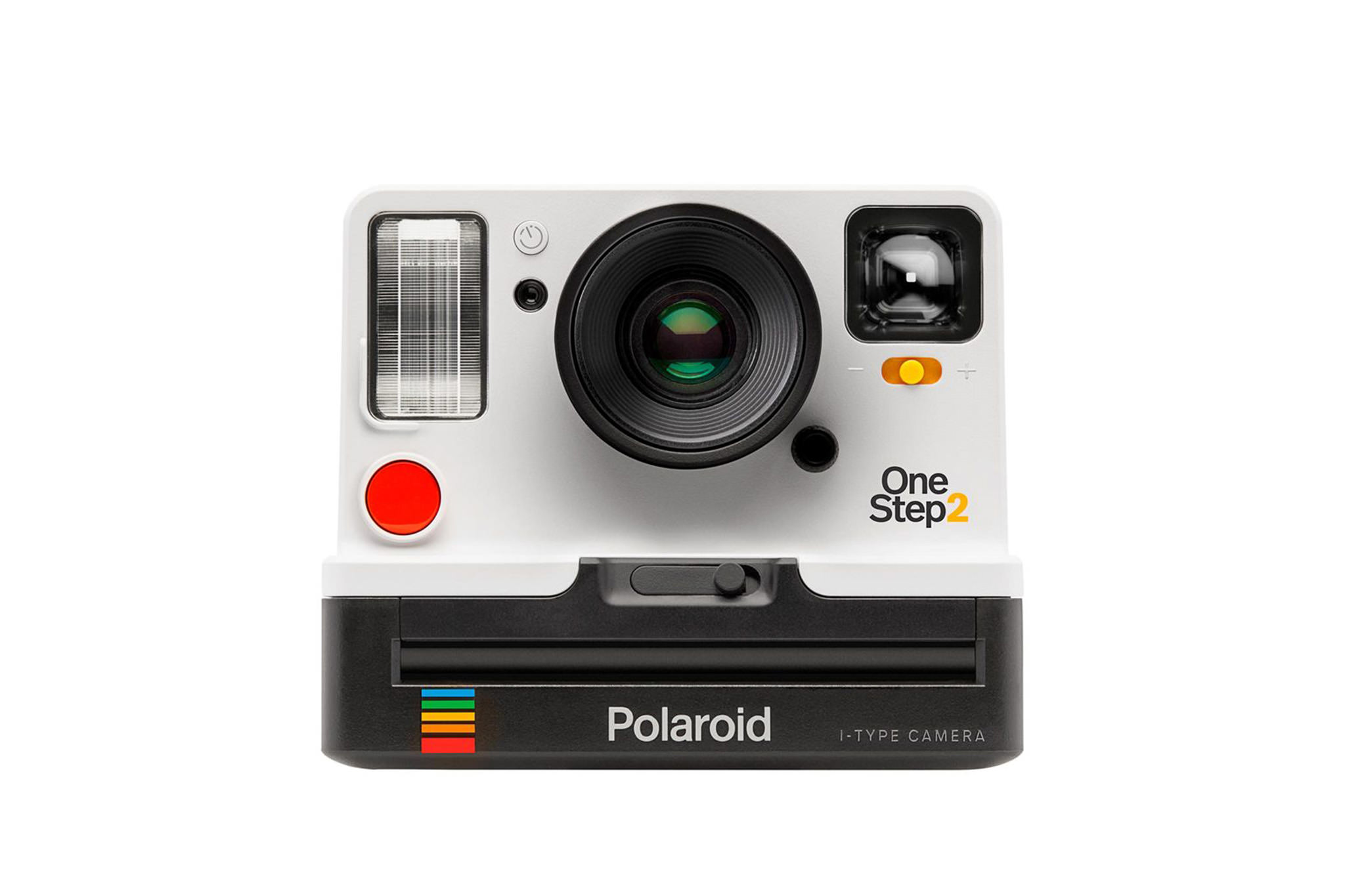
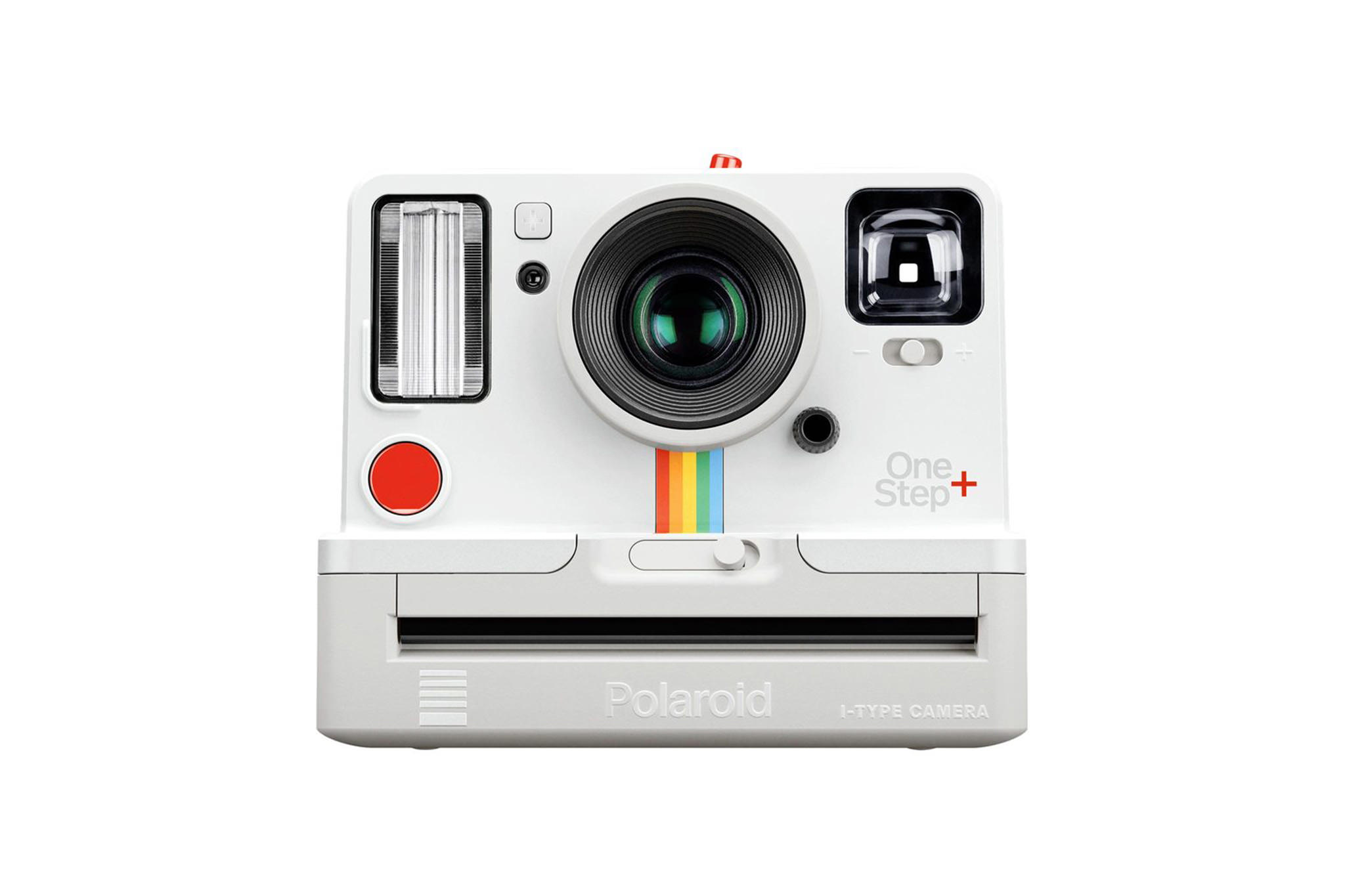
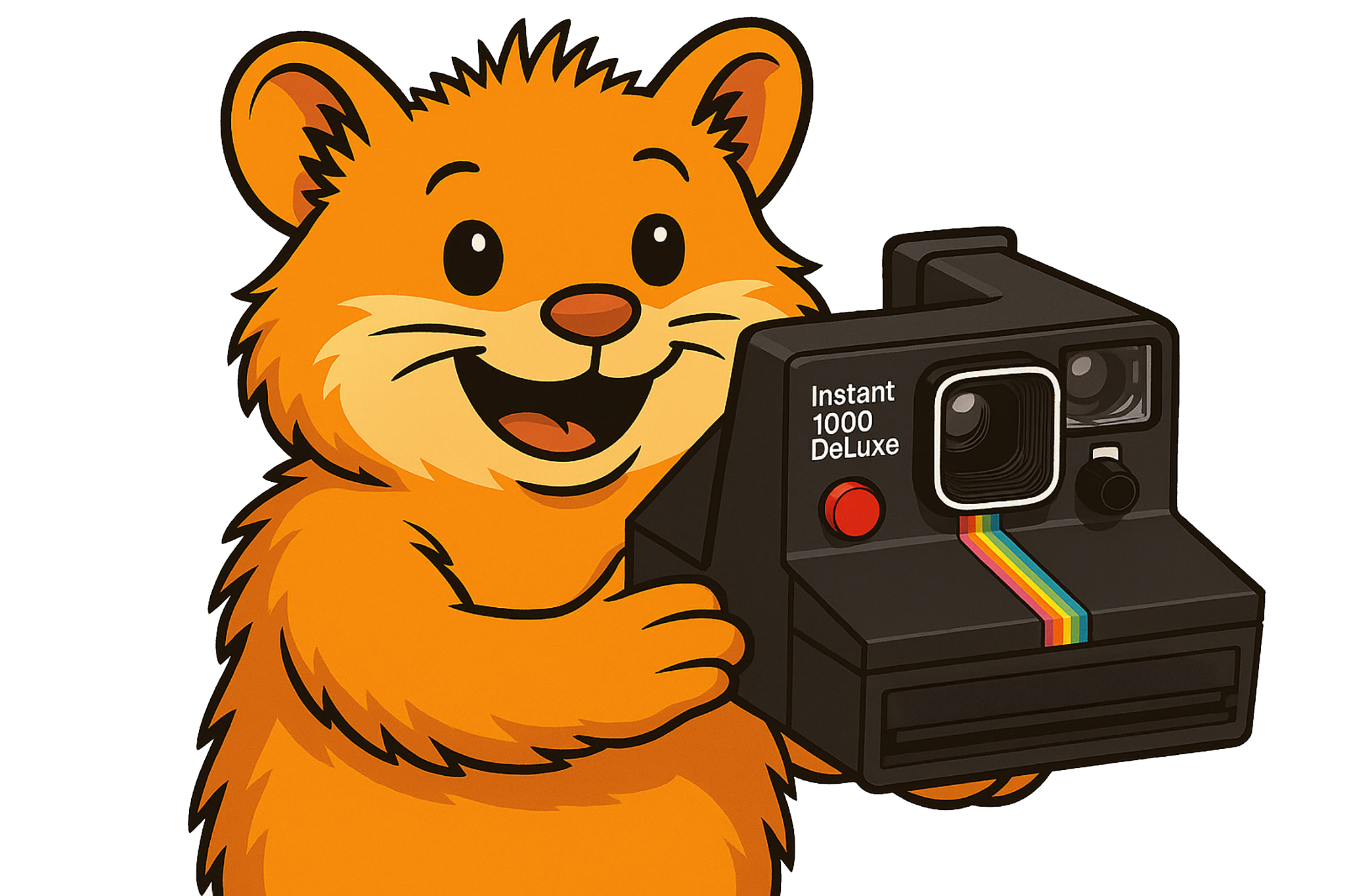
本指南适用于Polaroid OneStep,也可用于Polaroid OneStep Plus、Polaroid 1000、Polaroid 1000S、Polaroid Presto!、Polaroid The Button、Polaroid TimeZero OneStep、Polaroid 500、Polaroid Instant 1000、Polaroid Instant 1000 DeLuxe、Polaroid Supercolor 1000、Polaroid Supercolor 1000 DeLuxe。
首先,当然要将胶片(如Polaroid Color Film for SX-70)装入相机。这是Polaroid老式拍立得相机的最新一代彩色胶片。胶片是新鲜生产的,并再次以旧品牌销售。
无需打开电源或类似操作。
拍照
- 0.5 最好用左手托住相机底部,以便用右手操作快门按钮。
手绝对不能挡在镜头前。 -
- 通过取景器瞄准被摄体;保持至少1.2米(4英尺)的距离。
-
- 按下前面的按钮。
-
- 照片从相机中出来。
-
- 等待胶片指示的显影时间,然后享受成果。
根据使用的胶片,还需要注意一些事项。例如,为了获得良好效果,某些Impossible / Polaroid Originals胶片需要避光或在特定温度下显影。
前面的滑块可以调节曝光。向白色区域旋转,图像变亮;向黑色区域旋转则相反。对于某些Impossible胶片,建议向暗区稍微旋转,因为某些胶片比老式Polaroid胶片更敏感。
无需对焦,因为这些相机的焦点是固定的。