How to take photos with a Polaroid OneStep or a variation of it?
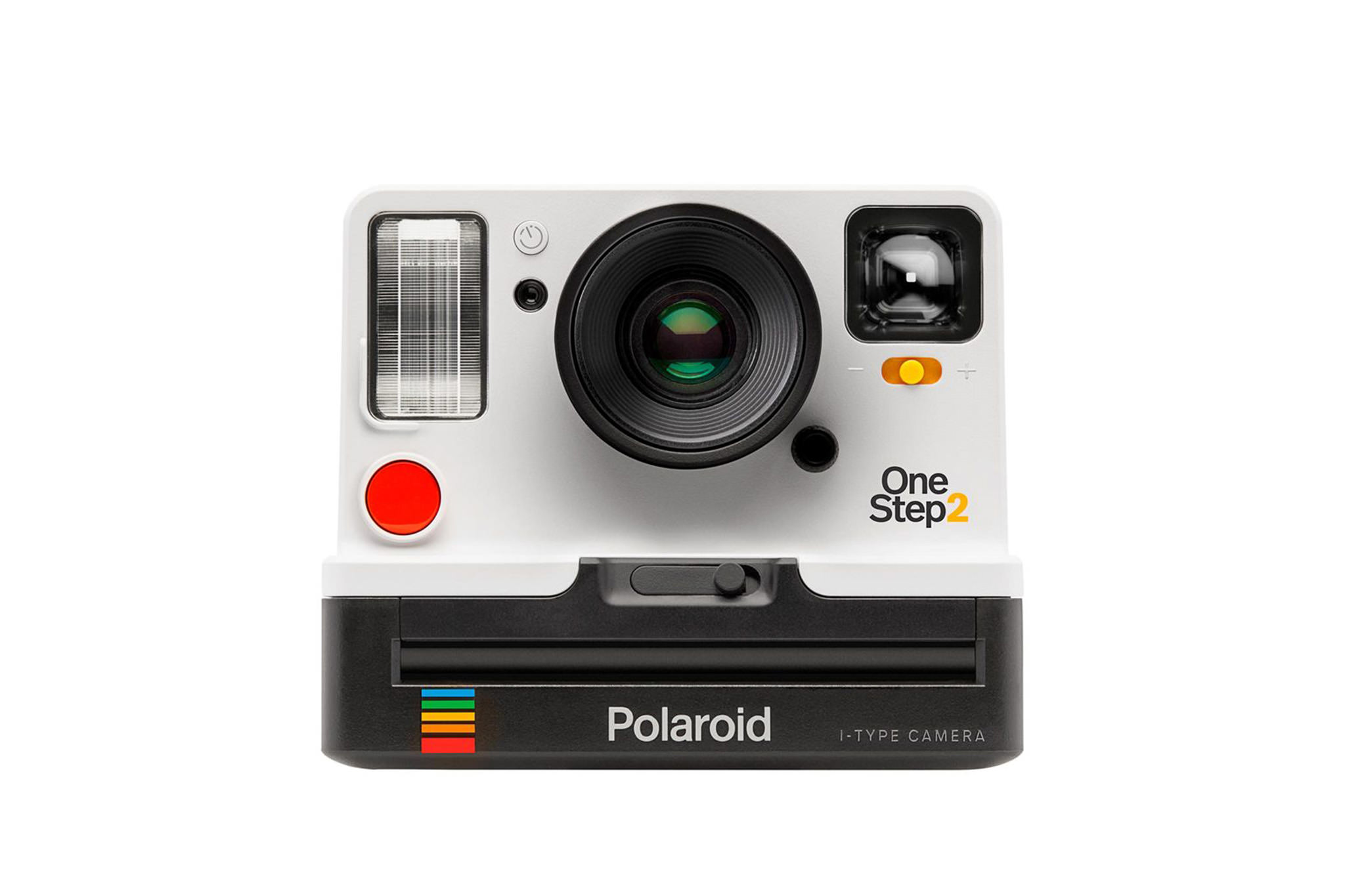
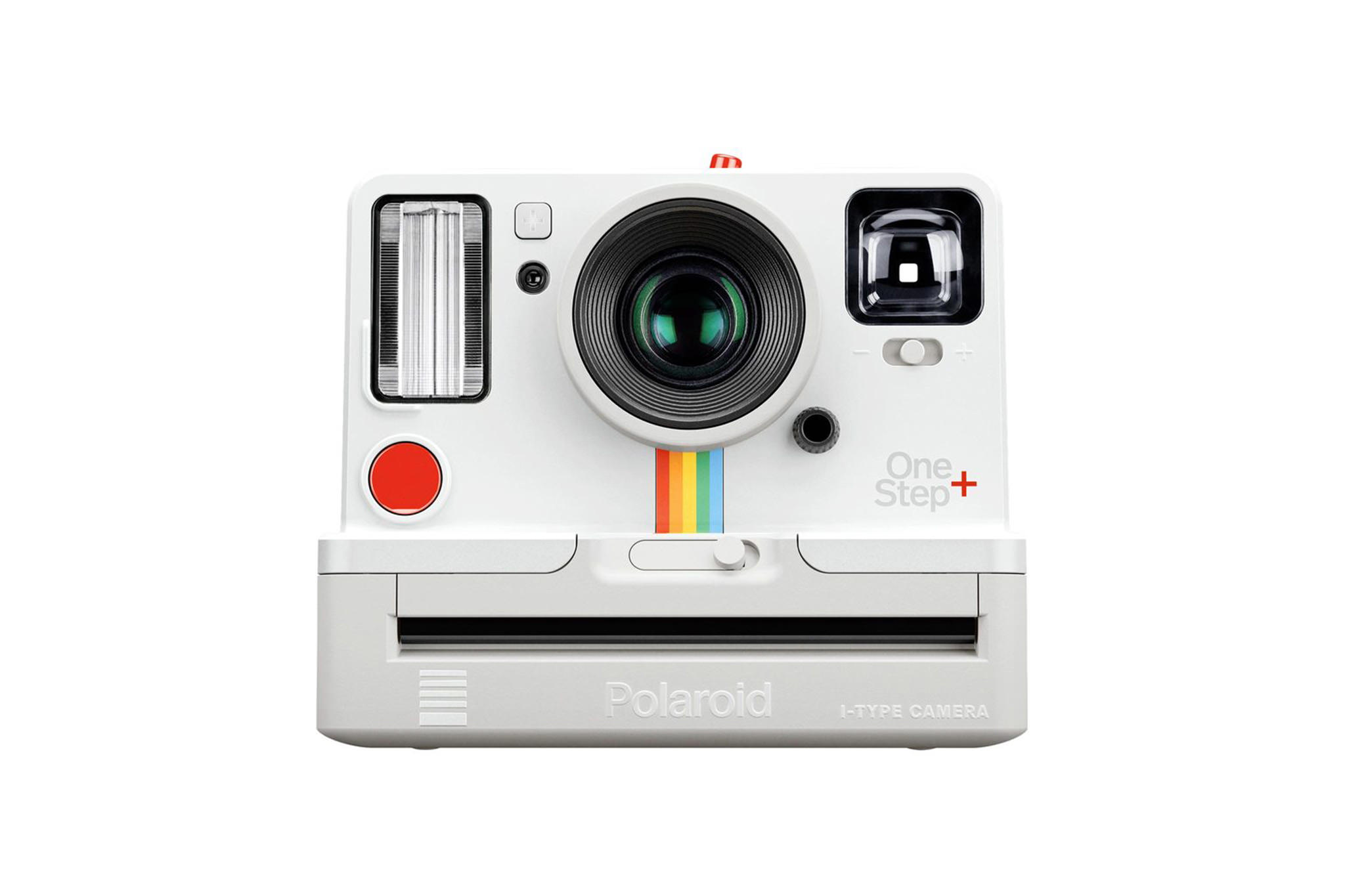
This guide applies to the Polaroid OneStep and can also be used for the Polaroid OneStep Plus, Polaroid 1000, Polaroid 1000S, Polaroid Presto!, Polaroid The Button, Polaroid TimeZero OneStep, Polaroid 500, Polaroid Instant 1000, Polaroid Instant 1000 DeLuxe, Polaroid Supercolor 1000, Polaroid Supercolor 1000 DeLuxe.
First of all, of course, you need to insert a film, such as the Polaroid Color Film for SX-70*, into the camera. This is the latest generation of color film for the old Polaroid instant cameras. The films are freshly produced and are sold again under the old brand.
You don't need to turn on or anything like that on the Polaroid.
Taking Photos
- 0.5 It is best to hold the camera with your left hand on the bottom so that you can operate the shutter button with your right hand.
Your hand should definitely not be in front of the lens. -
- Aim at the subject through the viewfinder; keep a distance of at least 1.2 m (4 ft).
-
- Press the button on the front.
-
- The picture comes out of the camera.
-
- Wait for the indicated development time of the film and enjoy.
Depending on the film used, there are a few more things to consider. For example, to get good results with some Impossible / Polaroid Originals films, you should protect the picture from light or develop it at a specific temperature.
The slider on the front allows you to adjust the exposure. Turning it to the white area makes the picture brighter; in the black area, the opposite happens. For some Impossible films, it is advisable to turn slightly into the dark area, as some films are a bit more sensitive than the old Polaroid films.
You don't need to focus, as the focus is fixed on these cameras.