How to use the Impossible Instant Lab?
First, you need the right films. The Instant Lab (Amazon) is designed for Impossible films.
You can use instant films for the Polaroid SX-70 and Polaroid 600 format, e.g., the Polaroid Color Film for SX-70* or the Polaroid Color Film for 600*. Impossible has already announced films without batteries, which will be cheaper and specifically intended for the Instant Lab.
Now insert the appropriate instant film into the device. To do this, take the film out of the packaging. The unexposed pictures are in a plastic cartridge. Now press the small slider on the front of the device and slide the cartridge in.
Now eject the cover that protects the film from light by pressing the eject button located on the top left of the front.
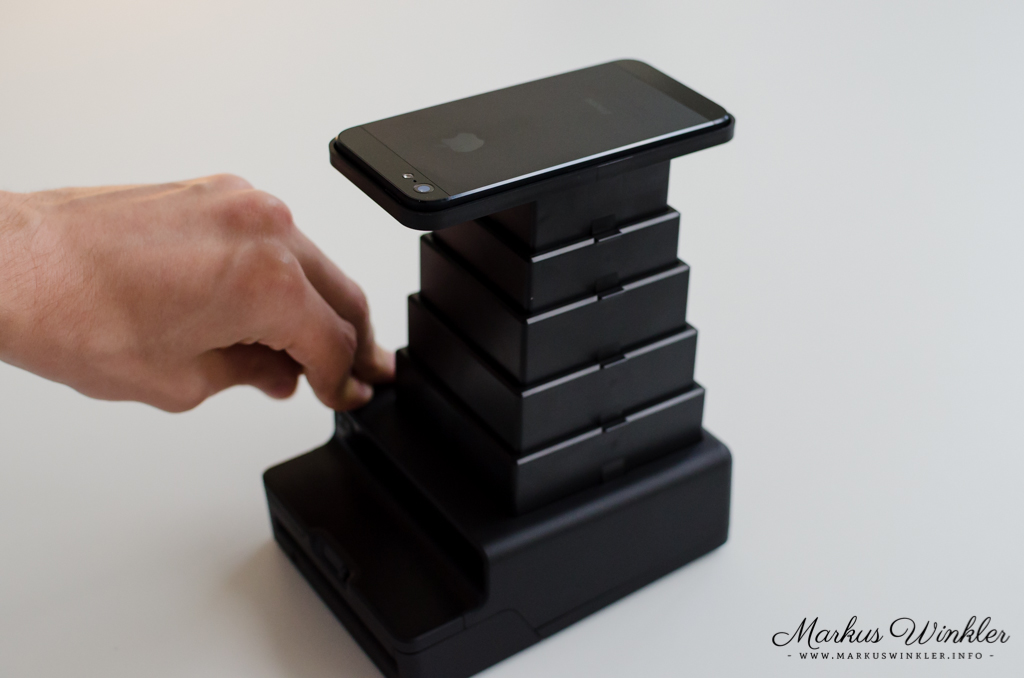
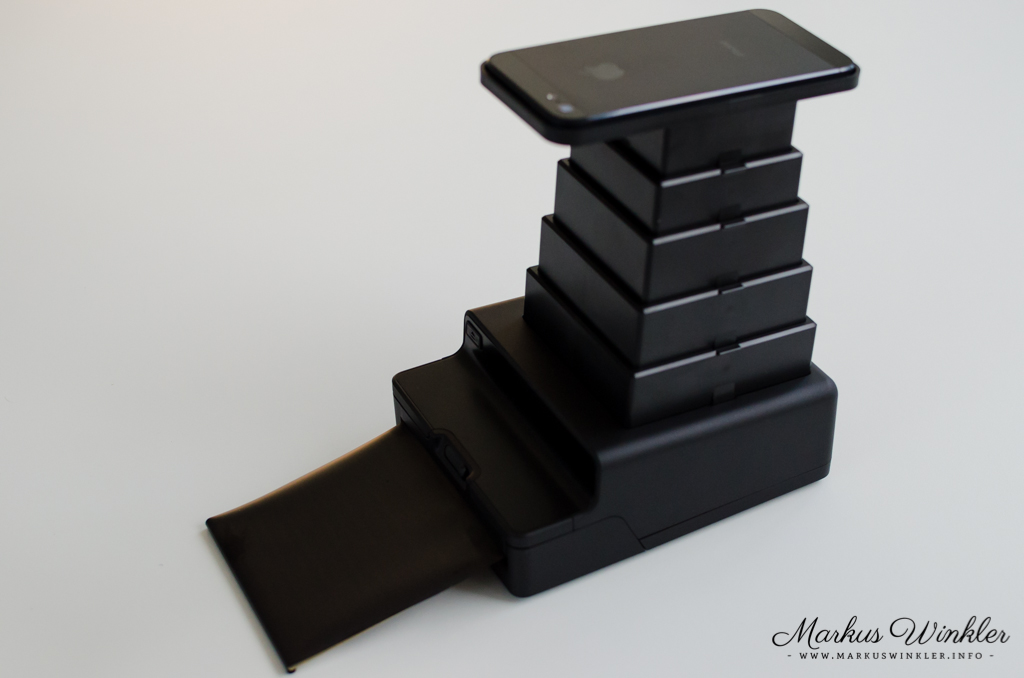
1. Now you can fully extend the tower until it clicks into place and remove the cover.
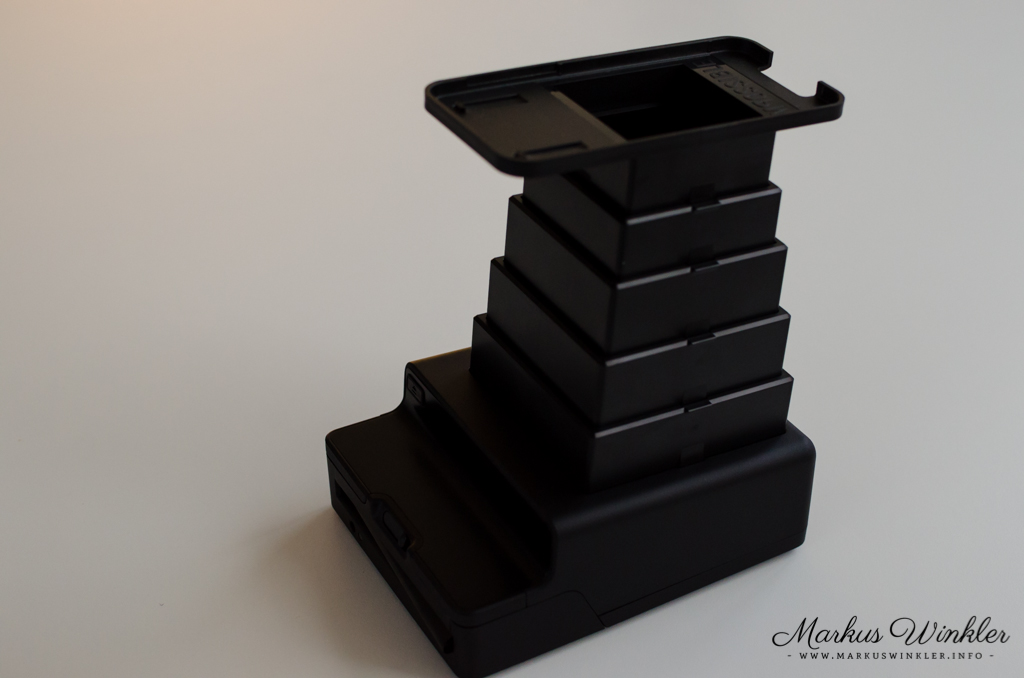
2. In the Impossible app, select the desired image or take a new picture.
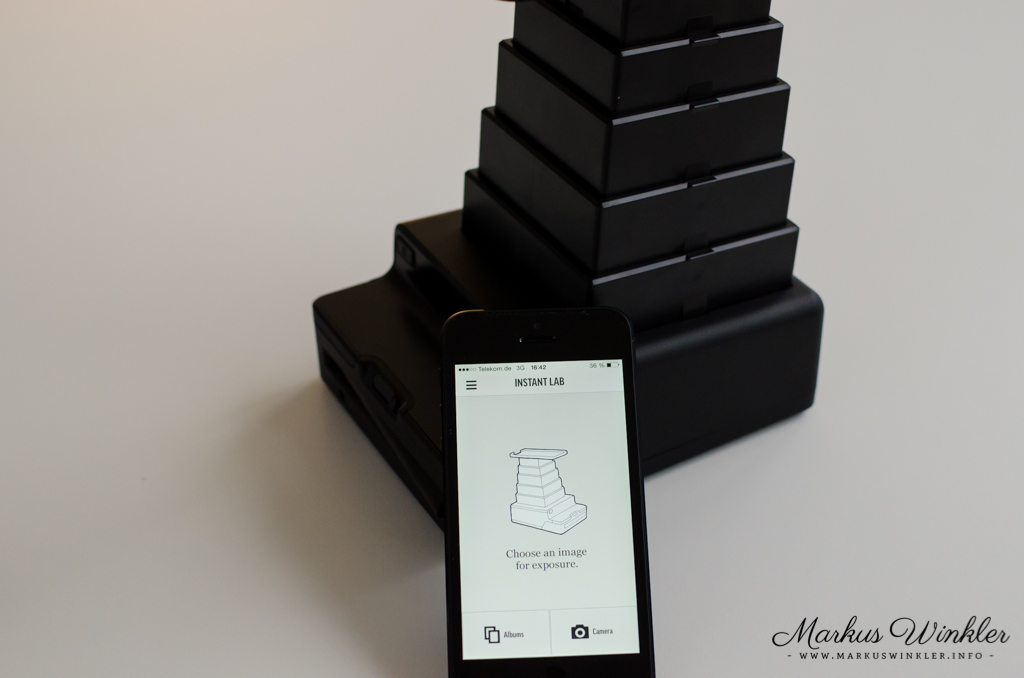
3. In the next step, you can crop the selected photo.
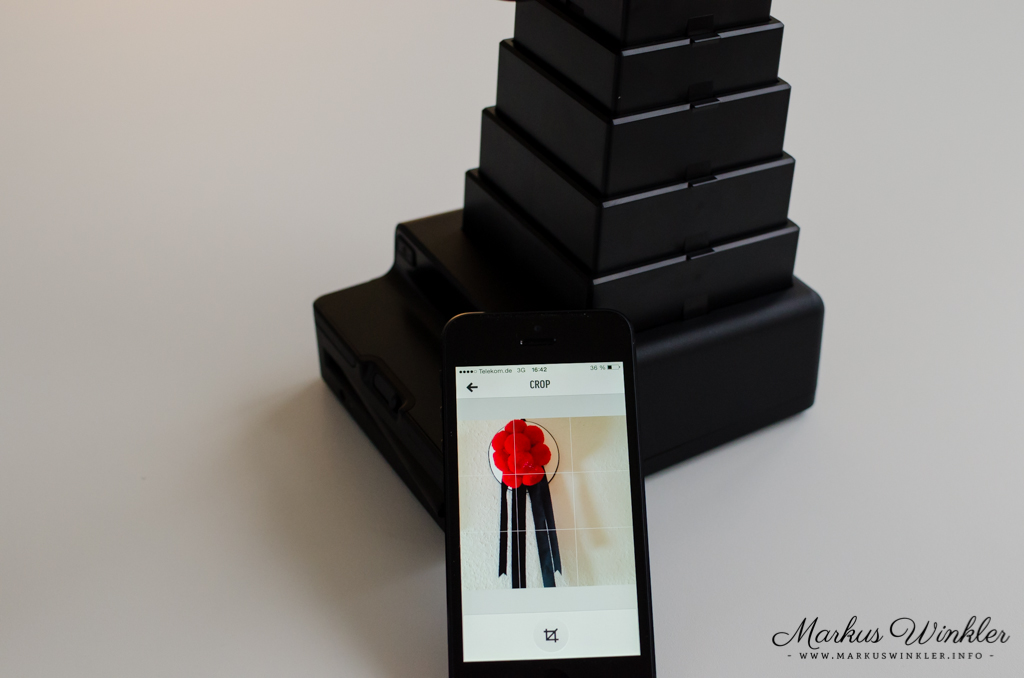
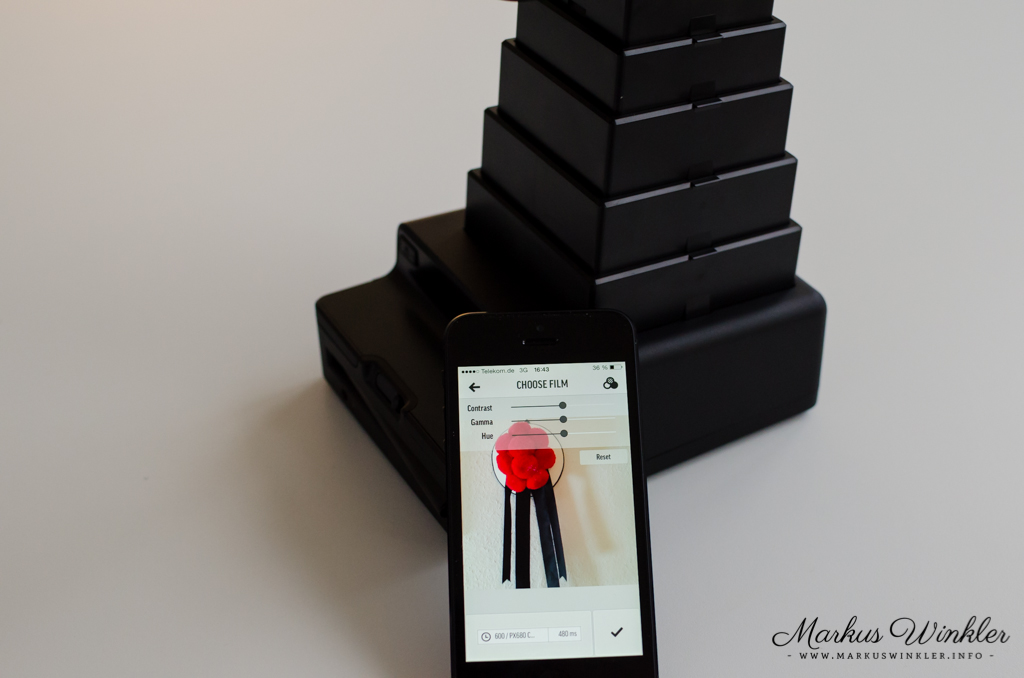
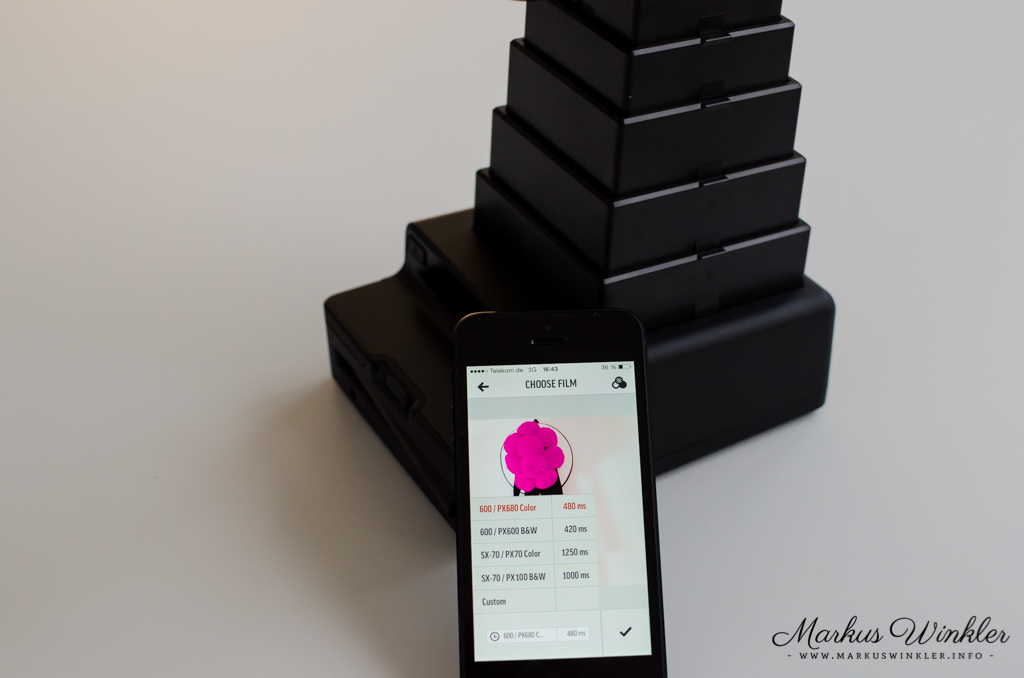
4. In the next section, you can adjust the exposure etc. and select the correct film type.
5. Now place the iPhone or iPod Touch with the screen facing down into the cradle.
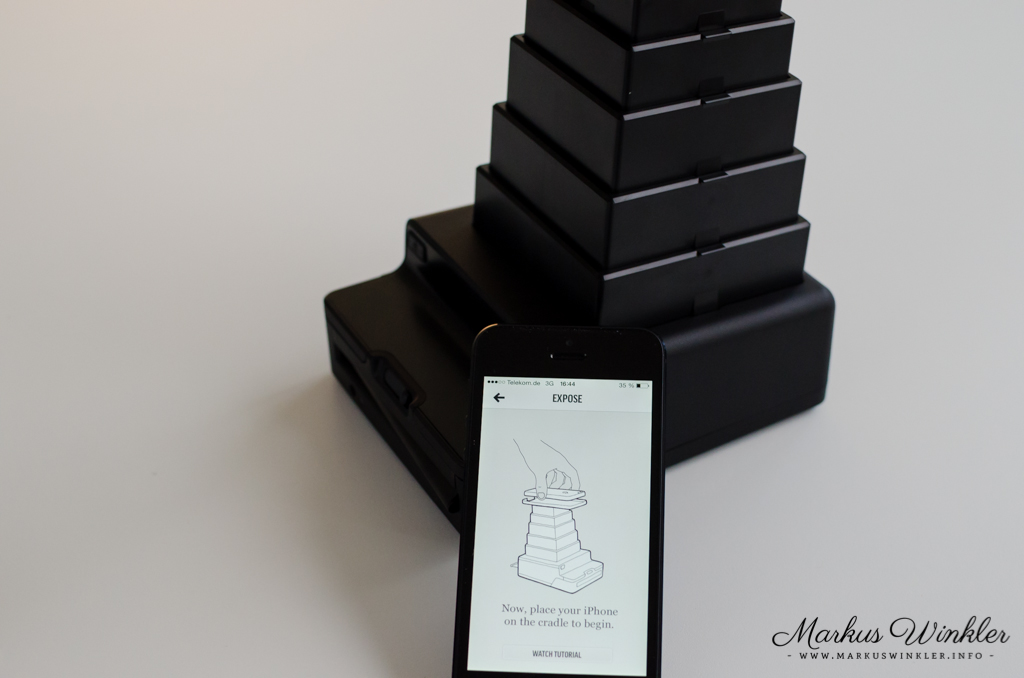
6. When the flash on the iPhone turns on (audible signal on the iPod), pull the shutter on the back, which otherwise protects the film from light, completely out.
7. When the light goes out again or another signal sounds on the iPod Touch, you can push the shutter back in.
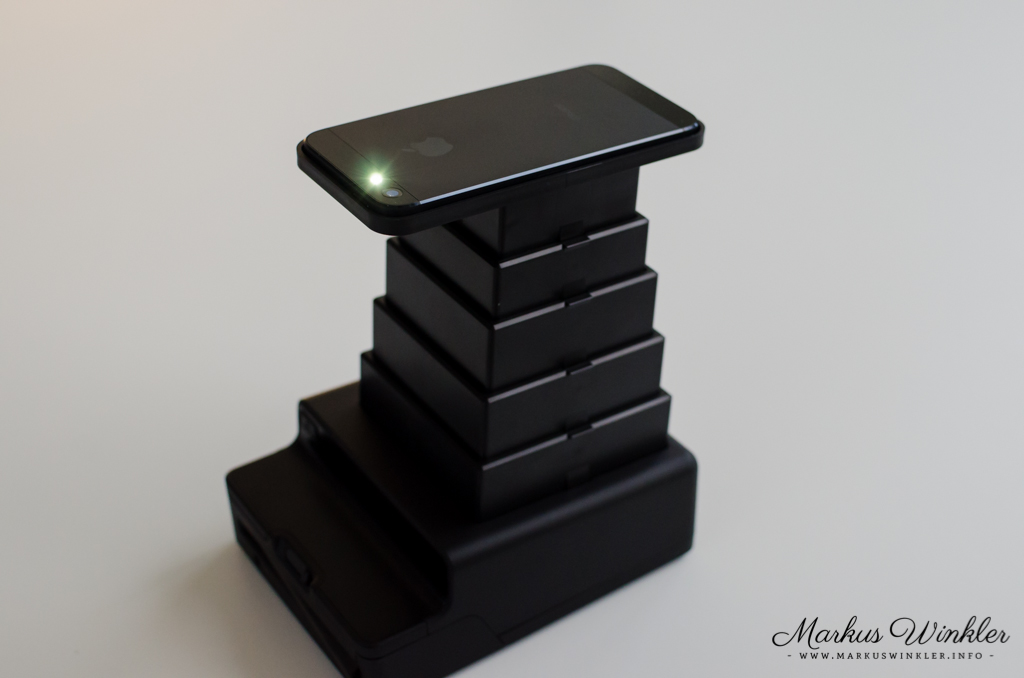
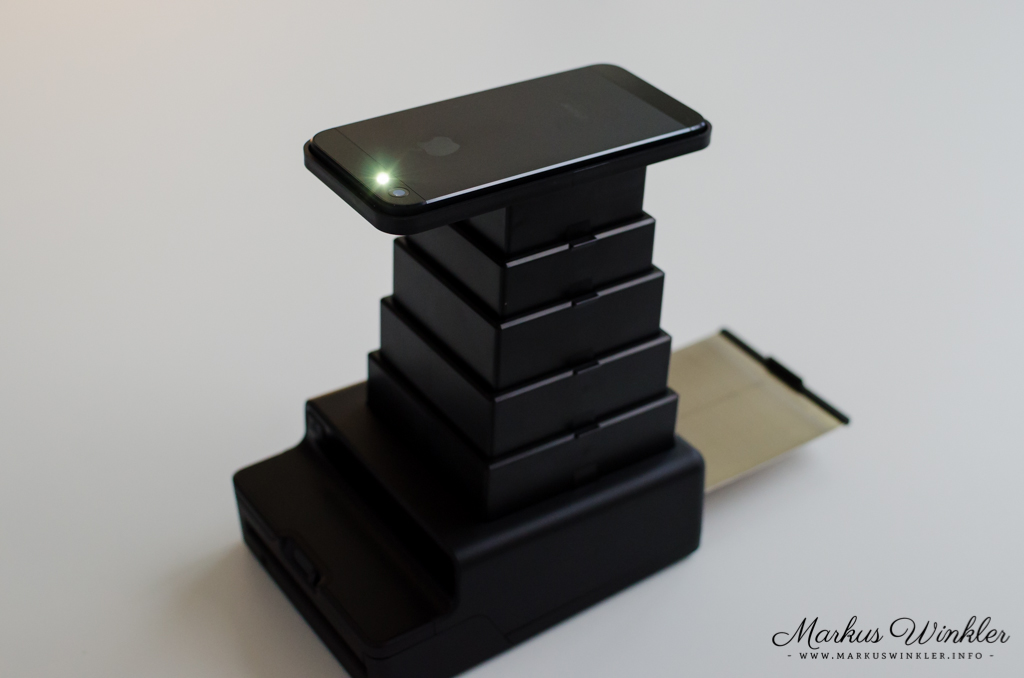
8. Now the image is exposed and you can eject it using the eject button.
9. After the specified development time, you have the finished picture.