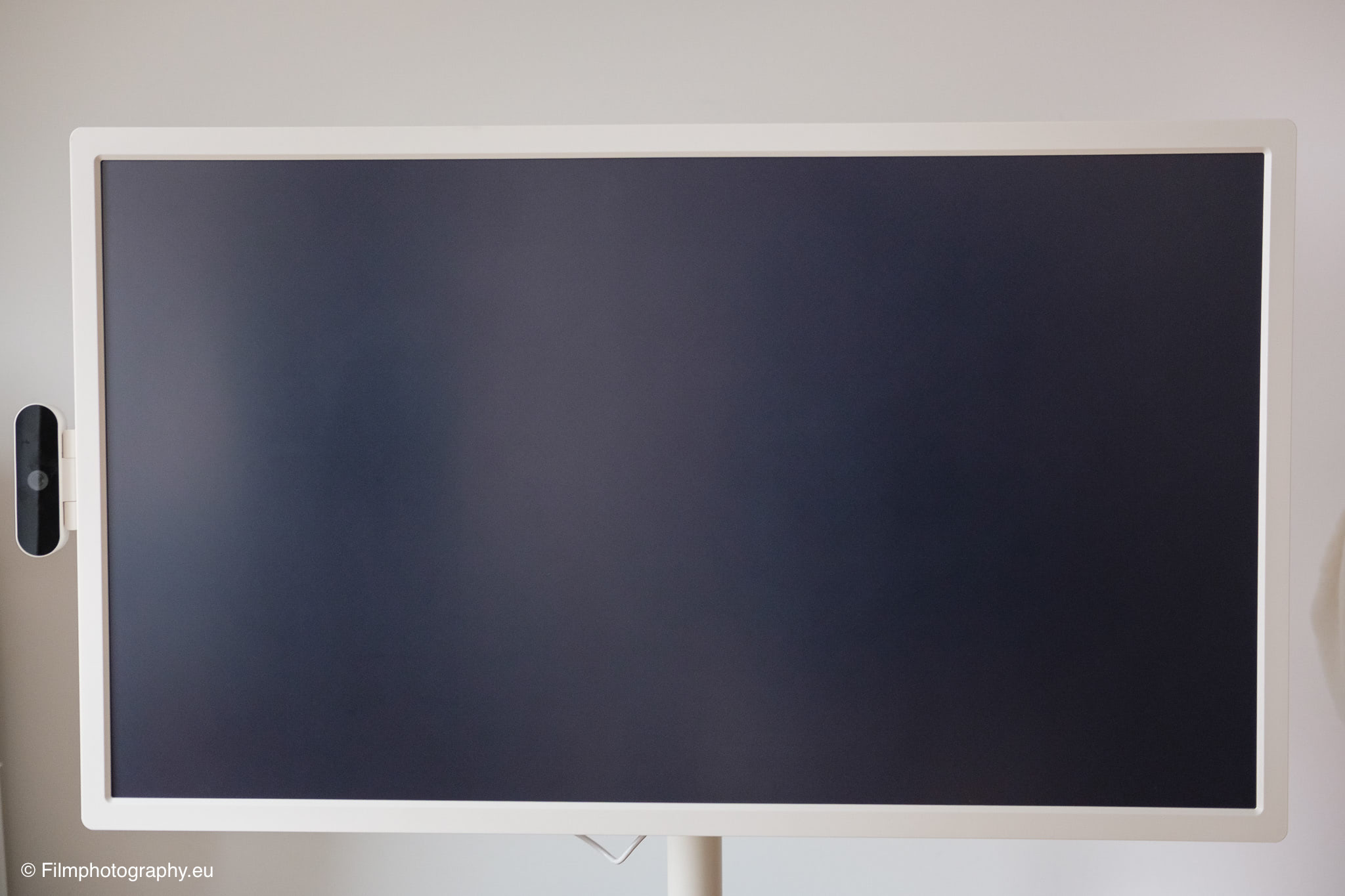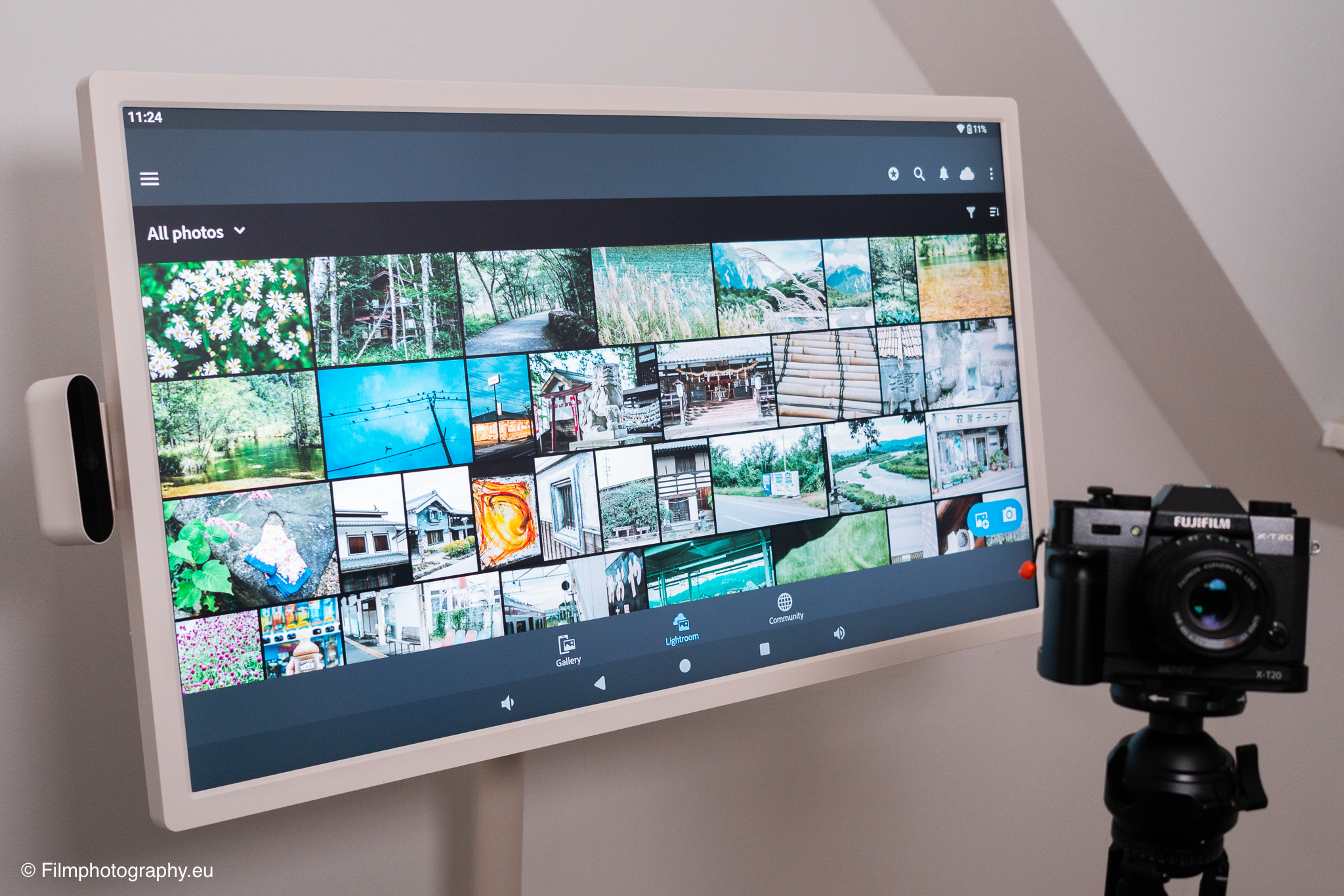
Following the general review of this flexible monitor, we now turn to its use in photography. As a mobile display with battery and touchscreen, the device offers interesting possibilities for your own photo practice. The following text focuses on practical experience in subject planning, image selection, and editing.
As a whiteboard for creative image concepts
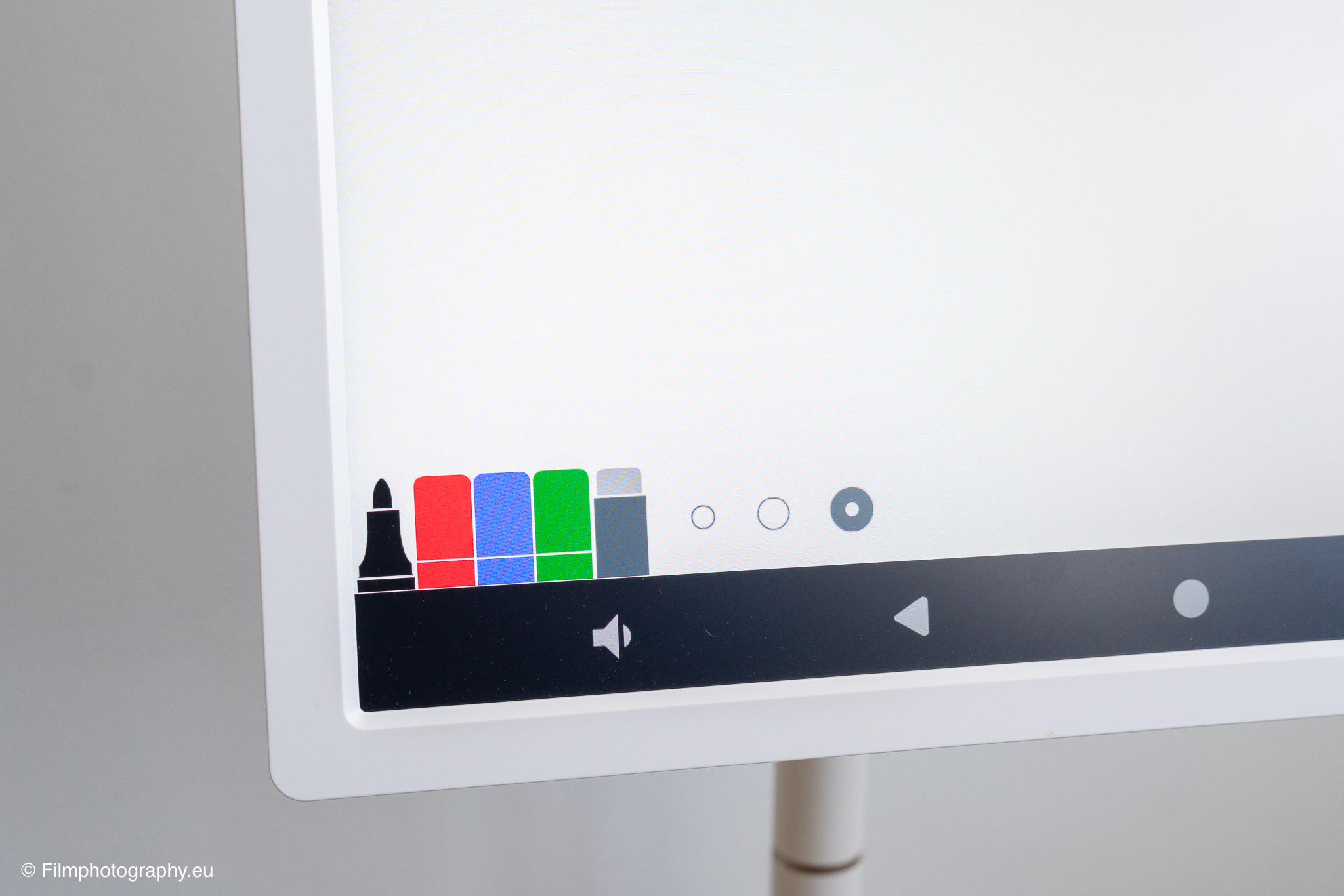
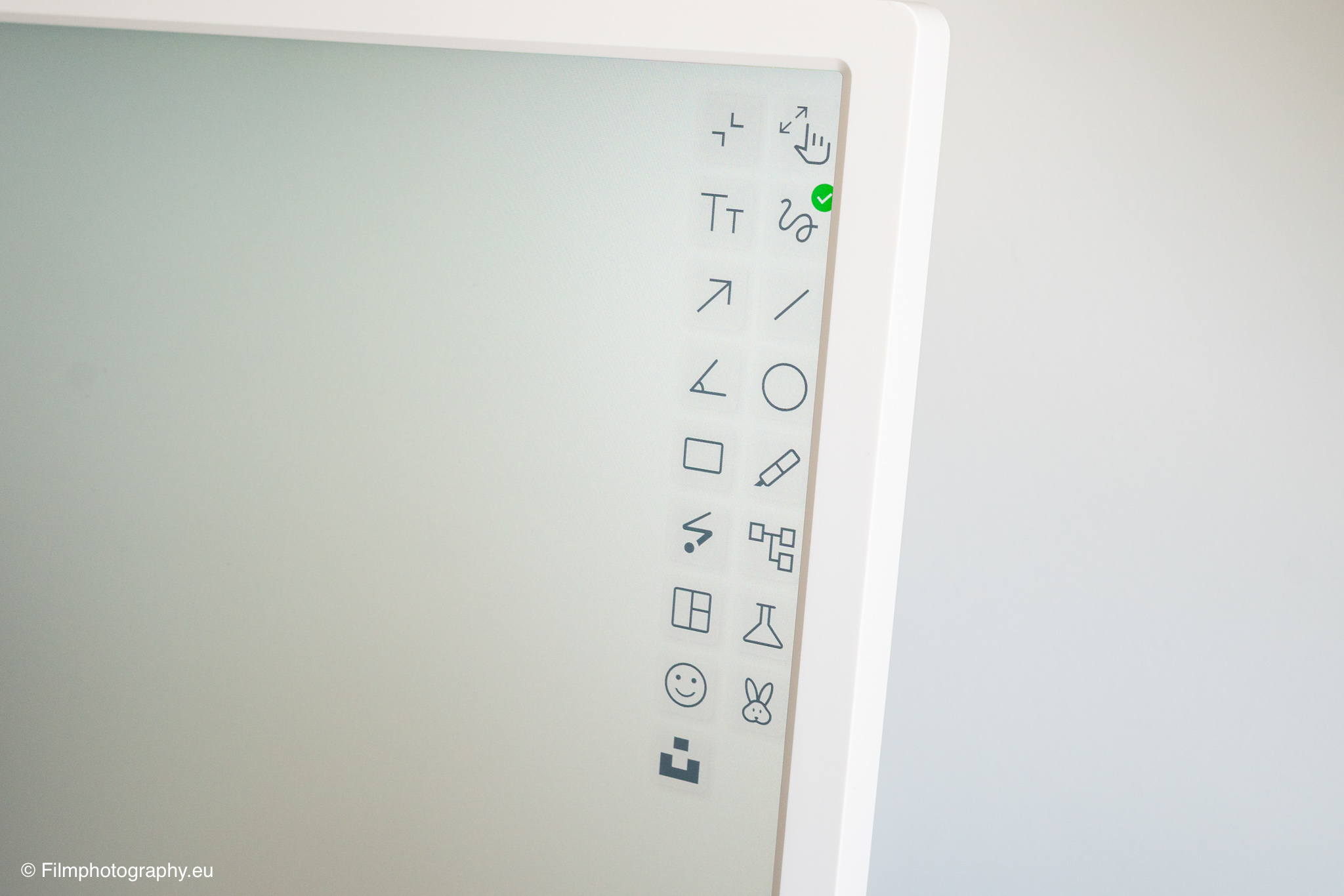
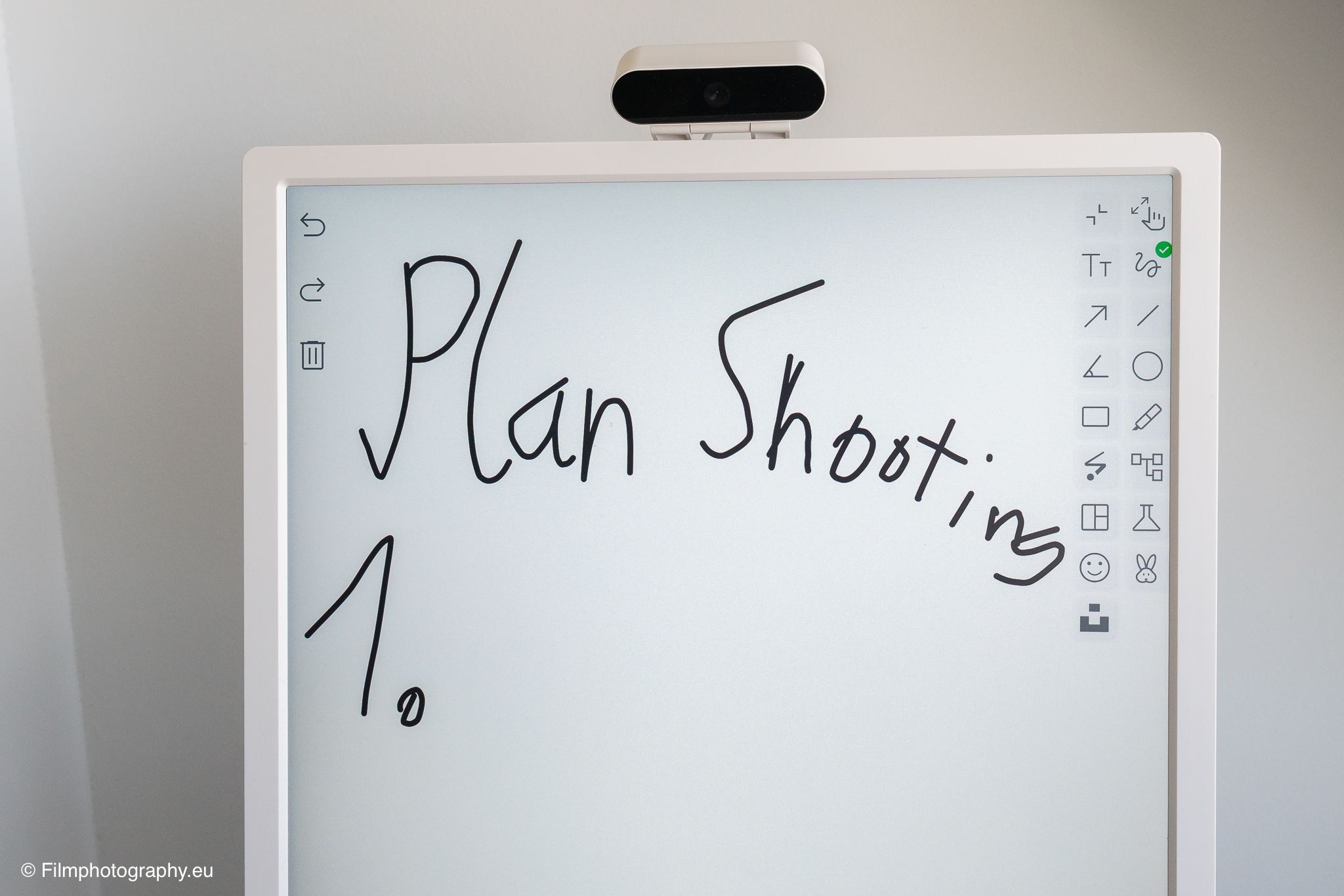
Before a photo shoot, planning of subjects, poses, or color worlds often takes place. Here, the device proves its usefulness as a large digital whiteboard. Via the Android system, various note-taking and drawing apps can be installed to sketch ideas directly with a finger or a stylus. If you want to compile examples from the internet, simply move the monitor next to the desk and collect reference images on a digital canvas.
One advantage is the ability to use the display in portrait format, which is particularly practical for sketches for portrait photography. The touchscreen response is solid, but for fine drawings it does not match the precision of specialized graphics tablets. However, the performance is completely sufficient for rough drafts and collecting inspiration. Thanks to the wheels on the stand, the screen can be easily pushed to the side after planning, keeping the workspace tidy.
For tethering and live view when photographing
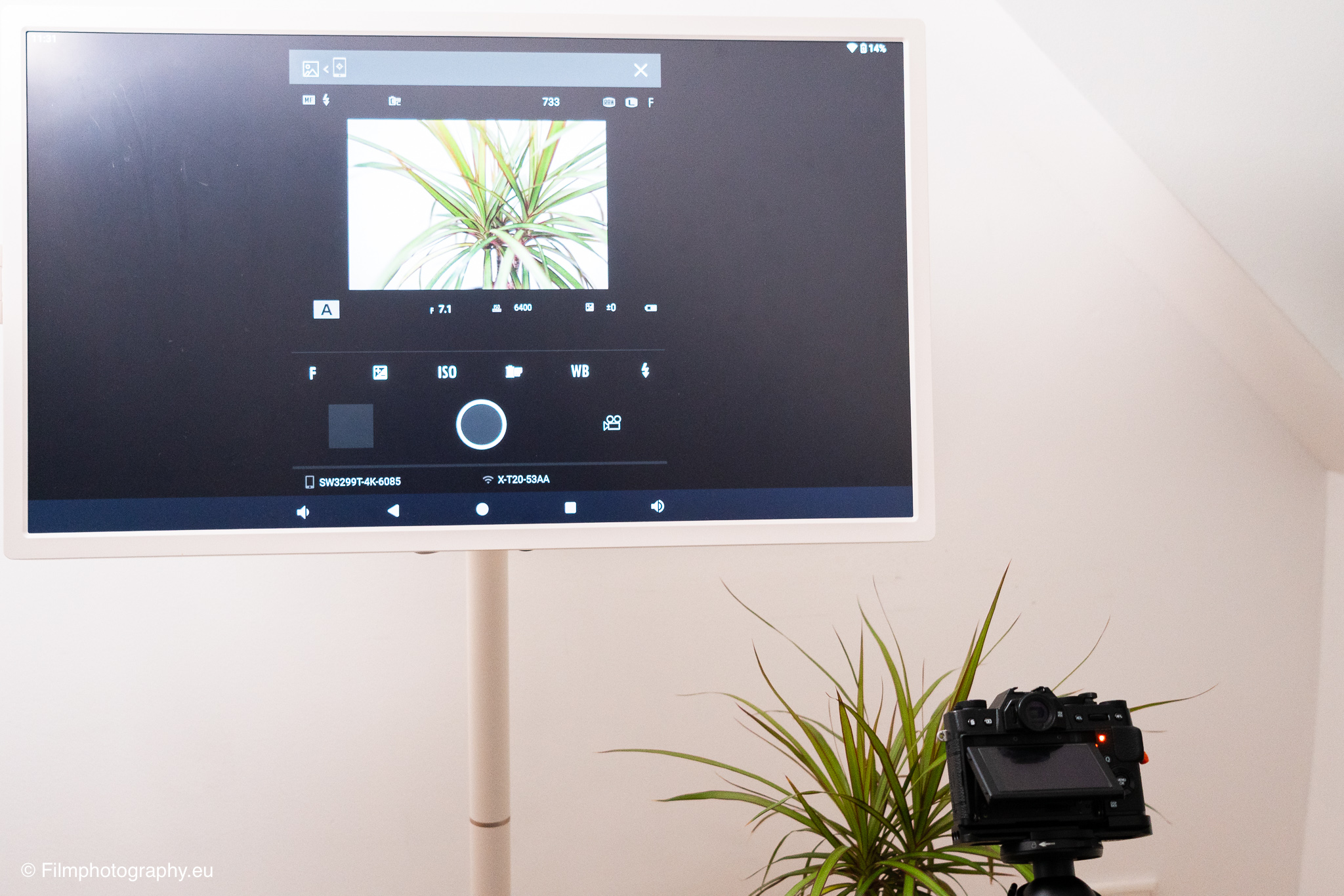
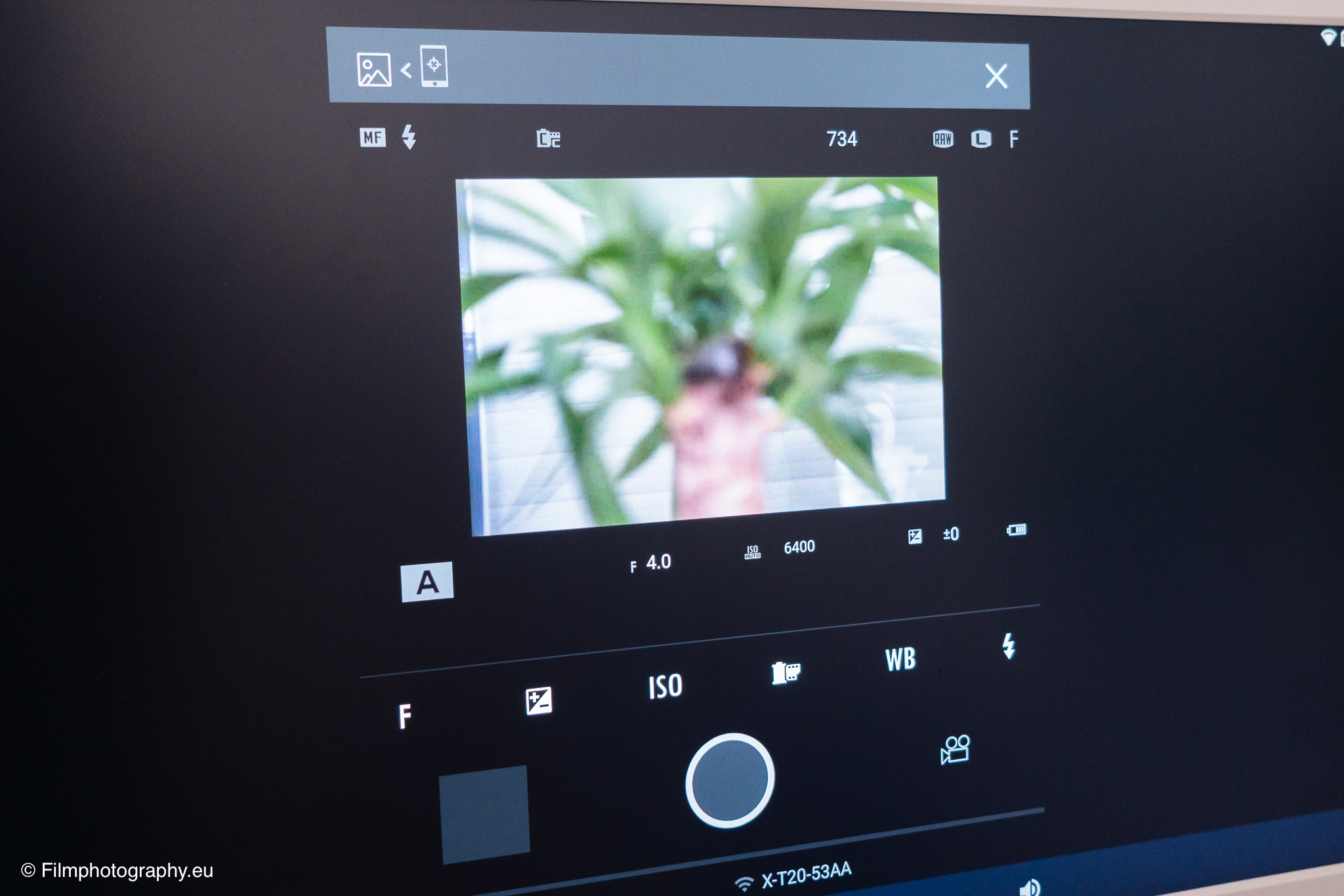
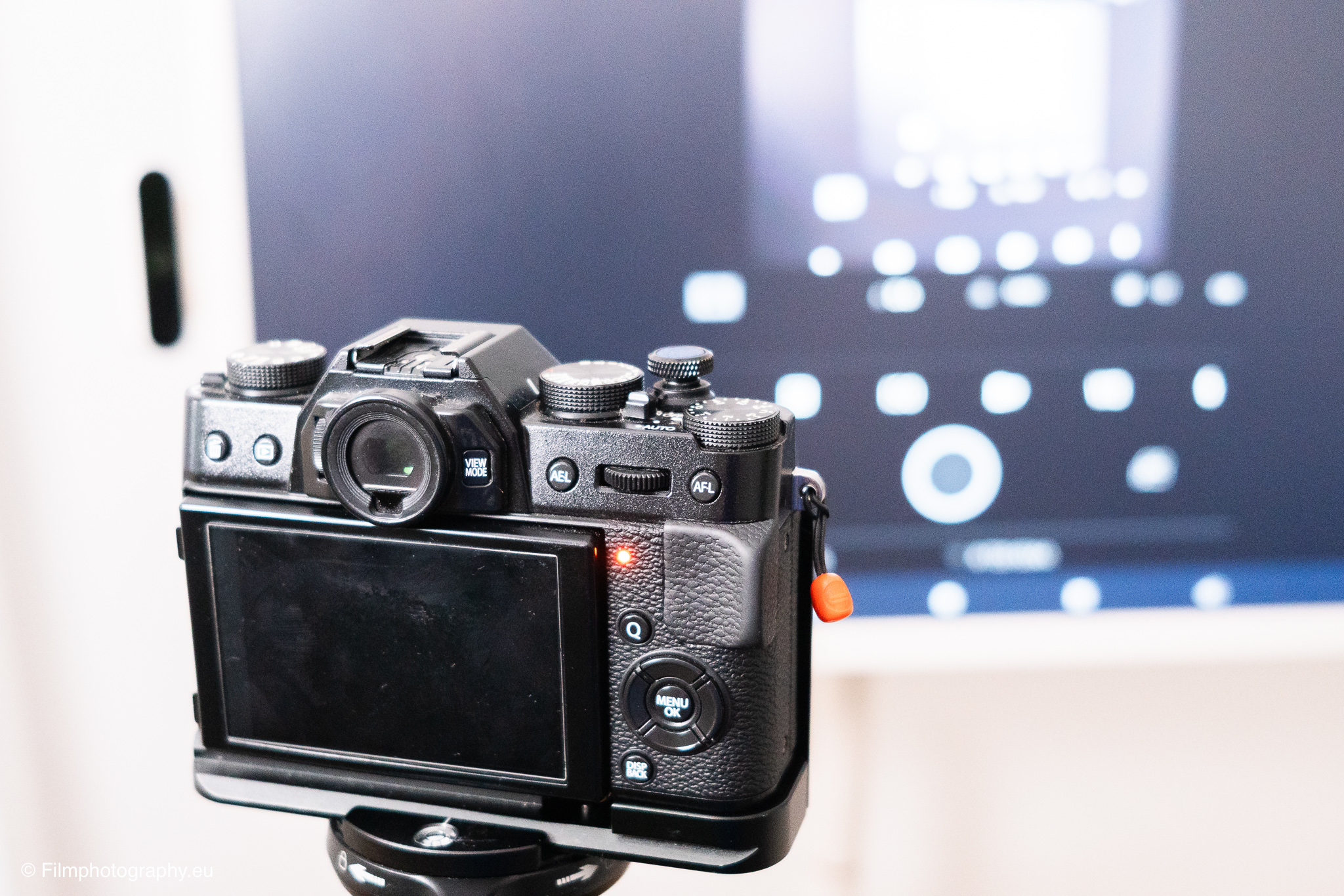
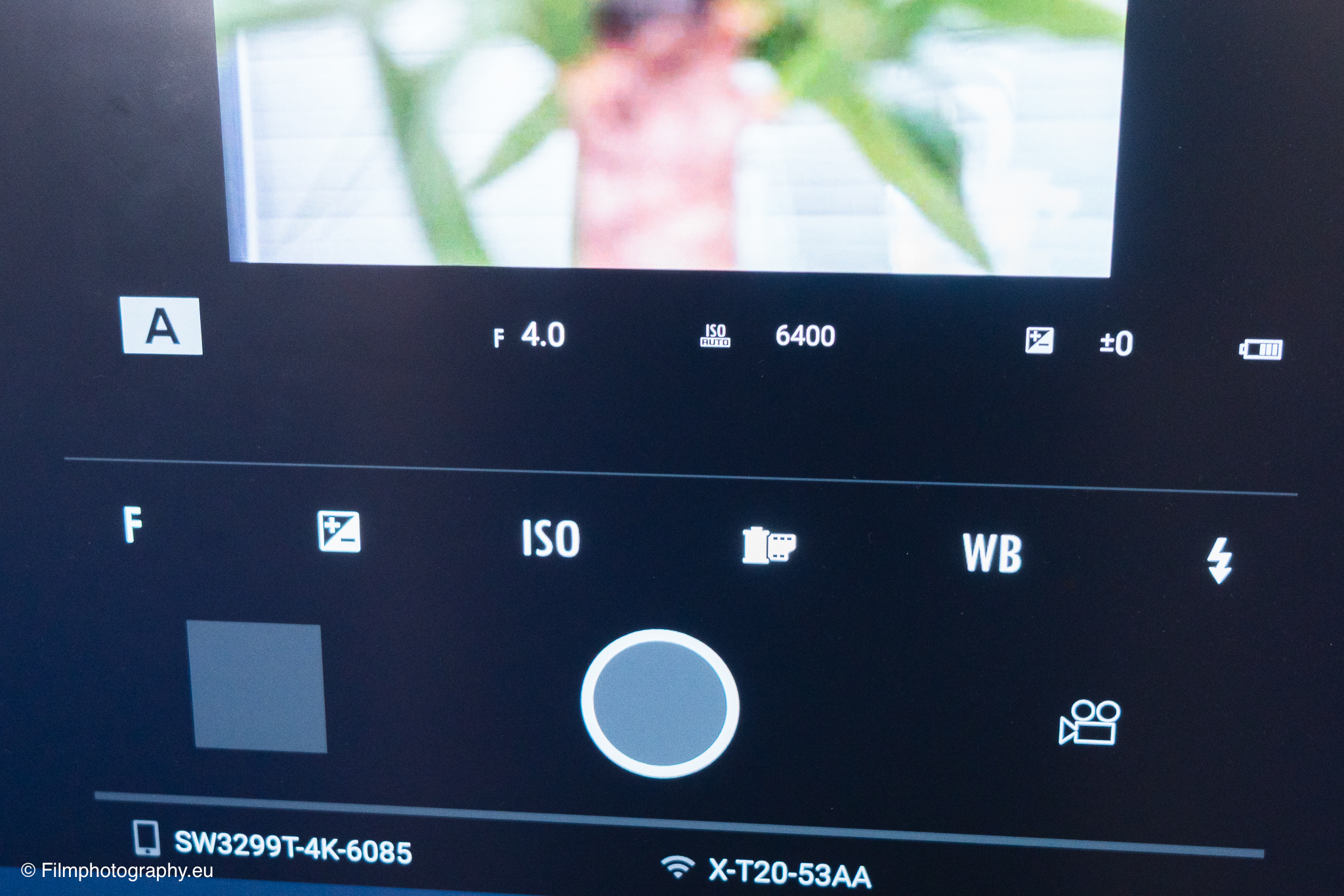
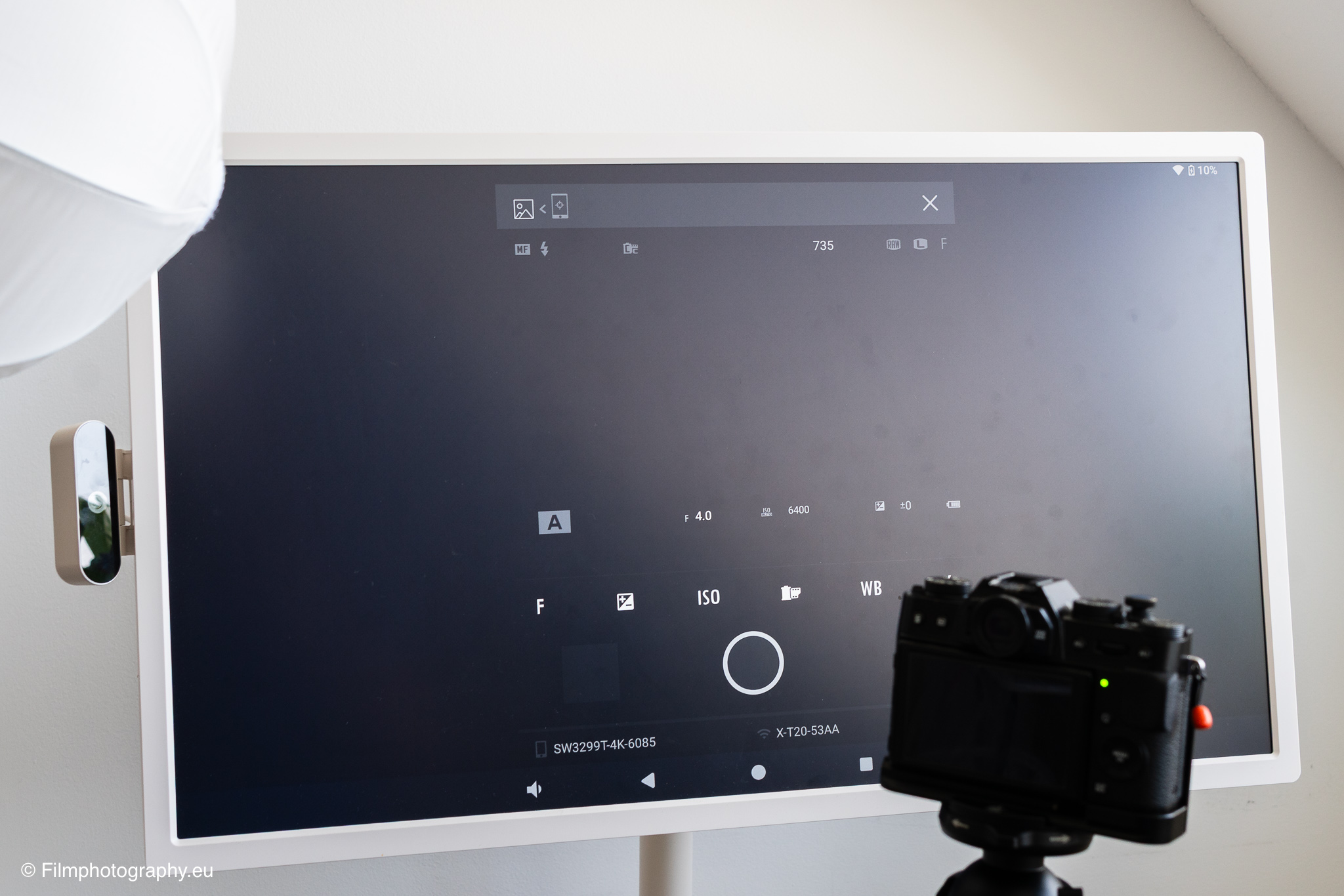
One of the most useful functions in photography is connecting the camera to a large display for direct control of the results. The system allows the camera image to be transferred both via an HDMI cable and wirelessly via suitable apps. When the camera is connected by cable, the Live View signal is immediately visible on the large surface. This makes it much easier to assess sharpness, exposure, and image composition, as you no longer have to rely on the camera's small display.
This function is also very helpful for self-portraits or group photos. Wireless transmission works quite well, but occasionally has small delays, which is noticeable with fast movements. In addition, continuous operation of the display at high brightness noticeably consumes battery life, so a charging cable should be nearby during longer shoots.
For selecting images on the big screen
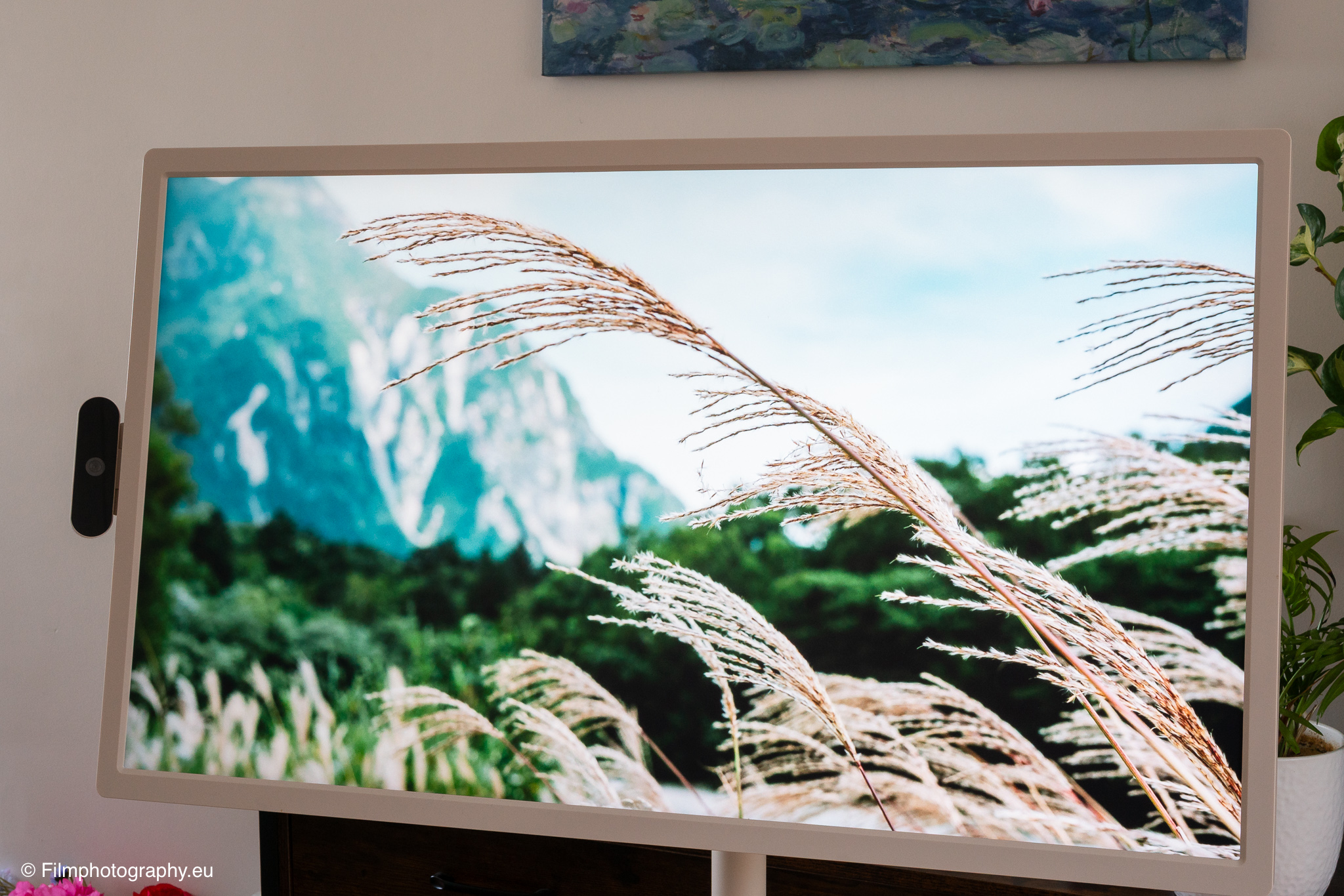
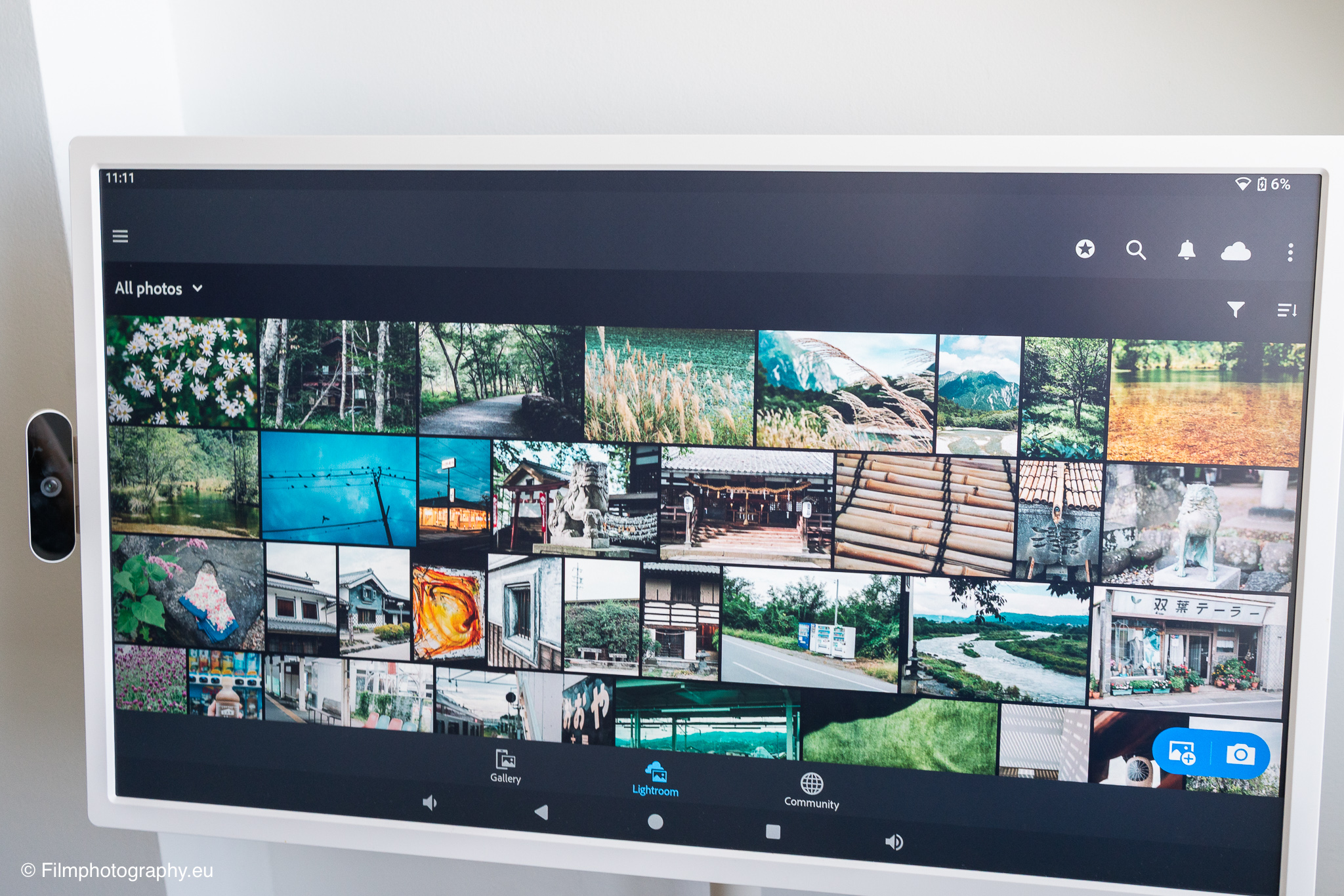
After a photo tour, many images usually accumulate that need to be reviewed and sorted. Here, the device turns into a comfortable station for image selection. You can roll it to the sofa and view the photos together with family or friends. Swiping through image collections via the touch surface feels natural and intuitive, similar to a very large tablet.
The 32-inch screen size makes the images clear and easy to view, so blurry or poorly exposed images are immediately noticeable. Marking favorites works quickly in the usual gallery apps.
For image editing with Lightroom or Photoshop Express
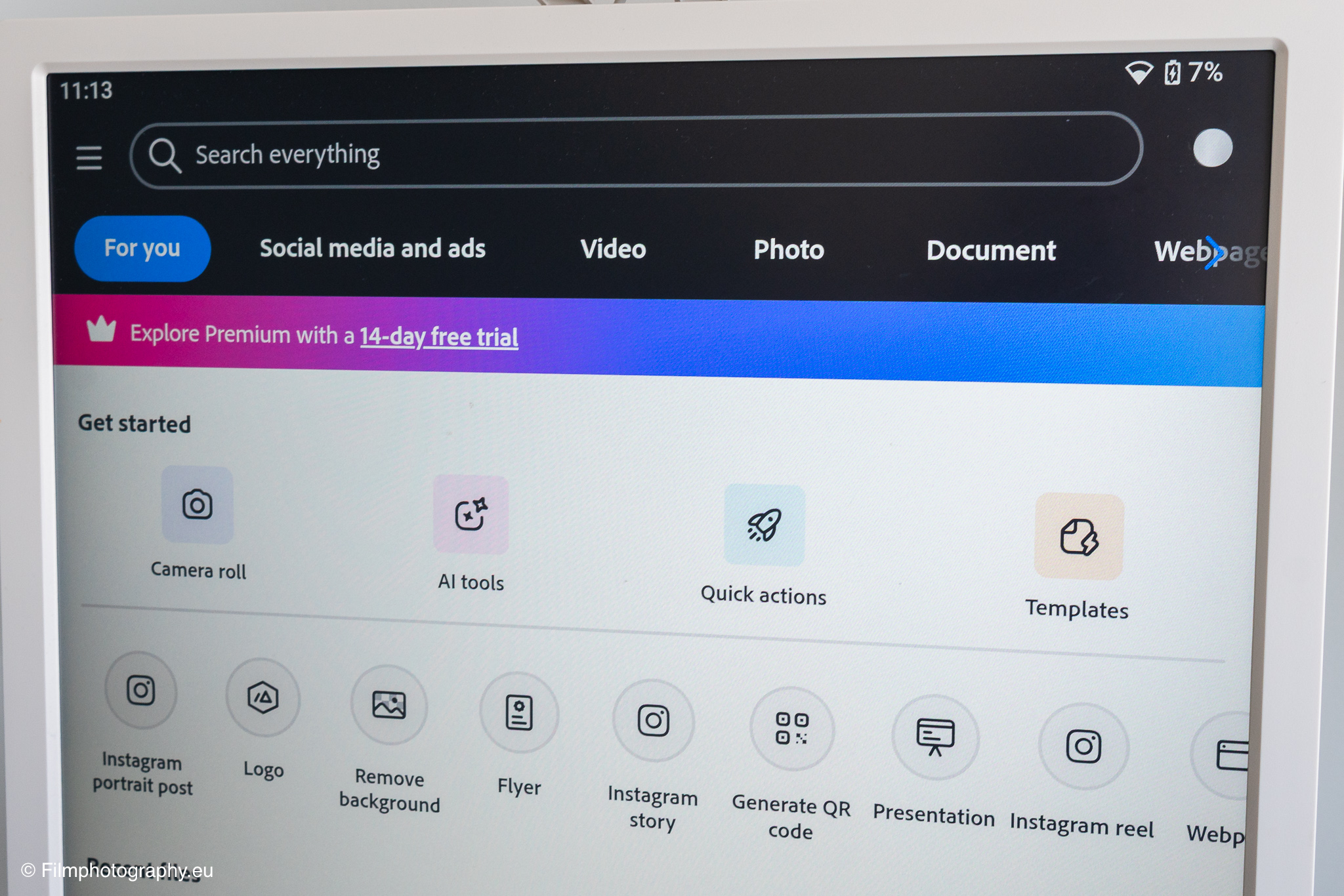
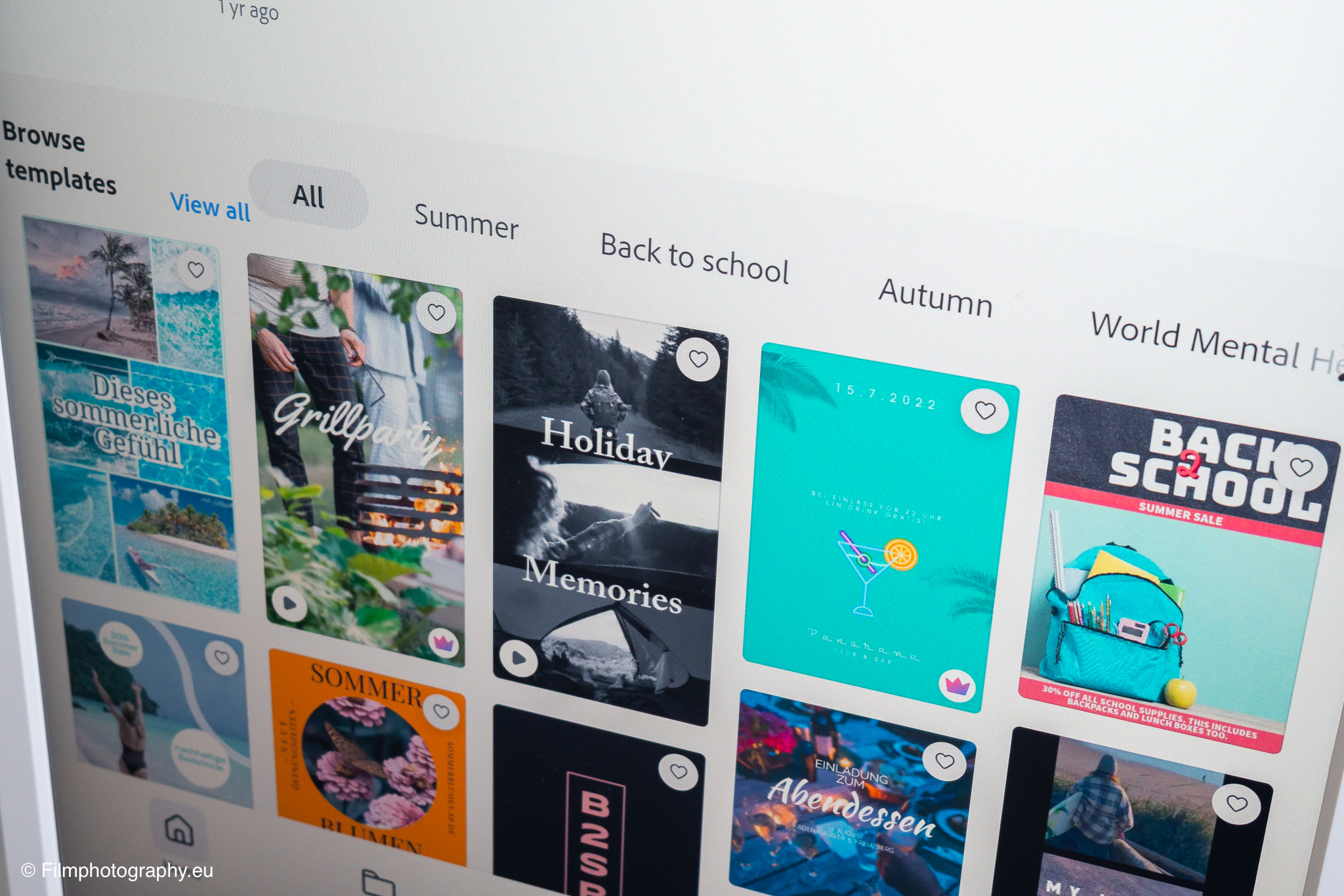
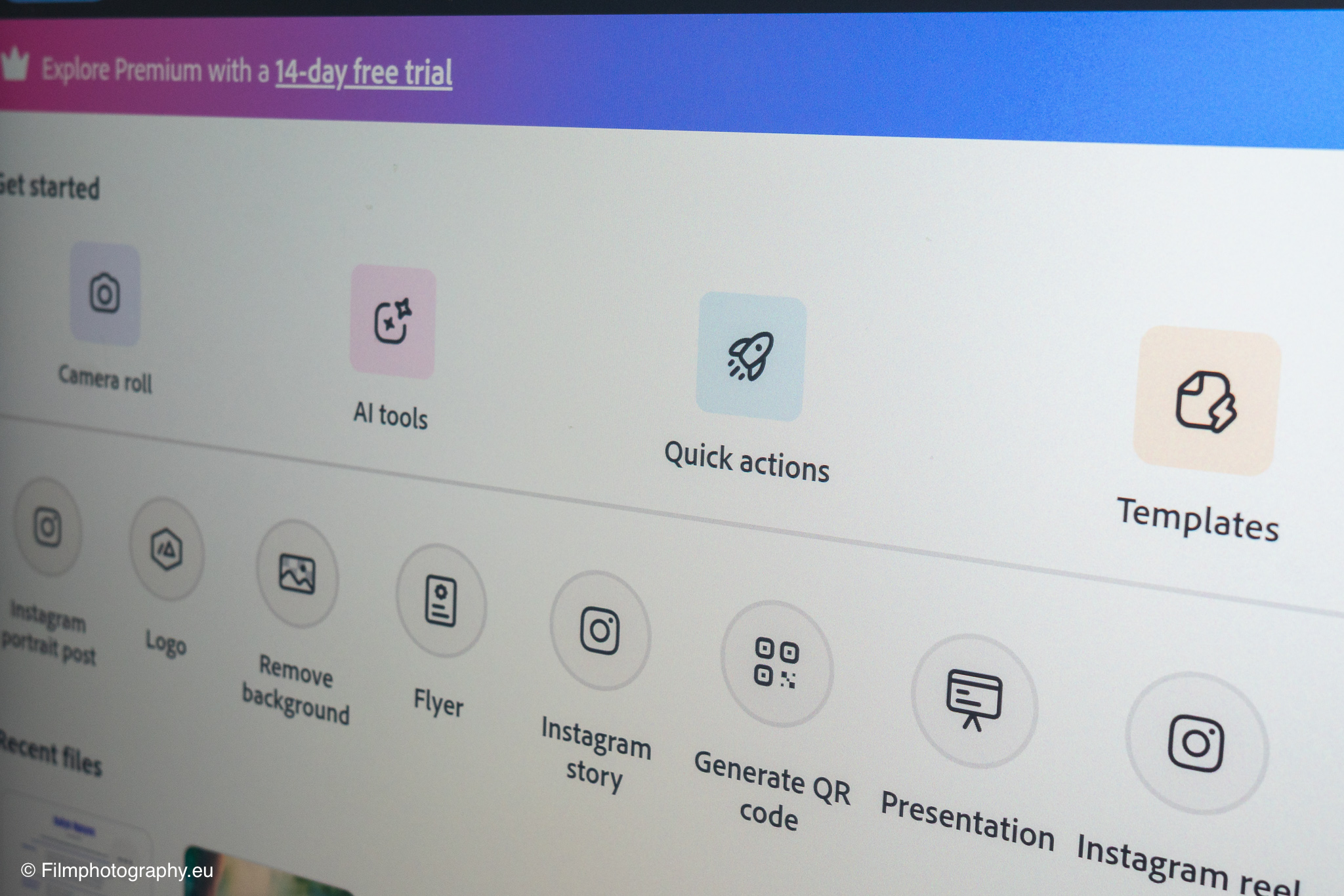
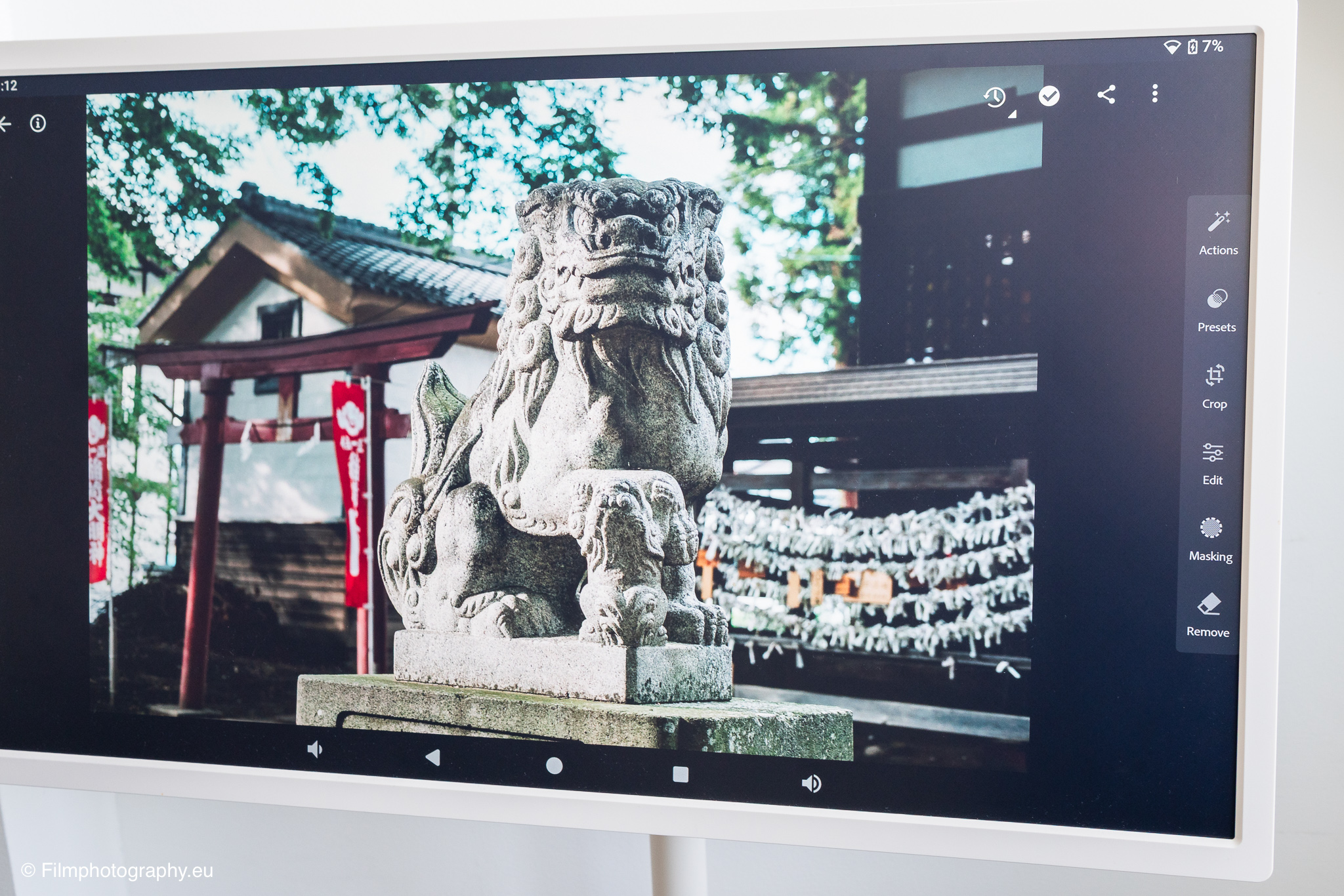
For photo post-processing, mobile applications such as Adobe Lightroom and Photoshop Express are available in the Google Play Store. Adjusting exposure, contrast, and colors directly with your fingers on the large touch surface offers a completely new way of interaction. Sliders can be moved sensitively, and corrections are immediately visible. Portrait orientation is ideally suited for vertical photos that are later to be published on social networks.
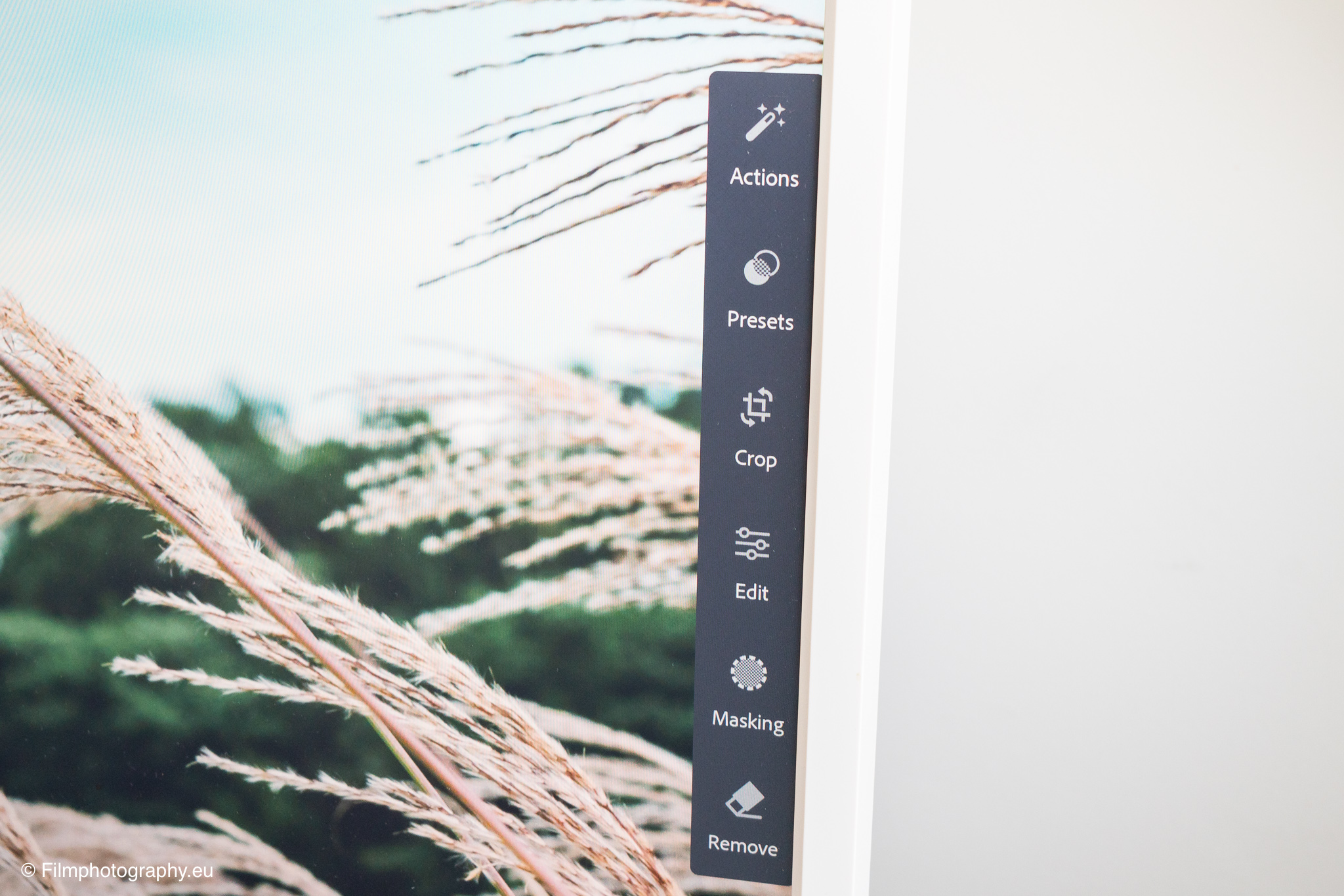
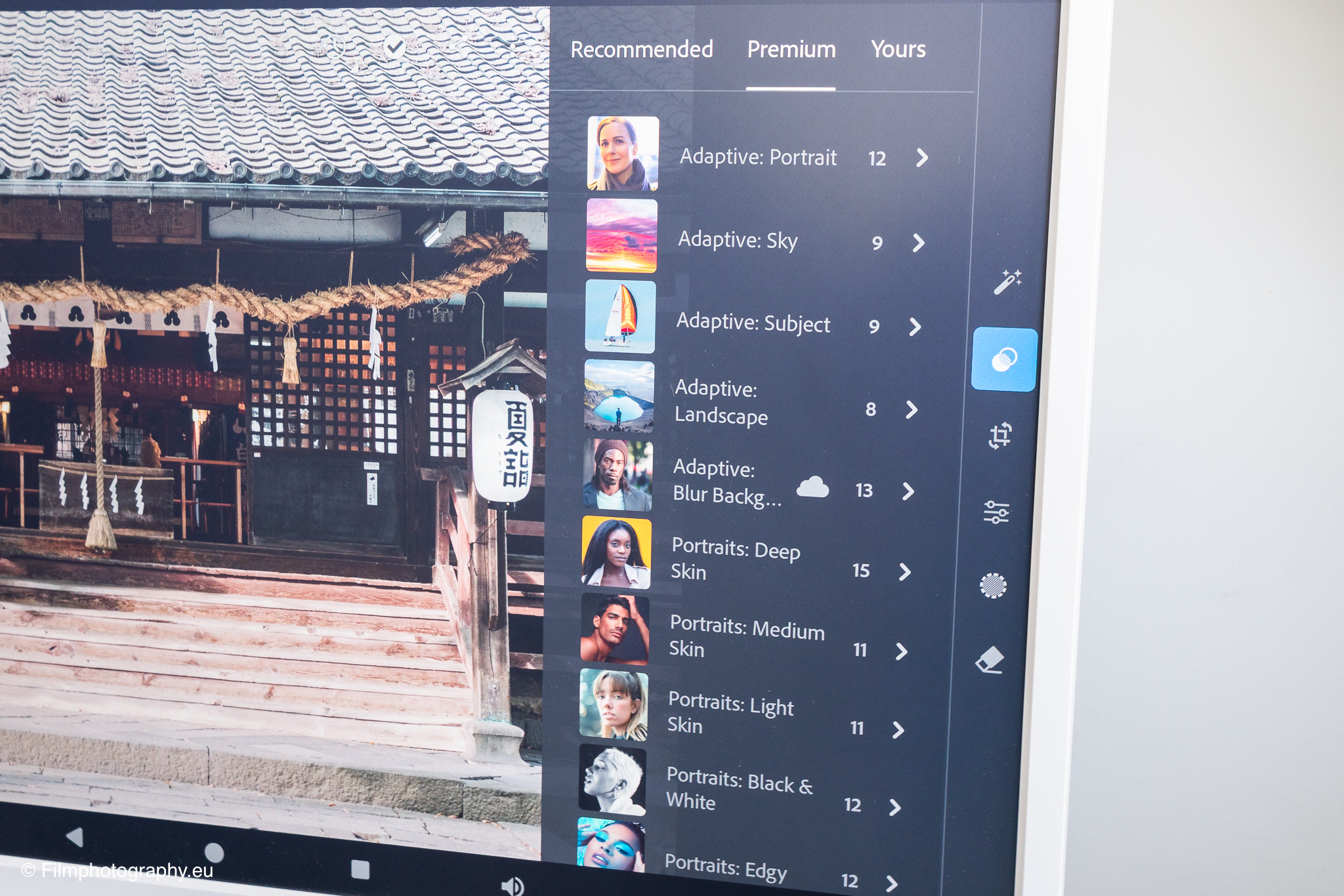
Nevertheless, limitations must be taken into account for serious image editing. The panel does not cover the full color gamut of professional graphics monitors, which is why fine color nuances may be displayed differently than on a pro monitor. However, the computing power of the mobile apps on the device is absolutely sufficient for quick adjustments and crops.
Conclusion on the use of the mobile display for photographers
The Apolosign 32 Smart Portable TV proves to be a versatile tool for photographers in practical testing. The combination of a large touchscreen, battery operation, and high mobility thanks to the wheels brings many advantages to the private photo workflow. From subject planning to live control to reviewing results together, the monitor offers real added value.
Buy Apolosign 32 Smart Portable TV at Amazon
If you are interested in buying this mobile display, you can easily find the model on platforms such as Amazon. The TV is also available directly on the manufacturer's website.